Begin With Operational Risk, Not a Camera Count
A useful warehouse camera plan starts with the decisions the video must support. Facility leaders may need to verify vehicle movement, review shipping discrepancies, document access to controlled areas, confirm activity at dock doors, or understand events in parking and perimeter zones. Those objectives are different from simply asking how many cameras fit the building. Define the event, the person or asset involved, the required level of detail, and who will review the footage before selecting devices.
Map the Property and Complete a Site Assessment
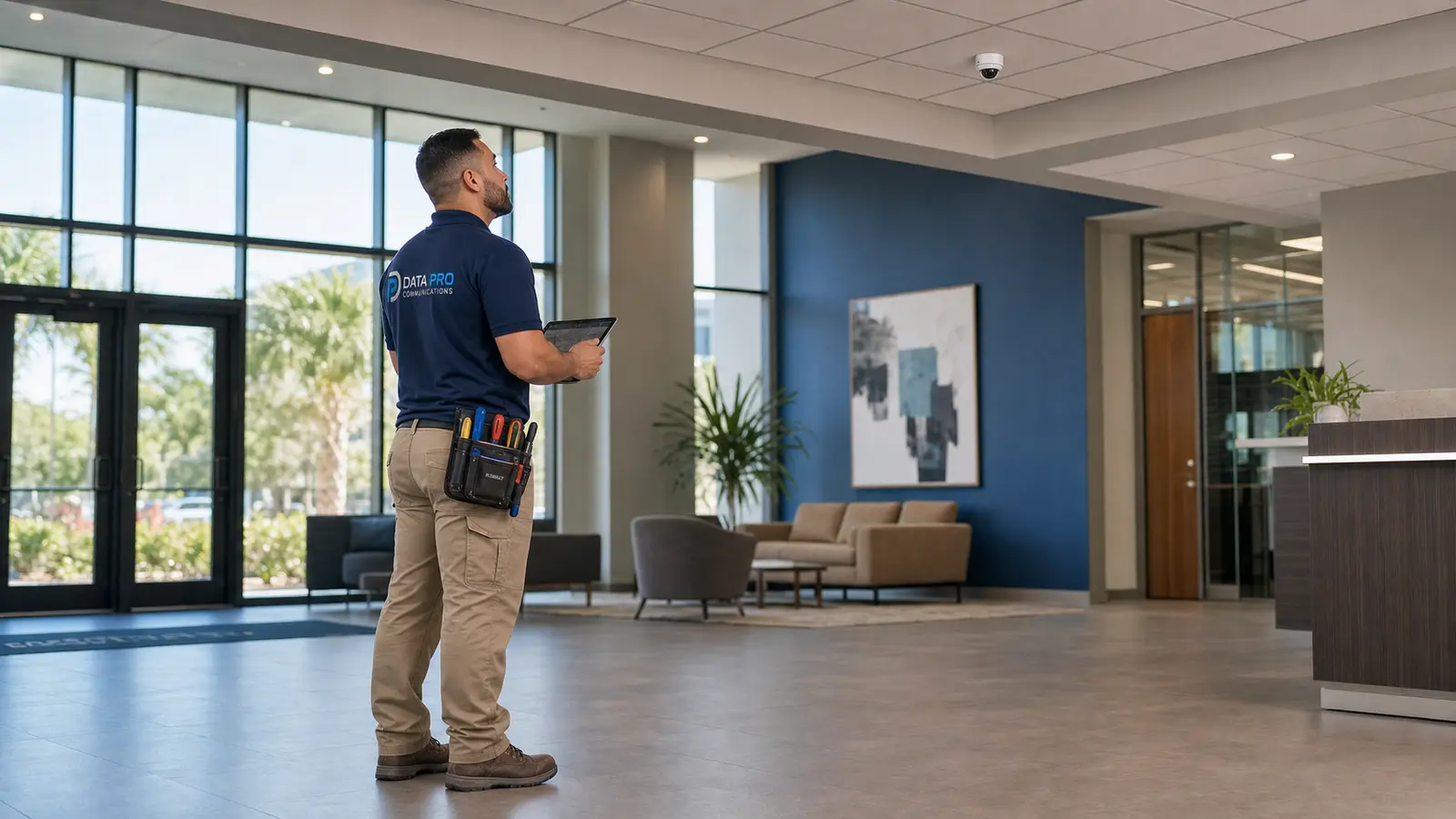
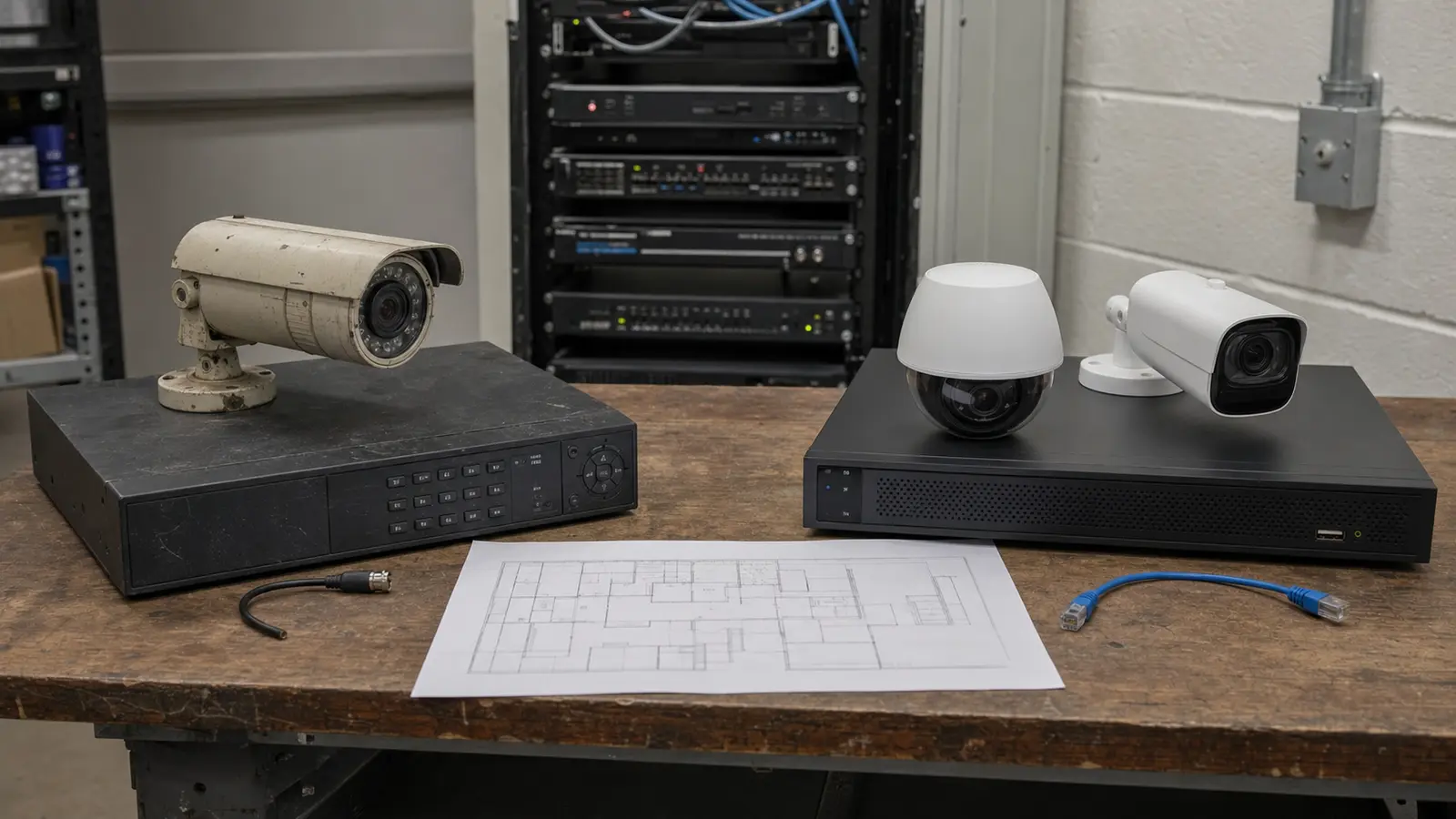
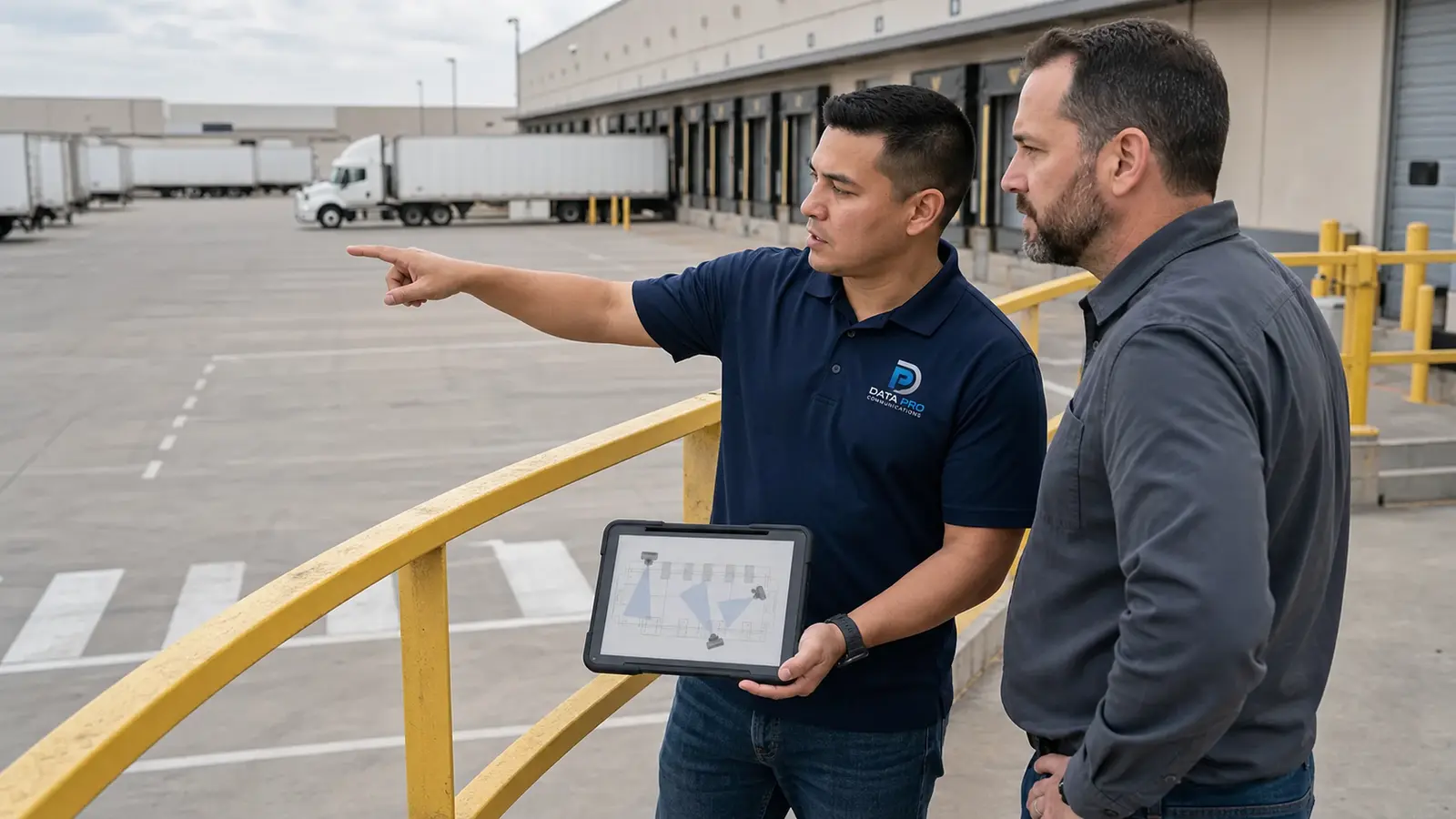
Start with an accurate floor plan or annotated site drawing. Mark public entrances, employee doors, visitor routes, dock positions, truck circulation, pedestrian paths, storage zones, telecom rooms, cable pathways, available mounting surfaces, lighting transitions, and future construction. A site walk should verify ceiling heights, obstructions, dust or moisture exposure, lift access, existing network capacity, and the condition of reused cable.
Entrances, Exits, and Access Points
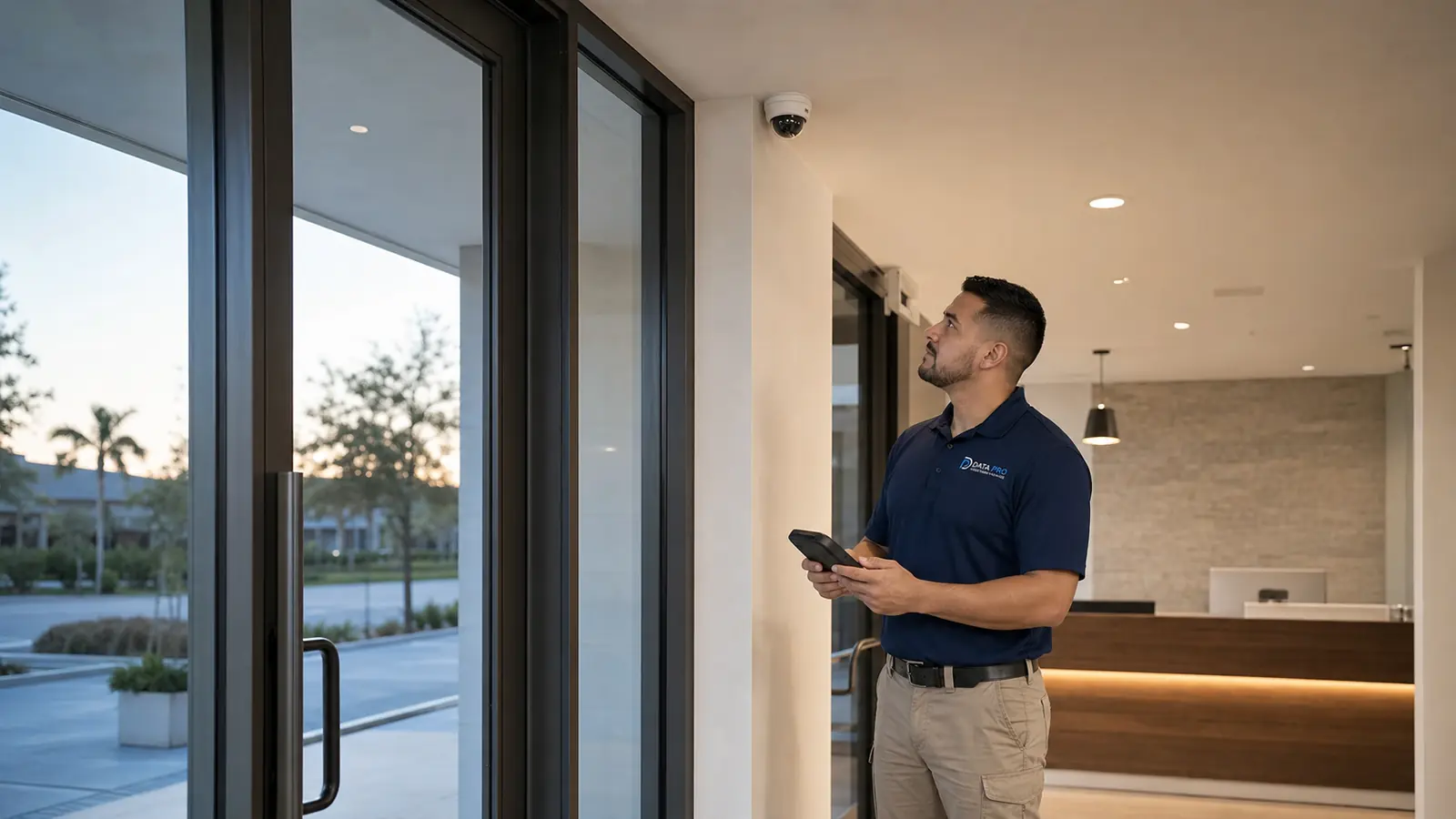
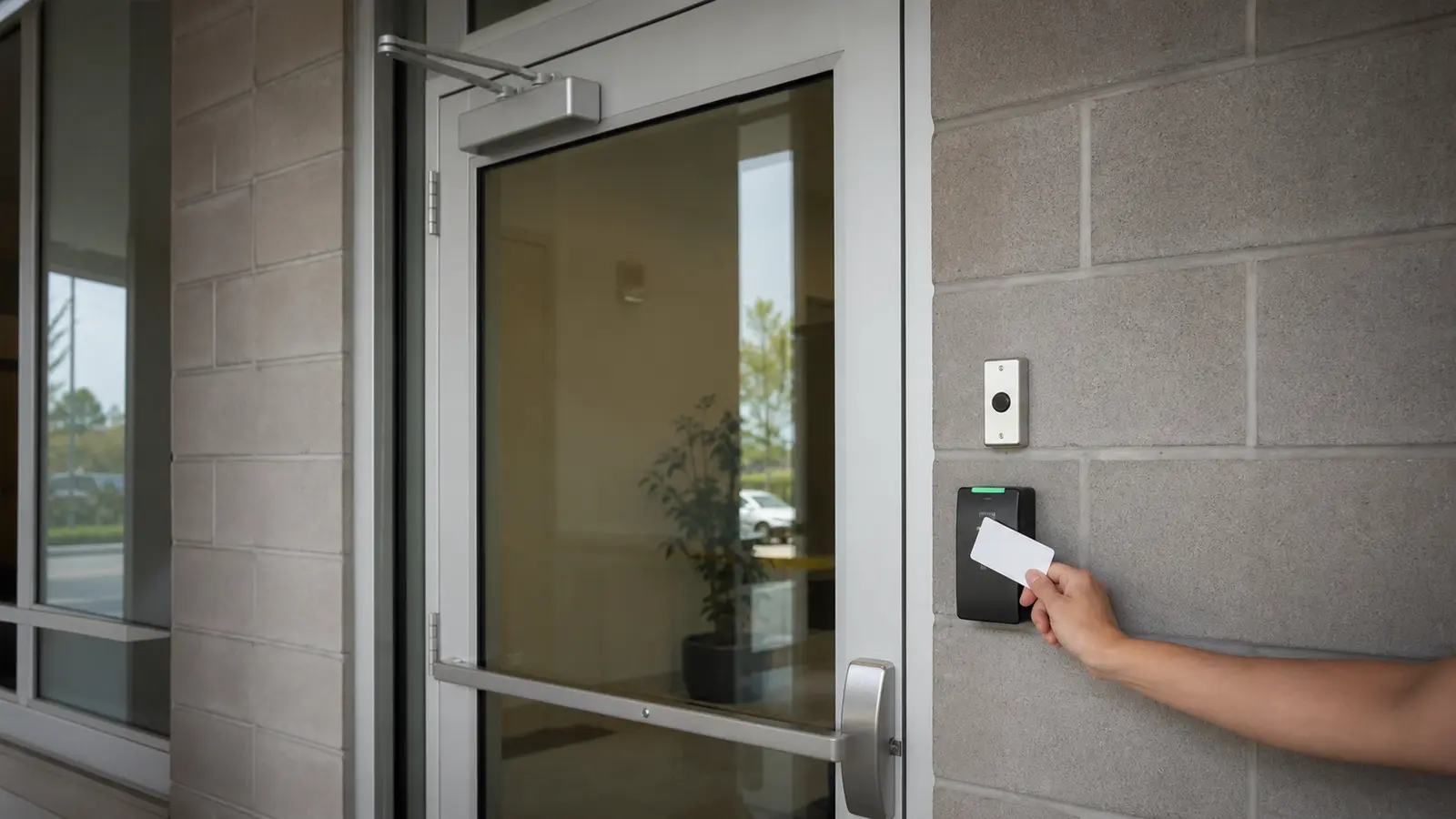
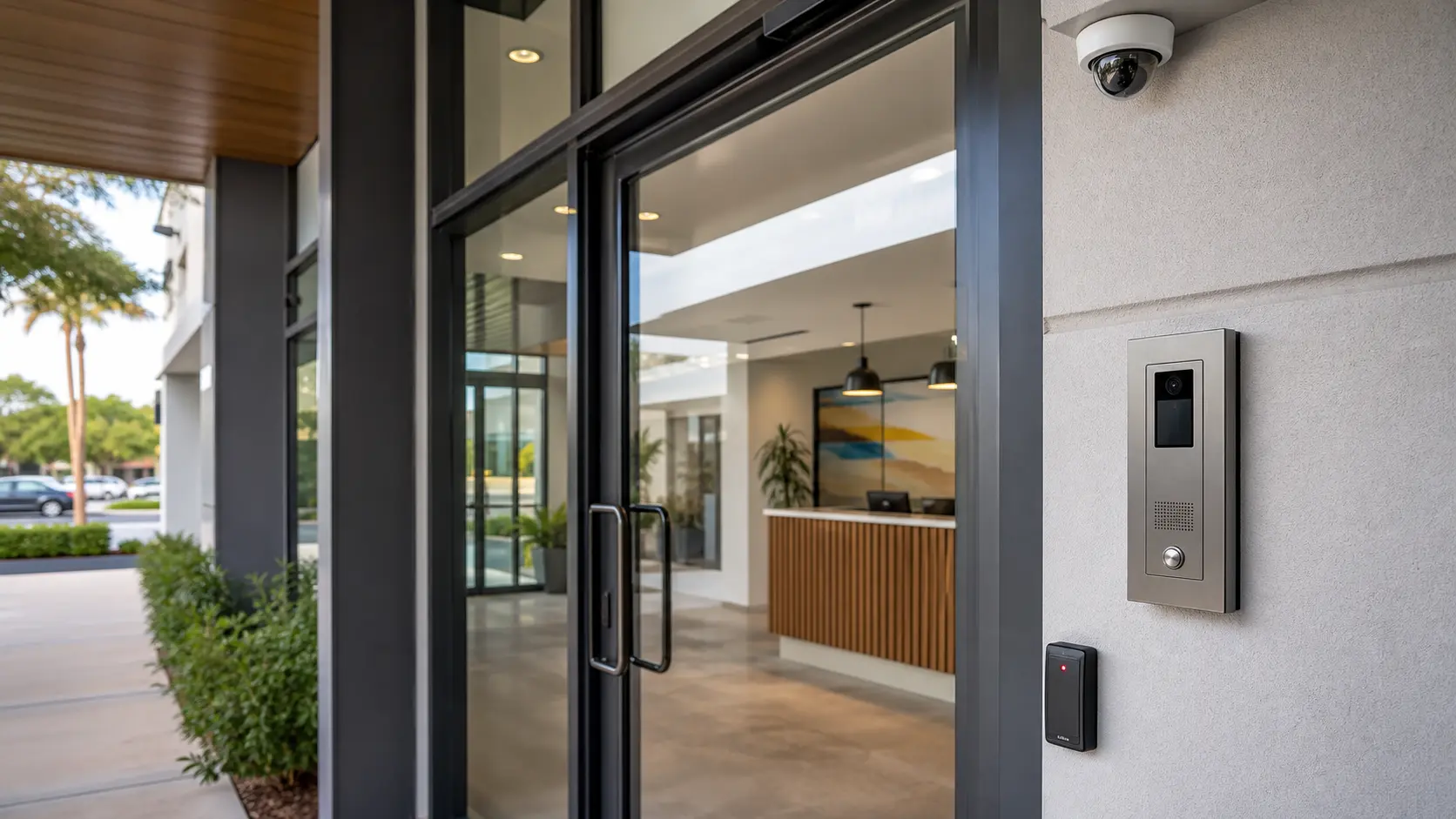
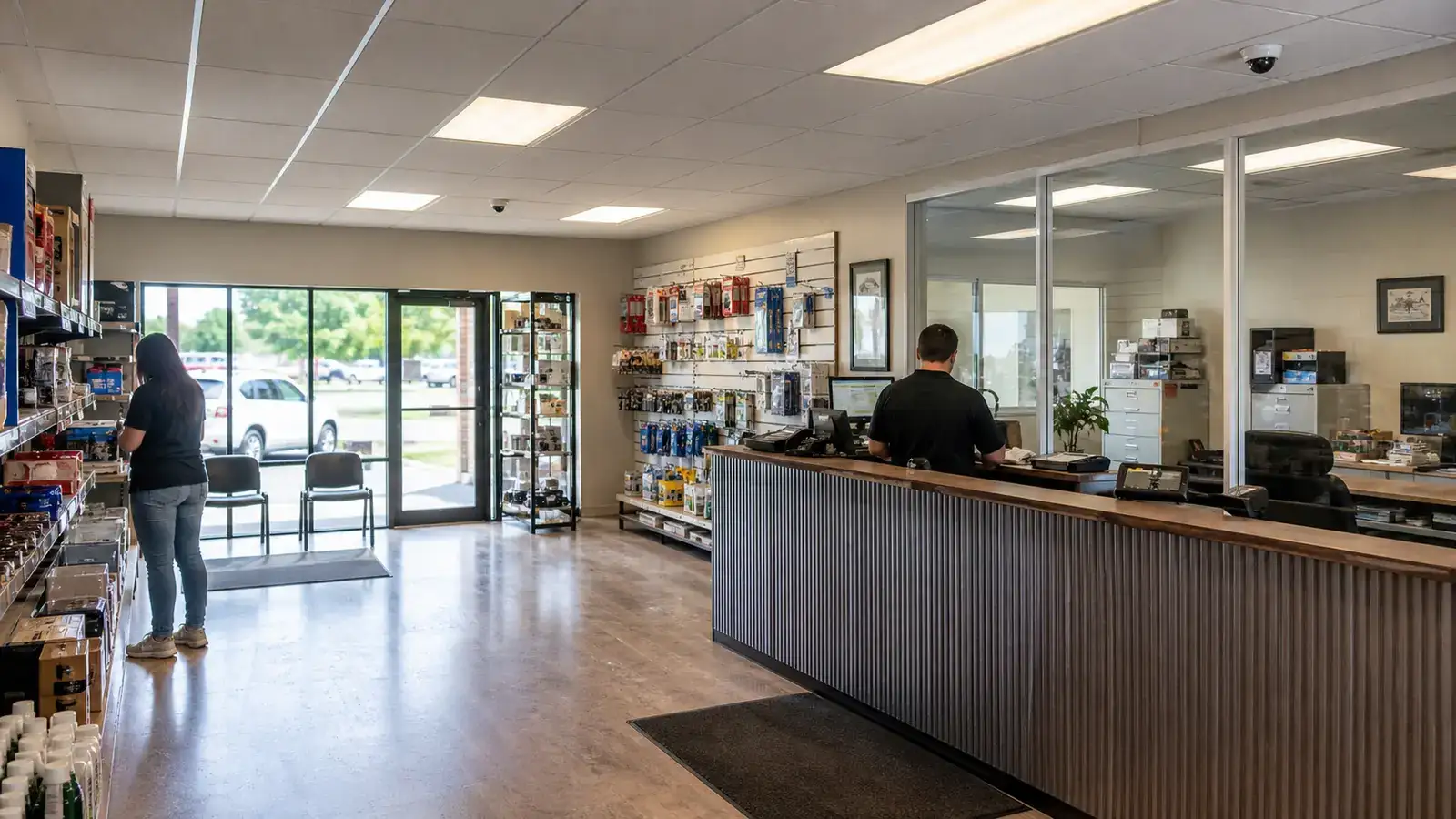
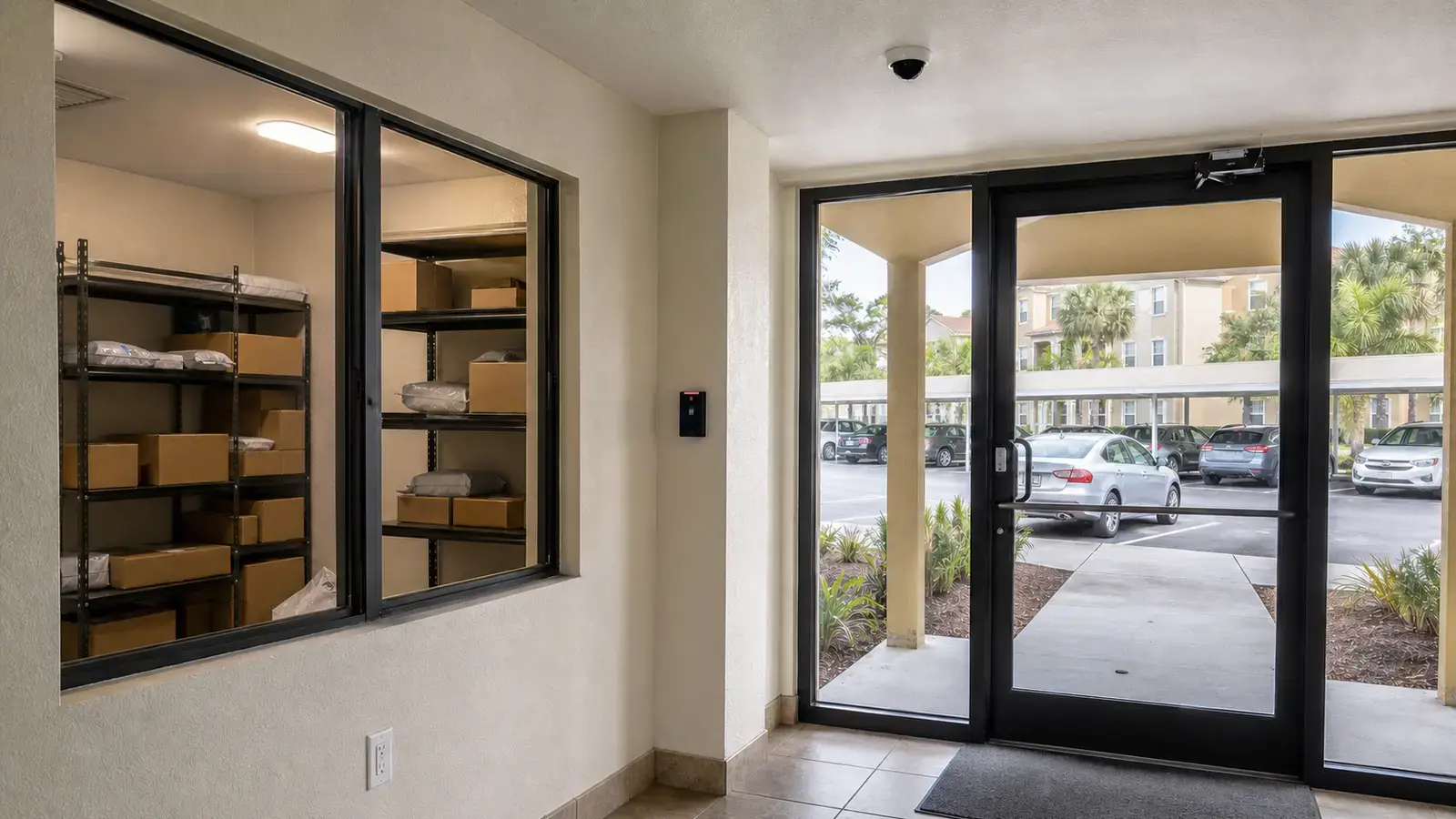
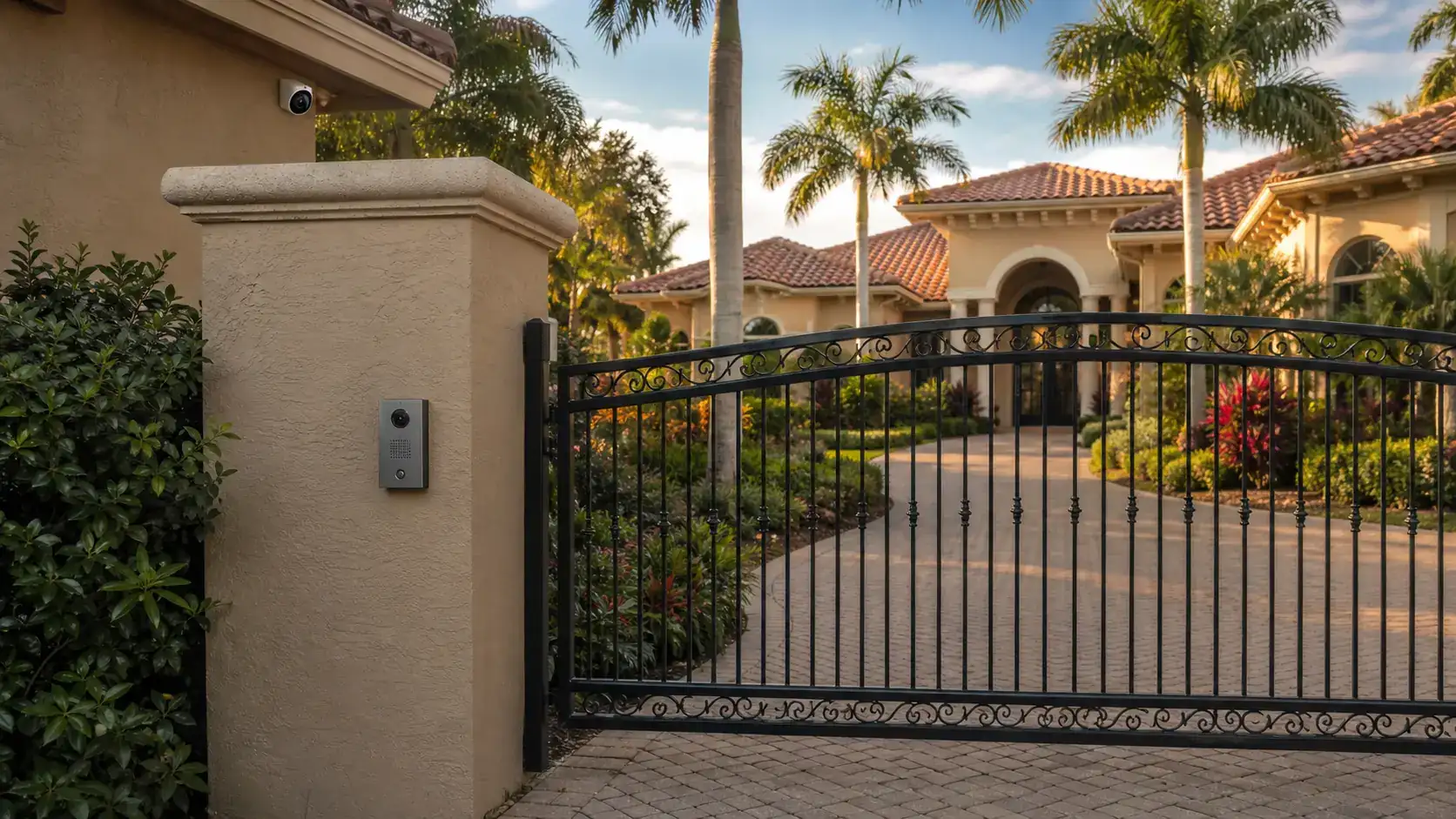
Primary entrances usually need a balanced combination of context and facial detail. A wide view can show direction of travel and surrounding activity, while a more focused view can support identification at the point where people naturally slow down. Employee doors, visitor access, and after-hours entrances should be evaluated separately because traffic patterns, lighting, and expected behavior differ.
Loading Docks and Shipping Areas
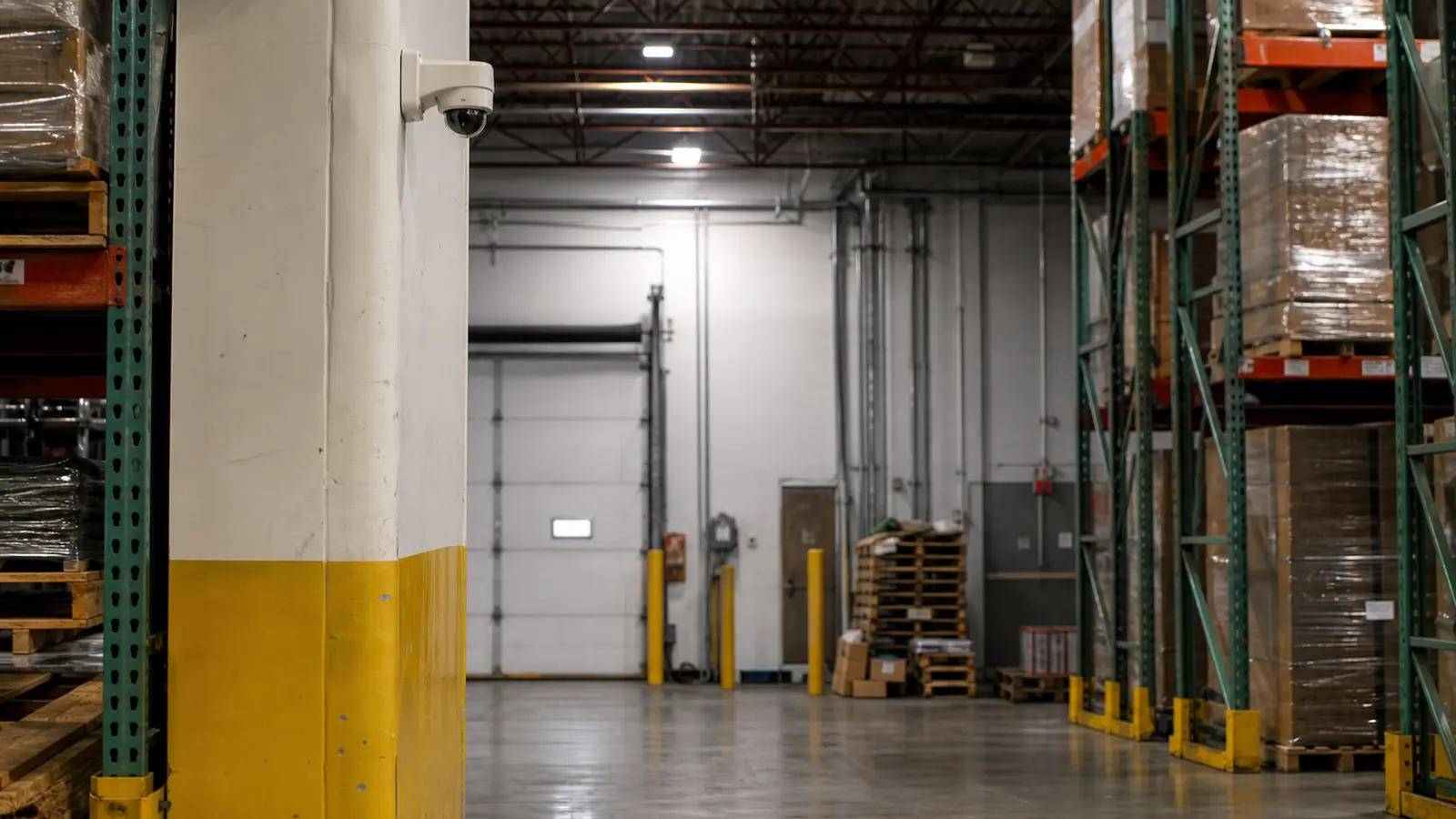
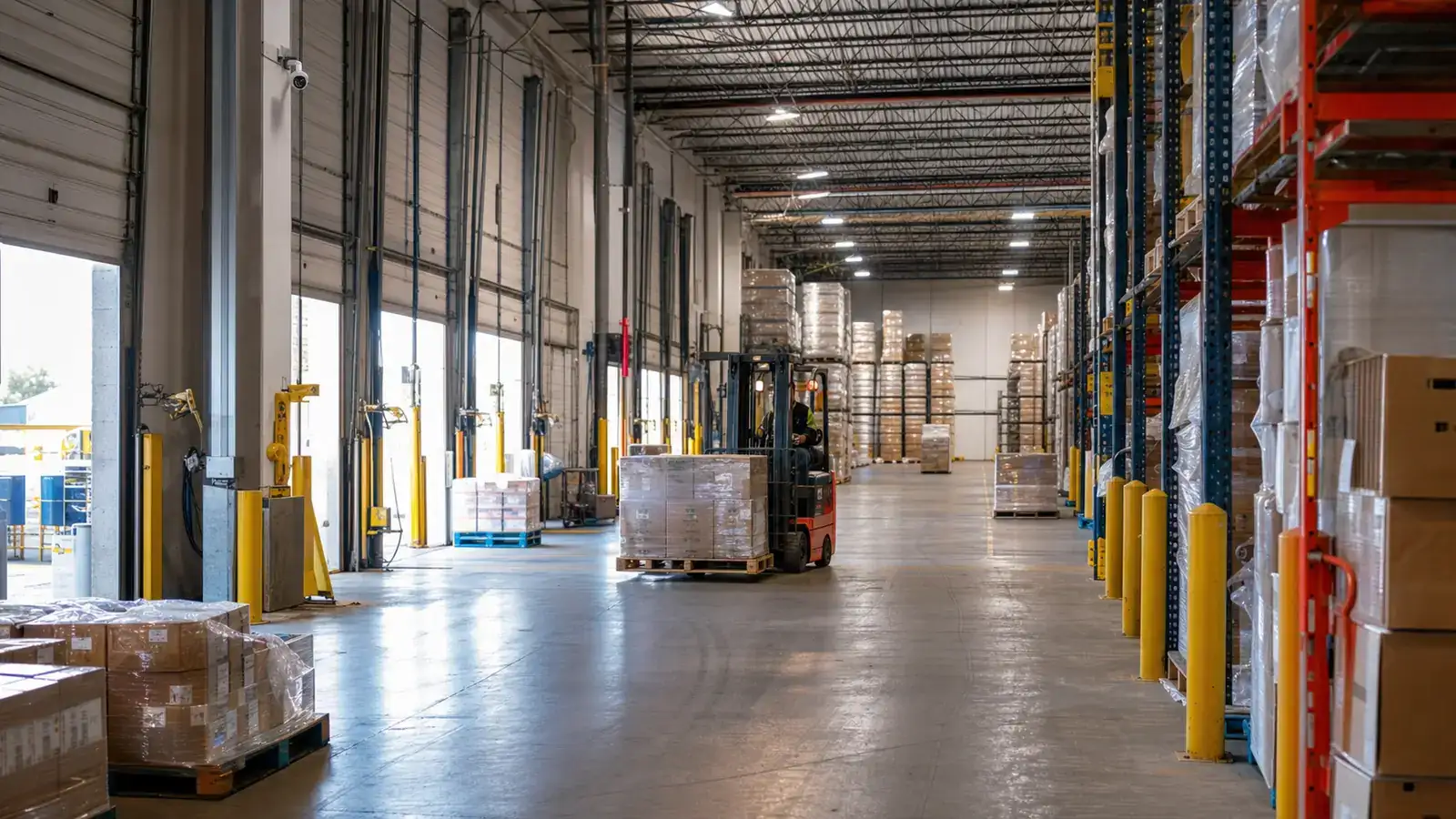
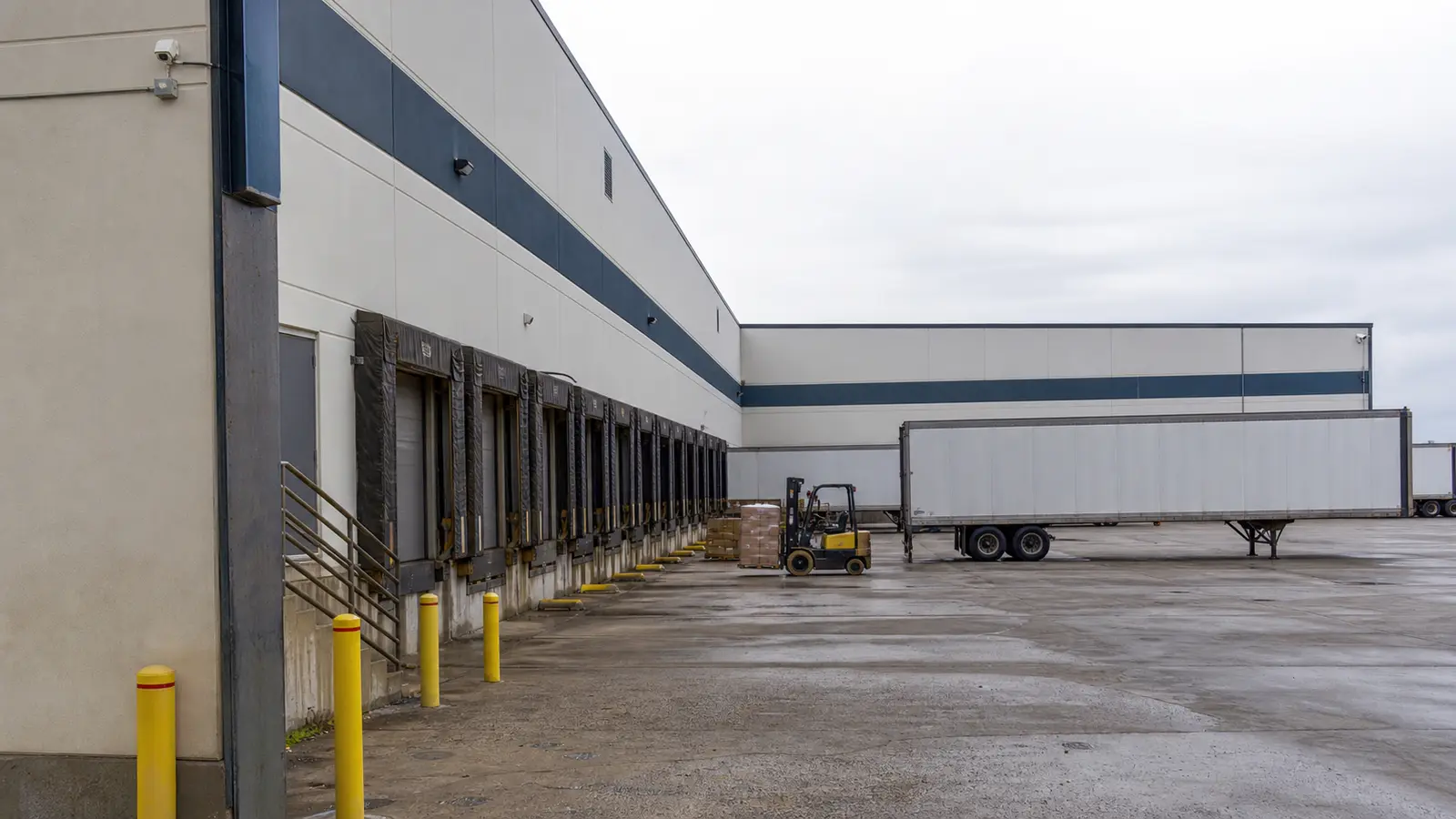
Dock coverage should show door activity, trailer position, staging activity, and the transfer area without relying on one camera to capture every detail. Door-mounted equipment, raised trailers, open dock doors, and strong daylight can create changing contrast. Plan complementary views so that one camera provides context while another protects the critical transaction zone.
Truck Courts, Yards, and Vehicle Movement
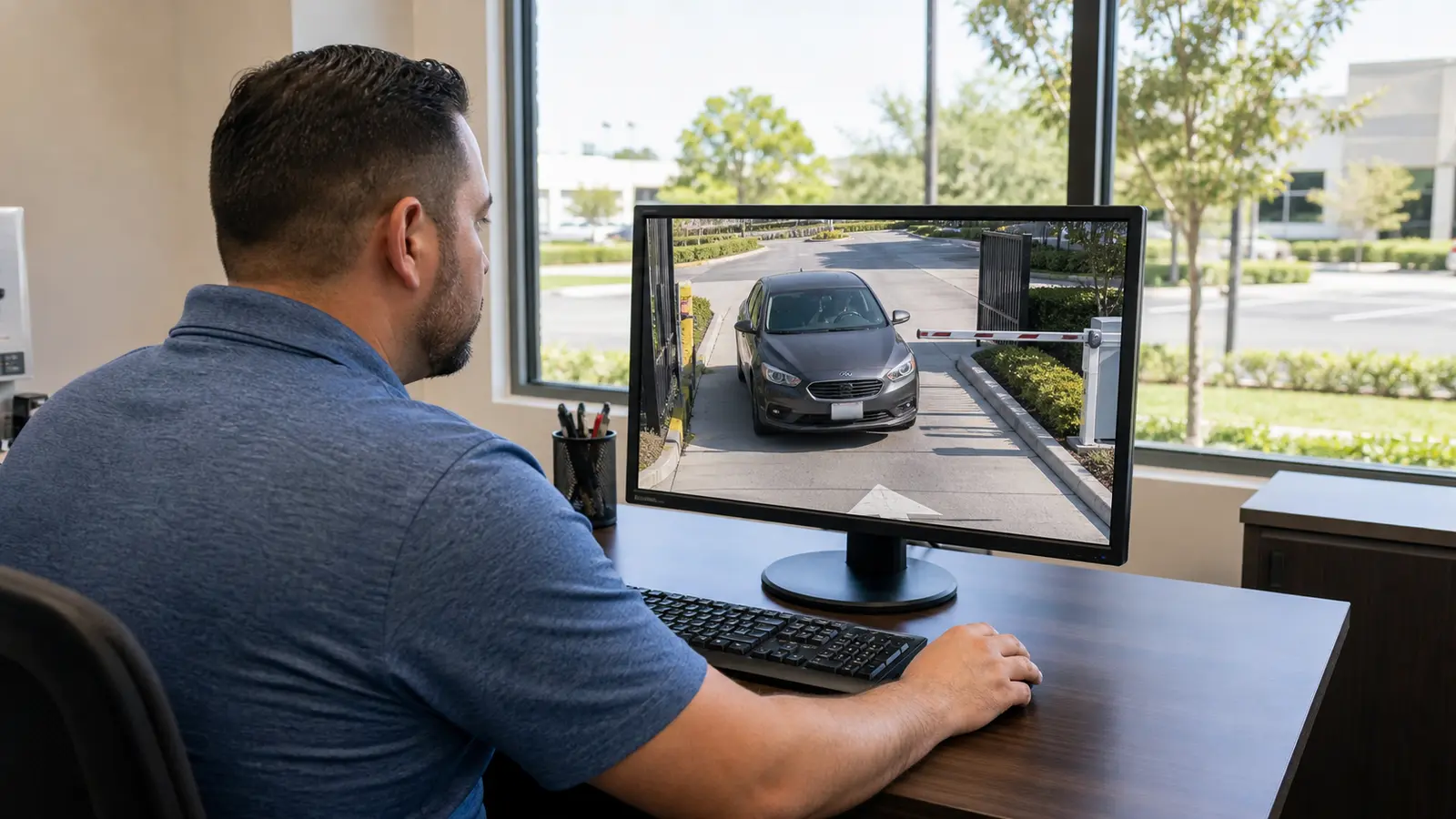
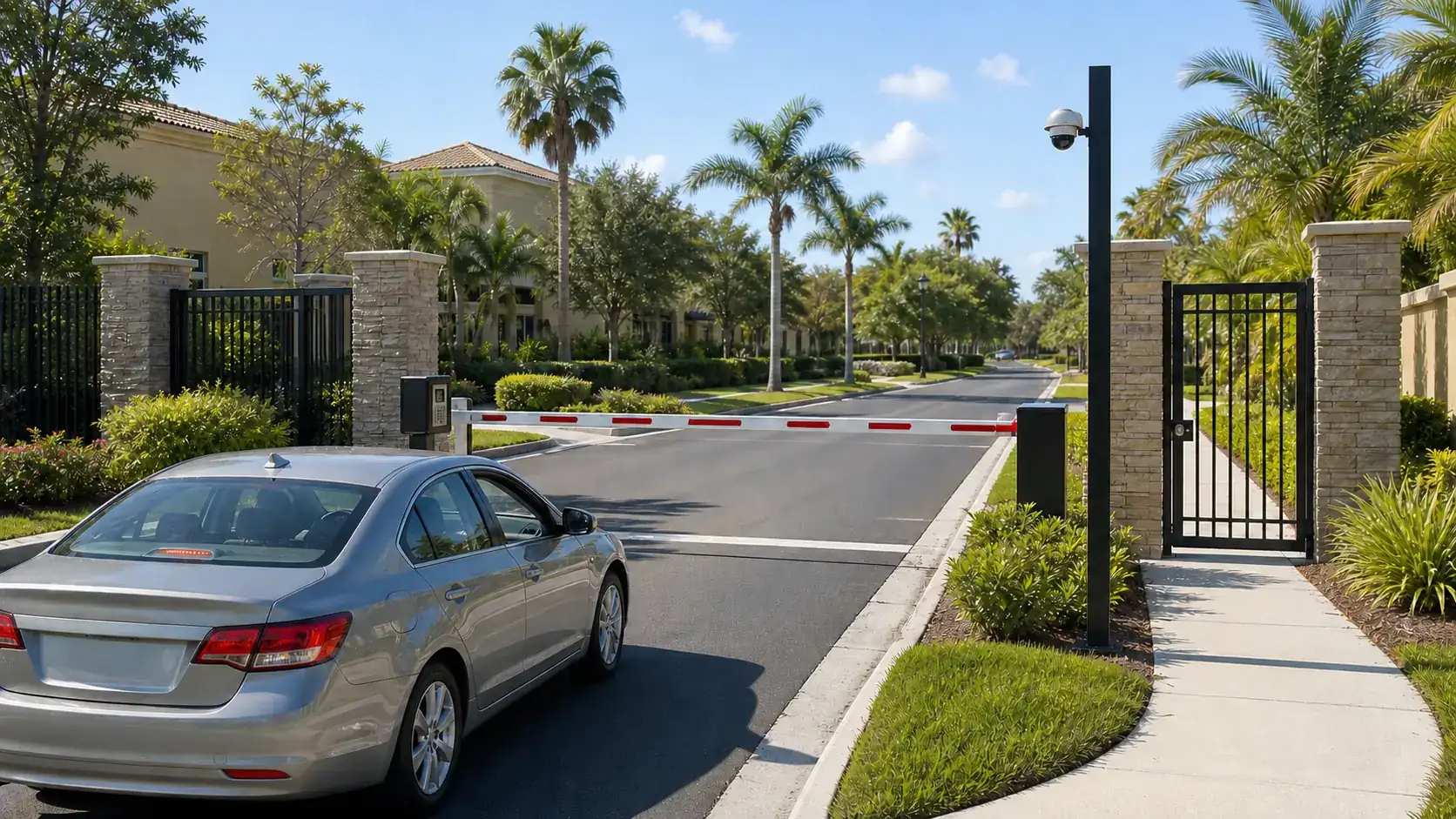
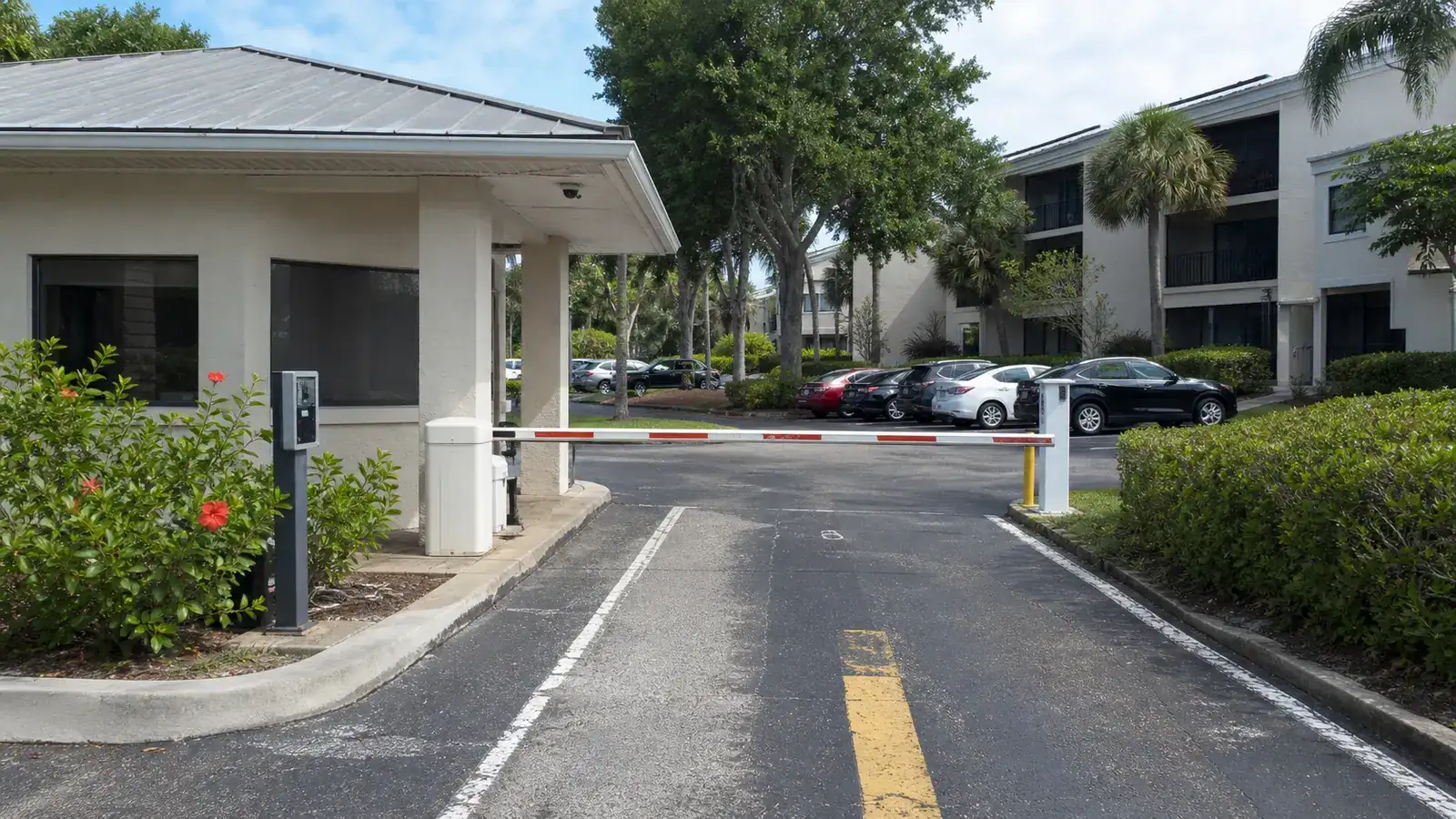
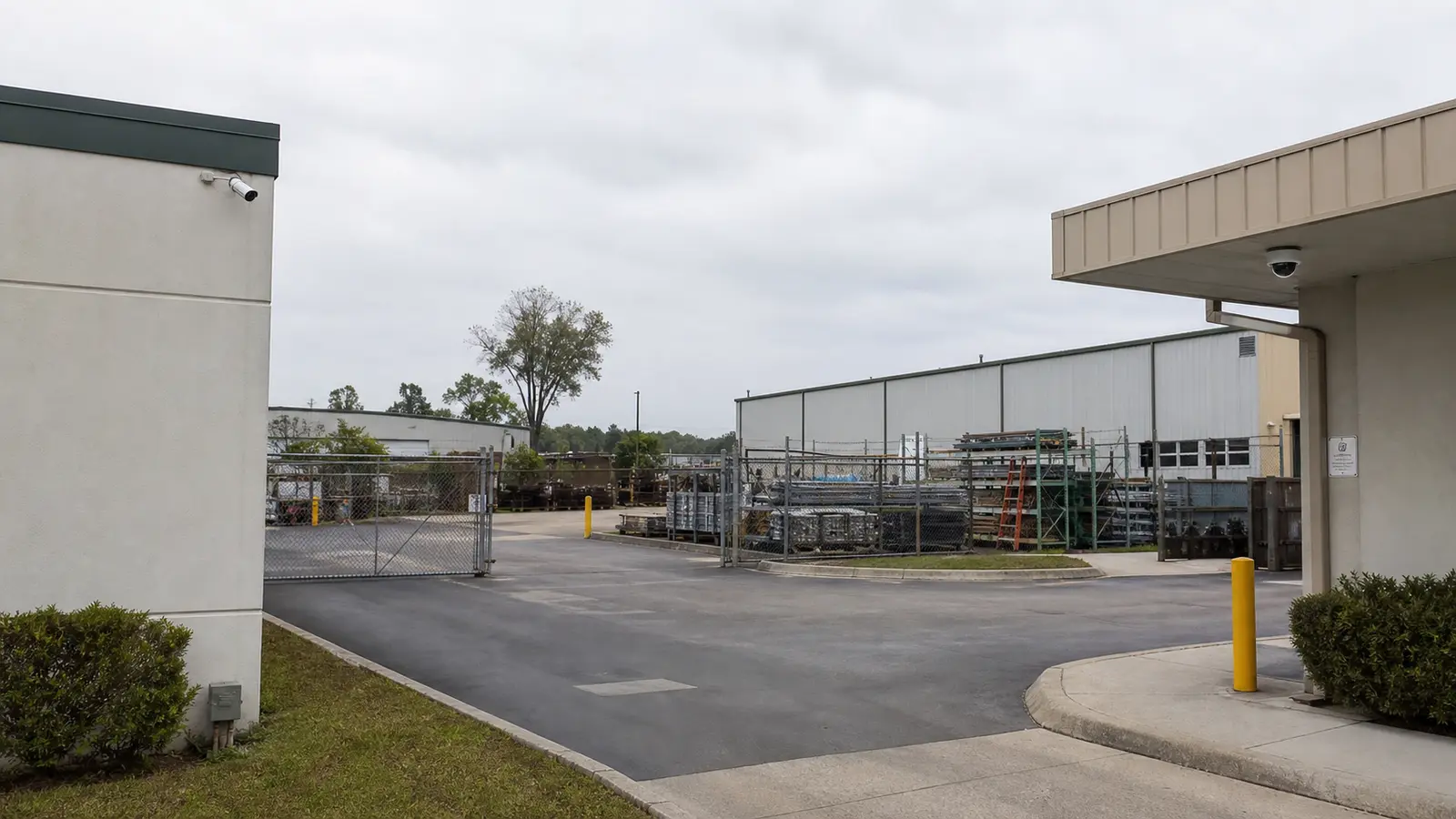
Vehicle areas benefit from views that establish direction, lane use, gate activity, trailer position, and interaction between vehicles and pedestrians. Headlights, long distances, weather, and changing sun angles affect image quality. Camera selection and placement should be based on the required detail at the target zone rather than the overall size of the scene.
Warehouse Aisles and High-Value Storage
Long aisles can create narrow sight lines, repetitive shelving, and frequent obstruction by pallets or equipment. Prioritize cross-aisles, controlled cages, high-value storage, picking and packing zones, and intersections where activity can be understood. Mounting too high may produce broad coverage but insufficient useful detail, while mounting too low may increase obstruction or impact risk.
Blind Spots, Overlap, and Resilience
Coverage overlap reduces the chance that a single obstruction or device failure removes all useful context. Review doors, corners, rack ends, stairways, mezzanines, and transitions between indoor and outdoor areas. The goal is not to eliminate every unseen square foot; it is to protect the operational paths and evidence zones that matter most.
Height, Lens, and Field of View
Mounting height, sensor size, focal length, target distance, and viewing angle work together. Wide views cover more area but distribute available detail across a larger scene. Narrower views can provide more detail at a specific zone. Select the field of view for the task—general observation, recognition, or identification—and verify it under real lighting and movement conditions.
Lighting and Low-Light Conditions
Warehouse lighting may be bright in aisles but uneven near racks, dock doors, exterior walls, or closed work areas. Exterior cameras also face headlights, reflections, rain, and backlighting. Review daytime and nighttime conditions, not only a midday site walk. Supplemental lighting, careful aiming, and appropriate exposure capabilities may be as important as resolution.
Network, PoE, and Structured Cabling
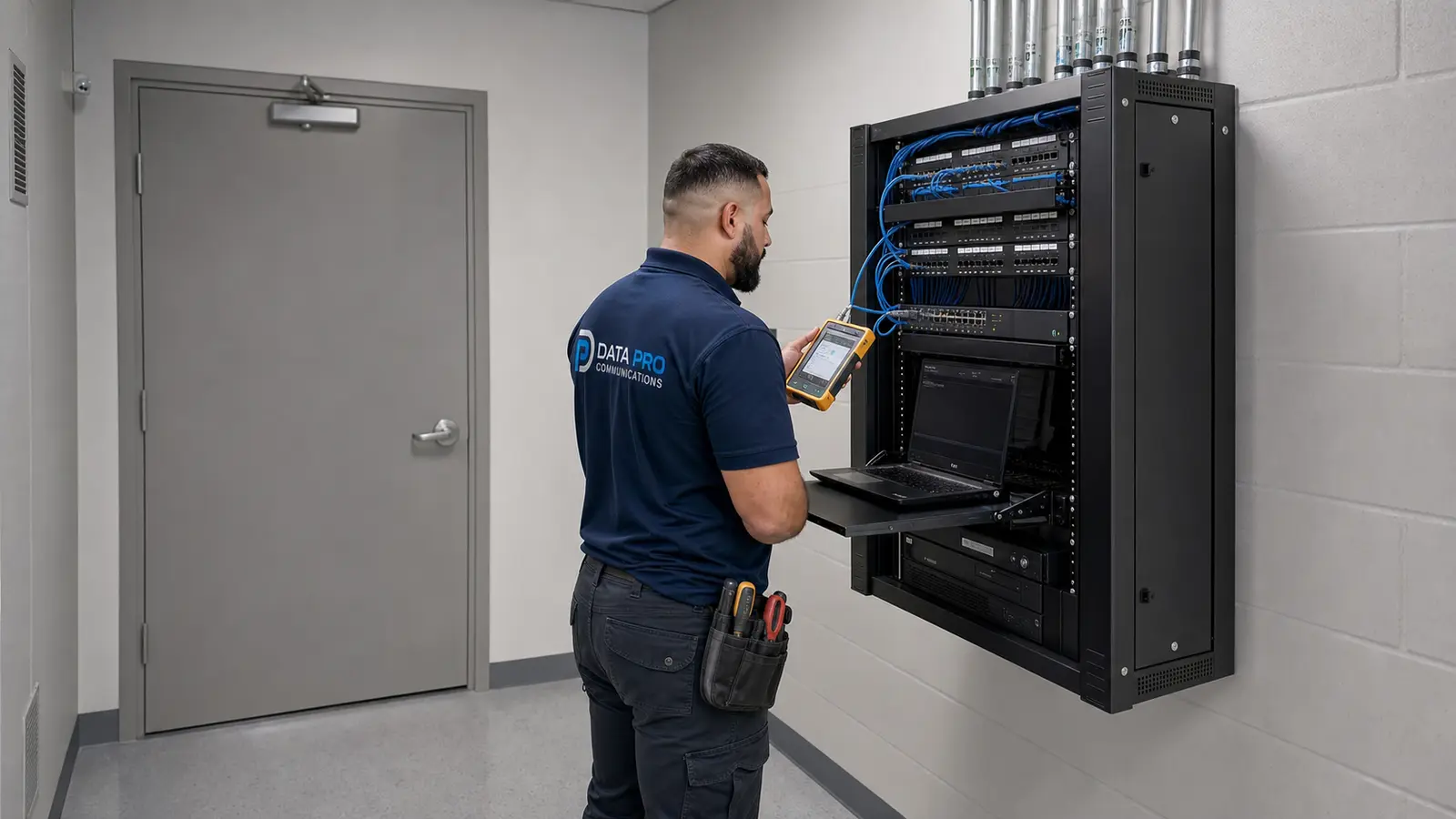
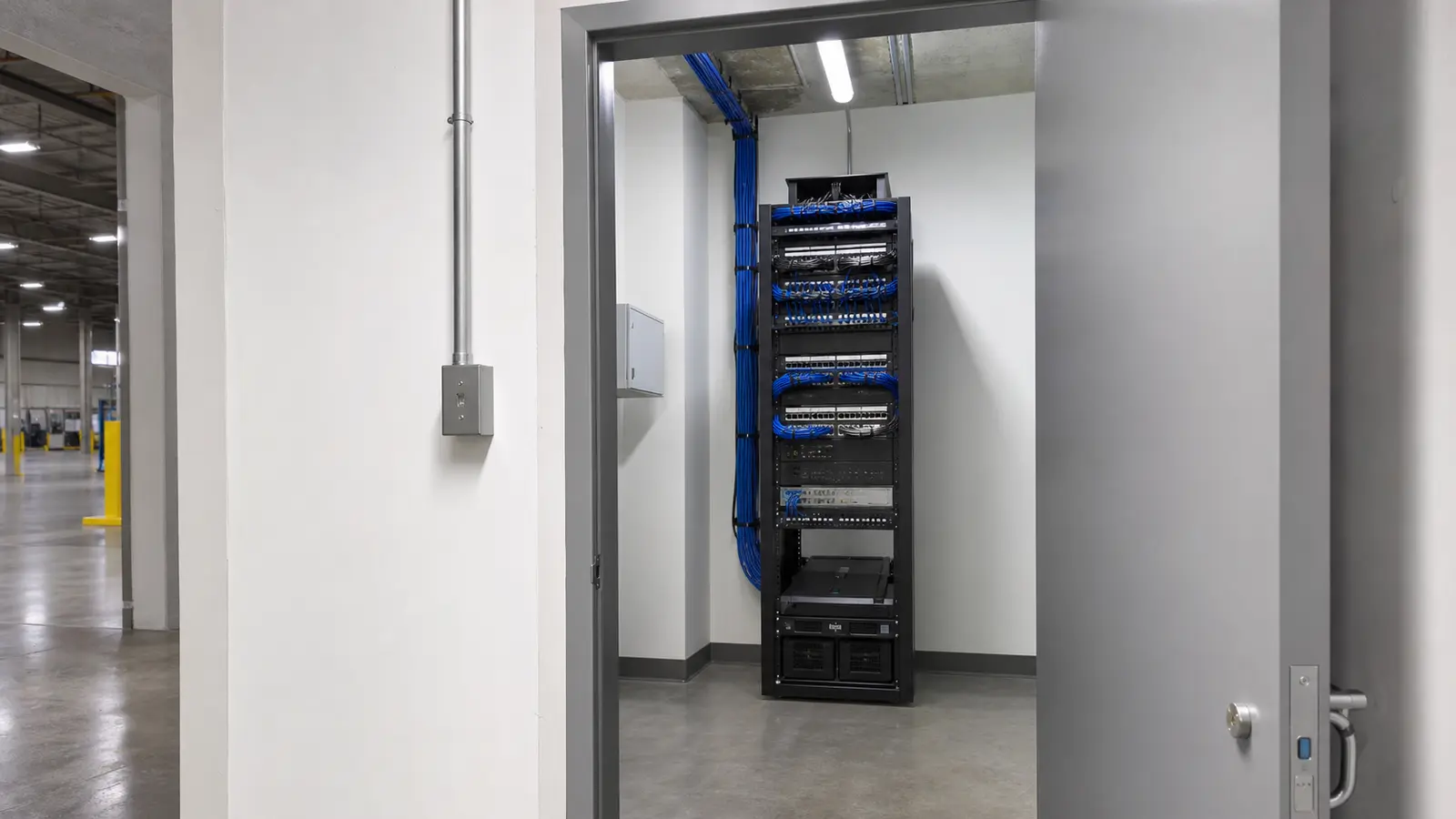
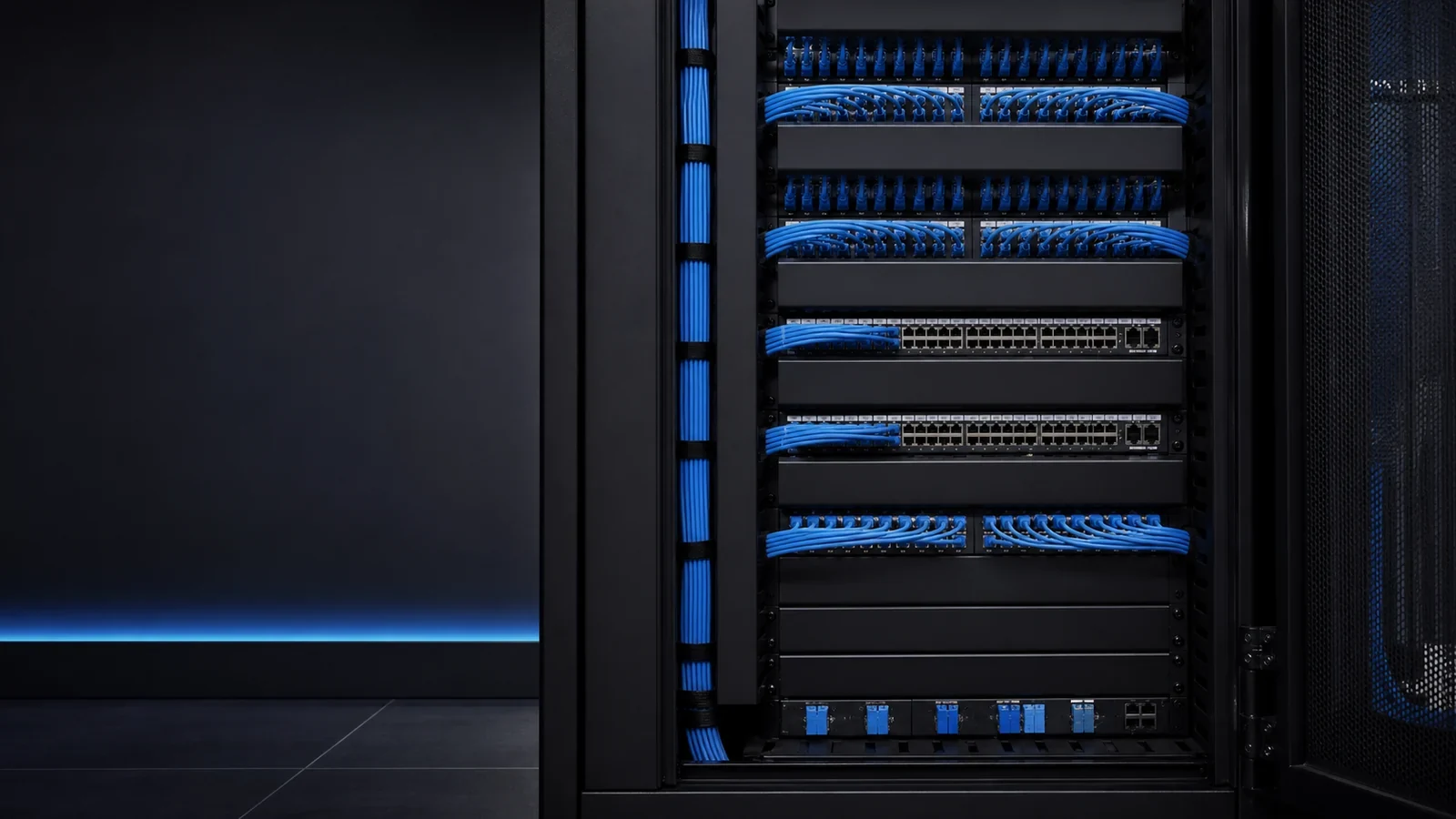
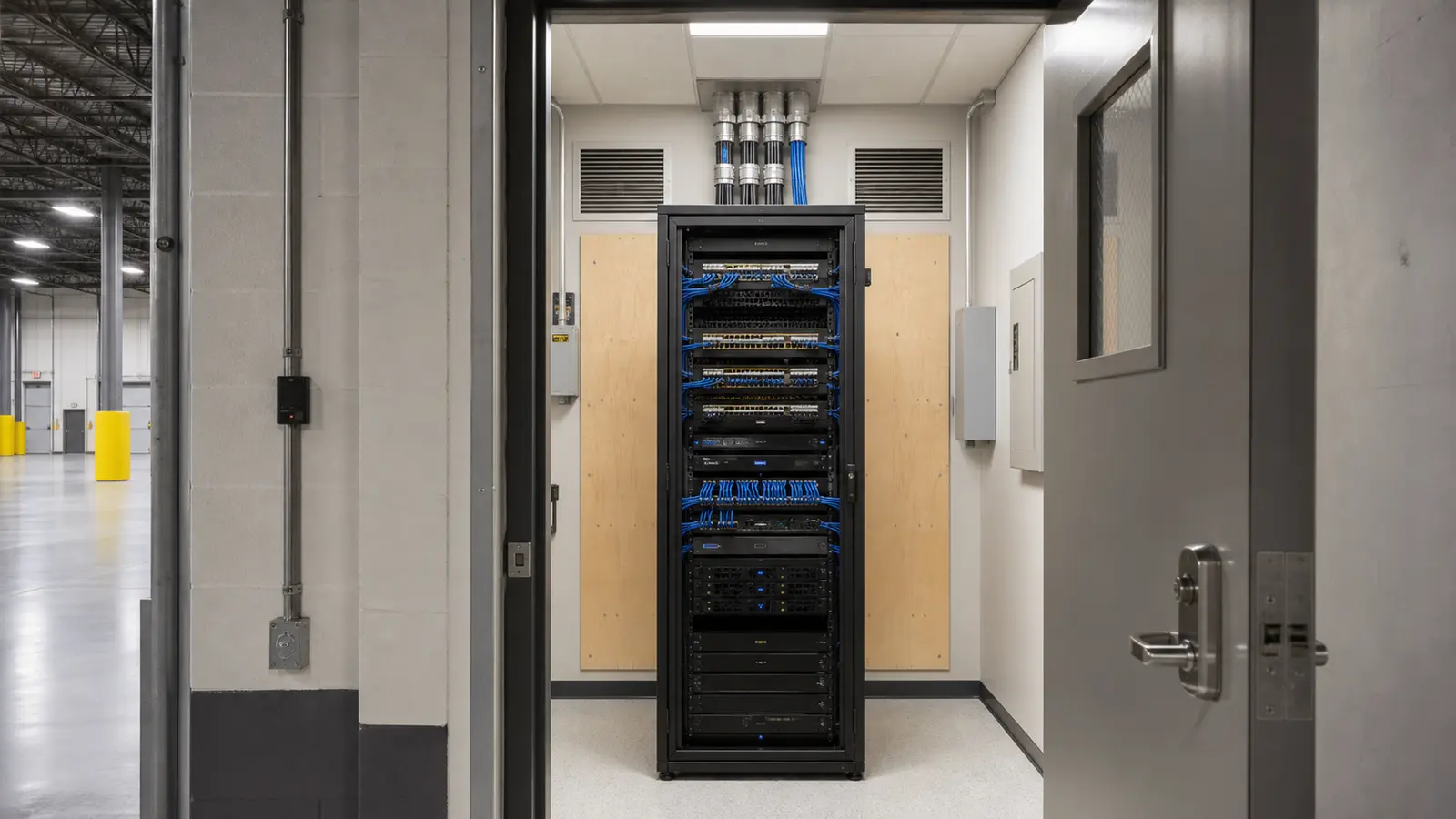
IP cameras depend on a network that can provide stable data transport and adequate PoE power. Count ports, power budgets, uplink capacity, switch locations, UPS coverage, pathway capacity, cable distance, grounding requirements, and environmental conditions. Label and certify new copper links so future service does not begin with cable tracing.
Fiber for Large or Distributed Properties
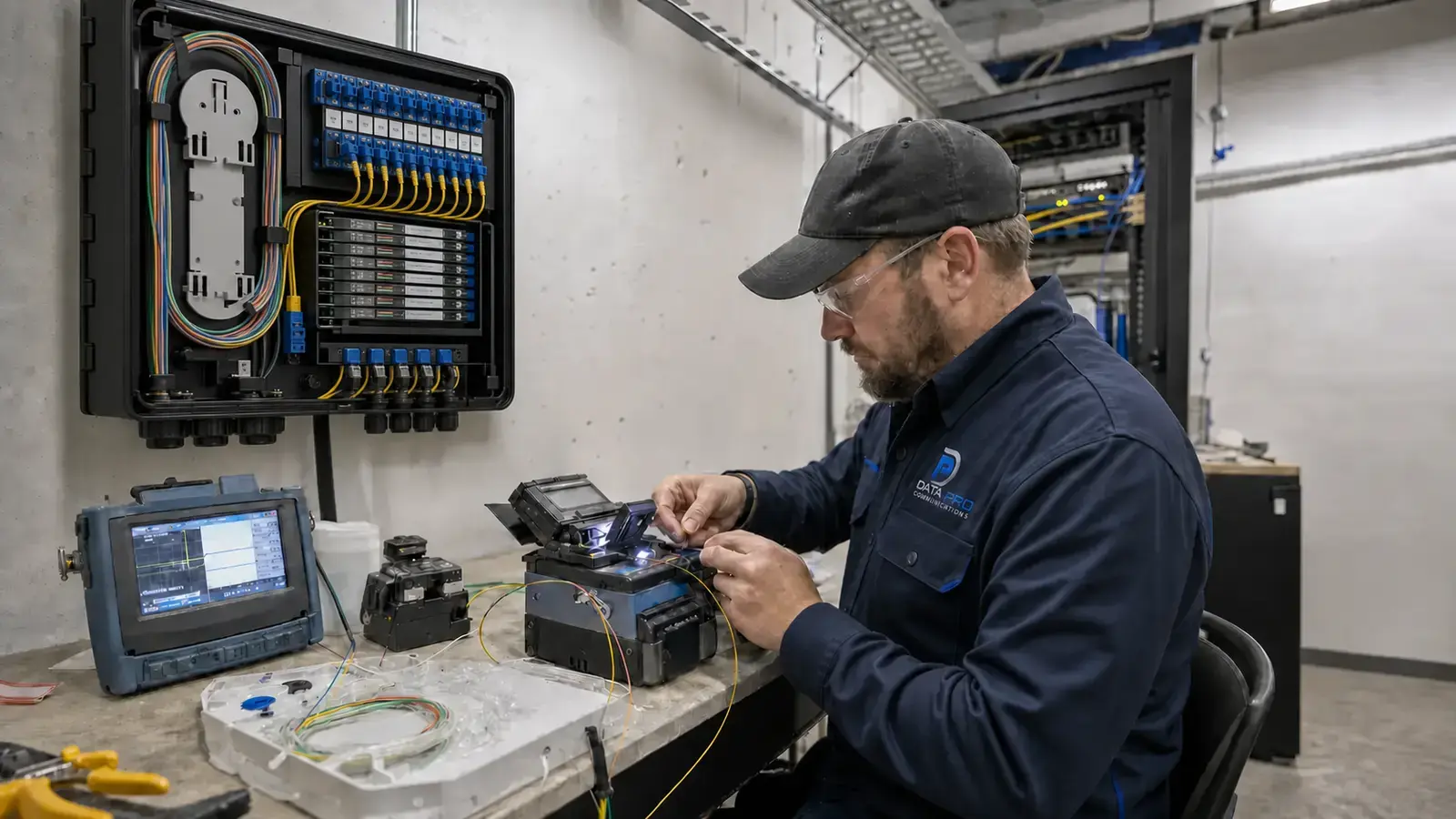
Large warehouses, detached buildings, distant gates, and long yard routes may exceed practical copper distances or require electrically isolated building-to-building links. A fiber backbone can connect intermediate telecom locations while local PoE switches serve nearby cameras. Fiber design should include strand count, pathway, enclosure, termination, testing, and future capacity.
Recording, Storage, and Remote Viewing
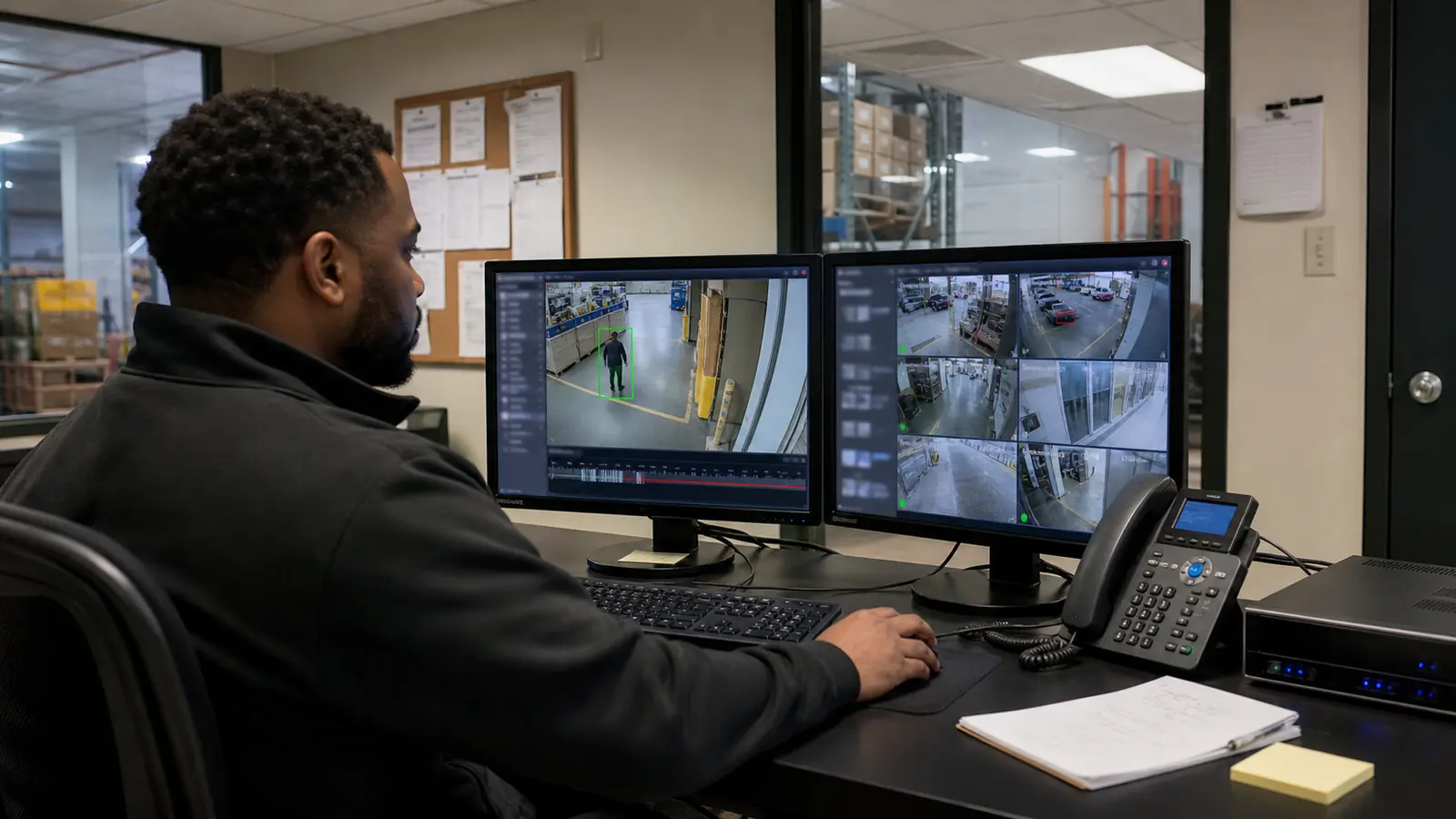
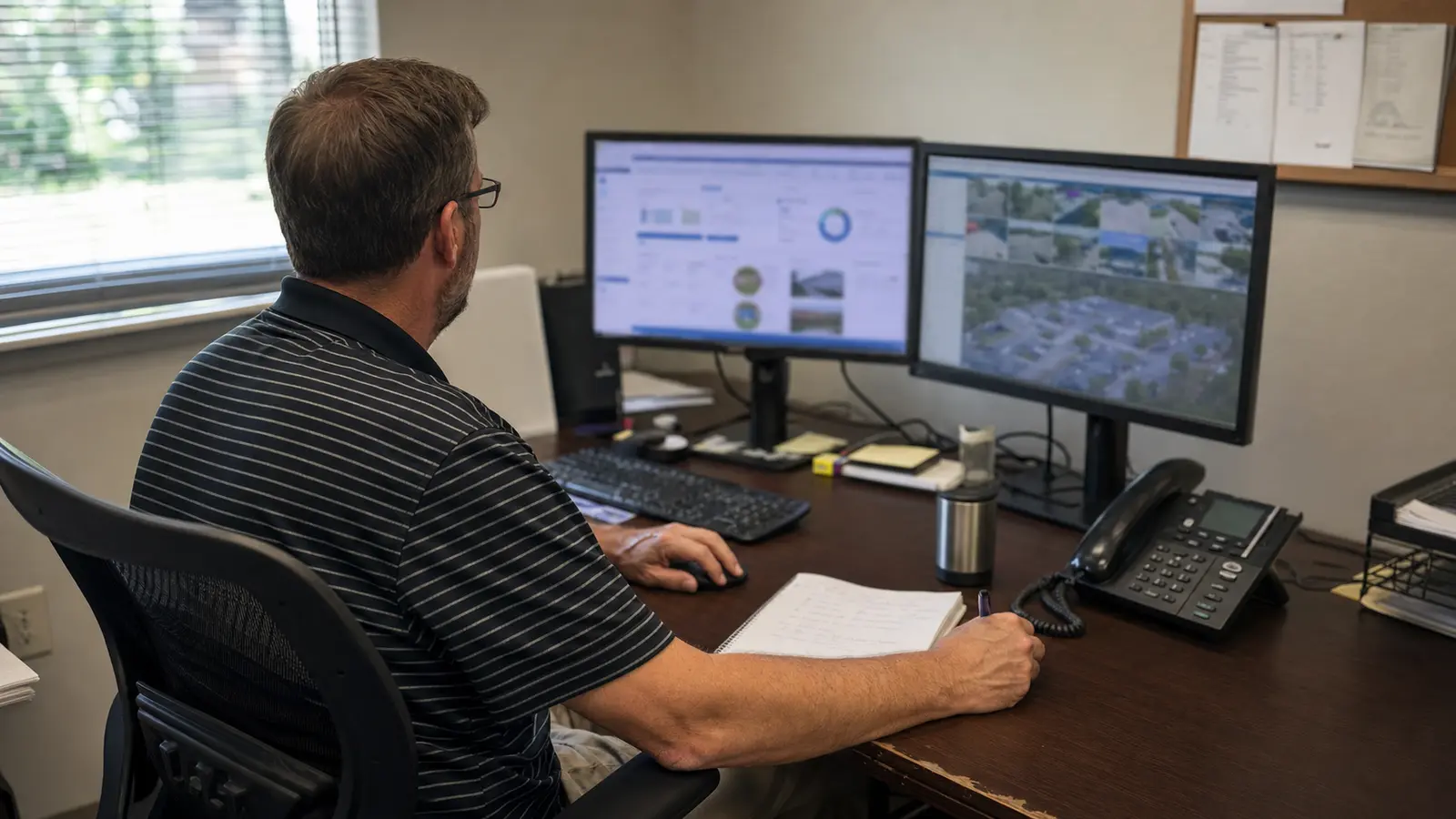
Recording design should consider camera count, image settings, frame rate, motion profile, retention objective, redundancy, and how quickly users need to retrieve footage. Remote access should be role-based and secured. Storage estimates should be revisited after commissioning because actual scene activity and configuration affect usage.
Analytics and Operational Awareness
Analytics can help filter events or flag specific conditions, but they should supplement a well-designed image and recording foundation. Define the operational purpose, test performance in the actual environment, and provide a process for tuning. Avoid treating analytics as a guarantee that every relevant event will be detected.
Documentation, Labeling, and Maintenance Access
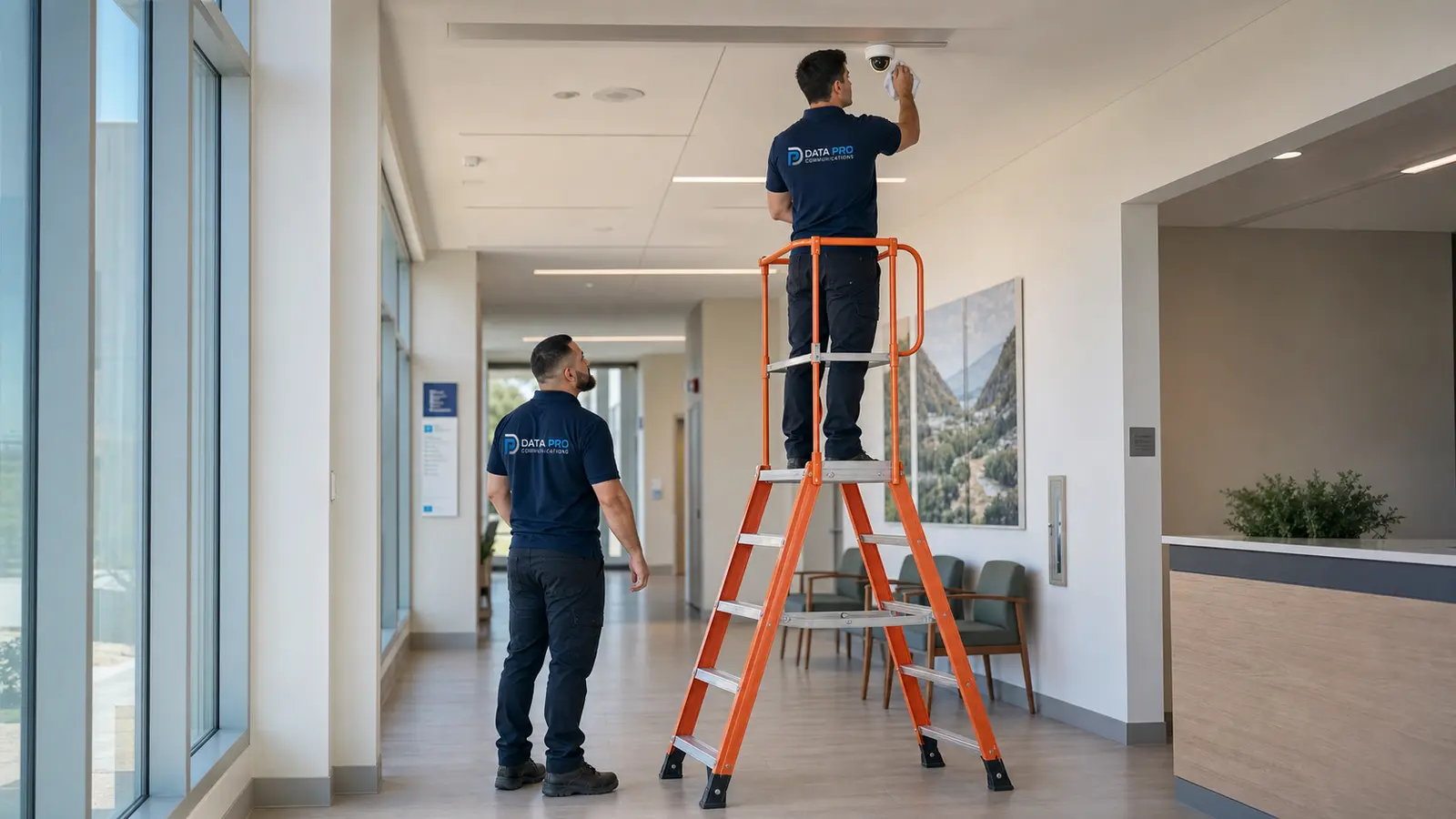
A complete handoff should include camera names, locations, switch ports, IP addressing controls, cable IDs, pathways, recording settings, user roles, and as-built drawings where required. Keep cameras, enclosures, switches, and terminations accessible for cleaning, testing, replacement, and troubleshooting.
Common Planning Mistakes
Common failures include selecting cameras before defining the target view, relying on one high-mounted camera for both overview and identification, overlooking night conditions, underestimating PoE power, ignoring cable-distance limits, placing switches in unsuitable environments, and failing to document the final system.
Practical Planning Checklist
Define the operational event; mark target zones; separate overview from identification; verify day and night lighting; confirm mounting and lift access; calculate network and PoE capacity; plan copper and fiber pathways; size recording and retention; document naming and labeling; confirm maintenance access; and validate final views during commissioning.