Overview Views and Identification Views Serve Different Jobs
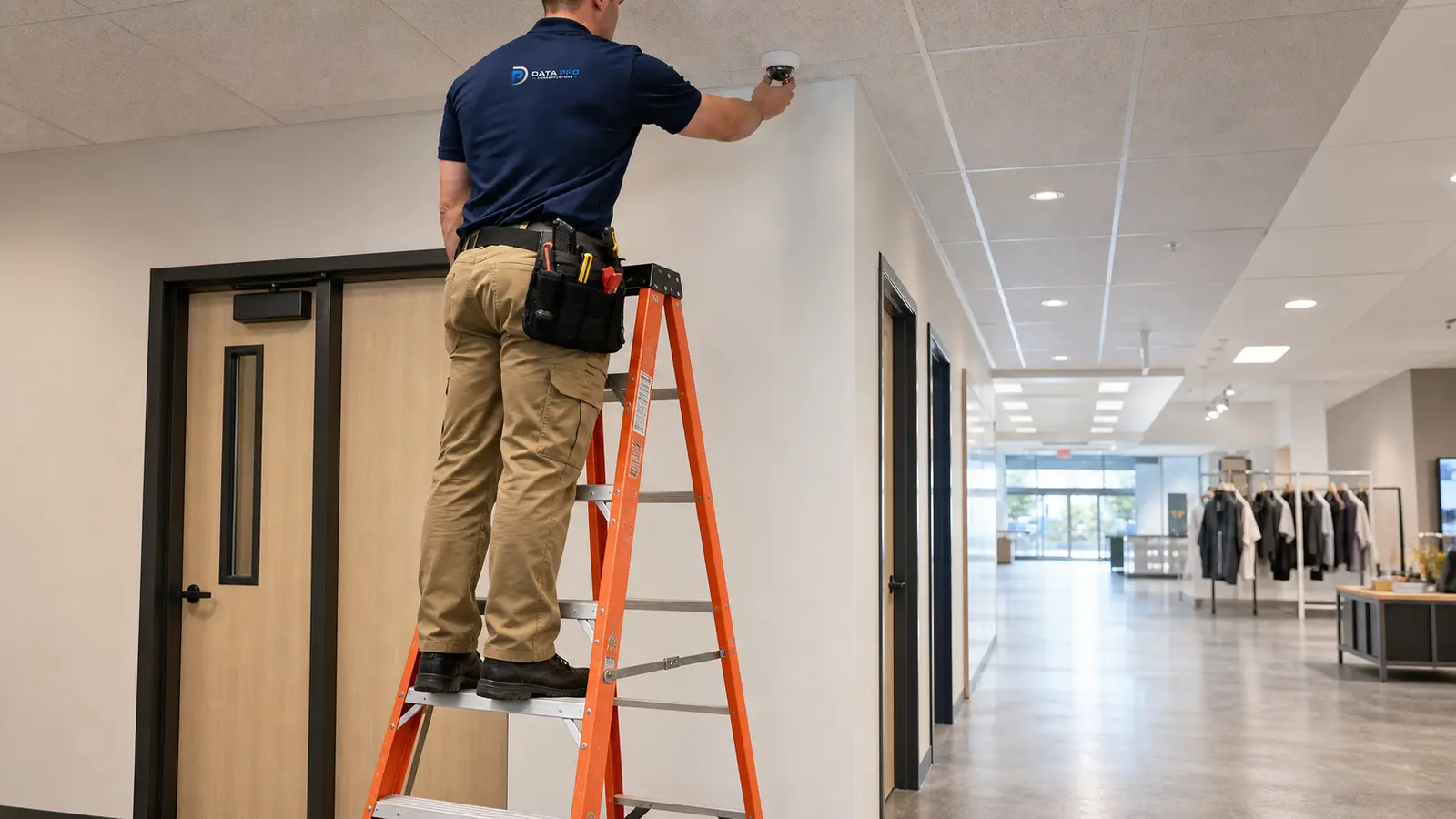
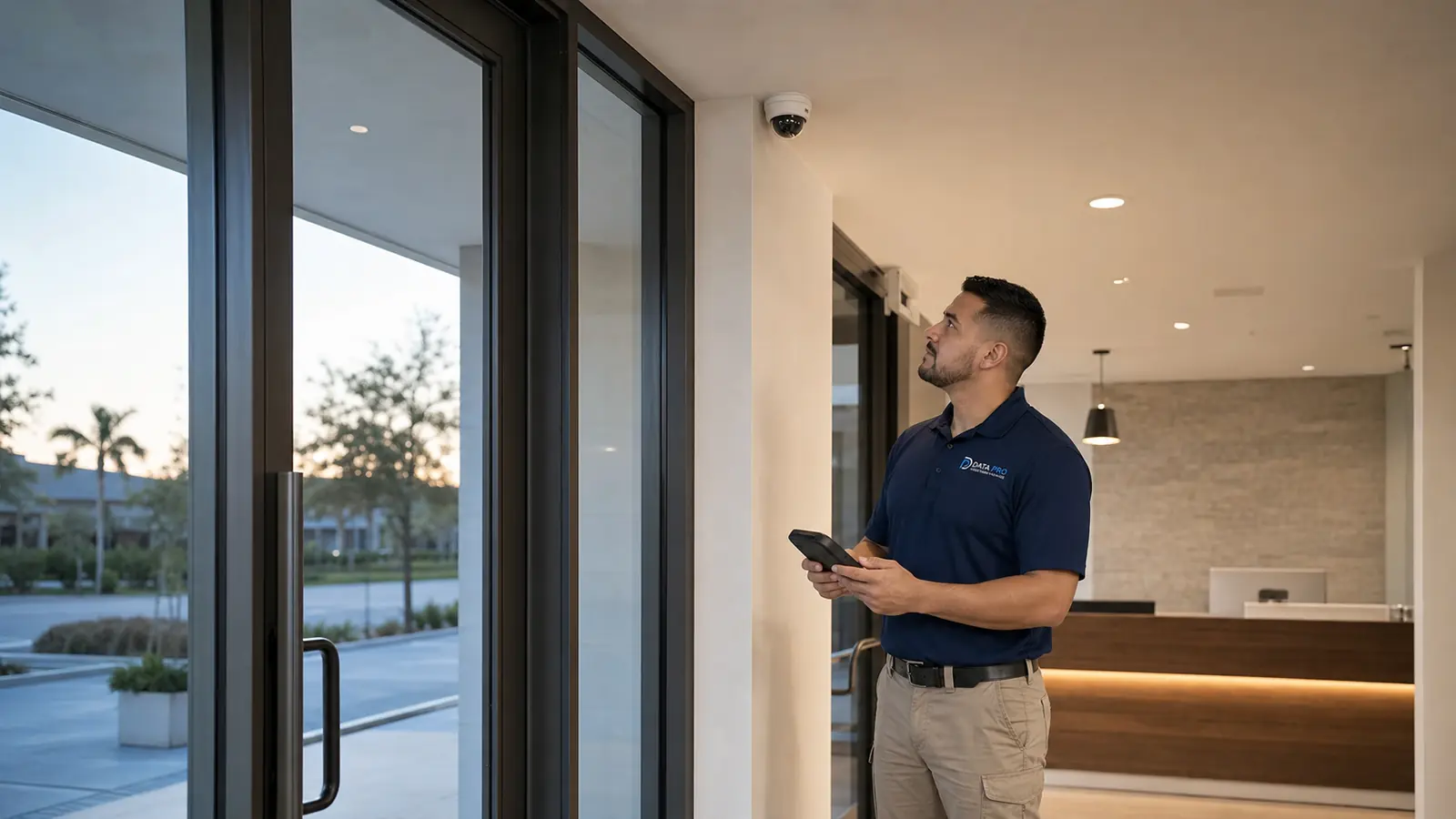
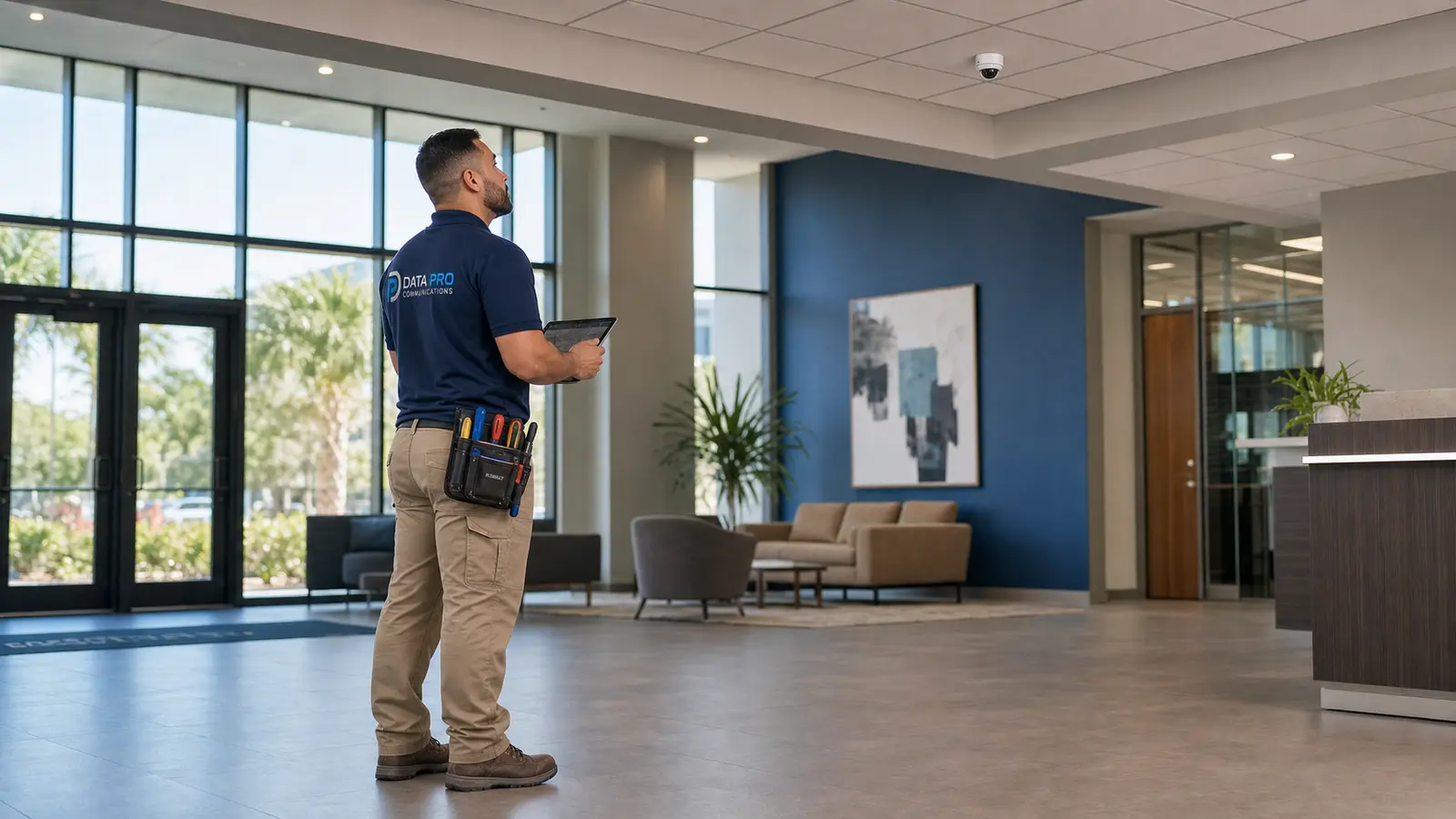
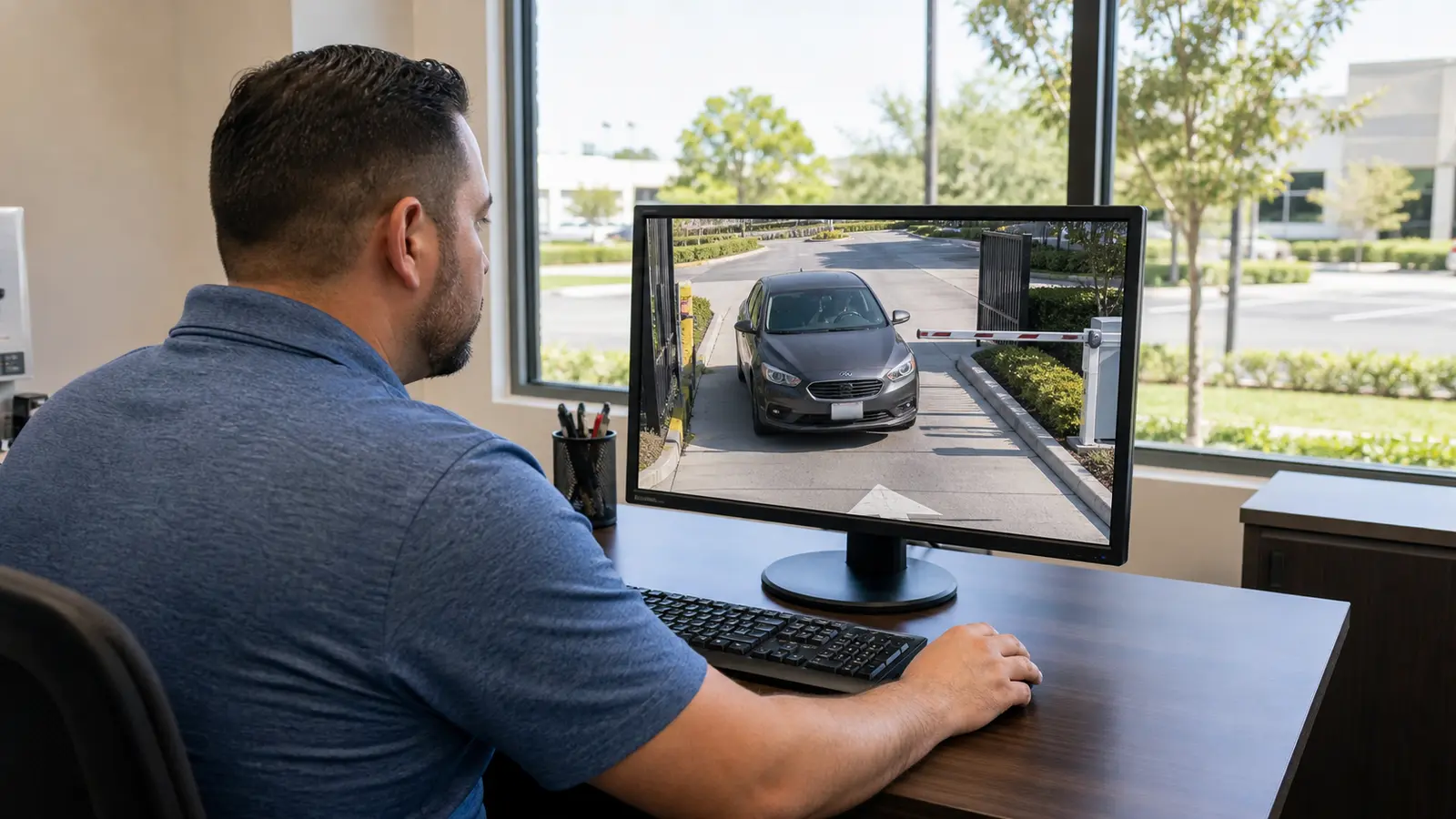
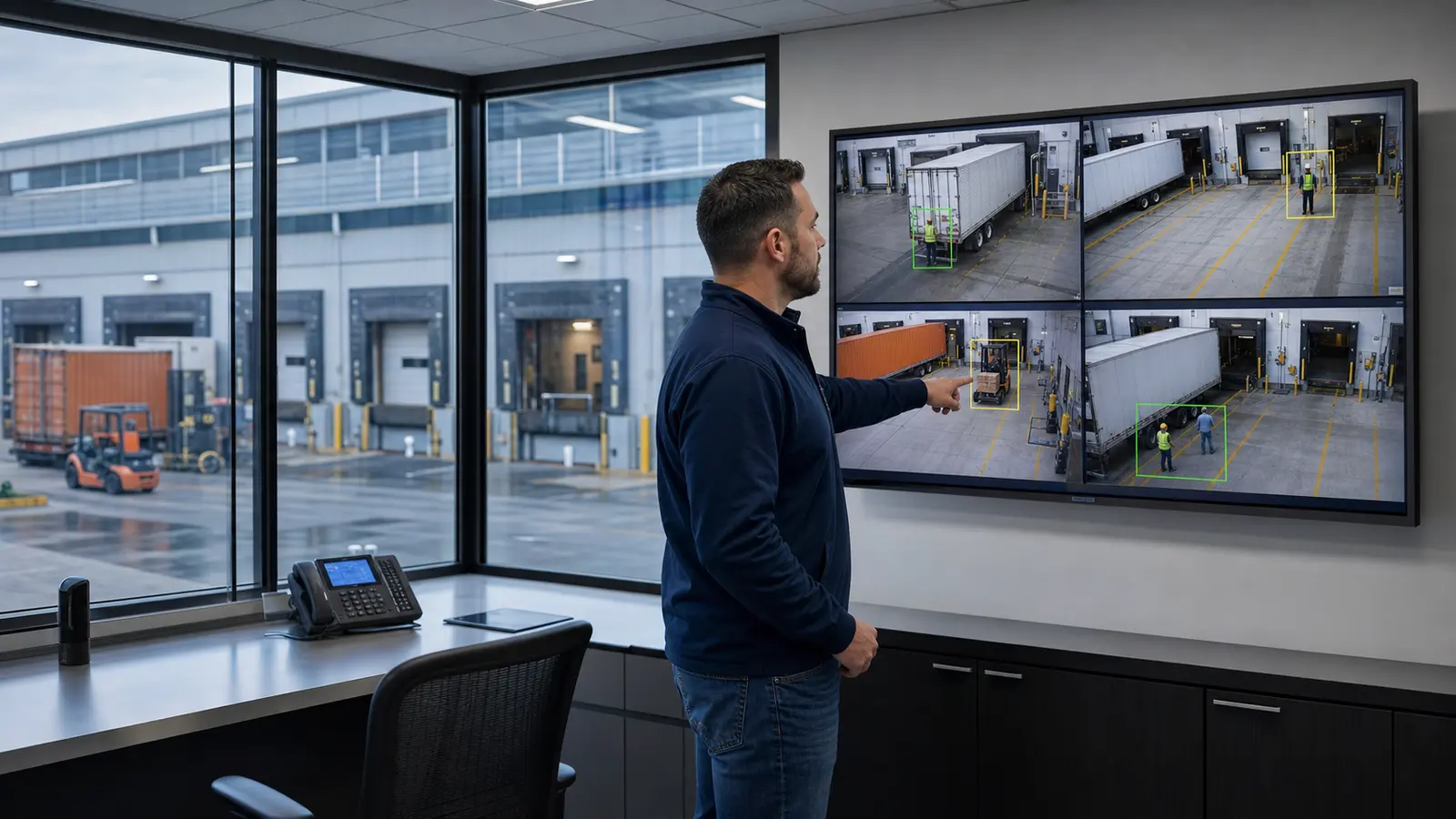
An overview camera explains what happened across a broad zone. An identification view is designed around a narrower target where a person, vehicle, or interaction can be captured with more useful detail. Loading and yard projects usually need both. Trying to make one distant camera perform every task leads to wide scenes that look impressive but provide limited evidence.
Dock Doors
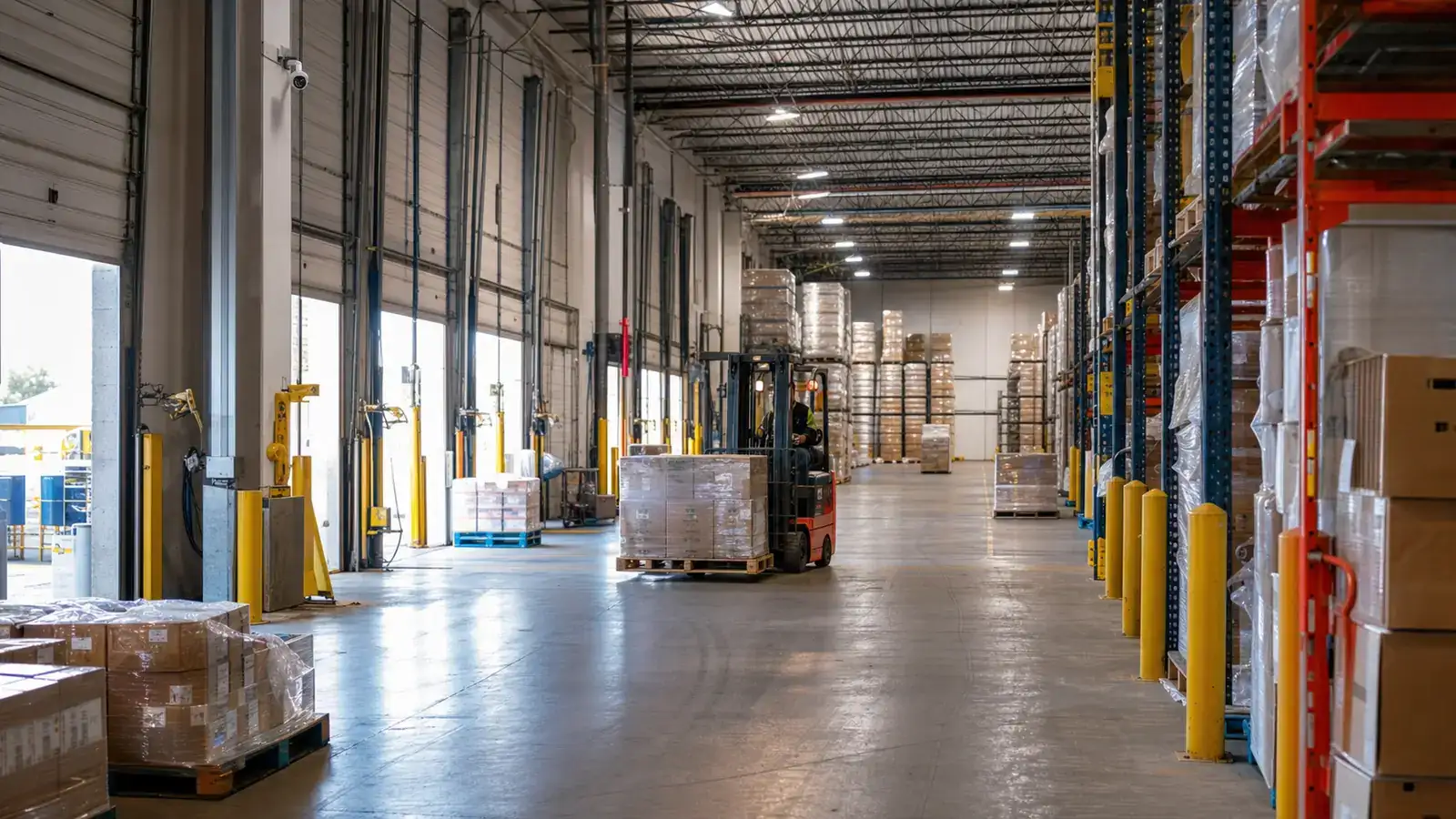
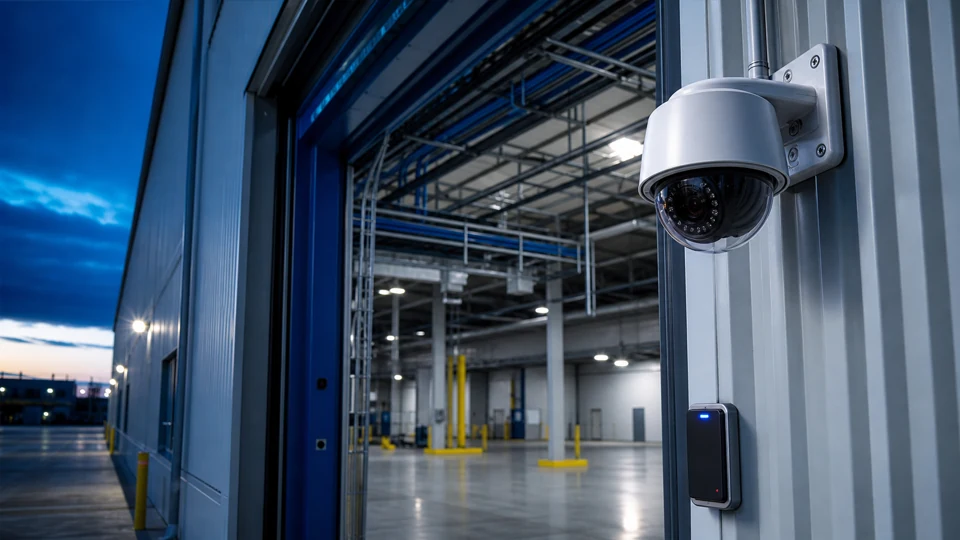
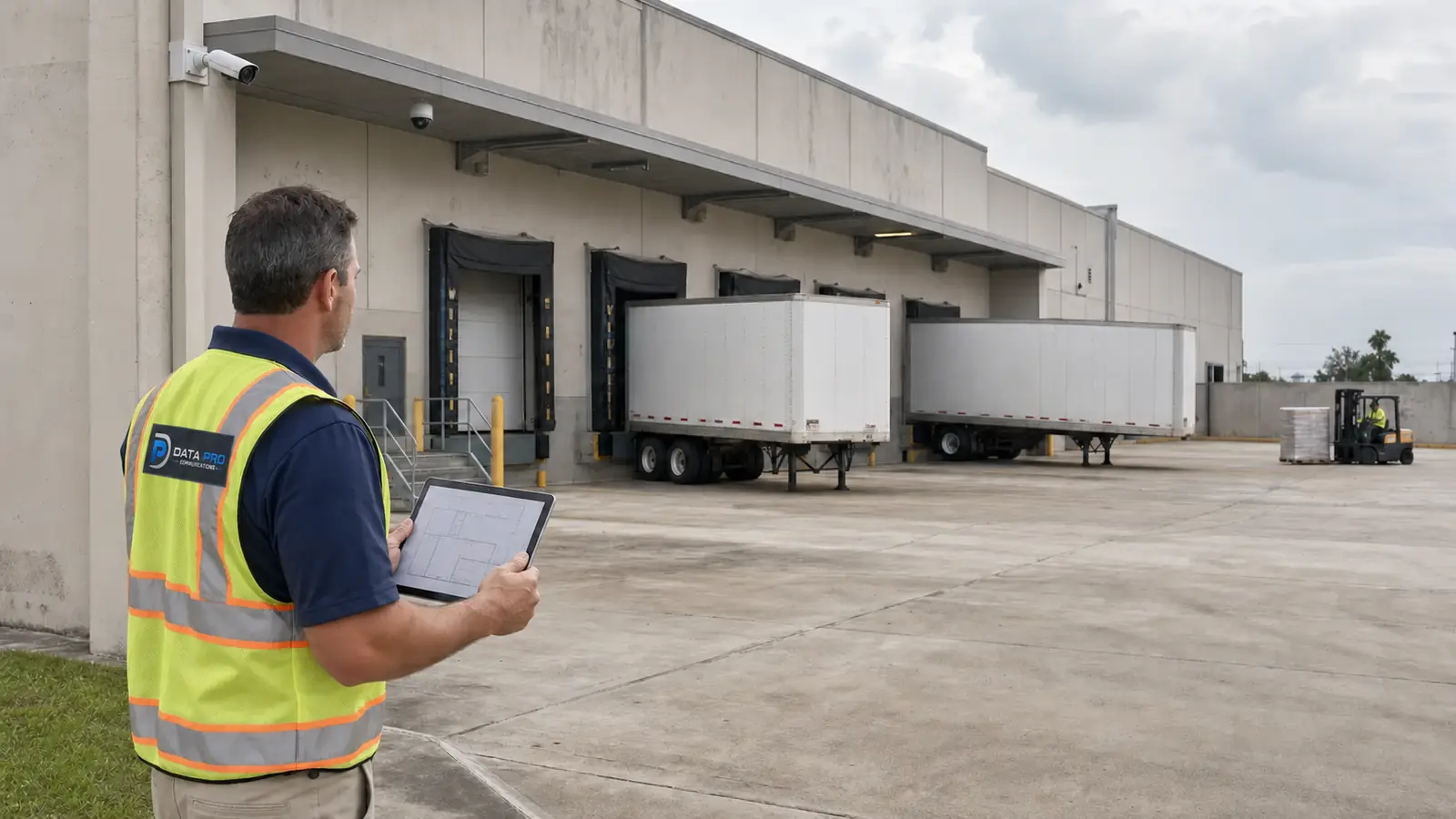
Place views to show the door opening, trailer position, dock edge, and activity immediately around the transfer point. Consider whether the critical view is inside looking out, outside looking toward the dock, or a complementary pair. Open doors can create severe backlighting, and trailers may block wall-mounted cameras.
Trailer Connection and Disconnection Areas
Where tractors connect to or separate from trailers, use a view that captures the interaction zone without being blocked by adjacent equipment. Mounting should account for changing trailer heights, yard vehicles, and the need for safe maintenance access.
Truck Entry and Exit Lanes
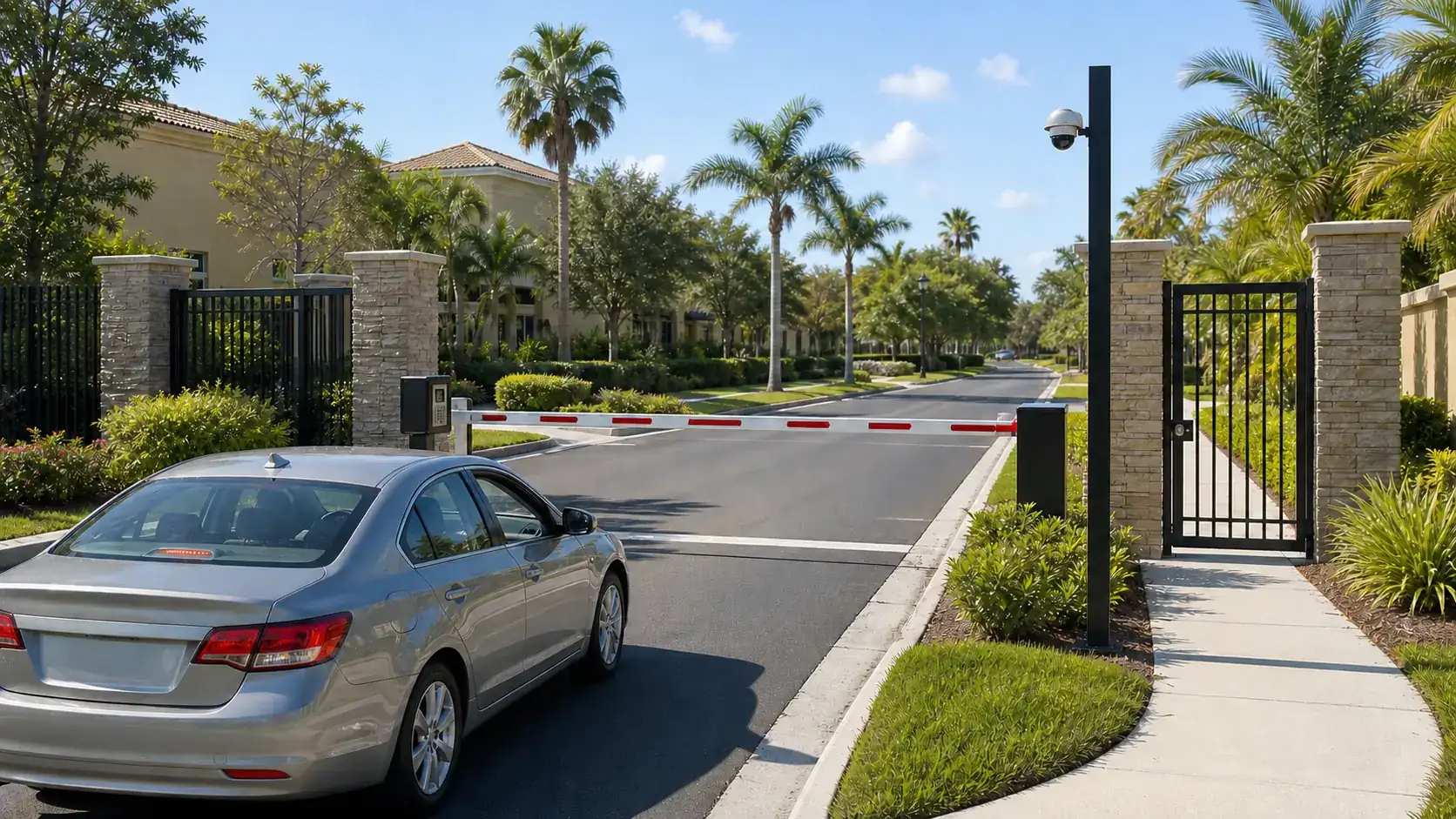
Entry and exit cameras should establish lane use, direction, and the sequence of activity at gates or checkpoints. A focused view may be needed at a predictable stop point, while an overview camera preserves context. Avoid relying on a single oblique view across several lanes.
Guardhouses, Gates, and Access Points
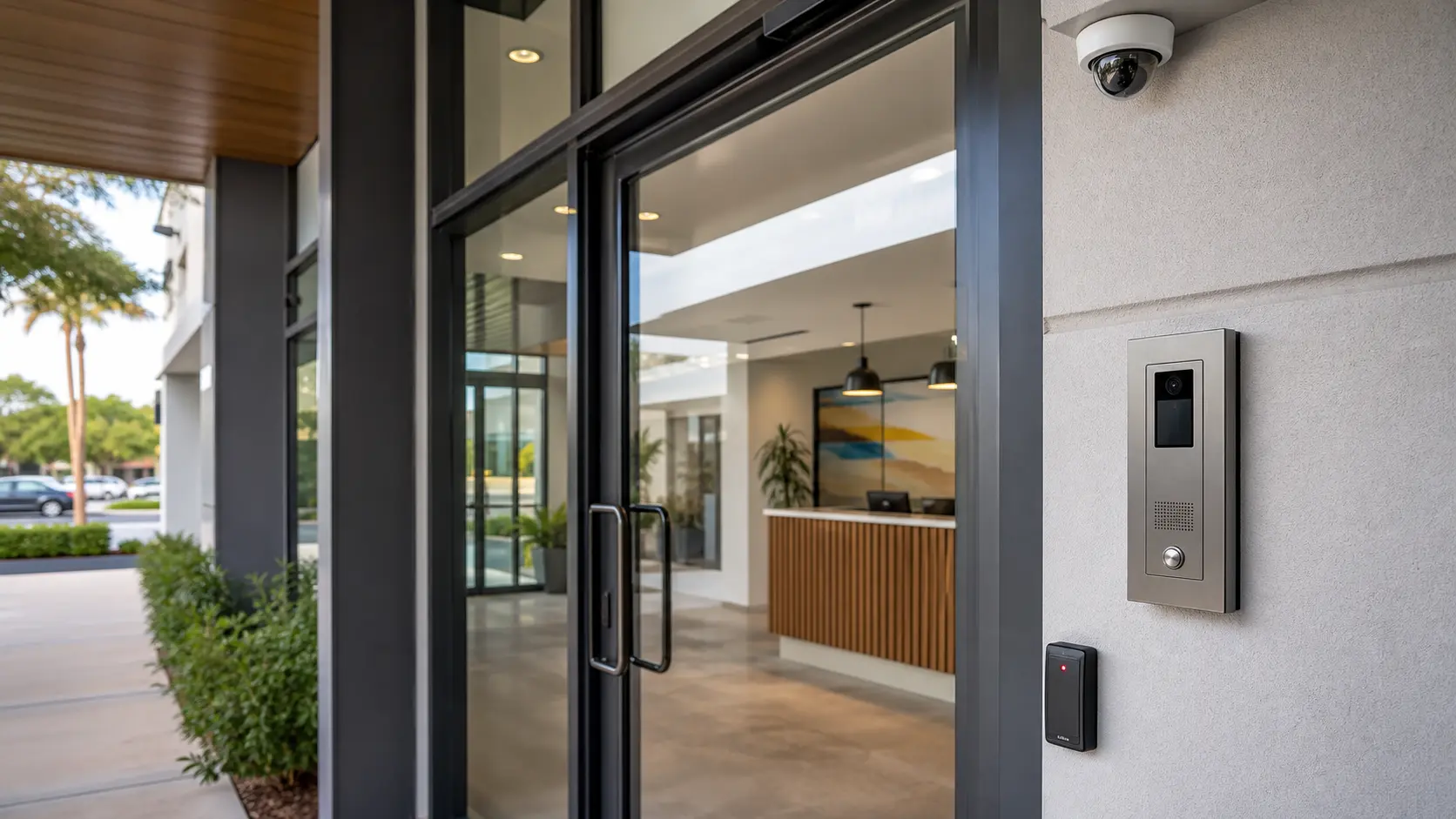
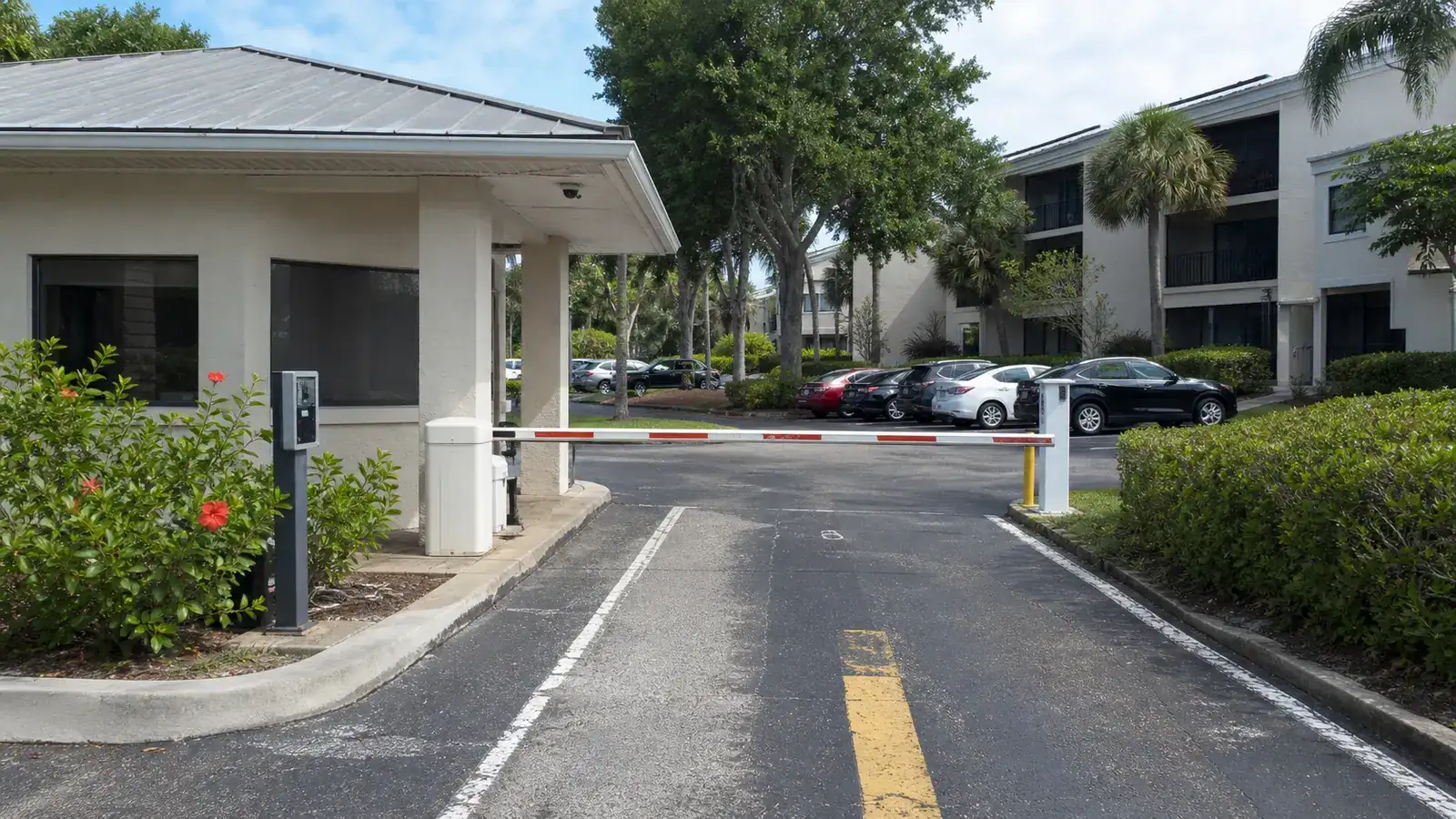
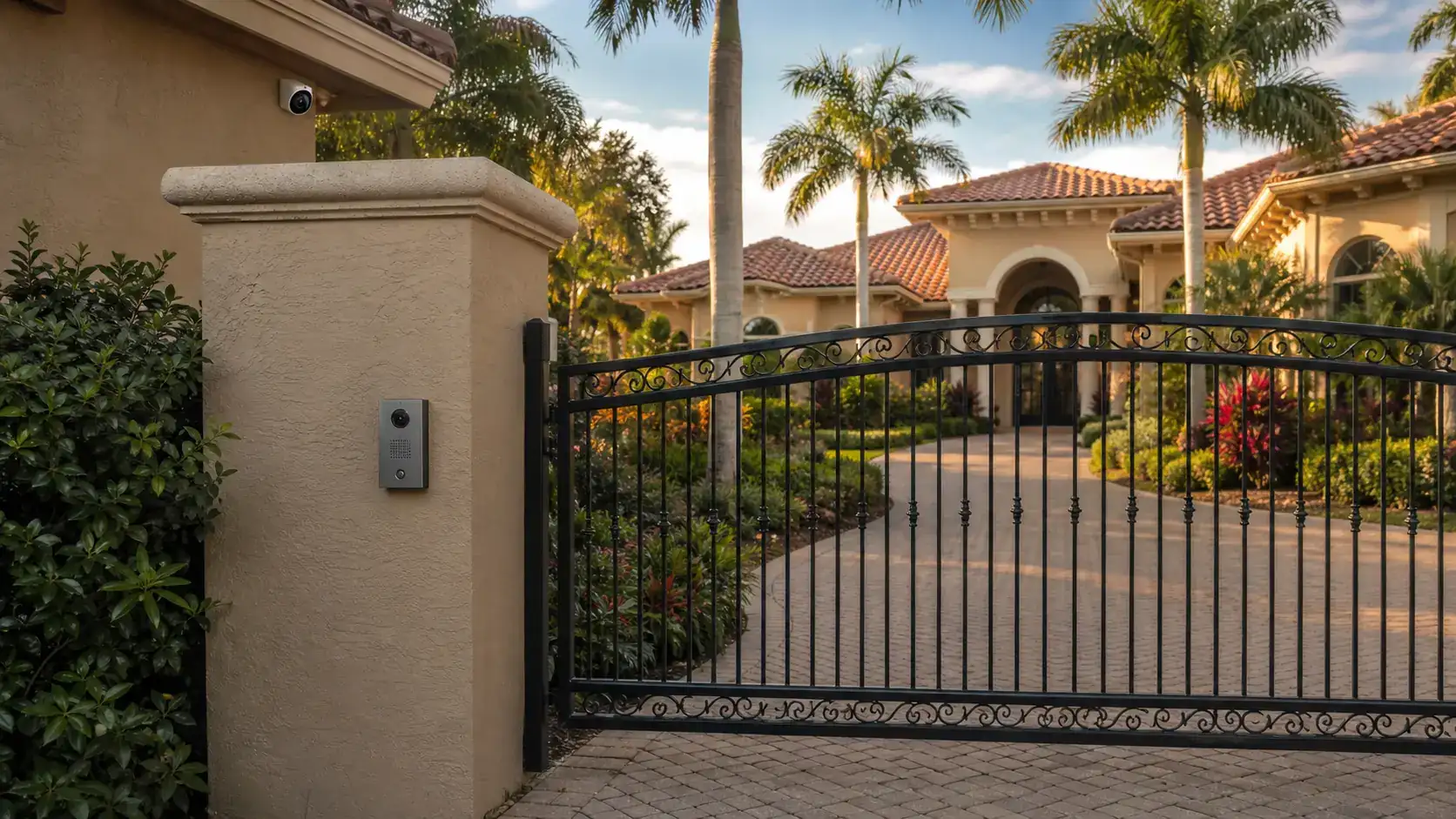
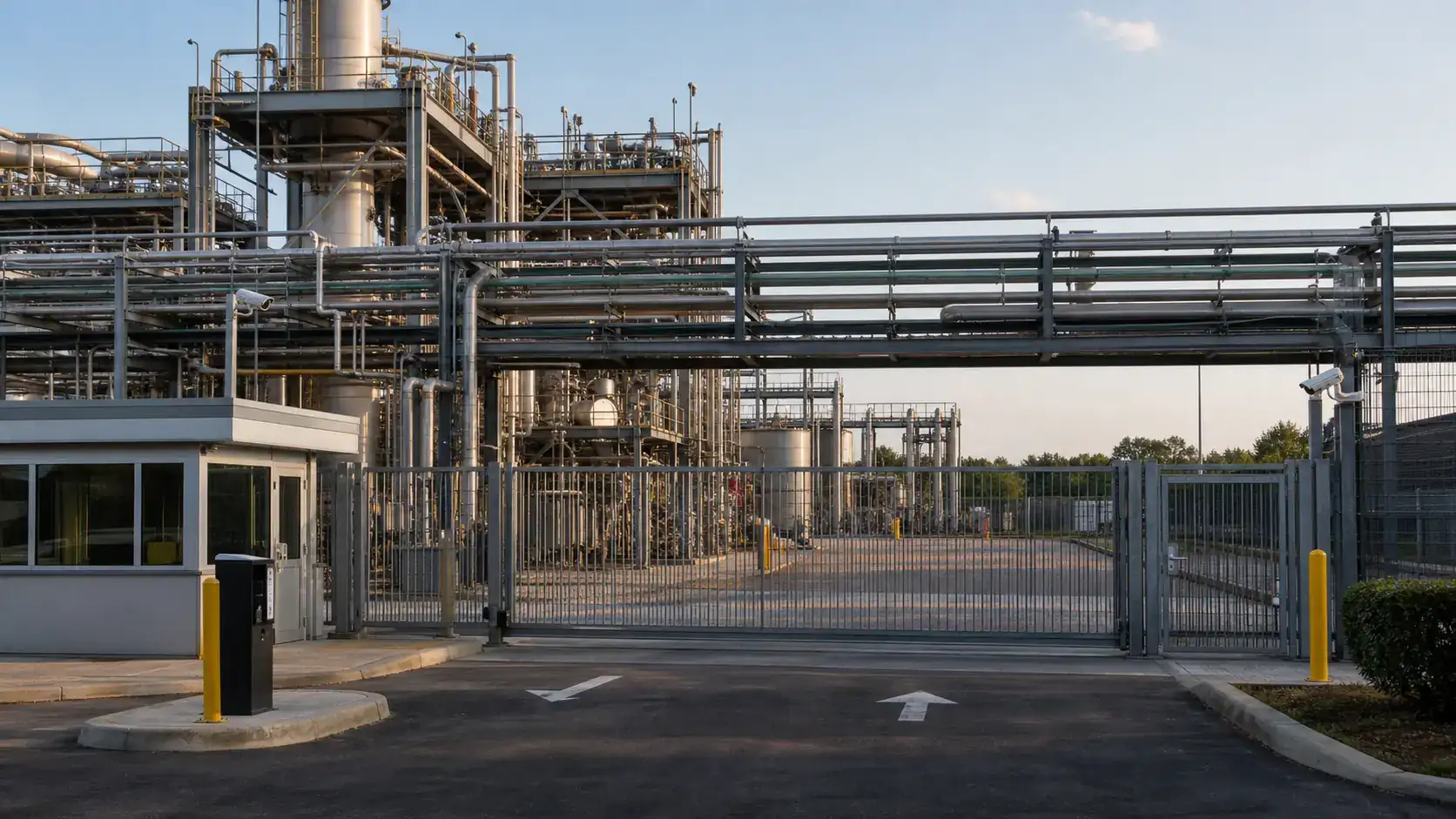
Cover the interaction between drivers, guards, intercoms, readers, and barriers. Coordinate the camera angle with the actual stopping position and lighting. The design should also show whether a gate opened and which lane or vehicle moved through, without exposing internal security procedures in public documentation.
Driver Check-In Areas
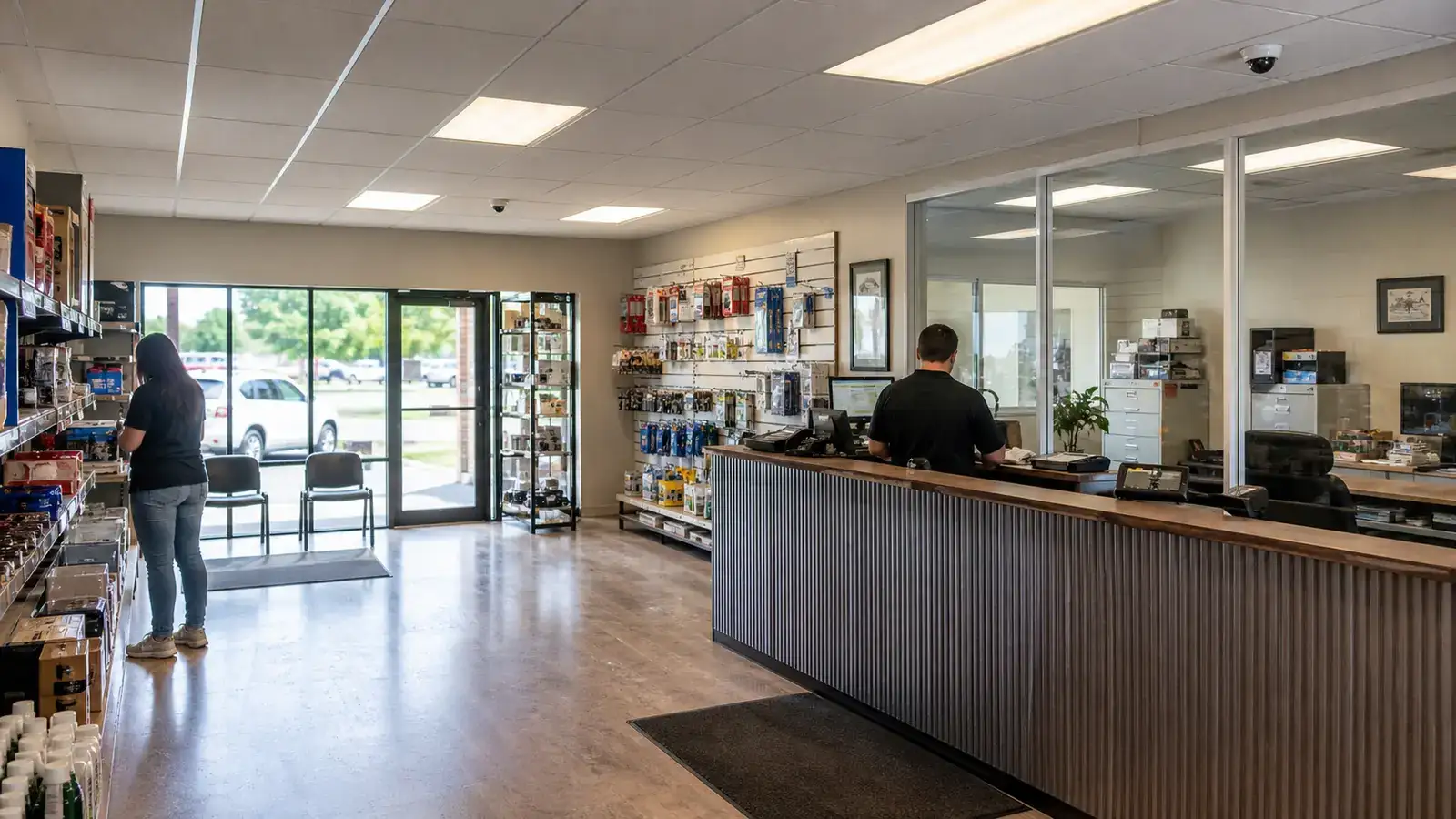
At kiosks, windows, or reception points, place cameras to document the transaction zone and surrounding queue. Avoid angles dominated by reflective glass, direct sun, or large monitors. Confirm that the view remains useful when vehicles of different heights approach.
Truck Courts and Turning Areas
Truck courts require broad context for movement and more focused views at critical intersections. Corners, dock approaches, and crossing points between pedestrians and vehicles deserve separate review. Long distances and moving headlights can reduce useful detail at night.
Yard Lanes and Trailer Staging Zones
Use overlapping views along principal circulation routes and staging rows. Cameras at building corners can provide orientation, while targeted views cover entry points to high-priority rows or controlled areas. Trailer density changes, so verify sight lines with the yard occupied—not only when it is empty.
Fuel and Service Areas
When present, fuel islands, maintenance bays, and service points need views appropriate to their operational and safety requirements. Coordinate camera placement with hazardous-location restrictions, lighting, equipment clearances, and approved engineering guidance rather than treating these zones like ordinary parking areas.
Pedestrian Paths and Emergency Exits
Show pedestrian routes near docks, yard crossings, and employee exits where vehicle interaction is possible. Emergency-exit cameras should preserve egress clearances and avoid interfering with door hardware, signage, or life-safety systems.
Exterior Building Corners
Corner locations can create efficient overlapping views along two façades or between a wall and yard. Check roof drainage, lighting fixtures, signage, downspouts, trailer obstruction, sun position, and lift access. A corner is useful only when the selected lens and angle serve the target distance.
Fence Lines and Gates
Perimeter cameras should focus on defined access points, vulnerable transitions, and operationally meaningful stretches rather than attempting to identify activity across an entire fence from one position. Vegetation, stored trailers, lighting, and future site changes can affect the view.
Lighting, Headlights, and Backlighting
Truck headlights, dock lights, reflective trailers, and sunrise or sunset can create high-contrast scenes. Review the camera’s intended direction at different times. Adjust placement, lens, exposure settings, or lighting so that the target zone—not the brightest object—drives the image.
Weather Exposure and Mounting
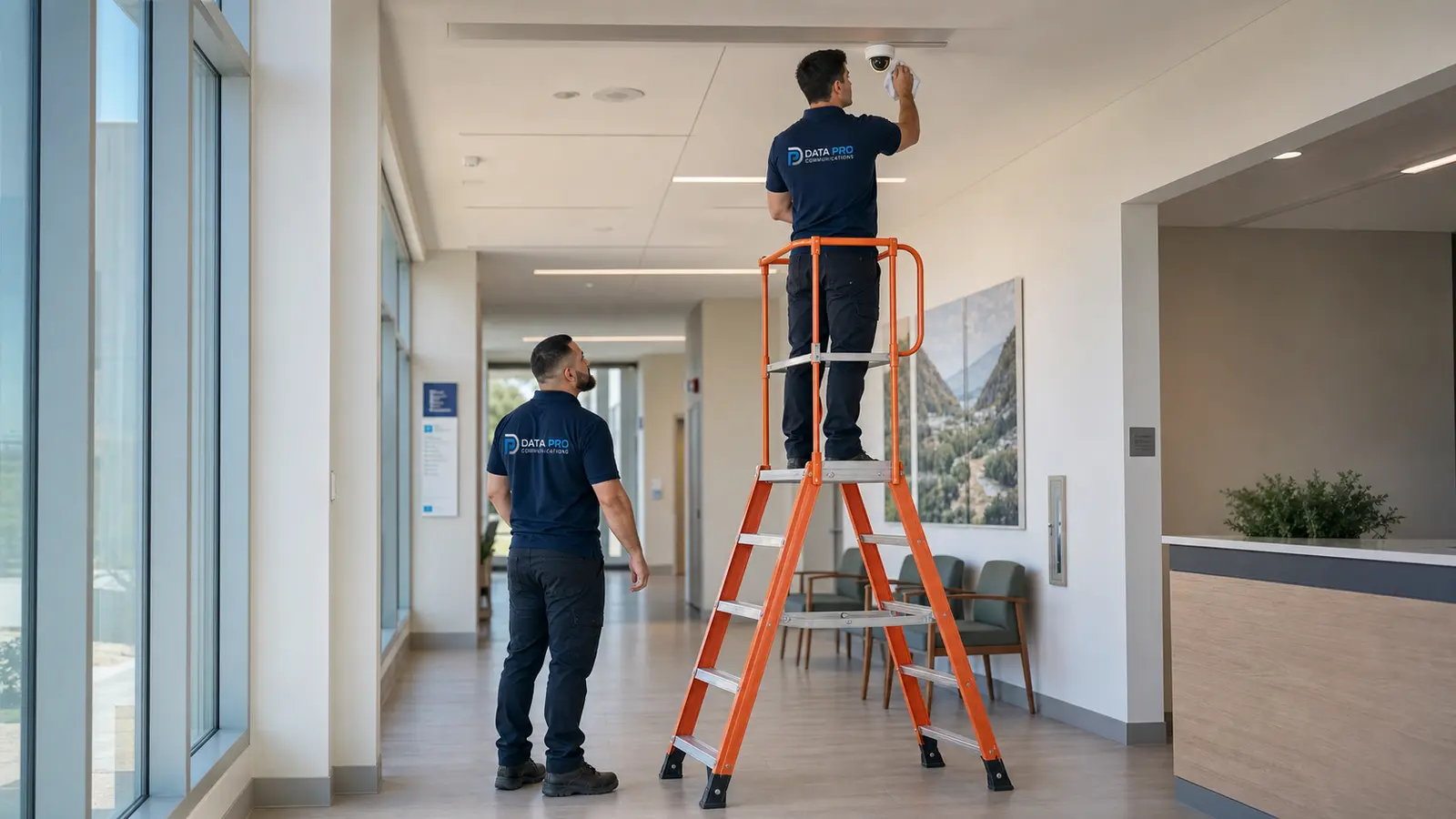
Select outdoor-rated equipment and suitable mounts, junction boxes, cable entries, and surge or grounding methods. Mounting height should balance tamper resistance, field of view, detail, and safe maintenance. Extremely high mounting may increase cost and reduce detail without solving obstruction.
Lens Selection and Overlapping Coverage
Choose focal length and field of view around the target width and distance. Wide lenses can cover a court but may not provide detail at a gate. Narrower views can protect checkpoints, doors, or lanes. Overlap important zones so activity can be followed between views and a single obstruction does not erase all context.
Analytics as a Supplemental Tool
Line-crossing, object classification, or zone-based alerts may support operations when the scene is stable and properly tuned. Analytics performance depends on angle, lighting, object size, environment, and configuration. Treat alerts as supplemental information rather than a substitute for good placement and recorded video.
Network, Cabling, Recording, and Retention
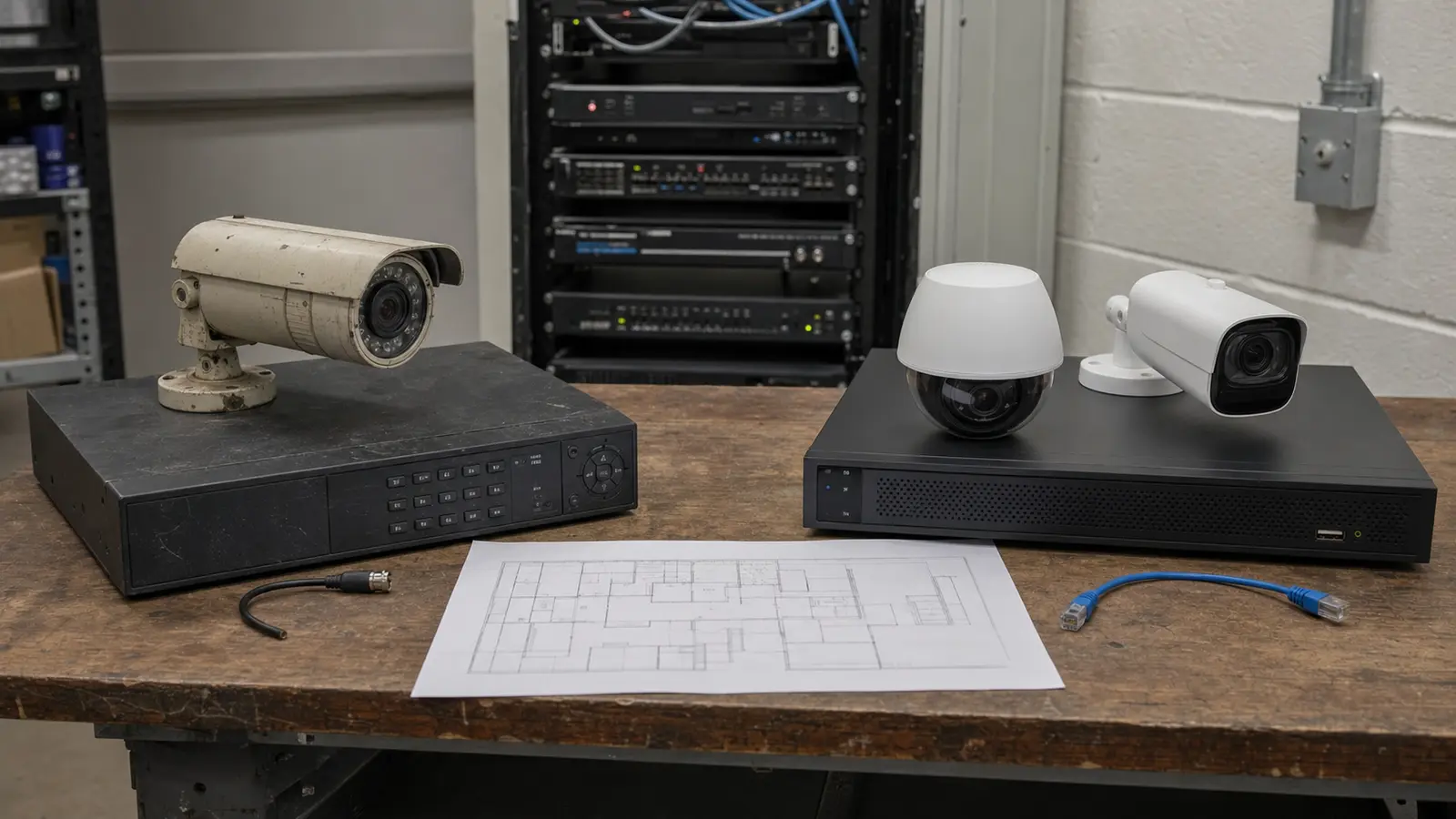
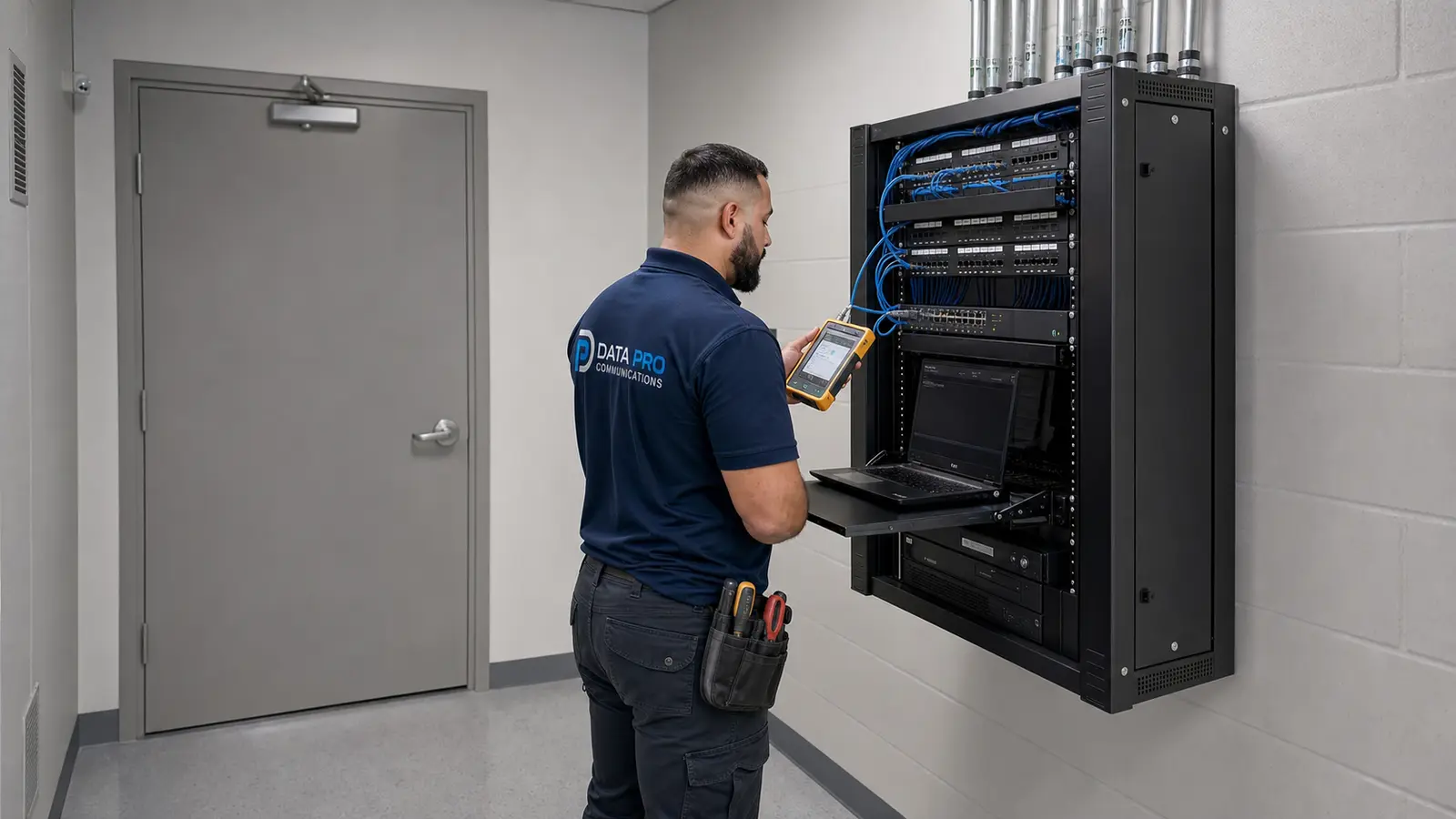
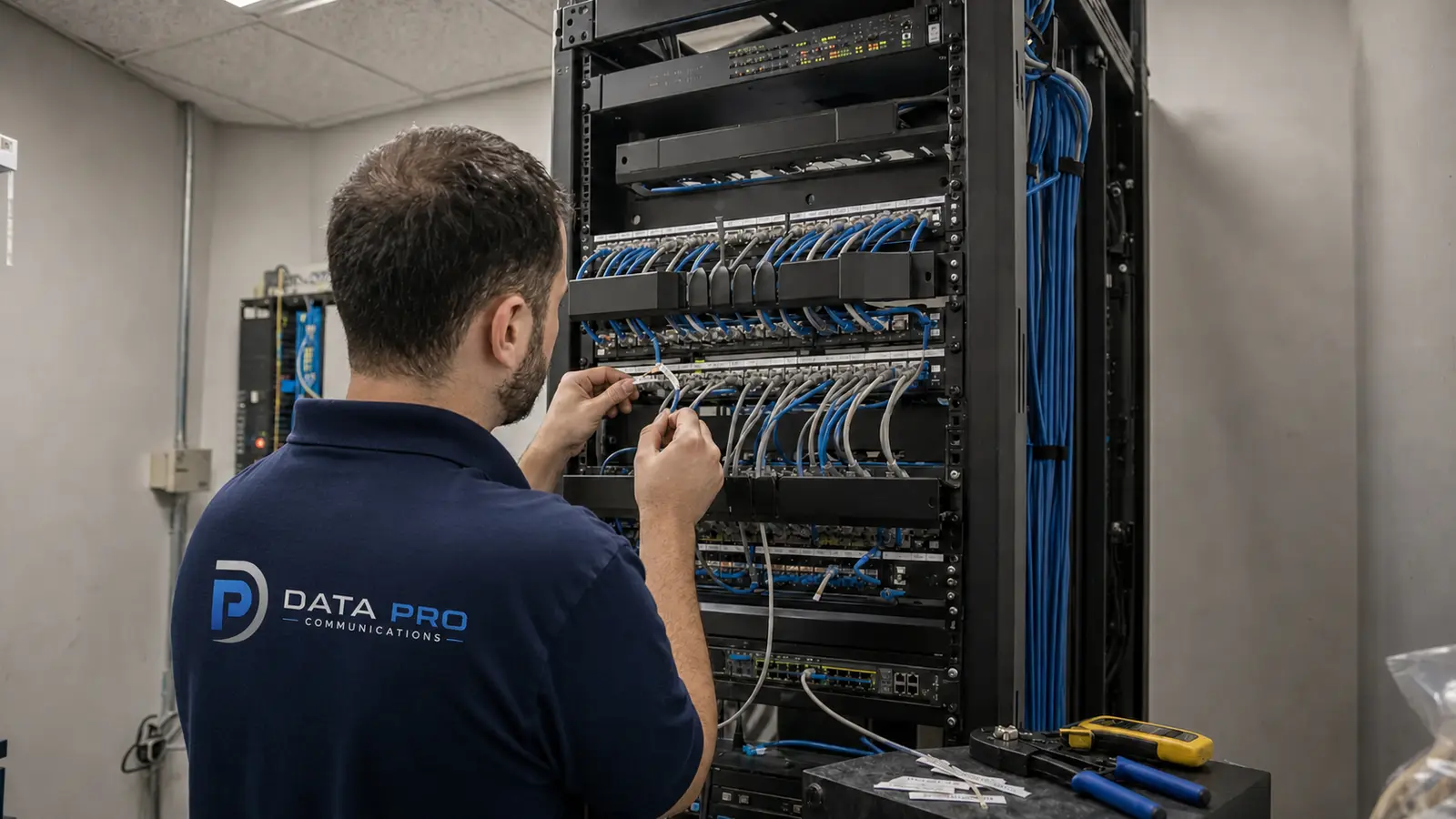
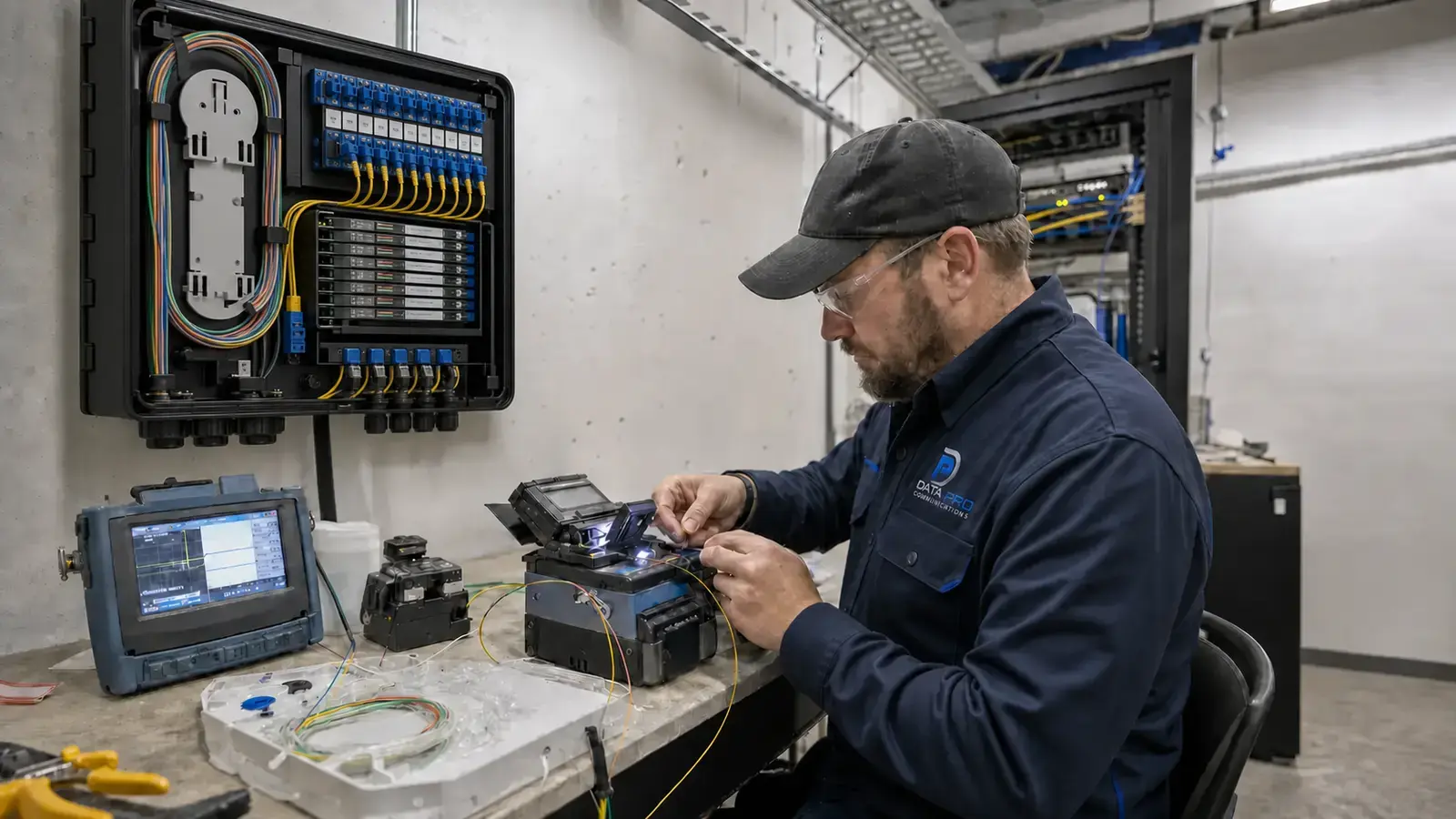
Exterior cameras still depend on the supporting system. Plan copper distances, fiber backbones, PoE budgets, outdoor pathways, managed switching, UPS strategy, bandwidth, recording capacity, health monitoring, and secure remote access. Record naming and retention settings should make footage easy for authorized users to locate.
Common Placement Mistakes
Avoid putting cameras directly into sunrise, mounting every device at roof height, using one wide view for several lanes, allowing trailers to block critical zones, overlooking service access, ignoring night conditions, or running long exterior paths without a documented network and fiber strategy.
Site-Walk Checklist
Observe traffic at busy times; mark stopping and transaction points; separate overview and identification needs; review occupied trailer rows; check day and night lighting; verify mounting surfaces and lift access; trace network pathways; confirm PoE and fiber needs; identify environmental conditions; and validate every final view during commissioning.