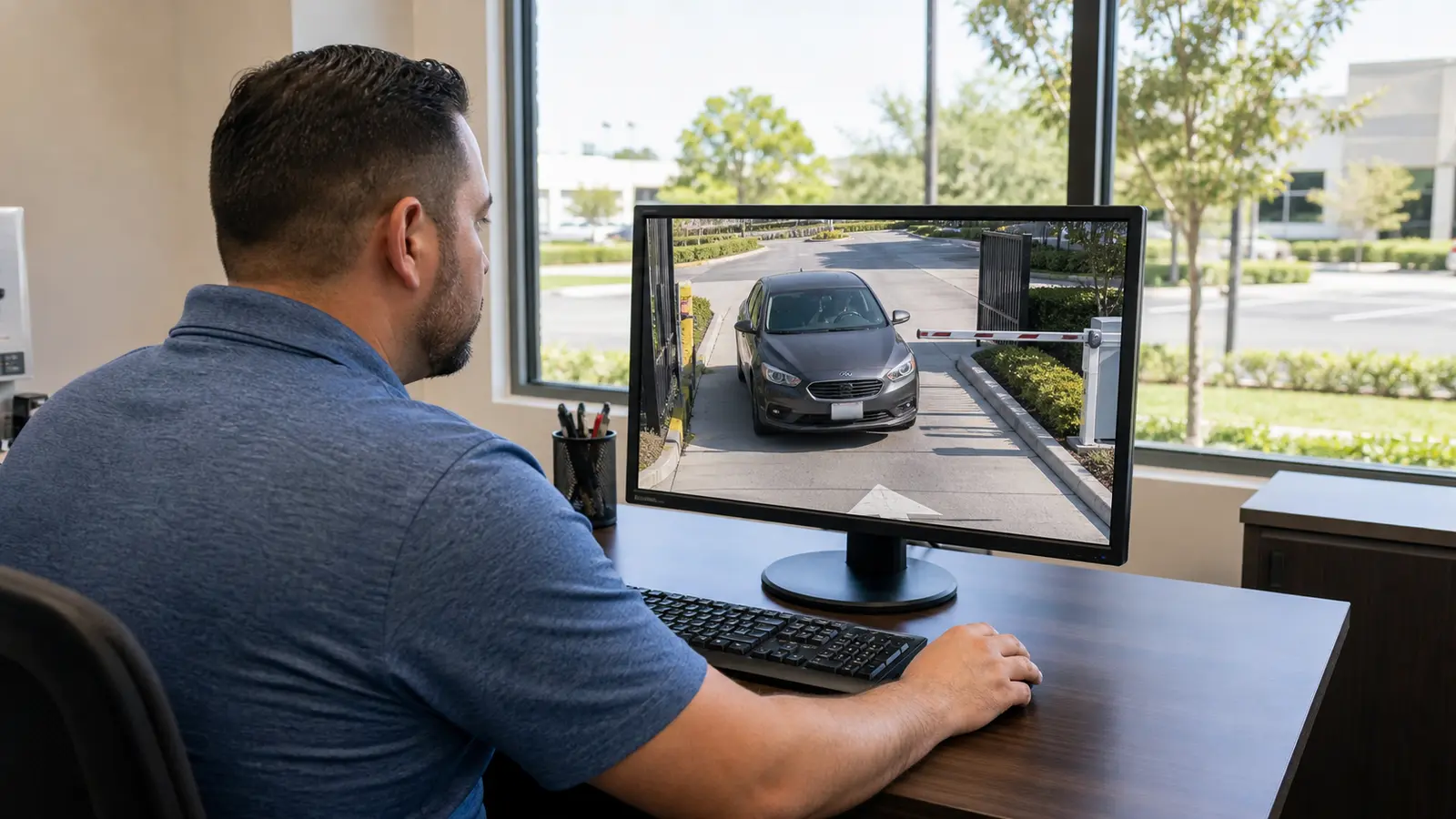
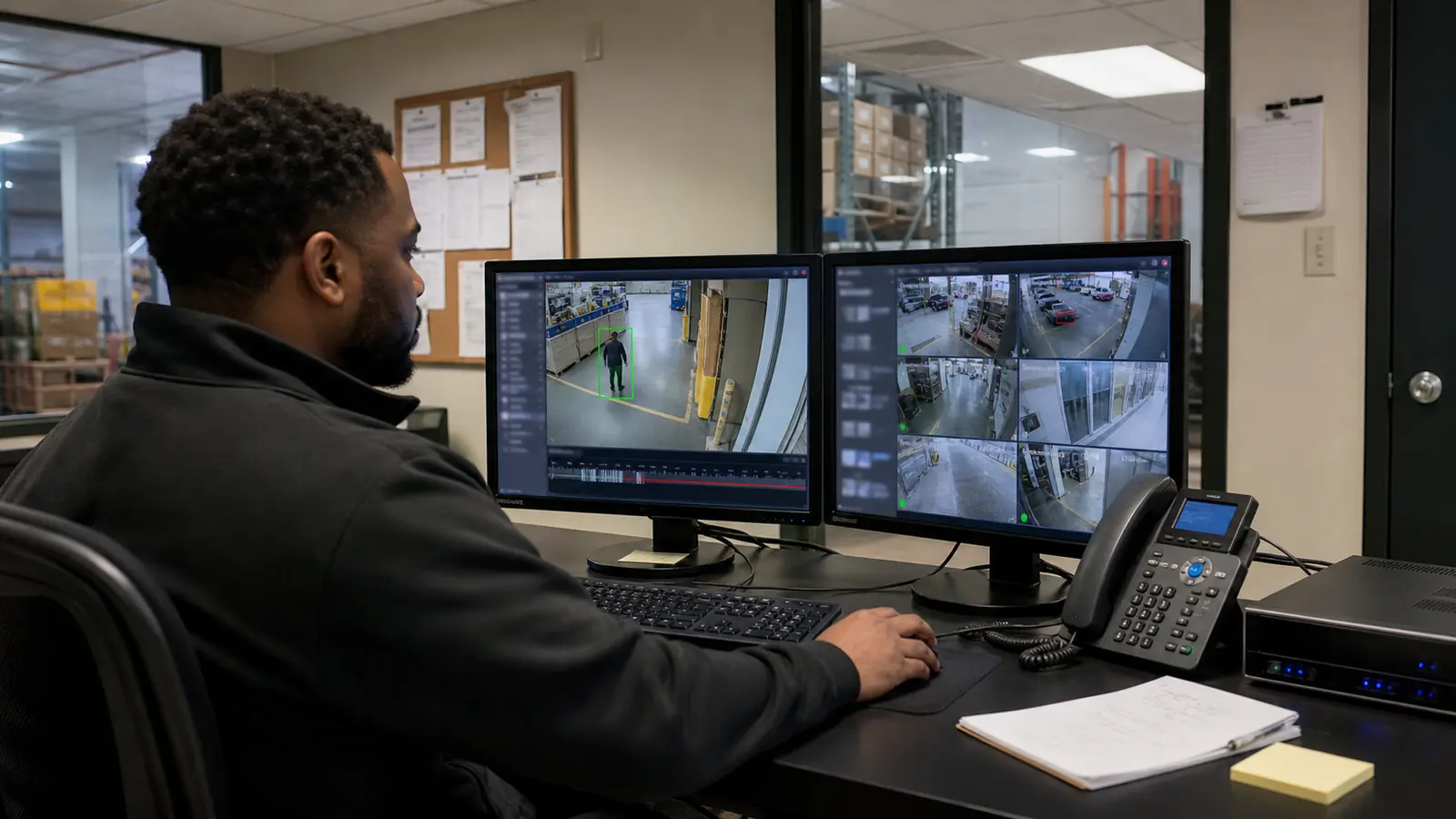
COMMERCIAL CAMERA SYSTEM MODERNIZATION IN LAKELAND

Security Camera System Upgrades in Lakeland, FL

Modernizing an existing security camera system starts with understanding what is already installed, what still performs reliably and where current equipment or infrastructure limits usable video. Data Pro Communications evaluates cameras, recorders, storage, cabling, PoE capacity, network readiness and manufacturer support before recommending replacement.

For commercial facilities, managed properties and selected larger residential sites in Lakeland and Polk County, the right plan may retain compatible equipment, replace priority components, migrate from analog to IP in phases or complete a full system replacement when condition, compatibility or lifecycle constraints justify it.

Modernize the system you have with a plan based on condition, compatibility and operations

An upgrade is not automatically a complete replacement. A well-planned modernization begins with an inventory of the existing cameras, recorder or VMS, storage configuration, cabling, switches, power, remote-access method and available documentation. That review helps identify which parts still support the required coverage and which parts create reliability, usability or lifecycle limitations.

Data Pro Communications develops upgrade paths for Lakeland and Polk County properties that may include selective camera replacement, recorder modernization, analog-to-IP migration, improved storage, network and PoE changes, cabling correction, rack cleanup, additional coverage or a phased transition across multiple buildings or operating areas.

The recommendation depends on the actual system and the property. Higher resolution alone does not guarantee better usable coverage, older equipment is not automatically unusable and compatibility must be verified at the model and feature level before cameras, recorders, analytics or remote viewing are carried forward.

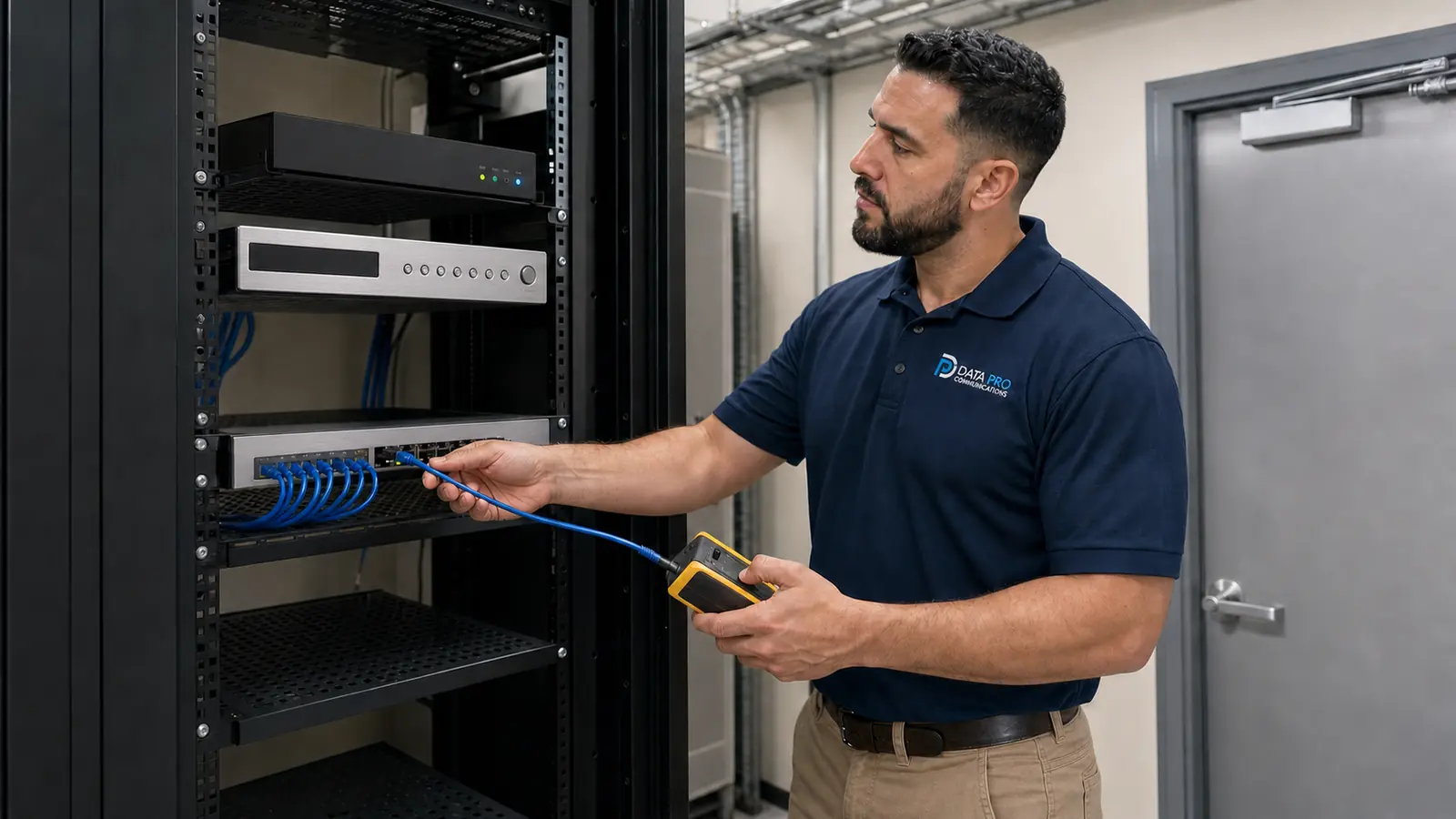
Data Pro Communications technician assessing an existing camera system inside a dedicated equipment room

Existing Camera System Assessment

Inventory installed cameras, recorder or VMS, storage, remote access, switching, cabling and documentation. Identify condition, compatibility, lifecycle and coverage constraints before setting the modernization scope.

Analog-to-IP Migration

Evaluate coax, power, encoders, HD-over-coax, Ethernet and fiber options to determine whether a staged hybrid transition or a direct IP migration best fits the property.

Camera and Resolution Upgrades

Replace priority cameras based on scene requirements, low-light conditions, field of view, usable detail and supported recording architecture rather than megapixel count alone.

Recorder, Storage and VMS Modernization

Review channel capacity, licensing, retention, playback, export, user permissions and platform support when the recording layer limits the current system.

Cabling, PoE and Network Readiness

Test whether existing pathways, copper, fiber, switching, uplinks, power budget, rack layout and labeling can support the planned upgrade.

Phased Replacement and Expansion

Sequence camera, recorder, infrastructure and coverage improvements by building, priority area or operating window while coordinating testing and handoff at each phase.

Upgrade planning for operating properties across Lakeland and Polk County

Lakeland and Polk County include distribution facilities, manufacturing sites, retail properties, hospitality operations, professional offices, healthcare and education environments, multifamily communities and multi-building organizations. These properties often need camera upgrades completed around active operations, controlled access, customer traffic, loading activity and existing infrastructure that cannot be replaced all at once.

A modernization plan can prioritize high-use entrances, parking areas, controlled gates, loading docks, warehouse aisles, public-facing spaces and critical operational views while preserving acceptable coverage during the transition. For multi-site organizations, consistent naming, user permissions, retention standards and documentation can also simplify management after the upgrade.

Selected larger residential properties may also benefit when the project involves professionally planned coverage, multiple cameras, structured cabling, network and PoE coordination, recorder modernization or phased replacement. The primary focus remains commercial and managed-property systems.

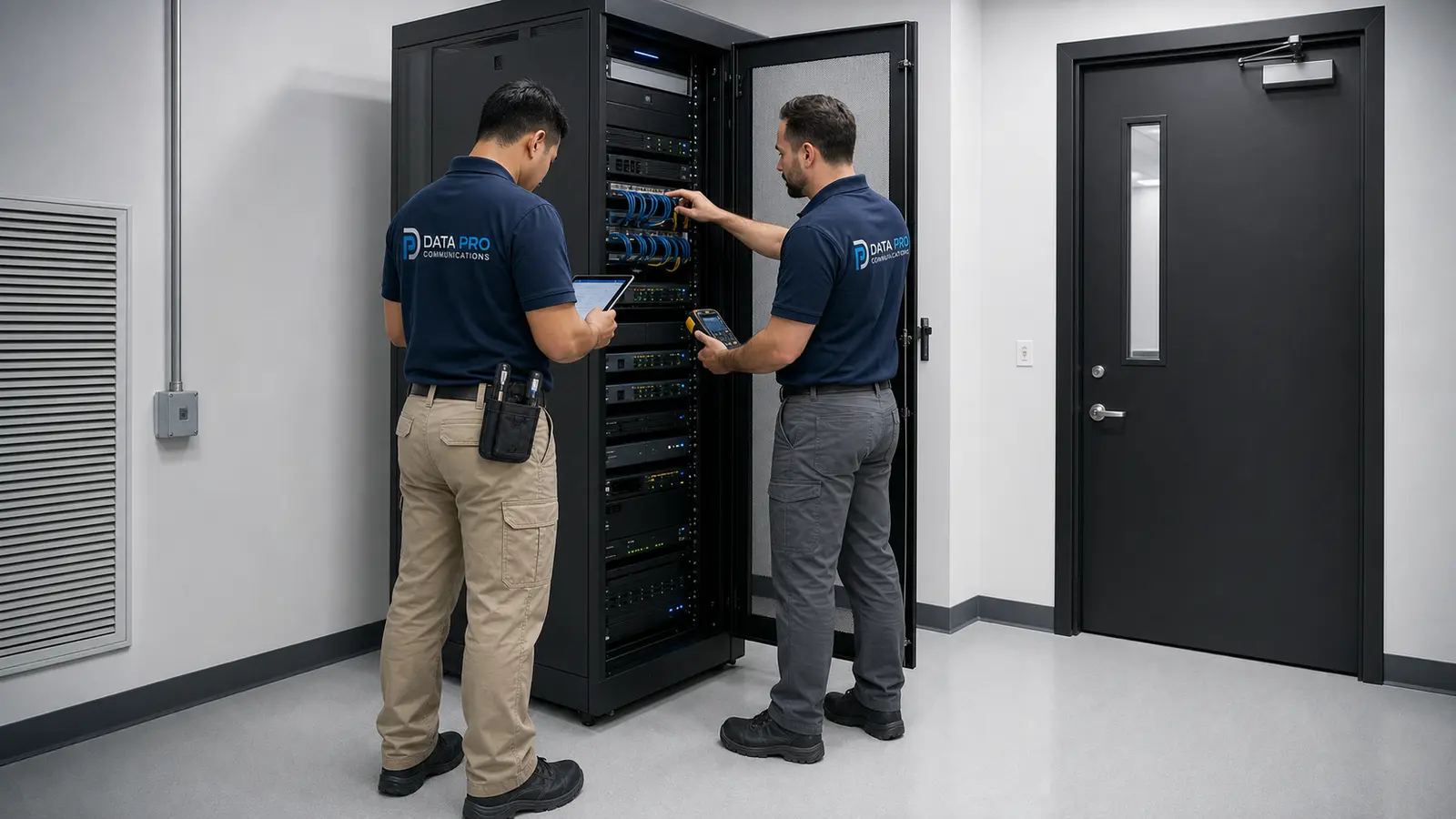
Data Pro Communications technician comparing an existing recorder with a new video appliance inside a dedicated IDF

Security Camera Upgrade Use Cases

Warehouses and Logistics Properties

Modernize dock, yard, gate, aisle and perimeter views while coordinating network capacity, PoE, racks and work around active shipping operations.

Manufacturing and Industrial Sites

Improve coverage around production areas, controlled entrances, equipment zones and exterior circulation without exposing sensitive operational information.

Retail and Hospitality Properties

Upgrade entrances, transaction areas, parking and common spaces with attention to low light, glare, retention and authorized remote access.

Offices and Professional Facilities

Replace outdated cameras, improve entry and parking coverage, organize user permissions and document the final system for authorized administrators.

Healthcare and Education Environments

Plan upgrades around occupied spaces, privacy, controlled access, operational schedules and compliance-sensitive technology decisions.

HOAs, Condominiums and Multifamily Communities

Modernize gates, garages, amenity areas, entrances and shared-property coverage with phased work and clear management handoff.

Parking Areas and Controlled Entrances

Evaluate field of view, lighting, vehicle movement, gate events and the infrastructure required for usable coverage.

Multi-Building and Multi-Site Organizations

Standardize naming, recording, permissions, documentation and priority upgrades across facilities in Polk County.

Security Camera System Upgrade Process

1

Existing-System Review

Document installed cameras, recorder or VMS, storage, network, PoE, cabling, remote access, user accounts, known limitations and available records.

2

Compatibility and Priority Assessment

Evaluate condition, usable views, model support, feature compatibility, infrastructure capacity and the areas that should be addressed first.

3

Upgrade and Phasing Plan

Define what can remain, what should be replaced, whether migration can be phased and how the work will coordinate with property operations and budget priorities.

4

Installation, Migration and Testing

Install approved components, migrate cameras or recording functions, organize infrastructure, test views, recording, playback, export, remote access and authorized permissions.

5

Documentation and User Handoff

Provide updated labels, device and account information, system notes, basic user guidance and records appropriate to the completed scope.

Security Camera System Upgrade FAQs

When should a security camera system be upgraded?

An upgrade should be considered when the system no longer provides usable views, reliable recording, required retention, supported remote access, manageable user permissions or compatibility with current operational needs. Age alone does not make a system obsolete; condition, support status, performance and required features should be reviewed together.

Can existing cameras be reused?

Some cameras may be retained when they are in suitable condition, supported by the selected recorder or VMS and capable of delivering the required view and features. Reuse must be verified by model, protocol, licensing and feature requirements rather than assumed for every camera.

Can existing cabling be reused?

Existing coax, copper or fiber may be reusable when its type, condition, terminations, pathway and test results support the planned equipment. Damaged, undocumented, unsuitable or poorly organized cabling may need repair or replacement before the upgrade can perform reliably.

Can an analog system be upgraded to IP cameras?

Yes, many analog systems can be migrated to IP, but the approach depends on cabling, network capacity, power, recorder compatibility, required downtime and budget. The transition may use new Ethernet cabling, existing pathways, fiber, encoders or other verified methods.

Is a hybrid analog and IP system possible?

A hybrid transition may be possible when the recorder or VMS, licenses, camera models and infrastructure support both technologies. It can help phase a project, but compatibility and long-term support should be confirmed before relying on a mixed system.

Should the recorder or cameras be upgraded first?

The answer depends on the main limitation. A recorder-first upgrade may improve storage, playback, export, management and camera support, while priority camera replacement may be more valuable when critical scenes lack usable detail. The assessment should identify which sequence produces the best operational result.

Will higher-resolution cameras improve image quality?

Higher resolution can provide more detail when the lens, field of view, lighting, mounting position, bandwidth and recording settings support the scene. More megapixels do not automatically create a better image or wider usable coverage, so each view should be designed around its purpose.

Can storage retention be increased during an upgrade?

Yes. Retention can be reviewed by measuring camera count, resolution, frame rate, codec, recording schedule, motion activity and available storage. Increasing retention may require additional drives, a new recorder, revised settings or a different storage architecture.

Can remote viewing be added or modernized?

Remote viewing can often be added or improved, but it may require recorder changes, network configuration, secure account setup, updated applications and permission review. Existing access cannot always be preserved without changes, especially when platforms or ownership credentials are outdated.

Can analytics be added to an existing system?

Analytics may be possible when cameras, recorder or VMS, licenses, processing capacity and scene conditions support the required feature. Compatibility must be verified for the actual models and analytics functions; not every existing system can support analytics without equipment changes.

Can upgrades be completed in phases?

Yes. A phased plan can prioritize critical cameras, unsupported equipment, recording infrastructure, network improvements or selected buildings. Each phase should maintain clear compatibility, testing, documentation and a defined path toward the final system.

Can the system remain operational during an upgrade?

Many projects can preserve partial coverage or use planned changeover windows, but some temporary interruptions may be required for recorder migration, network changes, power work or camera replacement. The implementation plan should identify expected outages and coordinate them with property operations.

What happens to old equipment?

Equipment disposition depends on the approved scope and the property’s requirements. Removed devices can be identified for return, approved disposal, recycling or retention as spares when appropriate. Storage devices and account-bearing equipment should be handled with attention to data and credential security.

How are compatibility and manufacturer support evaluated?

The review considers exact model numbers, firmware, protocols, licenses, supported features, recorder or VMS documentation, manufacturer lifecycle status and project requirements. ONVIF or general protocol support should not be treated as proof that every required feature will work across all devices.

What documentation and training are included?

The completed scope can include device naming, camera locations, rack and cable labels, network or recorder notes, authorized user information, basic operating guidance and test results appropriate to the project. Final deliverables are defined in the proposal and coordinated with the property’s authorized contacts.

Request an existing-system upgrade assessment in Lakeland or Polk County

Start with a review of the cameras, recorder, storage, cabling, network, PoE capacity, remote access and current limitations. Data Pro Communications can develop a selective, phased or complete modernization plan based on compatibility, lifecycle and property operations.