Camera Offline Diagnostics
Identify why one or more cameras are not communicating, including PoE power, switch ports, cable faults, IP conflicts, failed cameras, recorder connection settings, or network changes.
COMMERCIAL CAMERA DIAGNOSTICS
When security cameras go offline, drop video, stop recording, or show unclear images, the problem is not always the camera itself. The issue may be PoE power, a damaged connector, water intrusion, cable loss, switch capacity, IP addressing, NVR settings, storage health, bandwidth, firmware, user permissions, or remote-access configuration.
Data Pro Communications troubleshoots existing commercial camera systems for Lakeland and Polk County businesses, offices, warehouses, industrial sites, retail properties, healthcare and professional spaces, hospitality properties, HOAs, multifamily communities, schools, and selected larger residential projects that require professional low-voltage diagnostics.
The goal is to verify the cause before recommending a repair path. After testing the affected cameras, cabling, network equipment, recorder, storage, viewing software, and remote-access workflow, Data Pro Communications provides practical next steps for repair, replacement, reconfiguration, upgrade, or maintenance planning.
CAMERA TROUBLESHOOTING
Security camera troubleshooting is for properties that already have cameras, a recorder, remote viewing, network equipment, structured cabling, or a mix of older and newer devices, but the system is no longer performing reliably. The work begins with the reported symptom, then follows the signal and power path until the likely cause is verified.
A single offline camera may be caused by a failed camera, but it may also be caused by a bad RJ45 connector, a corroded exterior junction, damaged cable, an overloaded PoE switch, incorrect addressing, changed network equipment, a power budget issue, or a recorder communication problem. Replacing the camera without checking the system path can leave the same failure in place.
For Lakeland businesses and Polk County managed properties, dependable camera coverage often supports entrances, loading docks, truck courts, parking areas, warehouses, office interiors, retail aisles, service counters, gates, lobbies, package rooms, amenities, equipment zones, and exterior approaches. Troubleshooting should protect that operational visibility while avoiding unnecessary replacement whenever a targeted repair can restore useful performance.
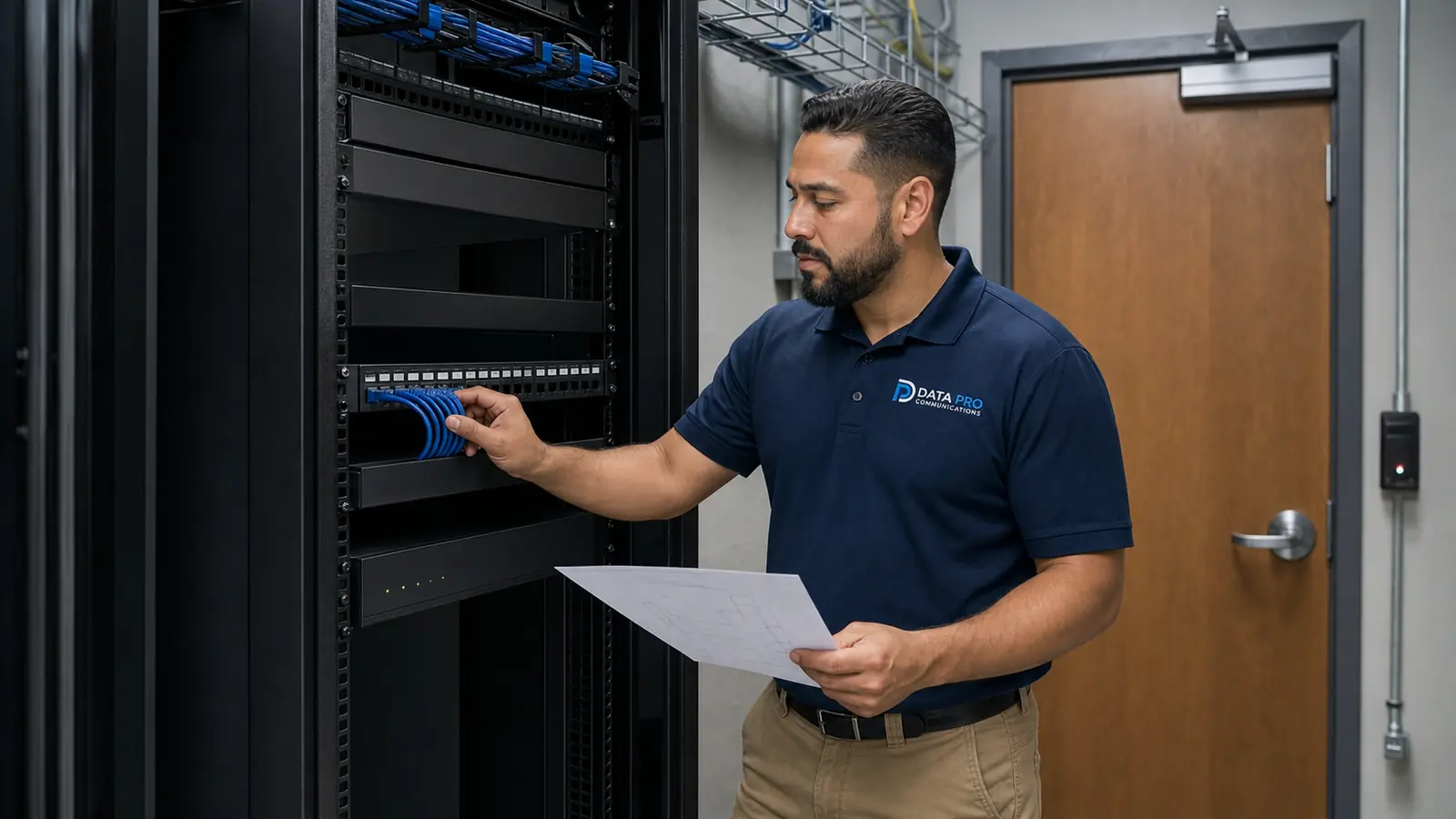
Identify why one or more cameras are not communicating, including PoE power, switch ports, cable faults, IP conflicts, failed cameras, recorder connection settings, or network changes.
Review unstable video, random disconnections, delayed live view, packet loss symptoms, overloaded network paths, loose terminations, environmental exposure, and switch or recorder resource limits.
Evaluate the physical path that supports each camera, including cable condition, terminations, patch cords, junction points, PoE budget, exterior housings, and equipment-room organization.
Check recording schedules, channel status, storage health, retention settings, time synchronization, stream profiles, camera credentials, and whether the recorder has enough resources for the system.
Troubleshoot app access, browser access, user permissions, cloud or DDNS settings, firewall changes, router replacement, port-forwarding changes, and multi-user viewing workflows.
Review blurry video, glare, low-light performance, focus, lens obstruction, camera angle, compression settings, bitrate, resolution, dirty domes, IR reflection, and weather exposure.
LAKELAND SYSTEM CONDITIONS
Lakeland sits in a Central Florida business corridor with a strong mix of logistics, distribution, warehousing, manufacturing, healthcare, education, retail, hospitality, downtown business, municipal, multifamily, and managed-property environments. Camera systems in these settings often work harder than a small consumer setup because they must support longer cable paths, larger network closets, multiple users, retention expectations, exterior exposure, and changing tenant or staff workflows.
Warehouse and distribution properties around Lakeland and the broader Polk County I-4 corridor may need troubleshooting for truck courts, loading doors, dock areas, inventory aisles, access gates, employee entrances, and long exterior views. Problems may appear as dropped cameras, poor night images, latency, incomplete recording, or coverage that no longer matches how the property operates.
Downtown Lakeland offices, professional spaces, retail centers, clinics, hospitality properties, schools, and managed communities may face a different set of issues: older cabling, mixed manufacturers, remodels that moved network gear, staff turnover that affected logins, recorder settings nobody documented, or remote viewing that stopped after an internet or router change.
Data Pro Communications uses the service request to understand the property type, the symptom, the equipment involved, and the operational priority. The troubleshooting recommendation may be a focused repair, cable re-termination, switch replacement, recorder setting correction, storage replacement, camera replacement, firmware or credential cleanup, or a broader upgrade plan when the existing system is no longer practical to support.
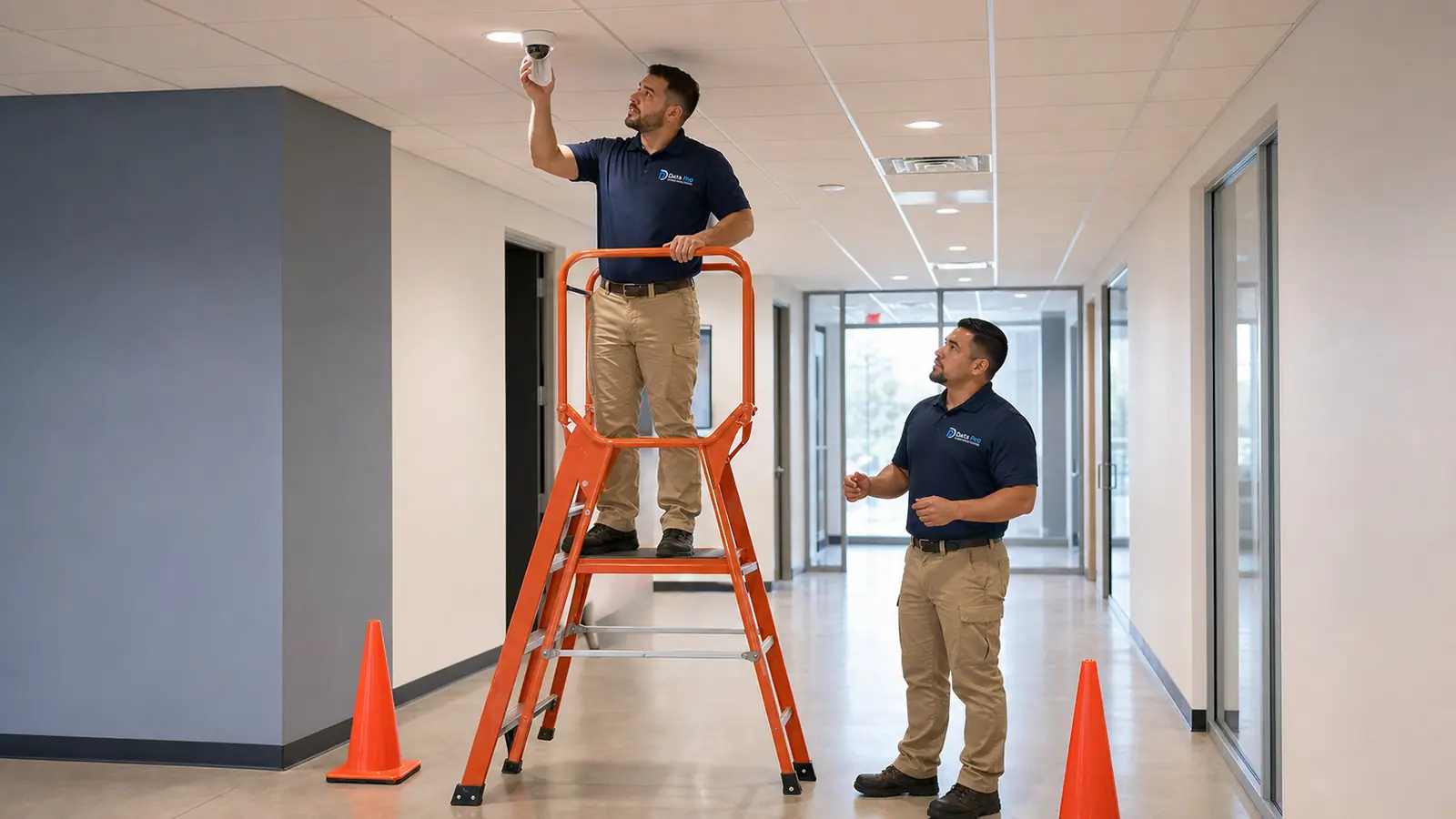
Diagnose offline dock cameras, intermittent truck-court views, PoE overloads, long cable runs, switch problems, recording gaps, and remote-review issues in high-activity facilities.
Resolve lobby, hallway, parking, and access-point camera issues caused by network changes, older terminations, user permission problems, NVR configuration, or unclear handoff documentation.
Troubleshoot point-of-sale-adjacent views, customer paths, back-of-house areas, exterior cameras, storage retention, app access, and image-quality problems that affect daily operations.
Review camera communication, recorder health, user roles, network separation, viewing access, and documentation for properties where uptime, privacy-aware placement, and clear workflows matter.
Evaluate gates, package rooms, leasing offices, parking, amenities, pool areas, and common-space cameras when outages, poor night visibility, remote-access trouble, or recorder gaps appear.
Support larger homes and estates when the system involves multiple cameras, structured cabling, PoE networking, remote viewing, gates, intercoms, or other professional low-voltage coordination.
Collect the reported problem, affected camera locations, property type, system age, viewing method, known manufacturers, recent network changes, and whether the issue affects live view, playback, remote access, or recording.
Inspect the visible system path as appropriate, including cameras, terminations, cable routes, PoE power, switches, recorder channels, storage status, software, network settings, and user access.
Explain what was verified and recommend a practical next step, which may include re-termination, cabling correction, power or switch changes, camera replacement, recorder/storage work, configuration cleanup, or upgrade planning.
Provide the property contact with clear notes about the issue, affected equipment, recommended repair or replacement, and any maintenance or documentation steps that would reduce recurring failures.
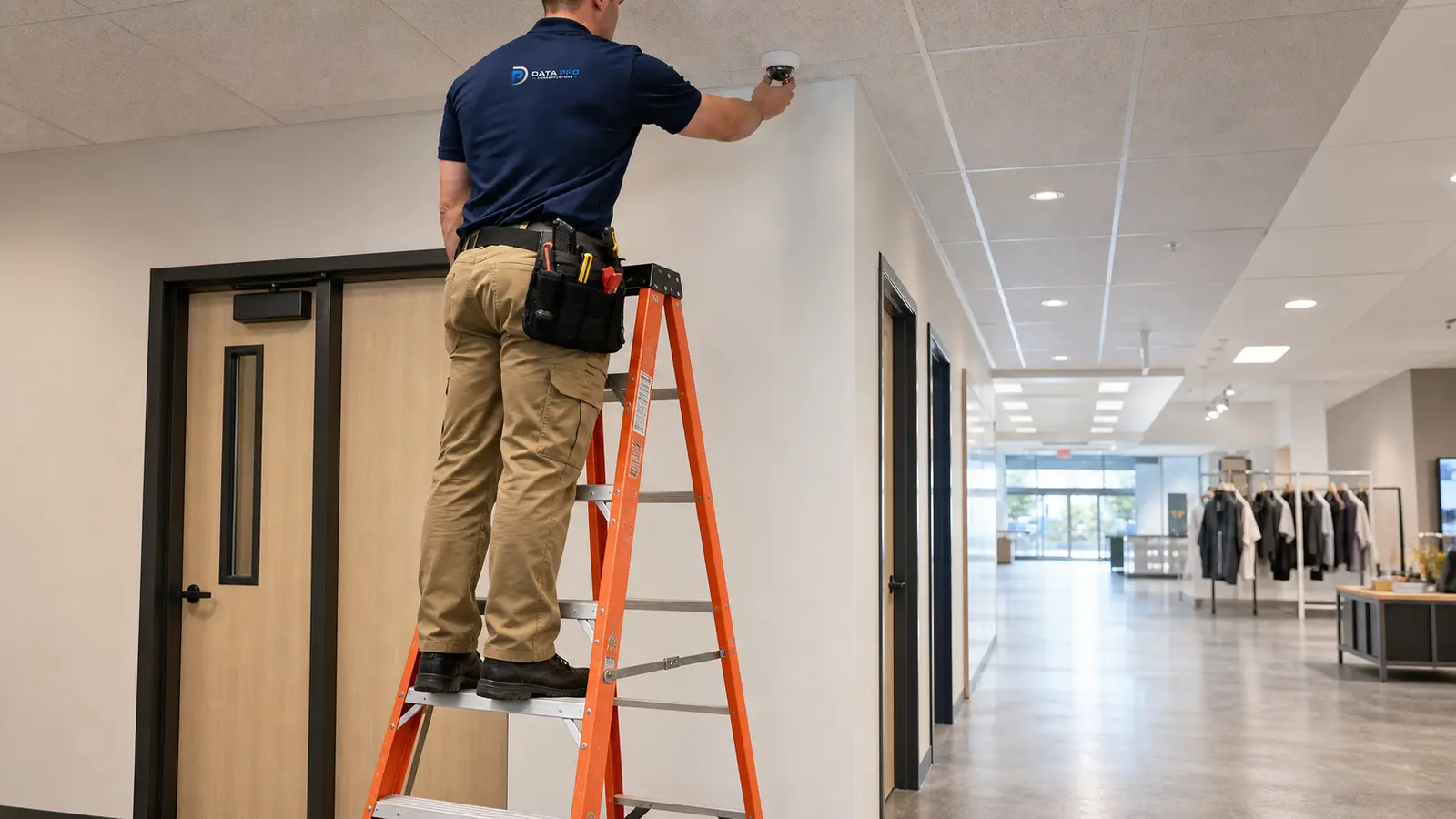
Use when troubleshooting shows a new camera system or additional cameras are the right next step.
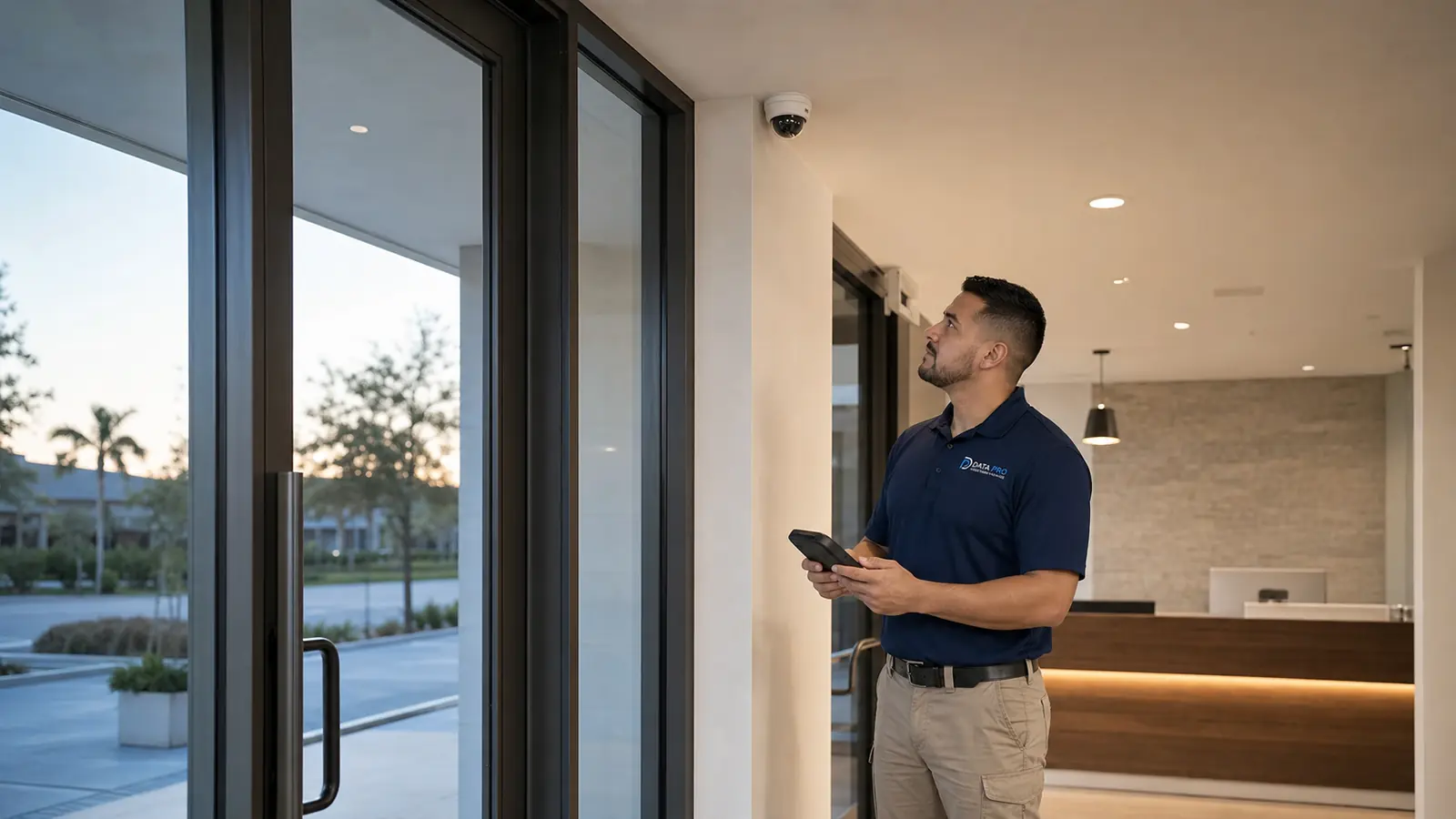
Use for commercial camera coverage planning, replacement, or new CCTV/IP surveillance installation.
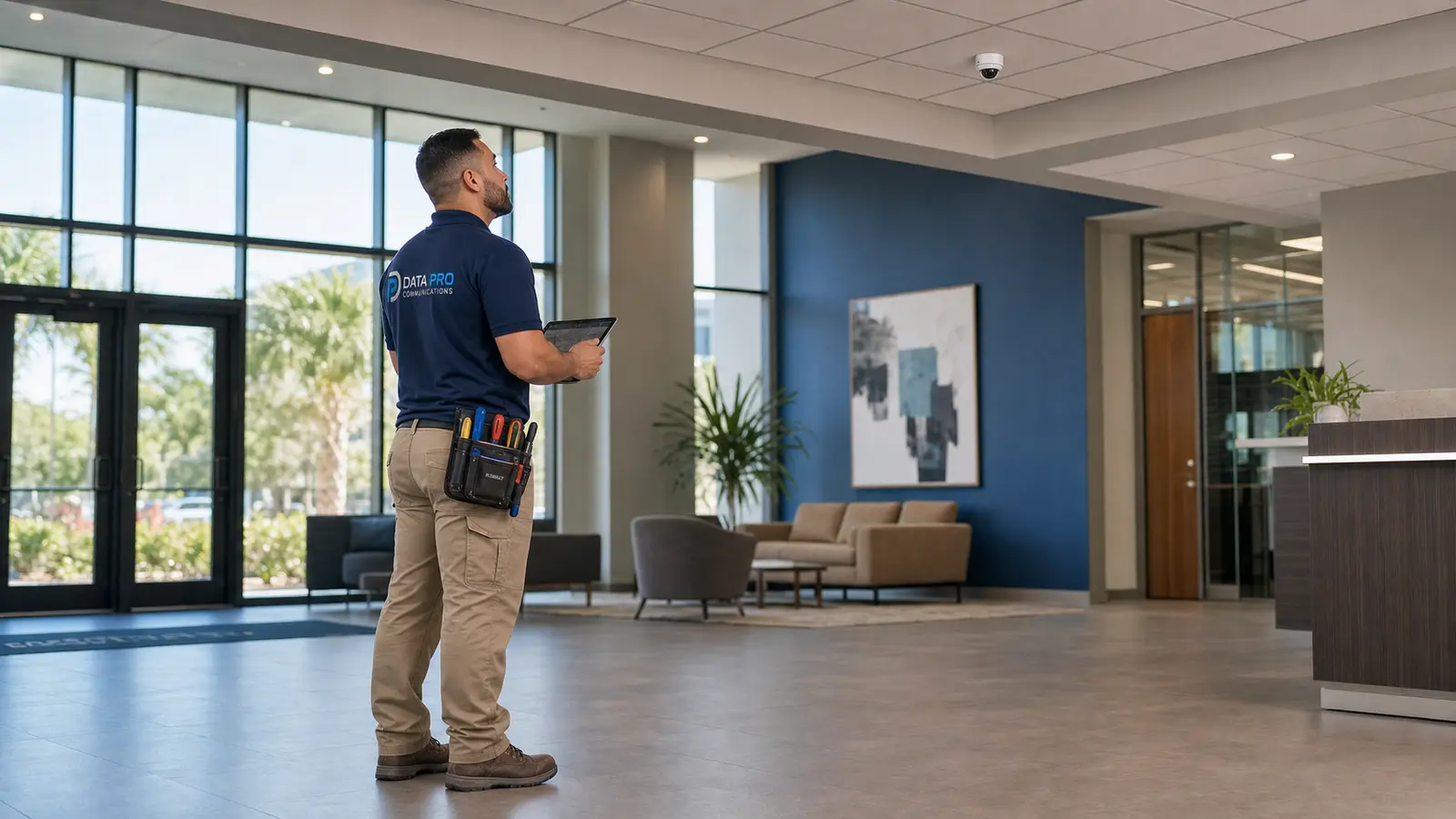
Use when the system needs modern IP camera planning, network video design, or improved camera communication.
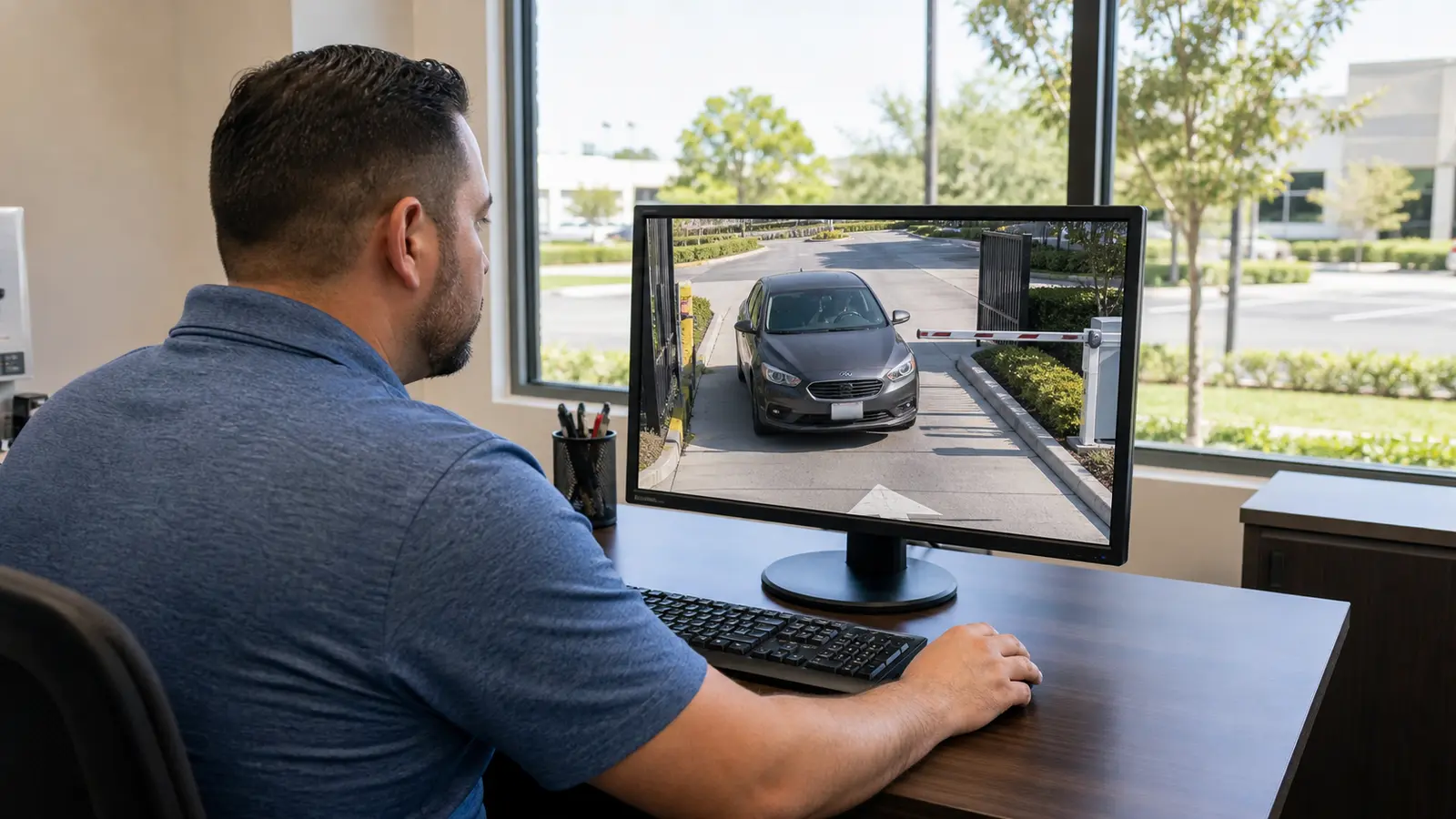
Use when recorder, storage, playback, app access, cloud/DDNS, or user-viewing workflow is the dominant issue.
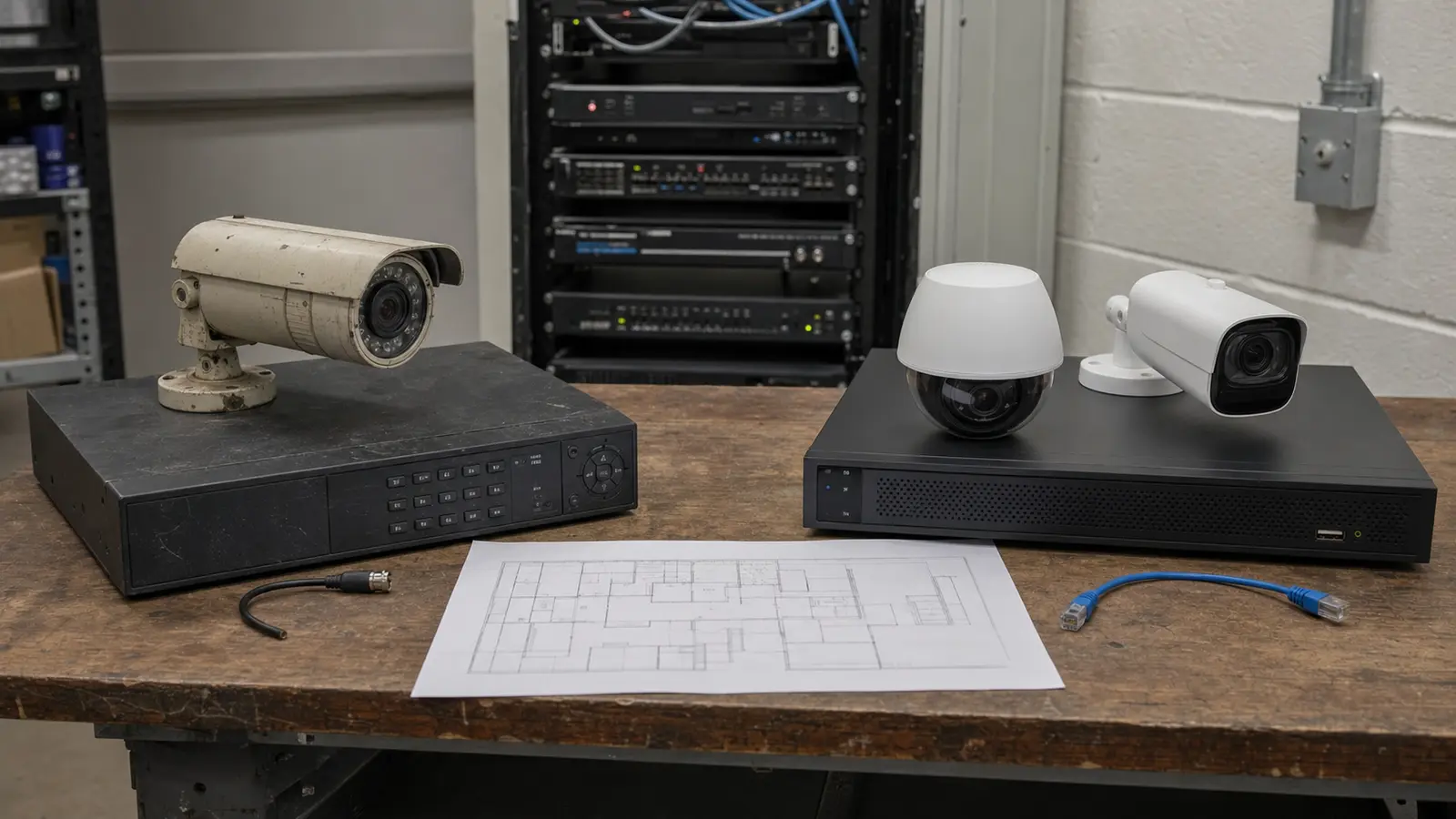
Use when verified findings show outdated equipment, failing recorders, insufficient resolution, or expansion limits.
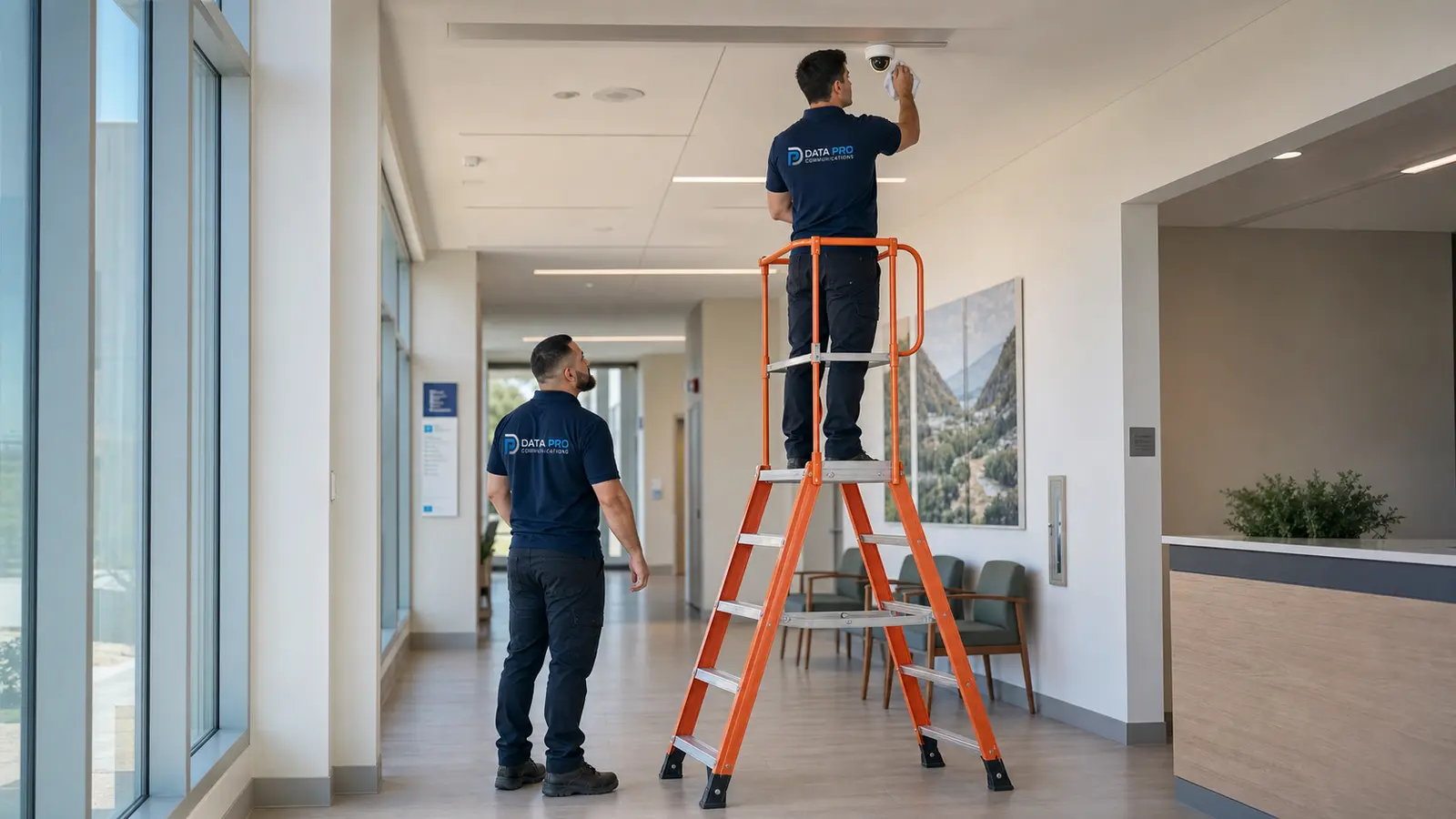
Use when the issue is recurring and the property needs scheduled maintenance, documentation, and periodic review.
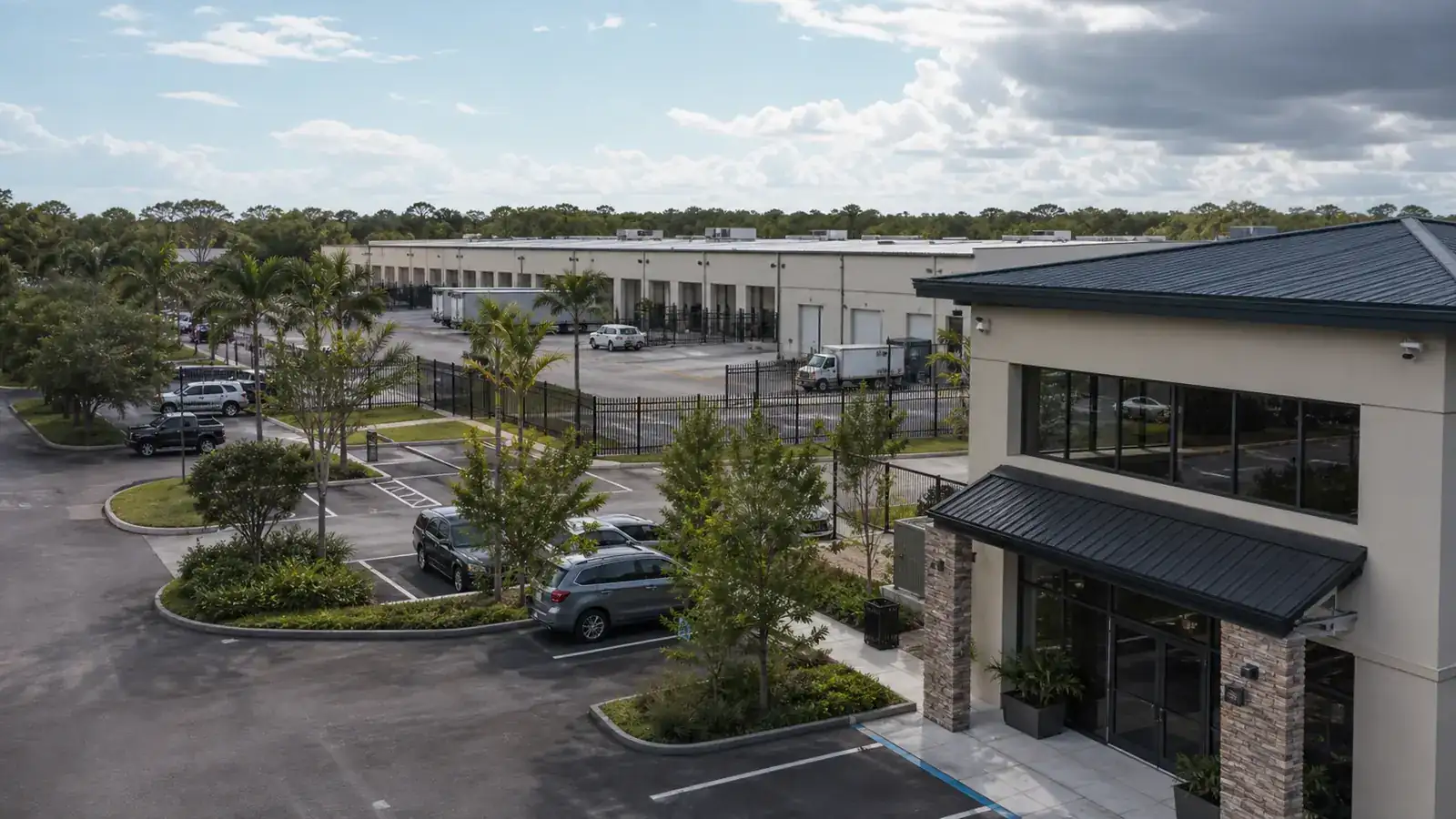
Commercial buildings, offices, retail spaces, hospitality, healthcare, managed properties, and multi-site organizations.
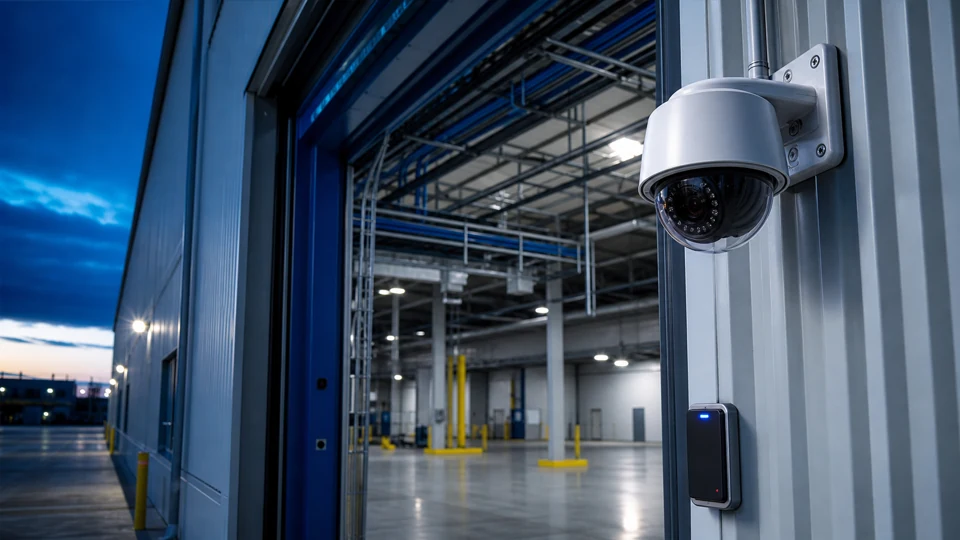
Industrial, manufacturing, logistics, warehouse, yard, dock, and equipment-area camera troubleshooting needs.
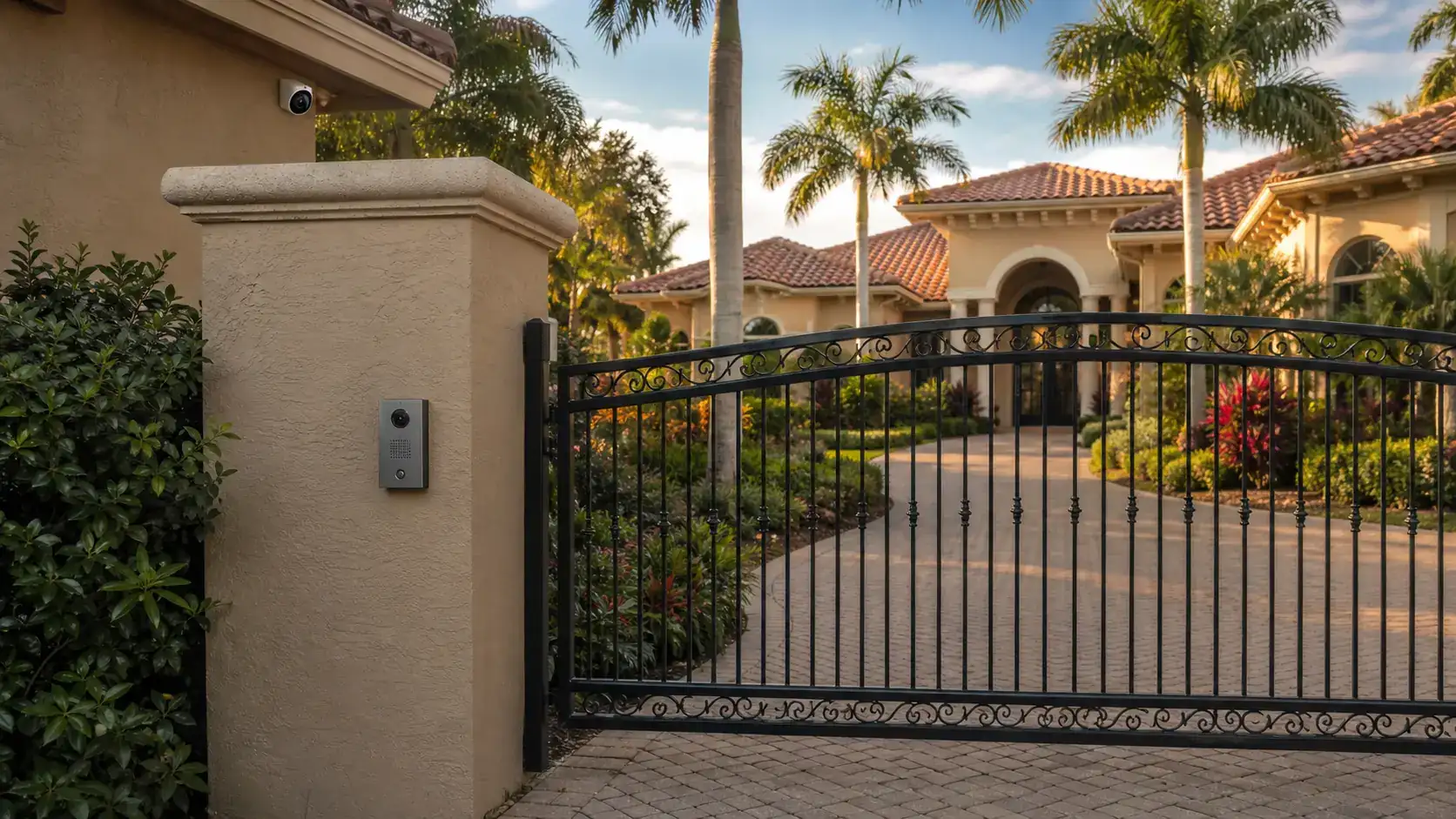
Selected larger residential camera systems that require professional cabling, networking, and remote-access coordination.

Commercial security cameras may go offline because of PoE power loss, a failed switch port, a loose or corroded connector, damaged cable, IP address conflicts, firmware issues, recorder communication problems, or network equipment changes. Troubleshooting should test the camera and the path that supports it before assuming the camera itself has failed.
Yes. Data Pro Communications can evaluate existing commercial camera systems from multiple manufacturers and prior installers. The diagnostic process focuses on the current symptom, equipment condition, cabling, network path, recorder, storage, and configuration before recommending repair, replacement, or upgrade options.
Intermittent video can come from weak terminations, moisture in exterior connections, cable damage, overloaded PoE switches, bandwidth limits, packet loss, failing cameras, recorder resource limits, or unstable network equipment. The pattern of the dropout helps determine whether the issue is physical, electrical, network-related, or recorder-related.
A powered camera may still fail to display if the NVR cannot authenticate, the IP address changed, the camera is on a different network, the stream settings are incompatible, the recorder channel is misconfigured, or the camera is sending video through a path the recorder cannot reach.
Sometimes. Recording gaps may be caused by storage failure, full or degraded hard drives, incorrect recording schedules, motion settings, time synchronization problems, camera stream changes, network interruptions, or NVR/VMS resource limits. If the storage device or recorder is failing, replacement may be recommended after verification.
Remote viewing often depends on router, firewall, cloud, DDNS, port-forwarding, app, or user-permission settings. When an ISP gateway, firewall, router, or network address changes, the cameras may still record locally while mobile or browser access stops working.
Yes. Blurry video, glare, nighttime washout, IR reflection, incorrect focus, dirty domes, low bitrate, wrong resolution, poor camera angle, lens obstruction, and difficult lighting can all affect image quality. Some issues can be corrected with cleaning, adjustment, settings, or lighting review, while others require camera replacement or repositioning.
No. Many camera problems are caused by cabling, connectors, PoE power, switch ports, recorder settings, network configuration, or storage. Replacement is recommended only when testing supports that path or when the existing equipment is no longer practical to maintain.
Provide the property location, number of affected cameras, whether the problem affects live view or playback, the recorder or app type if known, any recent internet or network changes, and examples of when the issue occurs. Photos of the NVR, switch, camera view, or error screen may also help during intake.
Yes. Warehouses, industrial sites, logistics facilities, yards, loading docks, and truck courts often involve longer cable paths, exterior cameras, PoE switches, and multiple viewing points. Troubleshooting can address camera dropouts, recording gaps, poor night images, switch issues, and remote-review problems.
If the camera problem involves related low-voltage systems, Data Pro Communications can review how cameras interact with access control, gates, intercoms, network equipment, or remote viewing. The handoff should clearly identify which system is failing and which related systems may affect the repair path.
Yes, when the property has a professional-style system with multiple cameras, structured cabling, PoE networking, remote access, gates, intercoms, or other integrated low-voltage needs.
The property contact should receive practical findings and recommended next steps. Depending on the verified issue, recommendations may include repair, re-termination, cable correction, switch or PoE changes, recorder or storage work, camera replacement, remote-access configuration, maintenance, or an upgrade plan.
Troubleshooting responds to a specific problem, such as offline cameras, missing recordings, poor image quality, latency, or remote-access failure. Maintenance is a planned review of the system to reduce future issues, check cleanliness, inspect connections, review storage, update documentation, and identify aging components.
READY TO VERIFY THE ISSUE?
If cameras are offline, video is intermittent, recordings are missing, images are unclear, or remote access no longer works, Data Pro Communications can review the existing system and recommend the next repair path based on verified findings.