Camera Cleaning and Visual Inspection
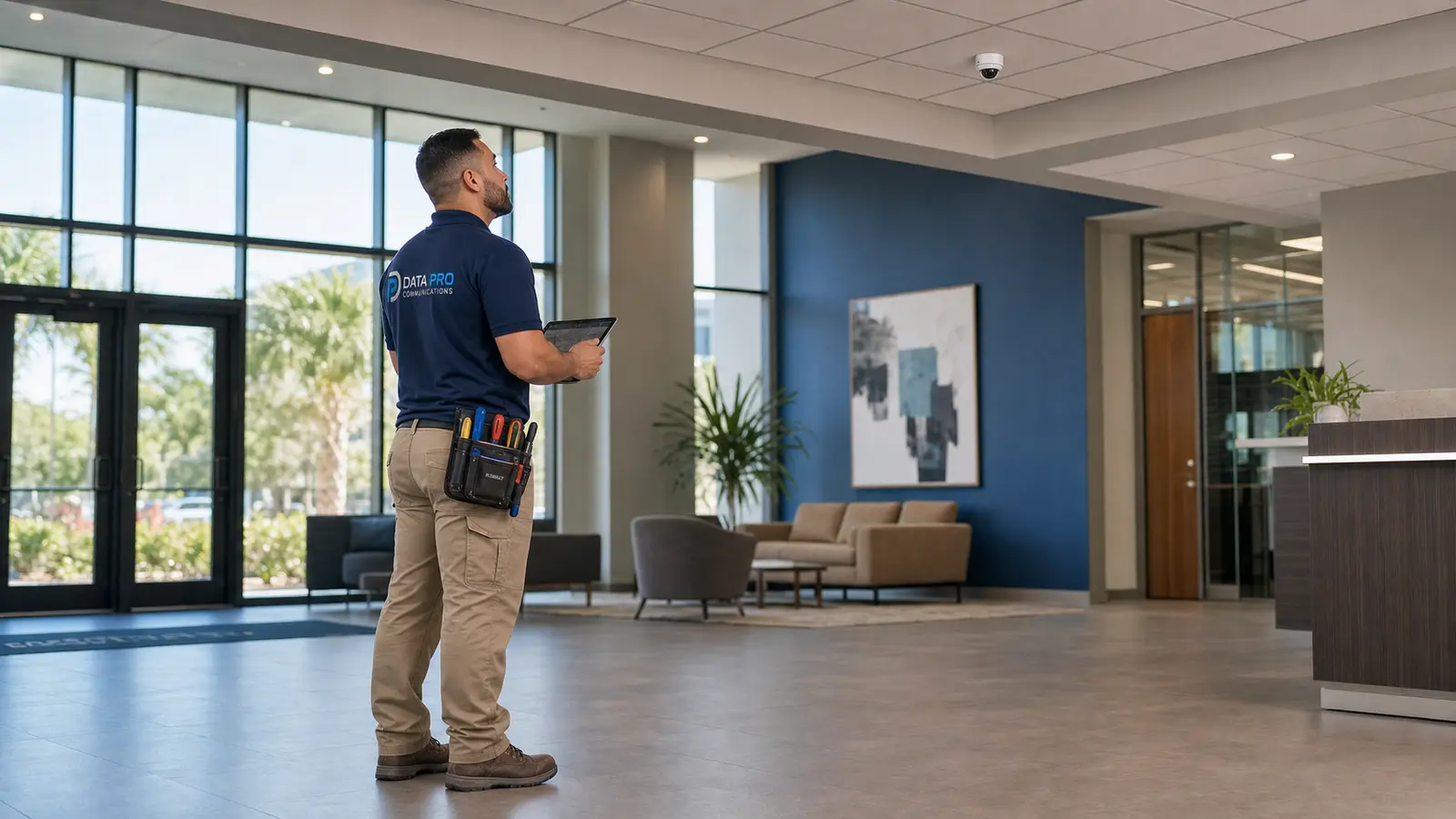
Review accessible cameras for dirt, dust, lens obstruction, dome haze, spider webs, moisture indicators, housing condition, mounting stability, environmental exposure, and field-of-view changes.
PLANNED COMMERCIAL CAMERA CARE
Commercial camera systems need more than a picture on the screen. Over time, dust, weather exposure, loose terminations, aging power equipment, storage wear, undocumented settings, outdated user access, and changes to the property network can reduce system reliability and make future service more difficult.
Data Pro Communications provides planned security camera service and preventive maintenance for Lakeland and Polk County warehouses, logistics facilities, industrial properties, offices, retail and hospitality sites, healthcare and professional spaces, schools, multifamily communities, HOAs, multi-building properties, and selected larger residential systems that require professional low-voltage coordination.
A maintenance visit is built around the installed system and the property’s operating needs. Appropriate work may include reviewing camera availability and image quality, cleaning accessible lenses and domes, inspecting housings and mounts, checking visible cabling and PoE conditions, reviewing recorder and storage status, confirming remote access, updating labels and records, and documenting recommendations based on observed condition.
Security camera service and maintenance is for properties that already have cameras, recorders, viewing software, network equipment, structured cabling, and user-access workflows that should be reviewed on a planned basis. The purpose is to check condition, visibility, recording, access, labeling, and documentation before small issues become harder to isolate or manage.
A maintenance scope may be narrow or broad. A smaller office may need an annual camera and recorder review. A warehouse, multifamily community, hotel, industrial property, or multi-building site may need recurring inspections that consider exterior exposure, truck courts, loading areas, parking, gates, common spaces, long cable paths, multiple network rooms, several users, and changing operational priorities.
Appropriate tasks may include reviewing camera availability, checking image clarity and field of view, cleaning accessible lenses and domes, inspecting housings and mounts, reviewing visible cabling and terminations, checking PoE switches and power conditions, reviewing NVR or VMS storage status, checking recording schedules and retention settings, confirming time synchronization, reviewing remote access and permissions, verifying camera names and labels, and updating system records.
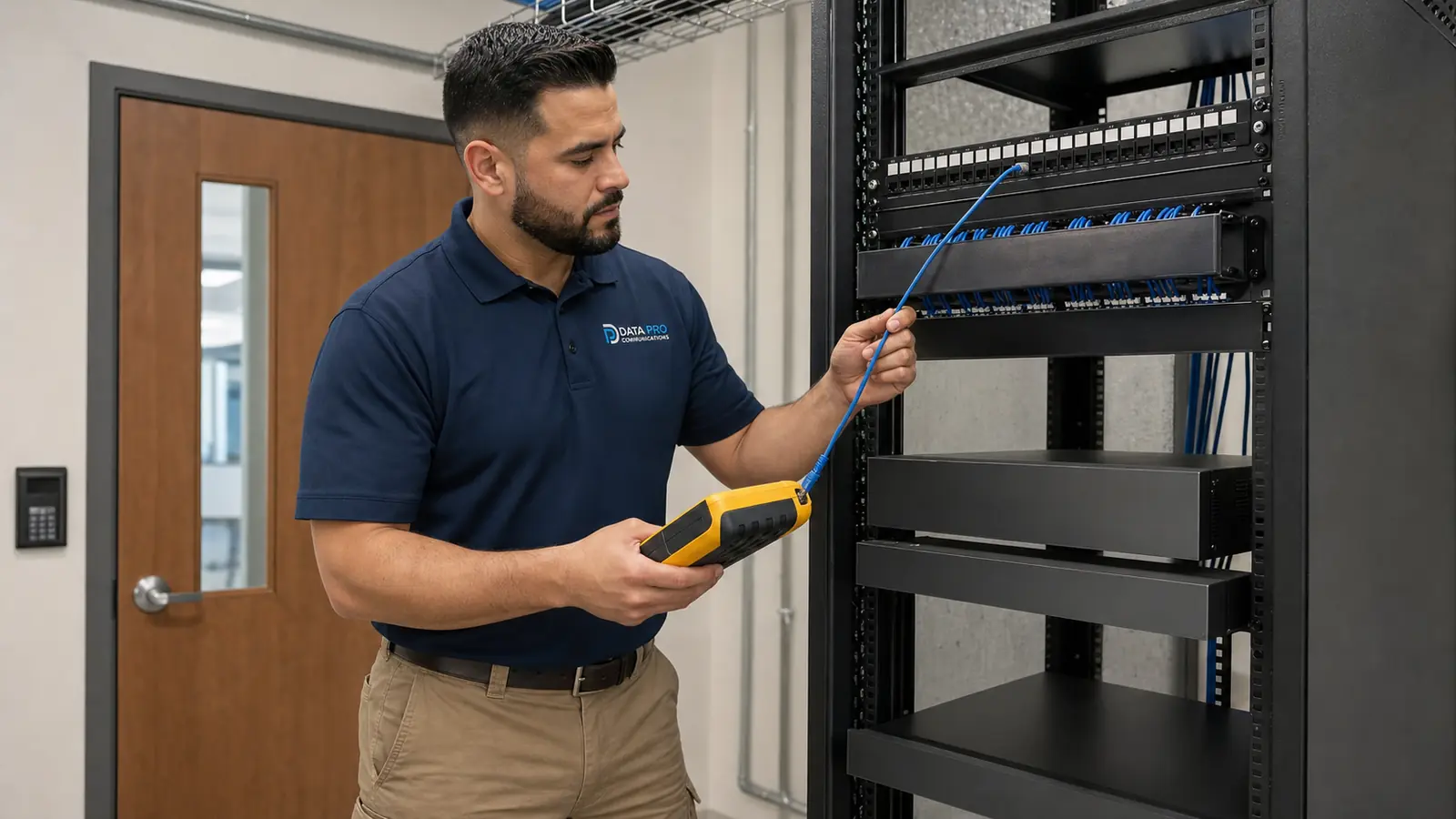
Review accessible cameras for dirt, dust, lens obstruction, dome haze, spider webs, moisture indicators, housing condition, mounting stability, environmental exposure, and field-of-view changes.
Check live images for focus, glare, infrared reflection, low-light performance, compression artifacts, framing, camera angle, blind spots created by property changes, and views that no longer match operational needs.
Inspect visible cabling, terminations, patch cords, junction points, labels, switch ports, PoE power conditions, and equipment-room organization where included and safely accessible.
Review channel status, recording schedules, storage health indicators, retention settings, playback, time synchronization, stream settings, and available recorder resources without promising a specific retention duration.
Confirm approved users can access the system as intended, review account permissions, identify outdated access, check mobile or browser viewing, and document changes needed after staff, router, firewall, or internet-service updates.
Verify camera names, locations, labels, network references, recorder information, and system notes; document observed concerns and recommend future cleaning, repair, troubleshooting, replacement, or recurring review as appropriate.
Lakeland and Polk County properties operate in different camera environments. Warehouses and distribution facilities along the I-4 corridor may have exterior cameras exposed to heat, rain, dust, vehicle activity, vibration, and long cable paths. Industrial and manufacturing properties may have equipment zones, yards, loading areas, controlled entrances, and network rooms that require organized records and periodic review.
Downtown Lakeland offices, professional buildings, retail centers, hospitality properties, clinics, schools, and institutional spaces may have cameras installed during different phases, multiple generations of equipment, changing user accounts, and remote-viewing settings that were not fully documented after staff or network changes.
Multifamily communities, HOAs, and managed properties often rely on camera views across gates, parking, package rooms, leasing offices, amenities, pool areas, mail locations, and building approaches. Maintenance can help property managers understand which views remain useful, which devices need cleaning or adjustment, where labels are missing, and where separate repair or troubleshooting should be scheduled.
For multi-building and multi-site organizations, a recurring service plan can standardize inspection notes, camera naming, user-access review, recorder checks, and recommendations across properties. The plan should reflect the installed equipment and the business’s priorities rather than assuming the same checklist fits every site.
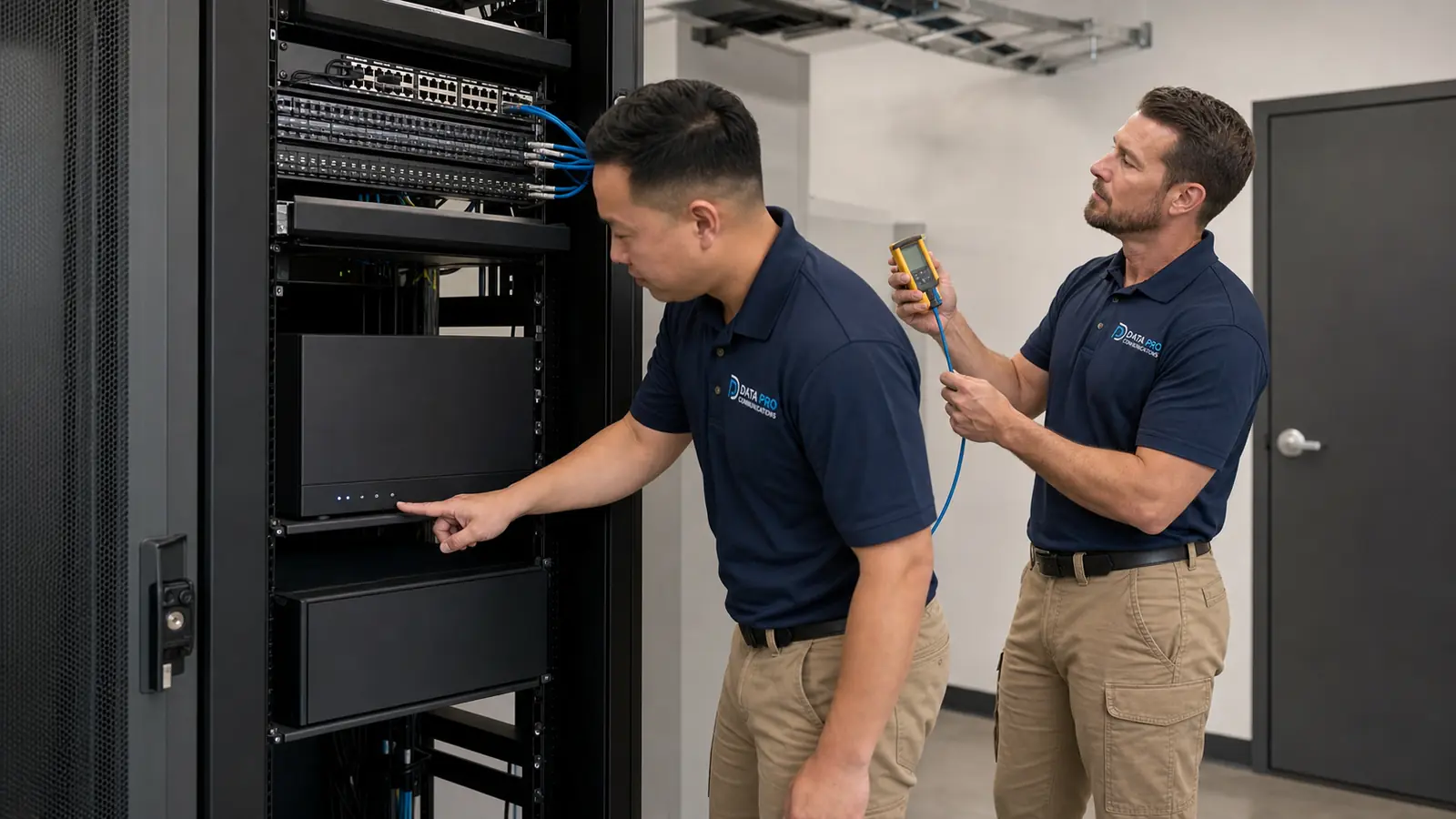
Planned review for dock cameras, truck courts, yards, inventory aisles, gates, long exterior views, PoE switching, recorder status, image quality, and equipment-room documentation.
Inspect cameras around production areas, equipment zones, entrances, yards, loading areas, and controlled spaces while documenting environmental exposure, mounting condition, labels, and system status.
Review lobby, hallway, parking, elevator-area, entrance, and shared-space cameras; confirm approved user access, image quality, recording, labels, and documentation after staff or network changes.
Maintain customer, guest, patient, staff, public-area, service, corridor, and exterior views through planned cleaning, image review, recorder checks, access review, and documented recommendations.
Review gates, leasing offices, parking, package rooms, amenities, common areas, pool approaches, and multi-building camera systems for condition, visibility, recording, access, and documentation.
Coordinate recurring review across multiple properties or professionally installed larger residential systems that include structured cabling, PoE networking, remote access, gates, intercoms, or integrated low-voltage equipment.
Confirm the property type, camera count, installed manufacturers where known, operating priorities, current documentation, access needs, maintenance history, and whether the request is for a one-time review or recurring service.
Define which cameras, equipment rooms, recorders, switches, user accounts, documents, and accessible components are included. Confirm access, safety, lift, after-hours, tenant, and site-coordination requirements before the visit.
Perform the agreed maintenance tasks, which may include accessible camera cleaning, visual inspection, image review, visible cabling and PoE checks, recorder and storage review, playback and time checks, remote-access verification, labeling, and documentation updates.
Document observed conditions, identify items that need separate troubleshooting, repair, replacement, or upgrade work, and recommend an appropriate next review interval based on the property and system condition without guaranteeing uptime or failure prevention.
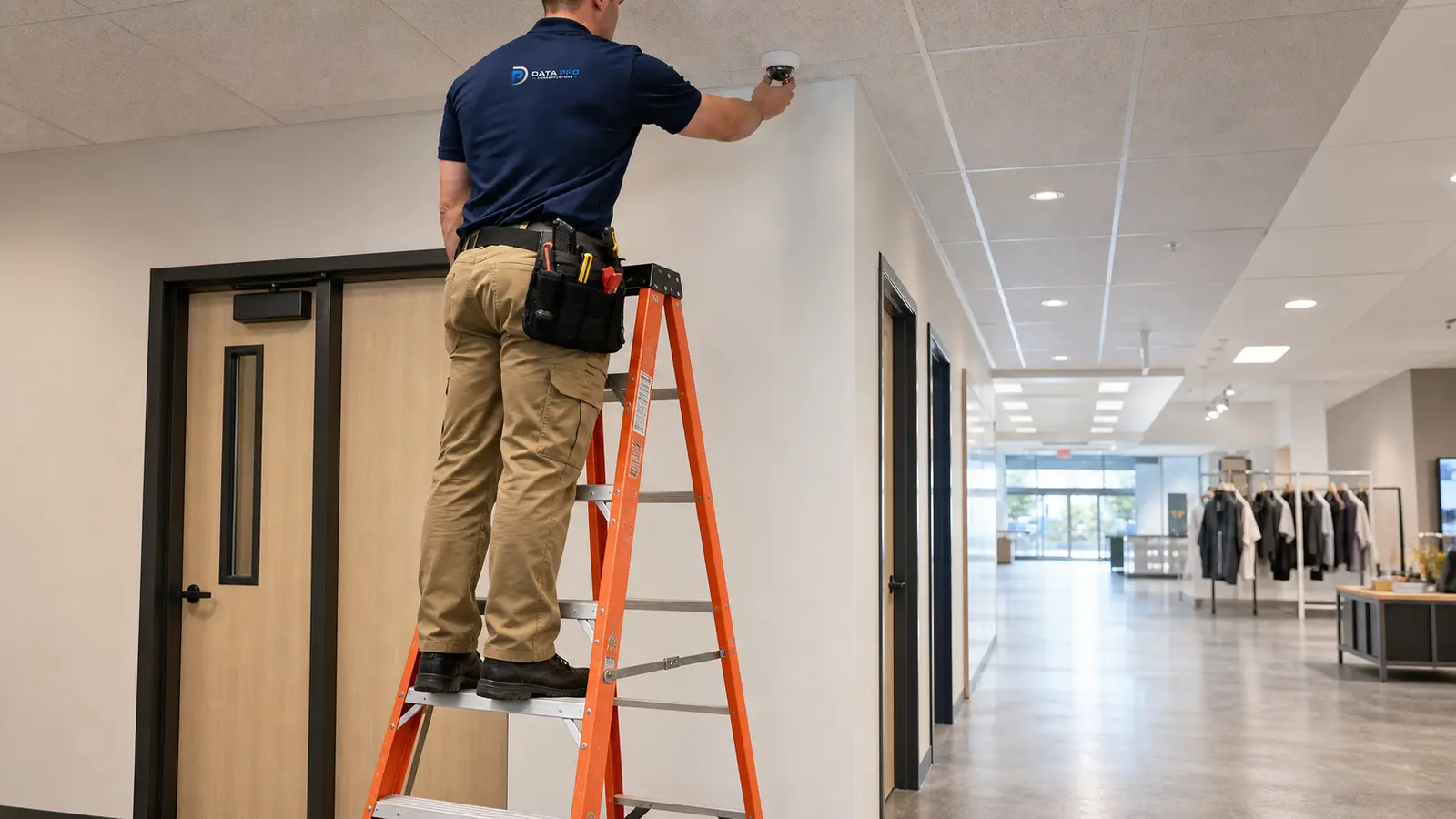
Use when maintenance shows that a new camera system or additional cameras are needed.
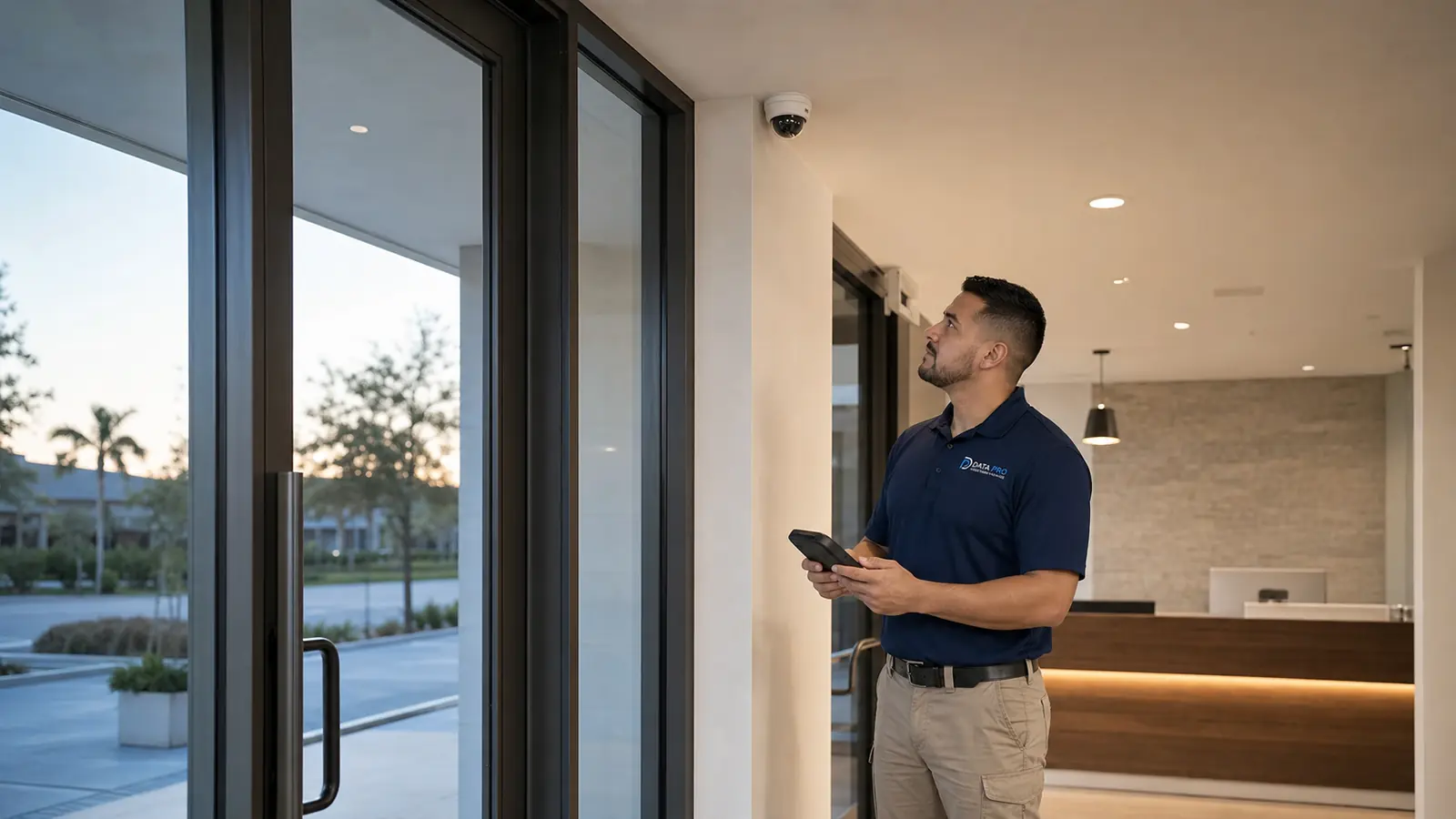
Use when the property needs commercial coverage planning or a new CCTV/IP installation.
Use when the system requires modern IP camera design, network video planning, or implementation.
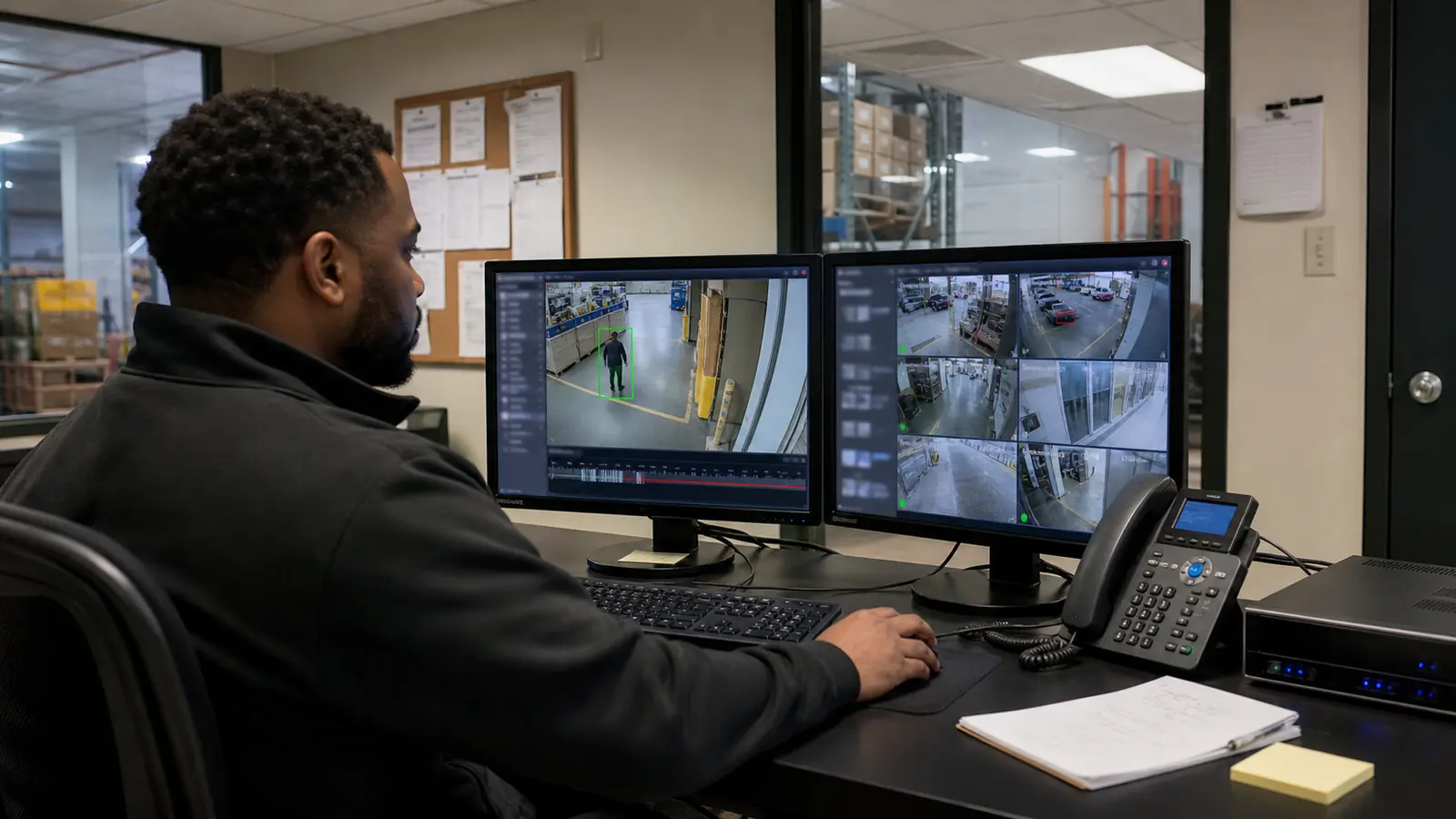
Use when the property needs analytics, intelligent events, search features, or operational video use cases.
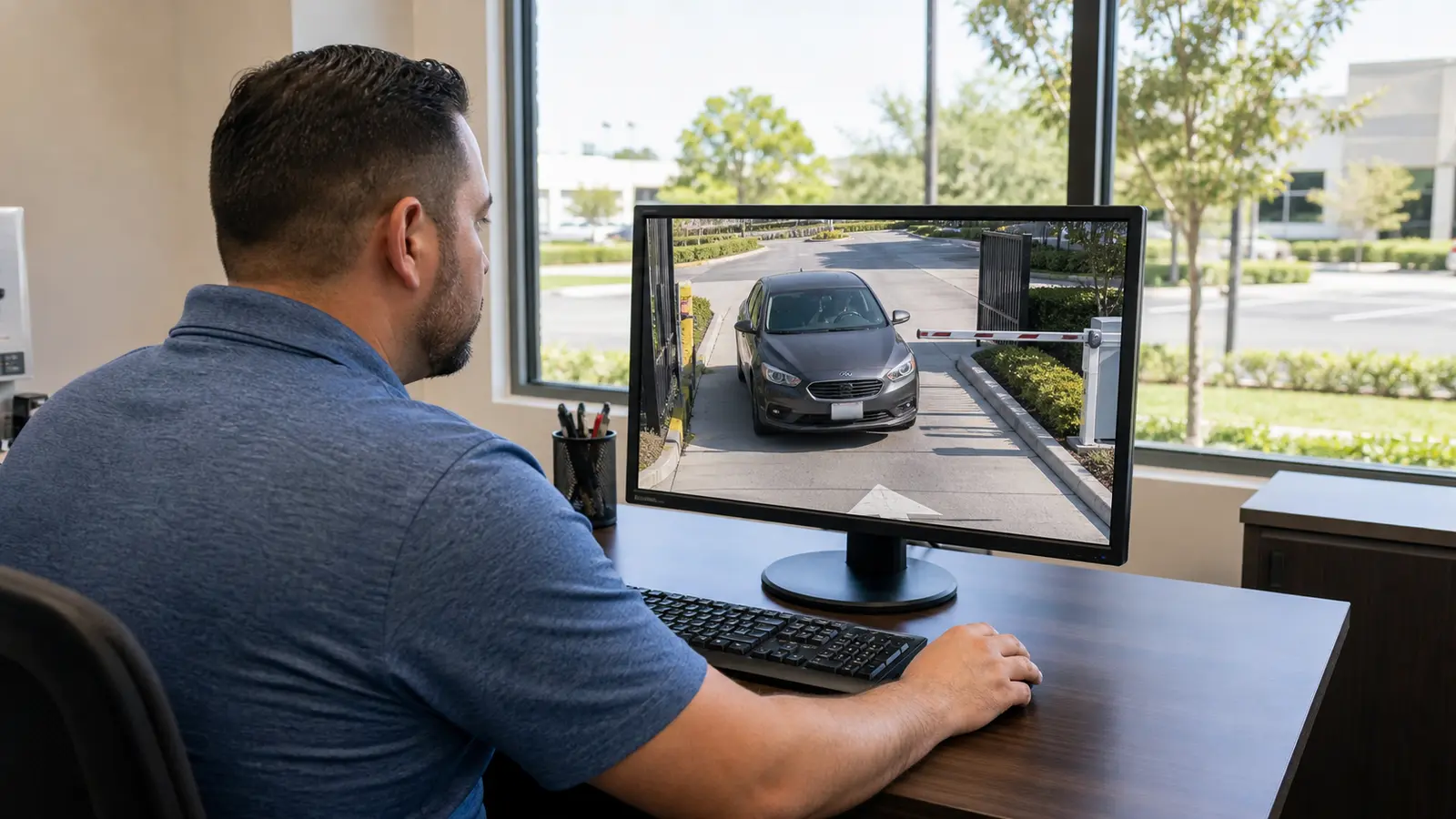
Use when recorder, storage, playback, retention planning, or remote-viewing design is the dominant need.
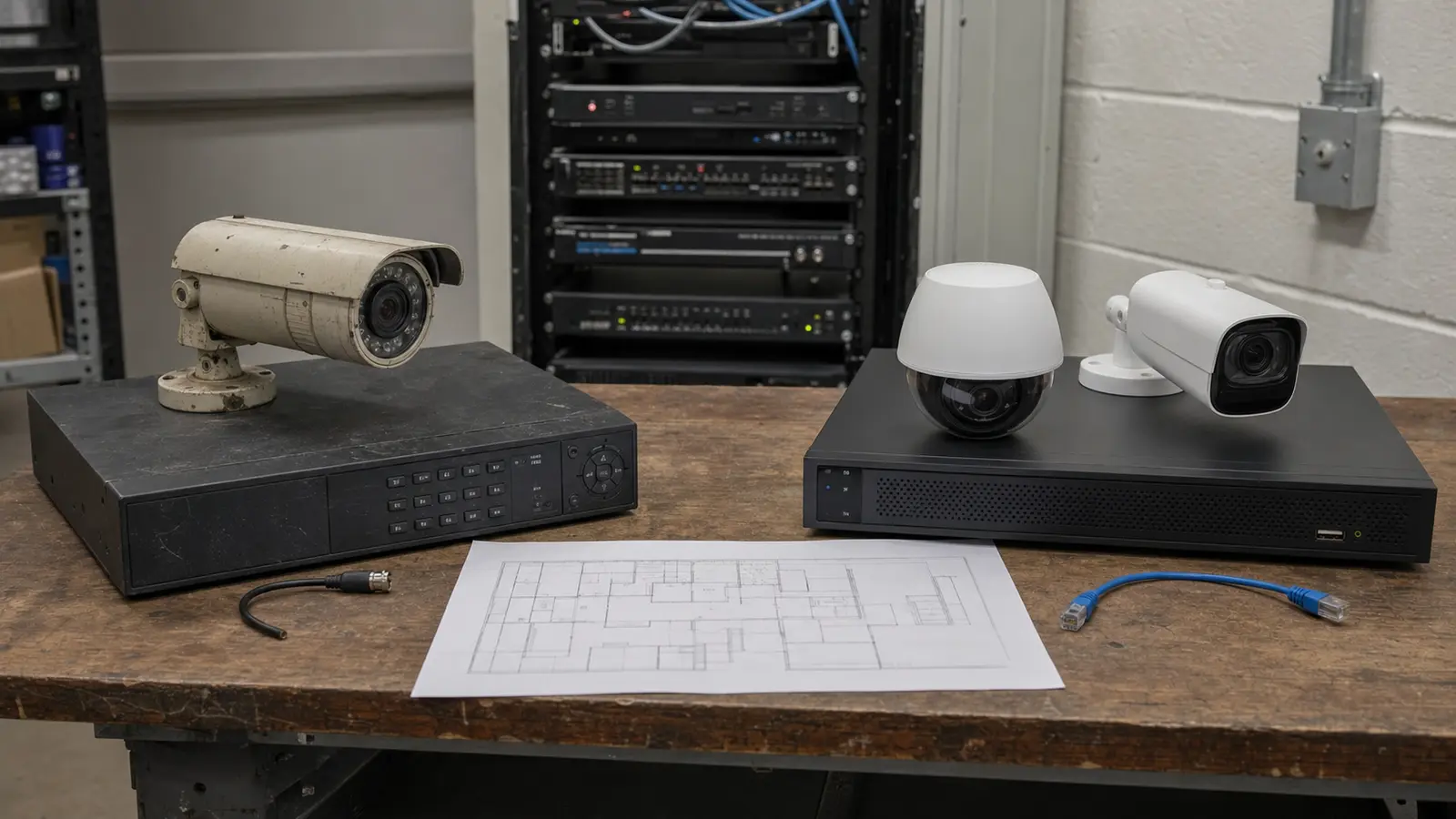
Use when maintenance identifies aging, unsupported, limited, or impractical equipment that should be modernized.
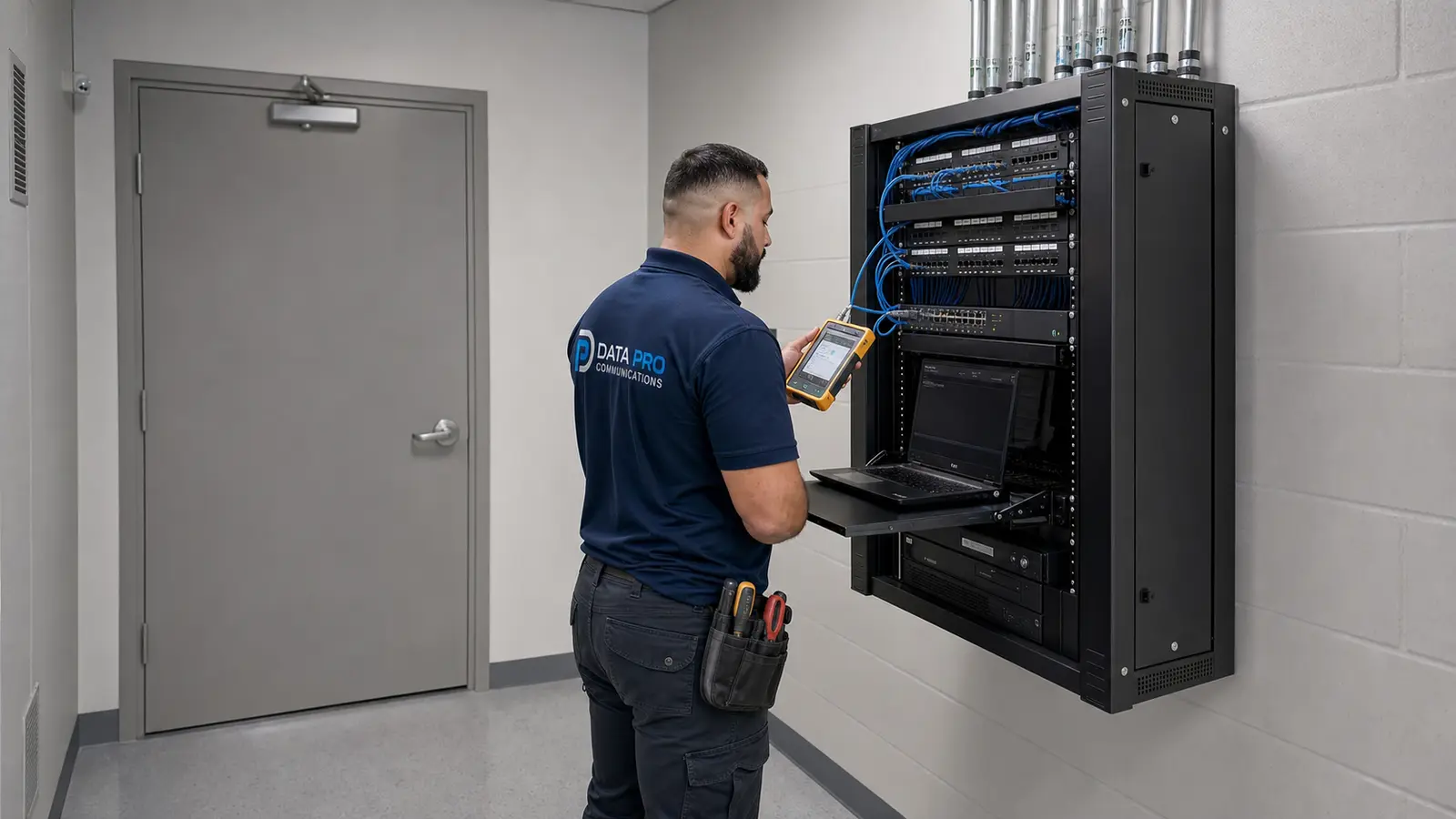
Use when a specific camera failure, recording gap, communication problem, power issue, or remote-access fault requires reactive diagnosis.
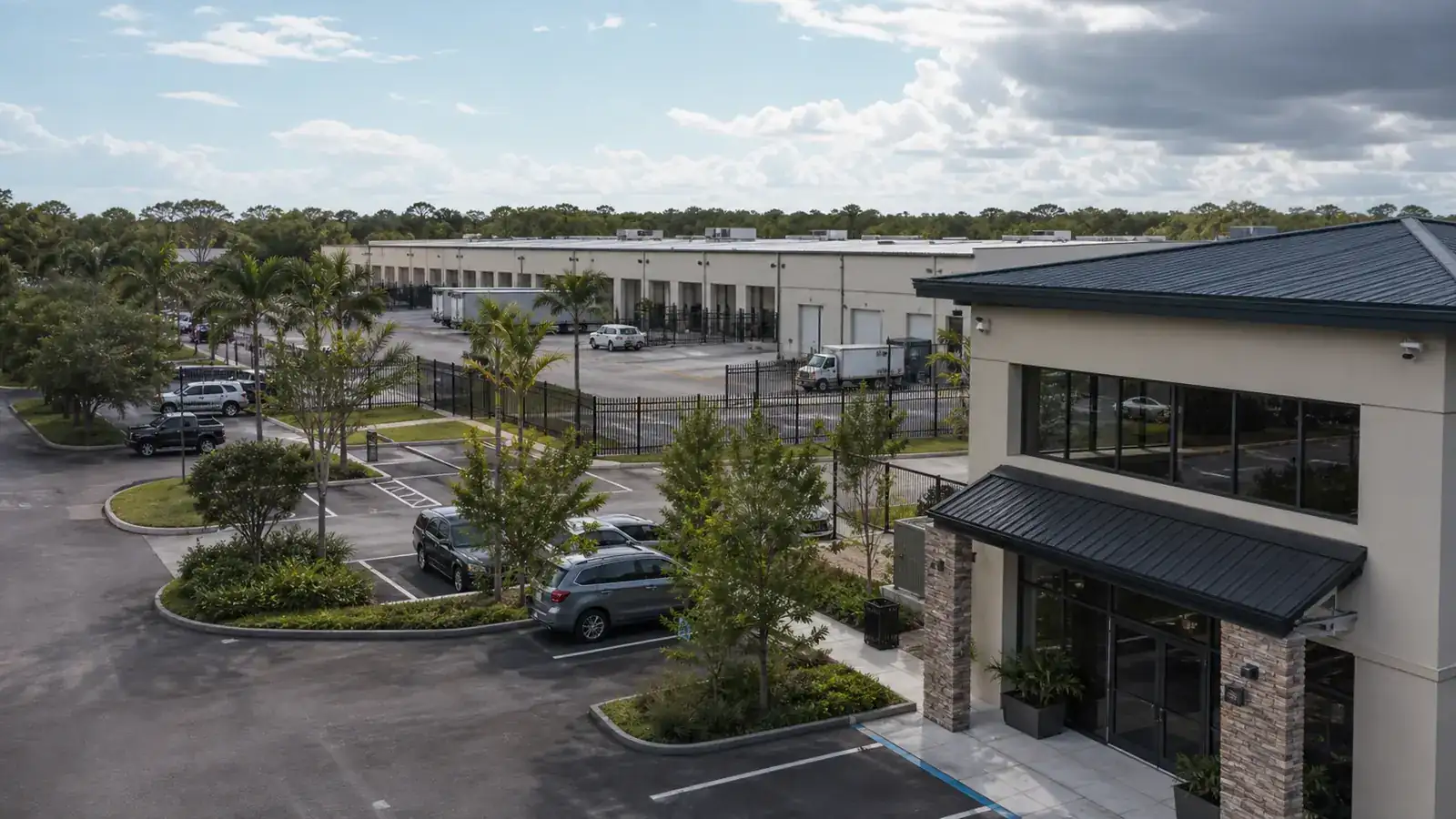
Commercial buildings, offices, retail, hospitality, healthcare, professional facilities, managed properties, and multi-site organizations.
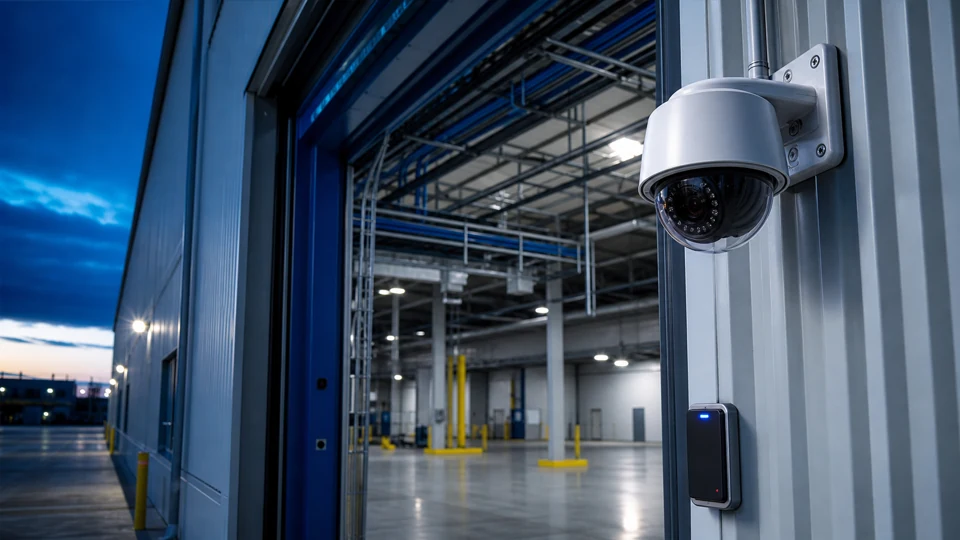
Industrial, manufacturing, logistics, warehouse, yard, dock, and equipment-area security environments.
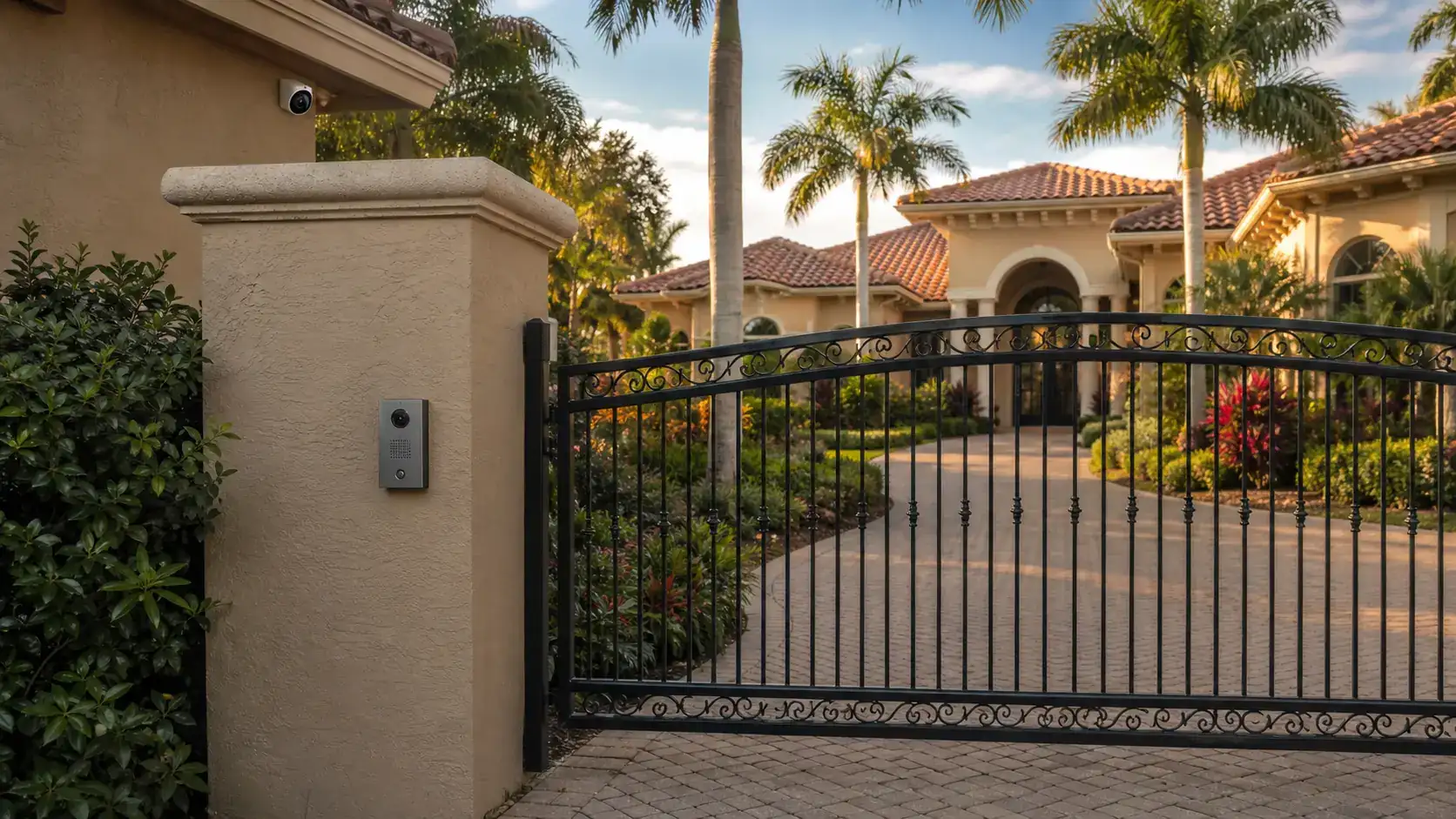
Selected larger residential systems that require professional cabling, networking, remote access, and low-voltage coordination.

The scope depends on the property and the installed system. Appropriate maintenance may include reviewing camera availability, checking image clarity and field of view, cleaning accessible lenses and domes, inspecting housings and mounts, reviewing visible cabling and terminations, checking PoE conditions, reviewing recorder and storage status, confirming recording and time settings, verifying remote access and user permissions, updating labels, and documenting recommendations. Not every task is automatically included in every visit.
There is no single interval that fits every property. Maintenance frequency may be influenced by exterior exposure, dust, humidity, vibration, system size, business operating hours, camera importance, staff turnover, storage requirements, and the number of buildings or network rooms. Data Pro Communications can recommend a practical review schedule after learning how the system is used and inspecting its condition.
Yes. Data Pro Communications can review existing commercial camera systems from multiple manufacturers and previous installers. Access to passwords, licensing, documentation, proprietary platforms, or locked equipment may affect what can be reviewed or changed, and those limitations should be identified during intake.
Cleaning accessible lenses and domes may be included when it is appropriate, safe, and part of the agreed scope. Dirt, dust, water spots, insects, spider webs, fingerprints, and dome haze can reduce image quality. Cameras that require lifts, special access, traffic control, roof access, or other site coordination may need separate planning.
Yes. An appropriate review may include channel status, recorder alerts, storage health indicators, recording schedules, playback, retention settings, time synchronization, stream profiles, and available resources. Maintenance does not guarantee a specific retention duration or prevent a future drive or recorder failure.
The maintenance report should document the affected cameras, time periods, and observed recorder or storage conditions. Some gaps may be related to schedules, motion settings, time synchronization, network interruptions, storage warnings, camera communication, or recorder limits. A separate troubleshooting or repair scope may be recommended when the cause cannot be verified during routine maintenance.
Visible cabling, patch cords, connectors, switch ports, labels, and PoE conditions may be reviewed when they are safely accessible and included in the scope. Hidden cable faults, intermittent failures, or detailed certification testing may require a separate troubleshooting or cabling service.
Yes. Maintenance may include confirming approved users can access live and recorded video, reviewing account permissions, identifying outdated users, and checking app or browser access. Changes to cloud services, routers, firewalls, internet providers, licensing, or proprietary platforms may require additional coordination.
Exterior review may consider lens and dome cleanliness, housing condition, seals, mounting stability, conduit or junction condition, water or corrosion indicators, cable exposure, field of view, glare, infrared reflection, vegetation, lighting, signage, and property changes that may block or weaken a useful view.
Warehouse and industrial maintenance may cover loading docks, truck courts, yards, gates, inventory aisles, equipment zones, employee entrances, long exterior views, multiple PoE switches, recorders, and network rooms. The scope should account for lifts, active operations, restricted areas, dust, heat, vibration, and after-hours or safety coordination.
Yes. Planned service may cover gates, parking, package rooms, leasing offices, amenities, pool approaches, common areas, and multiple buildings. Property managers and boards should identify authorized contacts, access procedures, privacy-aware viewing responsibilities, and the operational purpose of each camera.
Often, yes. Mixed systems may include cameras, switches, recorders, software, storage, and remote-access tools from different manufacturers. Compatibility, passwords, licenses, unsupported devices, and proprietary limitations may affect the available maintenance actions, and those limitations should be documented rather than concealed.
Maintenance is planned inspection, cleaning, system review, access verification, documentation, and recurring service. Troubleshooting is reactive diagnosis of a specific failure such as an offline camera, intermittent video, recording gap, PoE problem, communication failure, poor image, or remote-access issue. Maintenance may identify a problem that should be moved into a separate troubleshooting scope.
Maintenance reviews and supports the existing system. An upgrade changes or modernizes cameras, recorders, storage, software, network equipment, resolution, capacity, or features. Upgrade planning may be recommended when maintenance shows that equipment is aging, unsupported, unreliable, limited, or no longer practical for the property’s needs.
The property contact should receive documented findings and practical next steps. Recommendations may include cleaning or adjustment, documentation updates, a future review date, user-access cleanup, separate troubleshooting, cabling correction, repair, component replacement, storage work, or a broader upgrade plan. Recommendations are based on observed condition and do not guarantee uptime, failure prevention, or repair outcomes.
PLAN THE NEXT CAMERA SYSTEM REVIEW
For planned camera cleaning, system inspection, recorder and storage review, remote-access verification, documentation, or recurring service planning, contact Data Pro Communications to discuss the property, installed equipment, access requirements, and appropriate maintenance scope.