NVR Recording System Design
Plan recorder capacity, channel count, drive configuration, camera naming, recording schedules and serviceable placement for commercial and managed-property camera systems.
NVR RECORDING & REMOTE CAMERA ACCESS IN LAKELAND
Data Pro Communications plans and installs NVR recording and remote viewing systems for Lakeland businesses, managed properties, construction teams, HOAs, multifamily communities, healthcare offices, warehouses, retail spaces and selected larger residential projects that need professional video storage and controlled user access.
This service focuses on the recording side of a camera system: how long video is retained, how footage is searched, how clips are exported, how authorized users view cameras from phones or desktops, and how the recorder, network and storage plan support daily operations across Lakeland and Polk County.
NVR RECORDING SYSTEMS
A camera system is only useful when recorded video can be found, reviewed and shared by the people who are authorized to use it. NVR planning connects camera count, resolution, frame rate, recording schedule, event settings, hard-drive capacity, network reliability and user access into one practical recording workflow.
For Lakeland commercial and managed-property environments, the recording plan often matters as much as camera placement. Warehouses may need longer retention for loading docks, receiving areas and yards. Retail and hospitality sites may need quick playback around customer paths, service counters or back-of-house doors. HOAs, condominiums and multifamily properties may need controlled viewing for gates, amenity spaces, parking areas and management offices.
Data Pro Communications helps evaluate whether a new NVR, recorder replacement, storage expansion, remote viewing configuration or user-permission cleanup is the right next step. The handoff can include login roles, viewing locations, camera names, export process notes and equipment documentation so owners and managers understand how to use the system after installation.
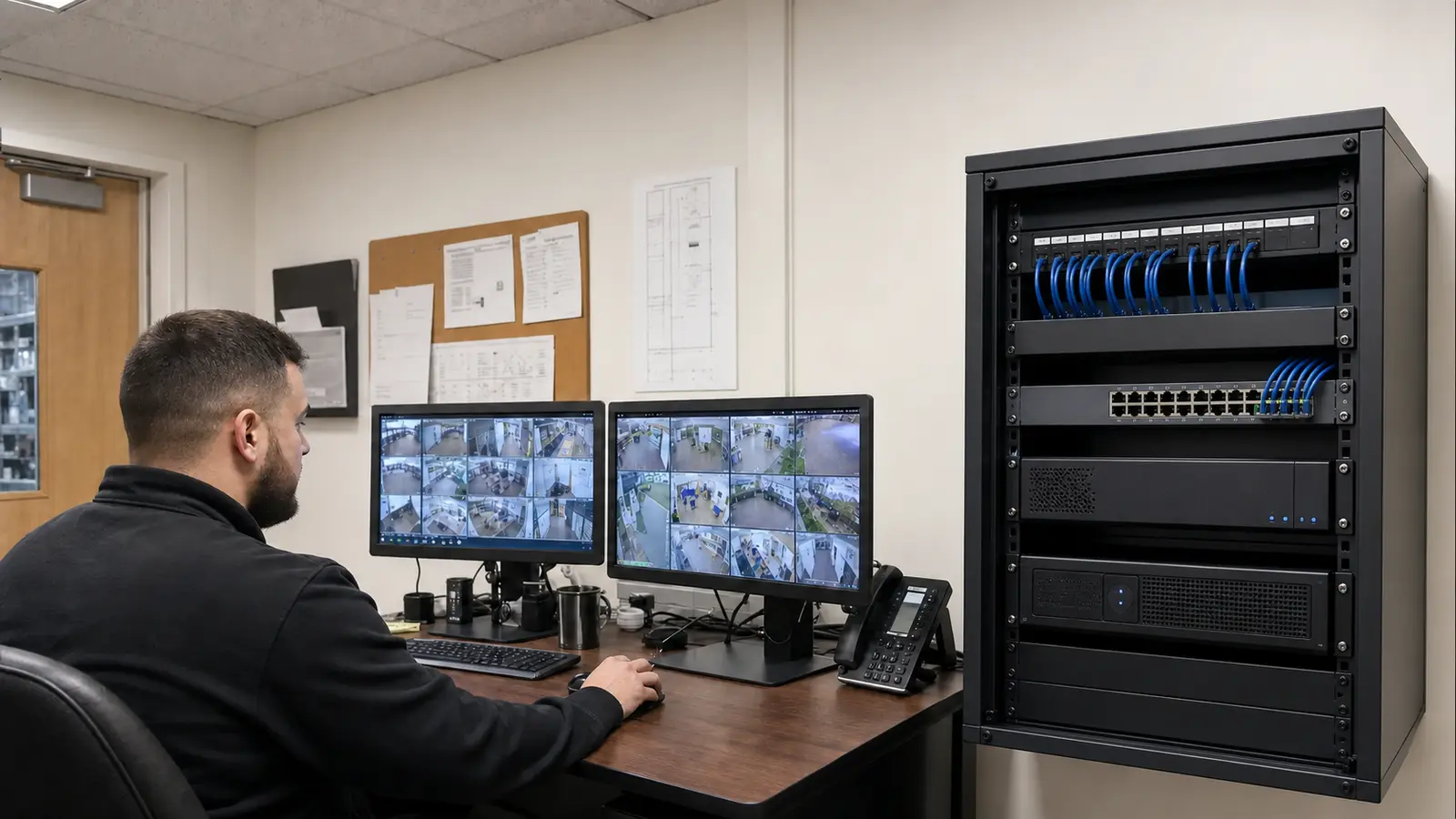
Plan recorder capacity, channel count, drive configuration, camera naming, recording schedules and serviceable placement for commercial and managed-property camera systems.
Estimate storage needs based on camera quantity, resolution, frame rate, activity level, compression settings, retention targets and which cameras require longer review periods.
Configure authorized mobile and desktop viewing for owners, managers, facility staff or approved security users while keeping access tied to documented permissions.
Create practical workflows for finding footage, reviewing events, exporting clips and preserving incident video without exposing access to unnecessary users.
Replace outdated recorders, expand channel capacity, add storage or adjust recording settings when an existing NVR no longer matches the property, camera count or access needs.
Support approved multi-site viewing for organizations with more than one Lakeland or Polk County property, while documenting site names, user roles and viewing boundaries.
LAKELAND & POLK COUNTY RECORDING NEEDS
Lakeland and Polk County properties often combine commercial traffic, logistics activity, employee access, visitor movement and shared management responsibilities. NVR planning must support the way the property actually operates, including who reviews video, where they view it, how often footage is searched and how long recordings need to remain available.
Warehouse and logistics properties near major corridors may need dependable recording for dock doors, truck courts, receiving areas, employee entrances and yards. Downtown offices, retail storefronts and mixed-use properties may need quick access to entrance, lobby, parking and service-area footage without giving every user full administrative control.
Healthcare offices, education environments and professional services often require careful user permissions, clear camera names and disciplined export practices. Managed communities, condominiums and multifamily properties may need board, manager or maintenance access that is useful without exposing private areas or creating unmanaged shared logins.
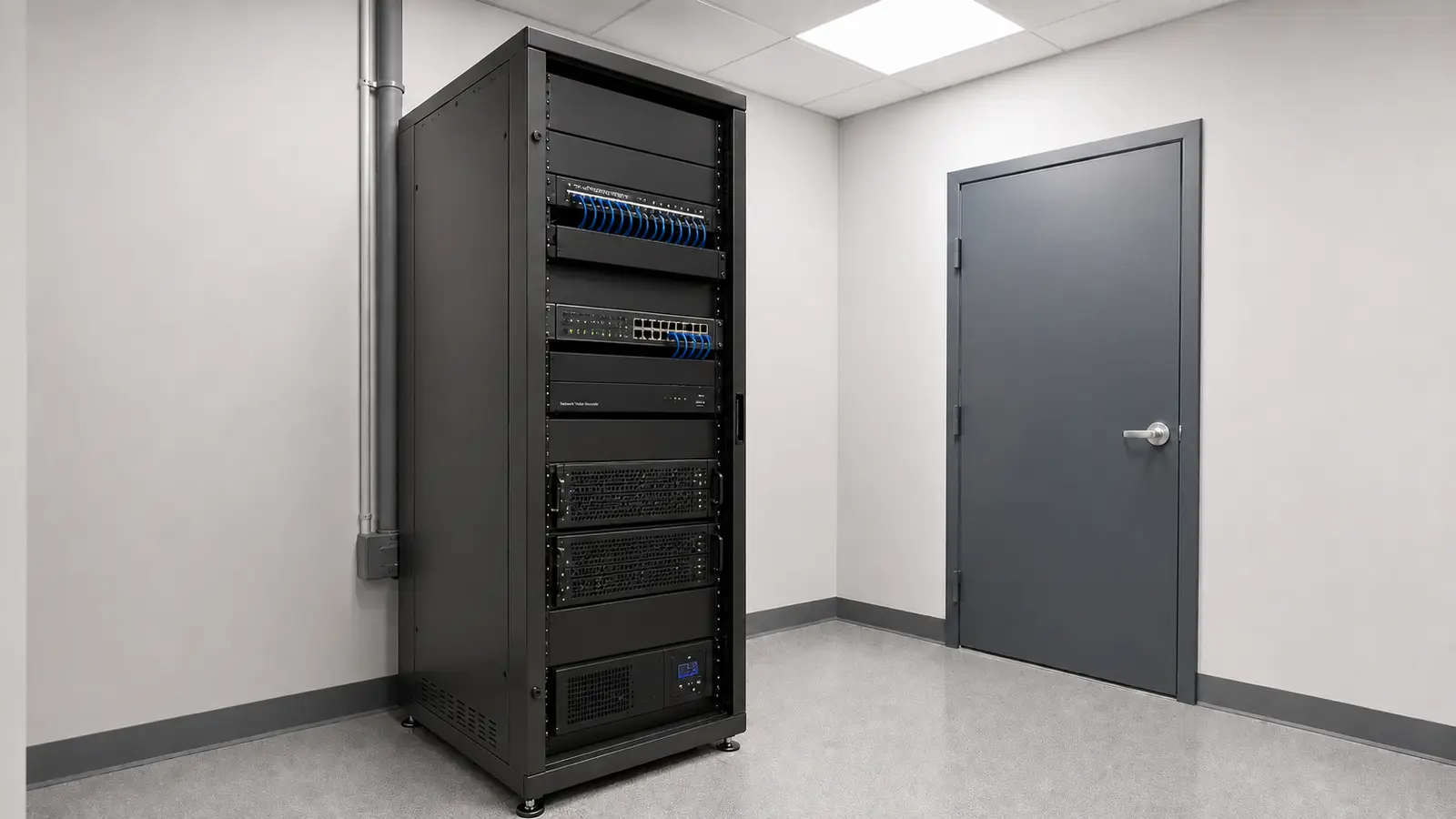
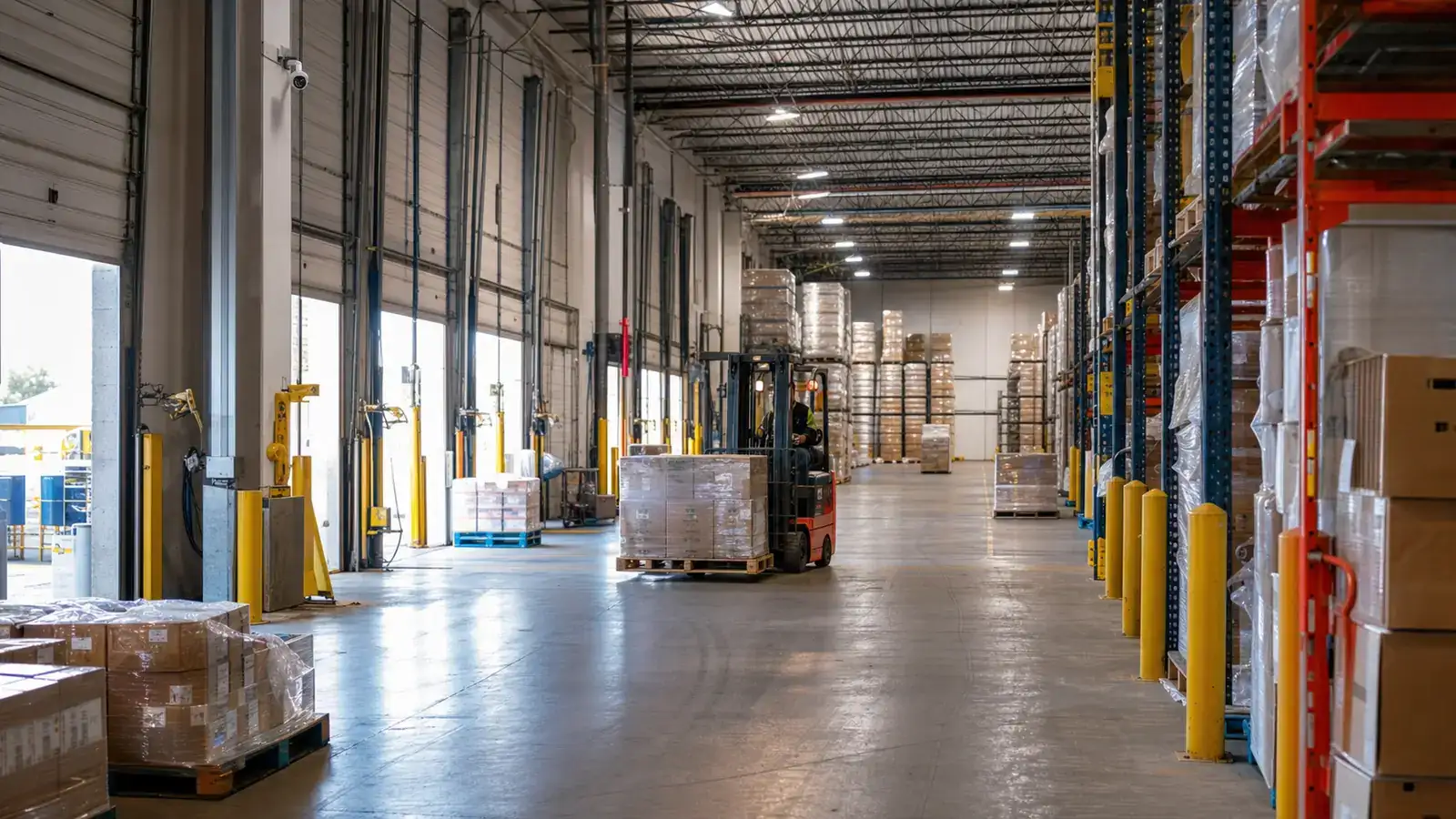
Recording plans for loading docks, receiving doors, truck courts, employee entrances, exterior yards and inventory-adjacent views where retention and playback speed matter.
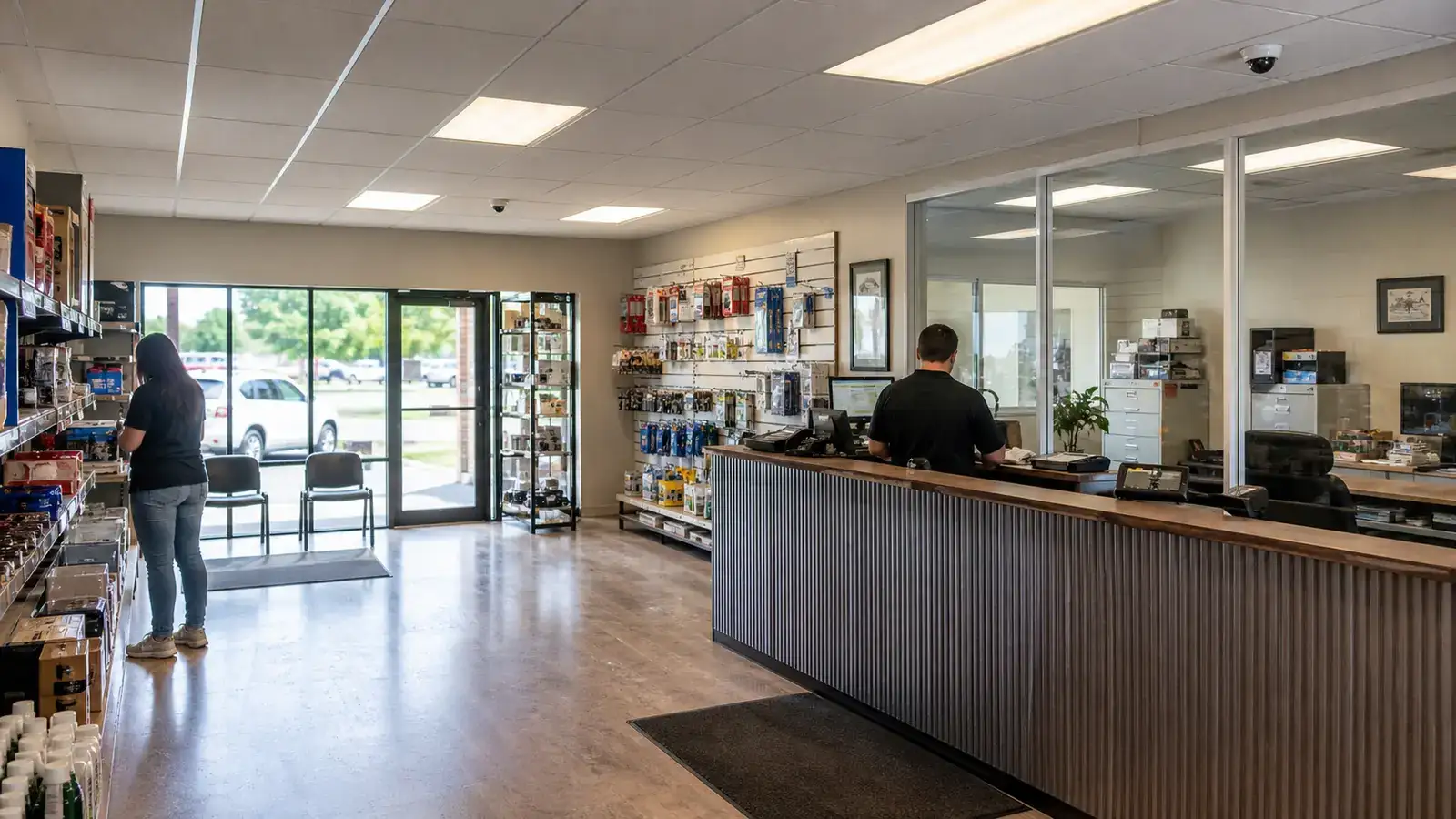
Remote viewing and playback workflows for entrances, lobbies, parking areas, service doors, reception spaces and approved management users.
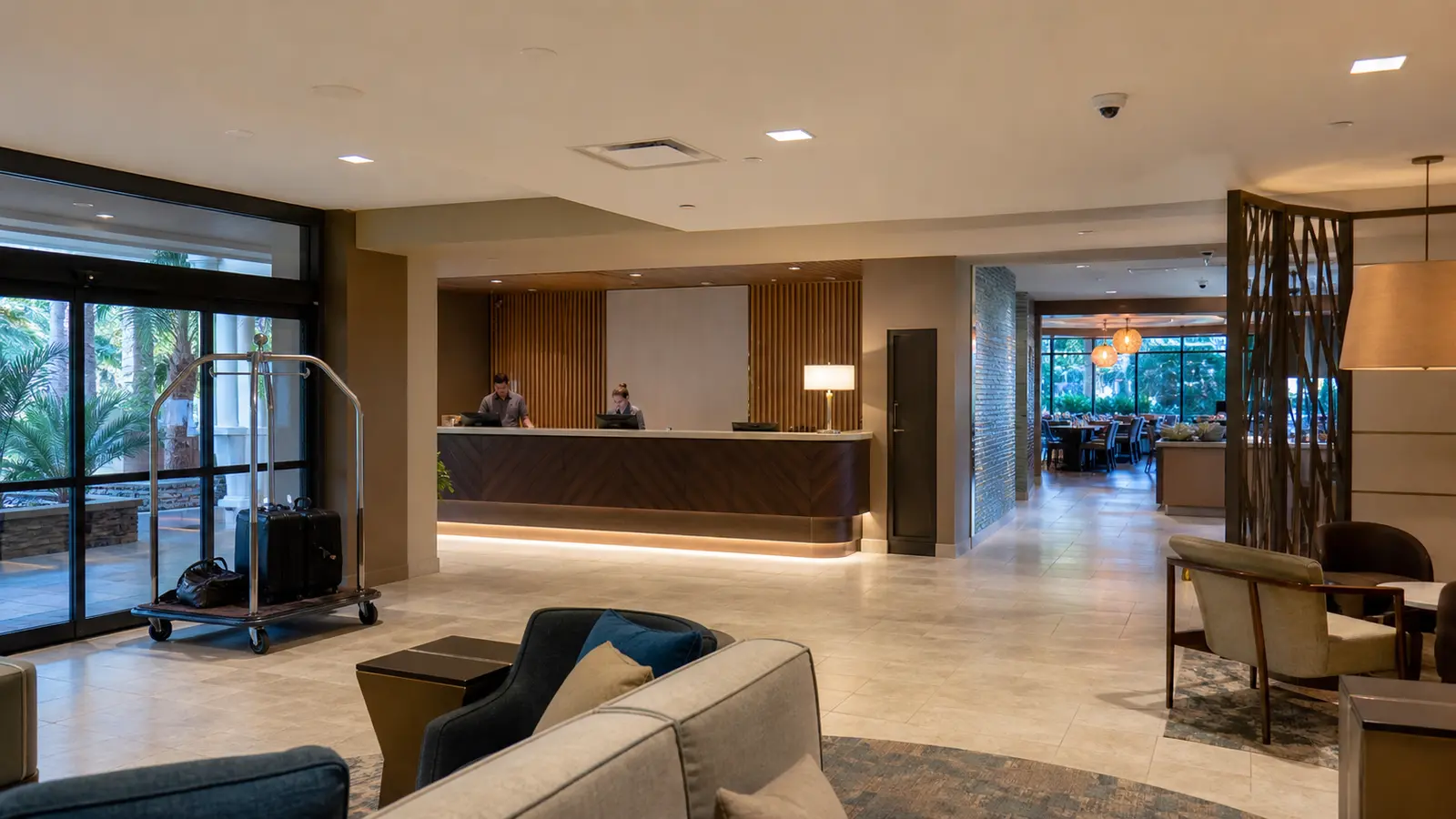
NVR configuration for customer paths, service counters, back-of-house access, deliveries, exterior approaches and incident review by authorized owners or managers.
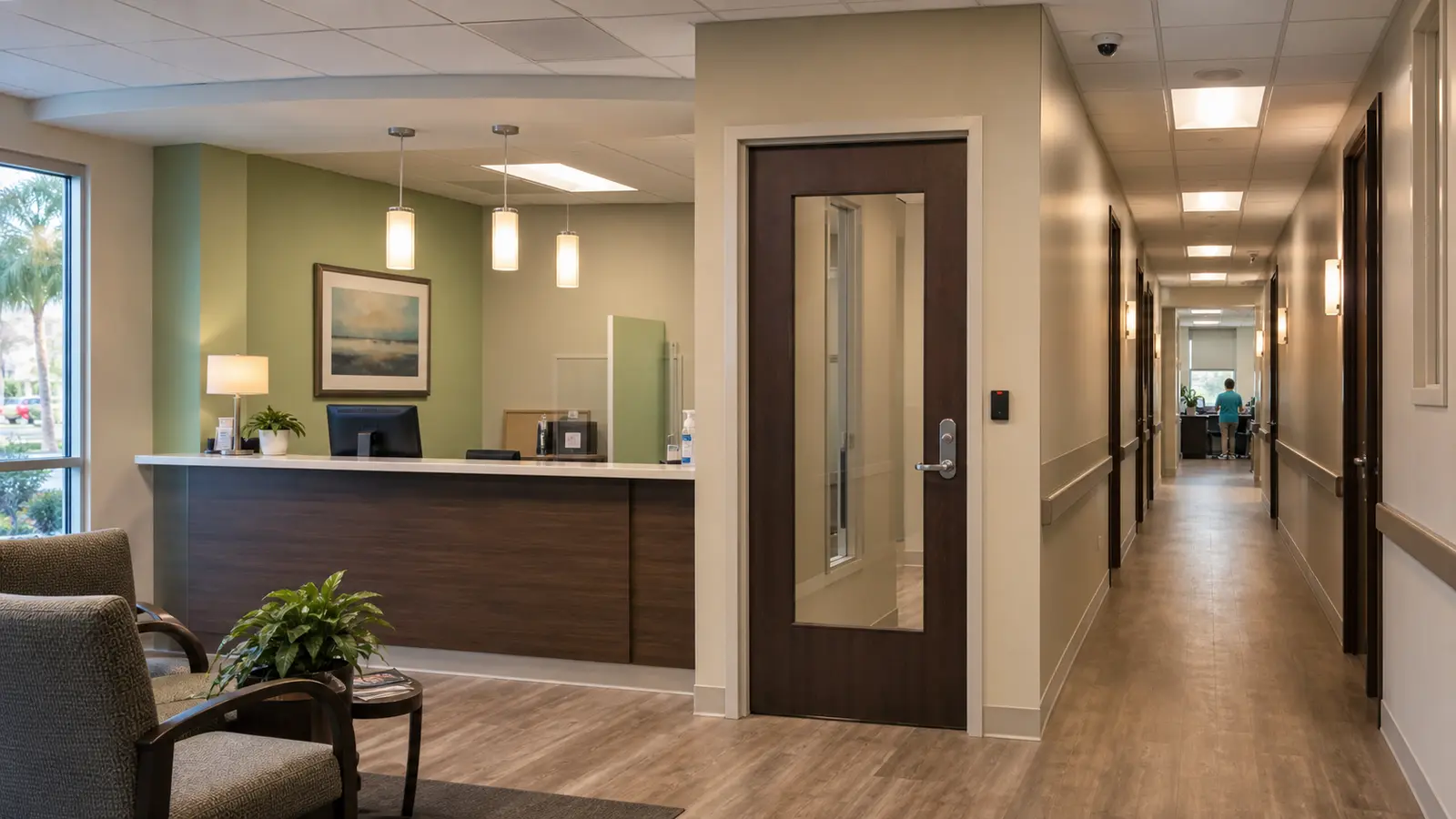
Permission-aware viewing, camera naming and export practices for offices, clinics, schools, training facilities and administrative areas where access boundaries matter.
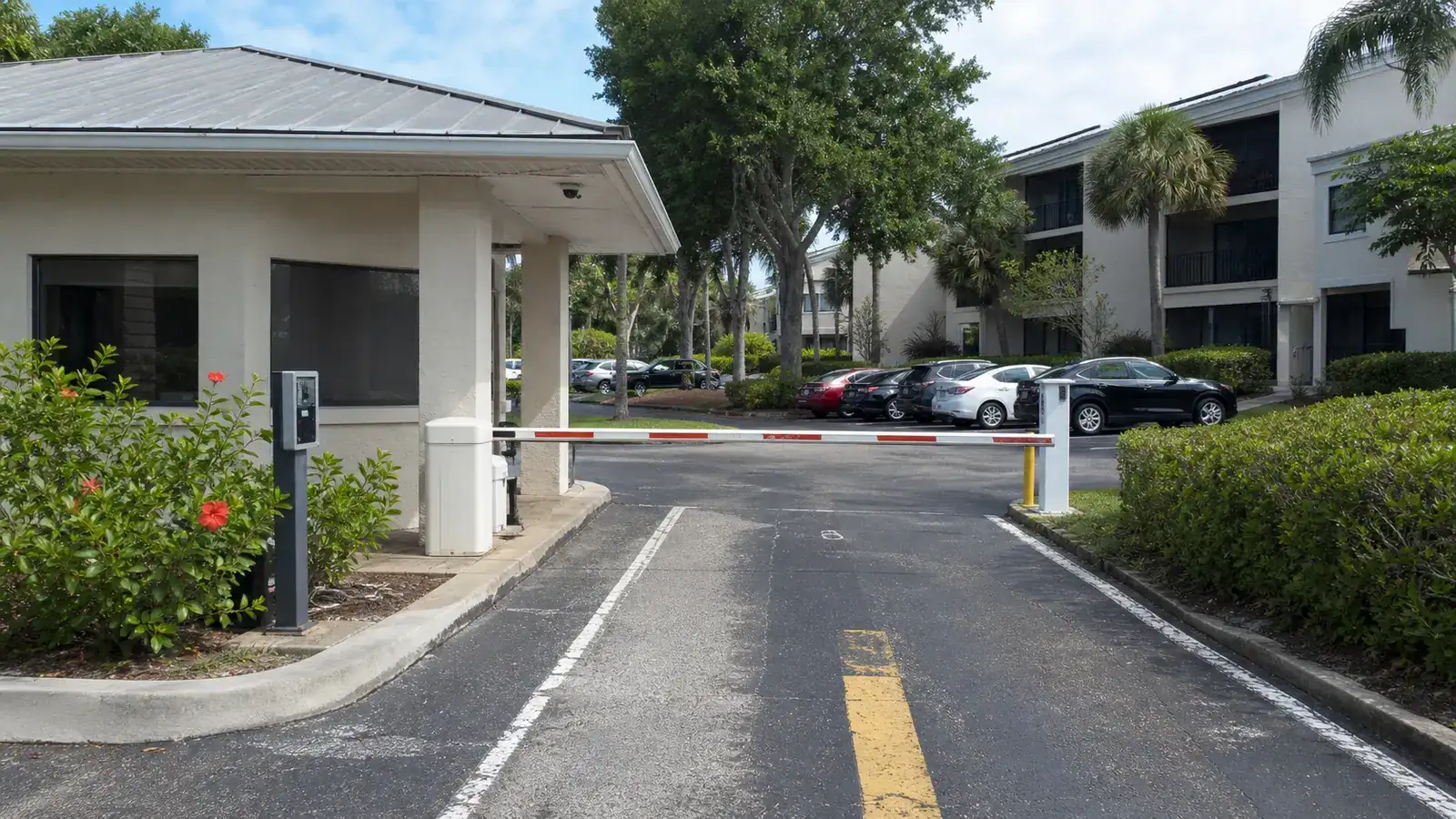
Controlled viewing for gates, amenity areas, leasing offices, package rooms, parking and shared spaces without unmanaged shared logins.
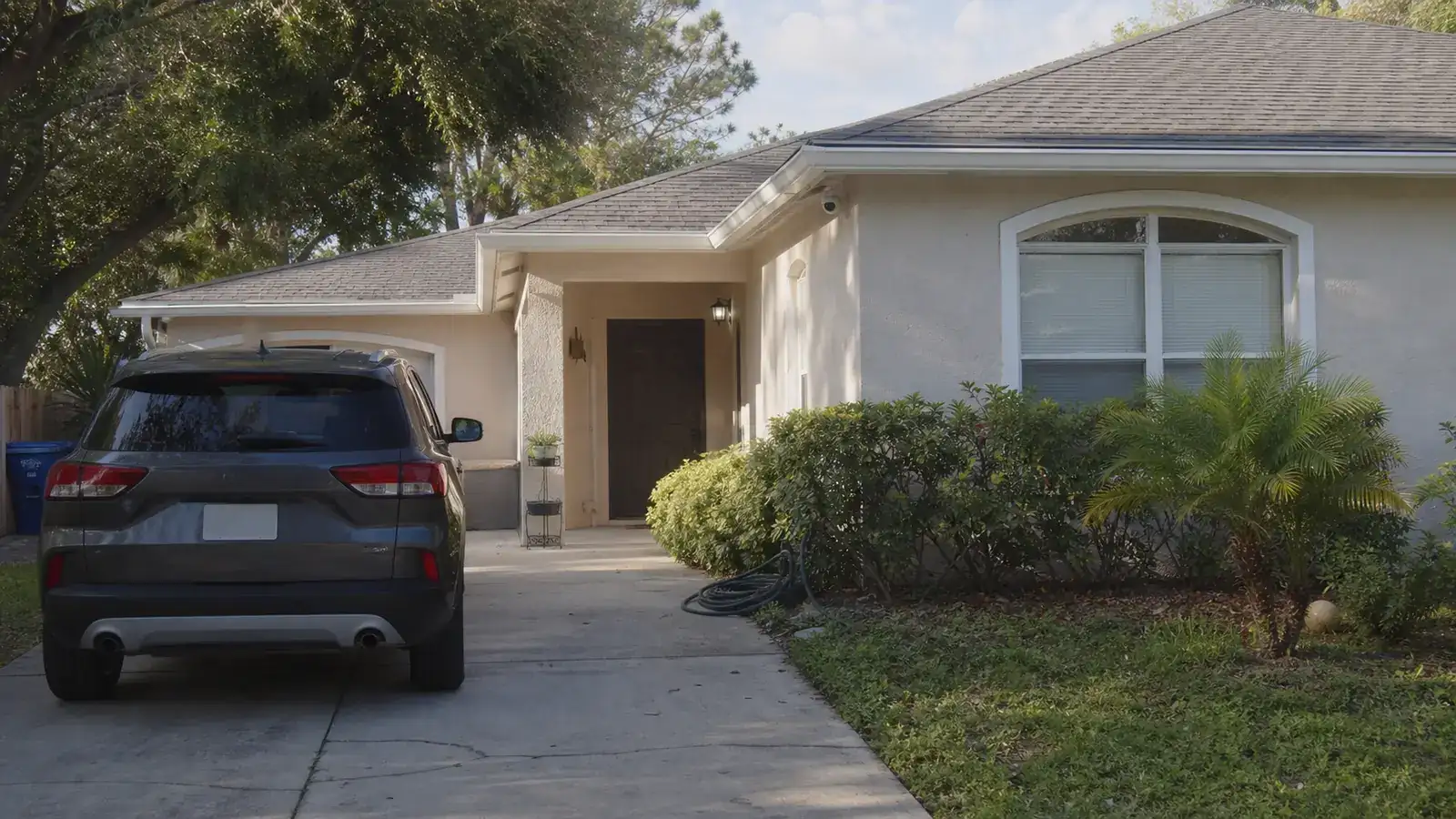
Recorder and remote viewing support for estate-scale or larger residential properties that require multiple cameras, professional cabling, network coordination, user permissions and documented handoff.
Review the existing or proposed cameras, recorder, network, internet connection, users, viewing locations, retention goals and pain points.
Estimate storage needs, playback priorities, export requirements, camera naming, permission groups and mobile or desktop access requirements.
Install or replace the NVR, configure recording settings, connect cameras, set remote viewing, assign authorized users and verify playback and export workflows.
Provide a practical handoff covering recorder location, camera names, user roles, viewing method, export steps, service notes and recommended future expansion considerations.
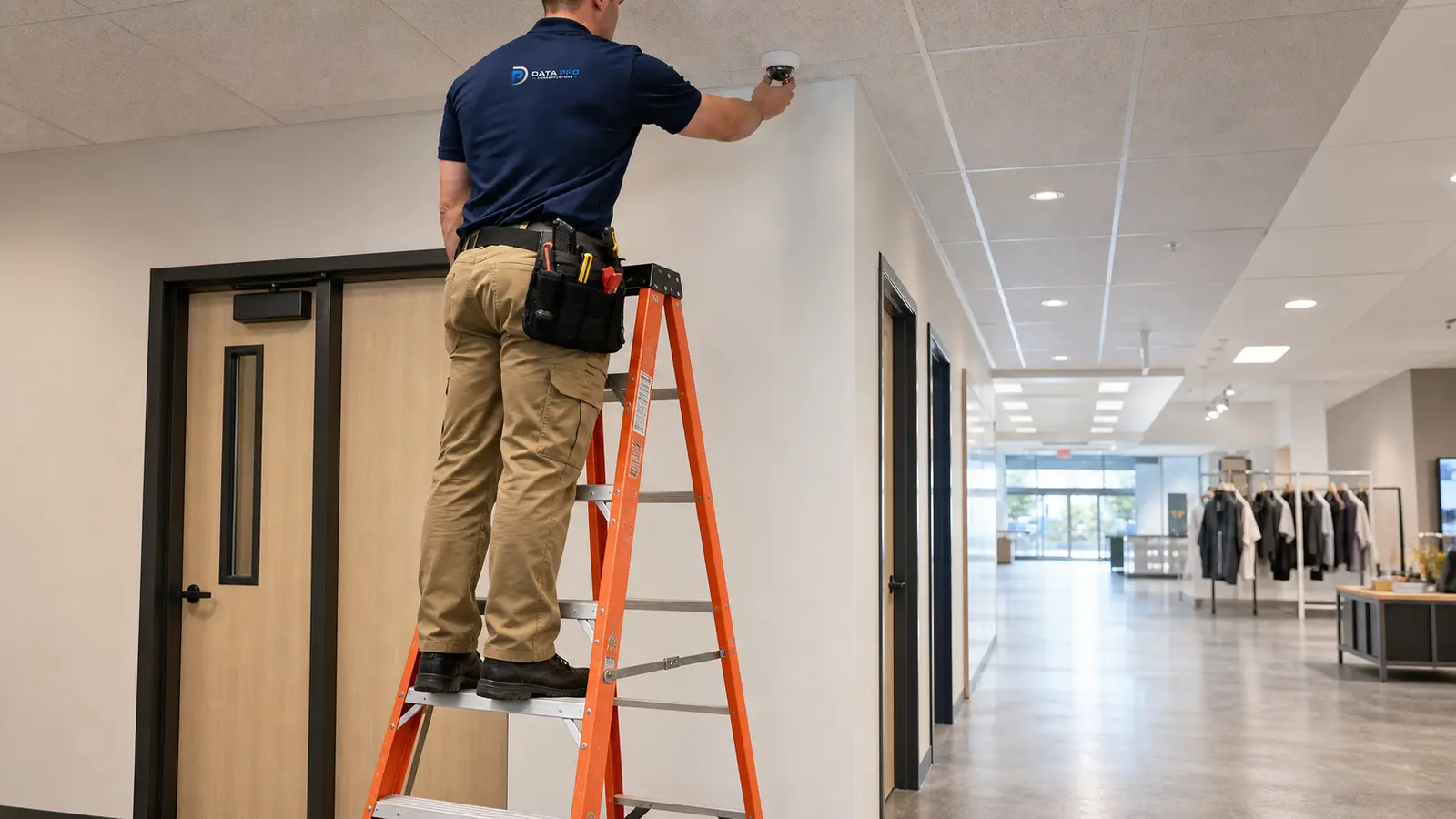
Broad camera installation support for properties that still need camera placement, cabling and system design before recorder planning.
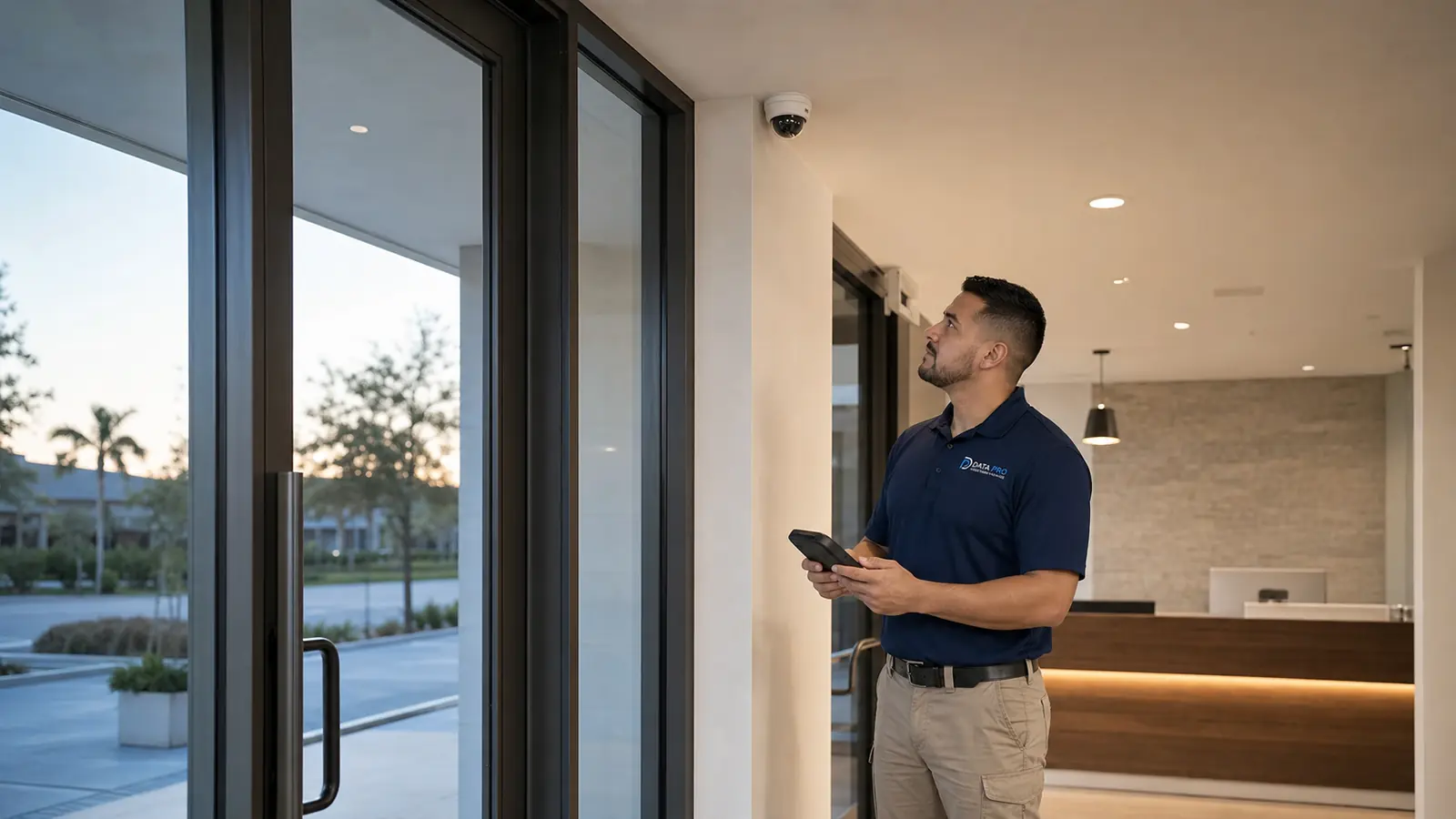
Commercial CCTV context for properties comparing complete camera system installation with recording-system work.
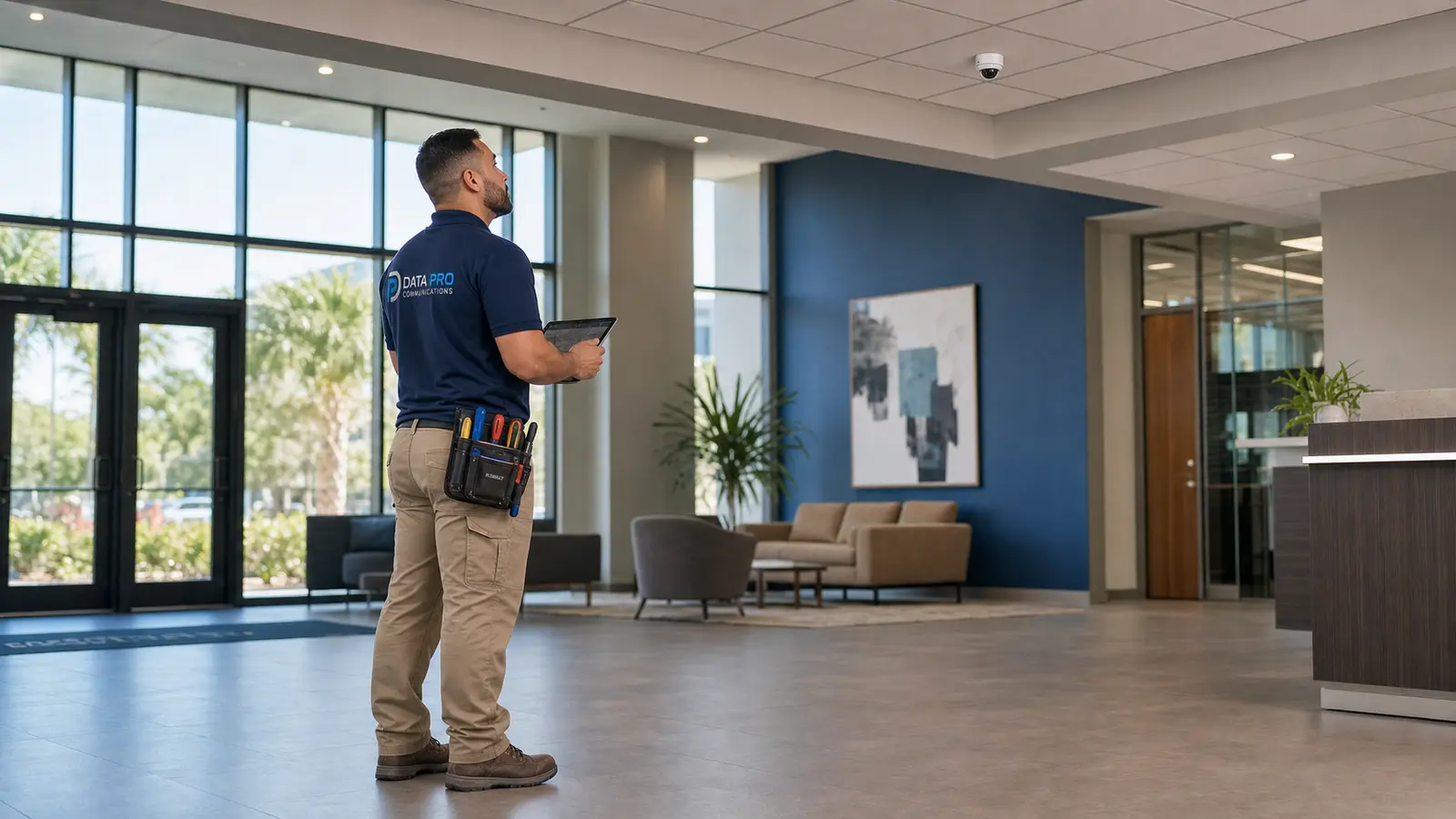
IP camera and network-video context for projects where recorder design depends on camera resolution, PoE and network readiness.

An NVR records video from network cameras, organizes camera views, stores footage for a defined retention period and gives authorized users a way to search, play back and export recorded video. It is the recording and access center for many IP video surveillance systems.
Retention depends on the property, risk level, camera count, resolution, activity level and how long the organization needs to review incidents. Many businesses evaluate targets such as 14, 30, 60 or 90 days, but the right plan should be calculated from the actual cameras and storage settings.
In some cases, yes. Compatibility depends on the camera models, network configuration, cable condition, recording format, required features and the condition of the existing system. A recorder review helps determine whether replacement, expansion or a broader camera update is the practical option.
Storage capacity is affected by the number of cameras, resolution, frame rate, compression, motion or continuous recording, scene activity, audio recording when used, and the number of days footage must be retained. Exterior cameras watching busy areas usually require more storage than low-activity views.
Yes, remote mobile viewing can be configured when the recorder, network and internet connection support it. Access should be limited to approved users, documented by role and tested so users understand live view, playback and export limitations.
Yes. Desktop access is often useful for managers, owners, facility teams or security workstations that need larger screens, easier playback and more practical clip export. The setup depends on the recorder platform, network permissions and approved user roles.
Permissions can be separated by role so each user sees only the cameras and features they need. For example, an owner may need full access, a manager may need playback for selected cameras, and a maintenance user may only need live viewing for certain shared areas.
Multi-site viewing may be appropriate for organizations with multiple Lakeland or Polk County locations. The system should be organized with clear site names, camera groups, user roles and documentation so viewing is useful without creating unmanaged access.
Yes. Remote viewing depends on the property network and internet connection. Poor bandwidth, unstable service, weak network equipment or restrictive firewall settings can affect live viewing, playback and clip export, so network readiness should be reviewed before final configuration.
Live view shows current camera video. Playback lets an authorized user search recorded footage by camera, time and event. A good NVR setup makes both functions easy to understand and keeps export permissions controlled.
Yes, if the recorder and permissions support export. The handoff should explain how authorized users export clips, which file formats or viewers may be required, and how the organization wants to store or share incident footage internally.
Often, yes. Important entrances, docks, gates or parking cameras may need longer retention than lower-priority interior overview cameras. Camera-specific settings can help balance useful retention with storage capacity.
Storage expansion may be enough when the recorder is compatible, reliable and has drive capacity available. Replacement may be better when the recorder is outdated, overloaded, difficult to access remotely, no longer supports the camera count or lacks the workflows the property needs.
Yes. New construction and renovation projects are good times to plan recorder location, cabling routes, PoE switching, rack space, network access, viewing stations and user roles before walls, ceilings and equipment rooms are finalized.
Documentation may include recorder location, camera names, user roles, viewing method, basic playback and export steps, remote access notes, storage assumptions and service recommendations. The exact documentation depends on the system and project scope.
READY TO REVIEW YOUR RECORDING AND REMOTE ACCESS PLAN?
If your Lakeland or Polk County property needs a new recorder, longer retention, cleaner playback, mobile access, desktop viewing, better permissions or a documented multi-site workflow, Data Pro Communications can review the system and help define a practical next step.