AI Camera and VMS Assessment
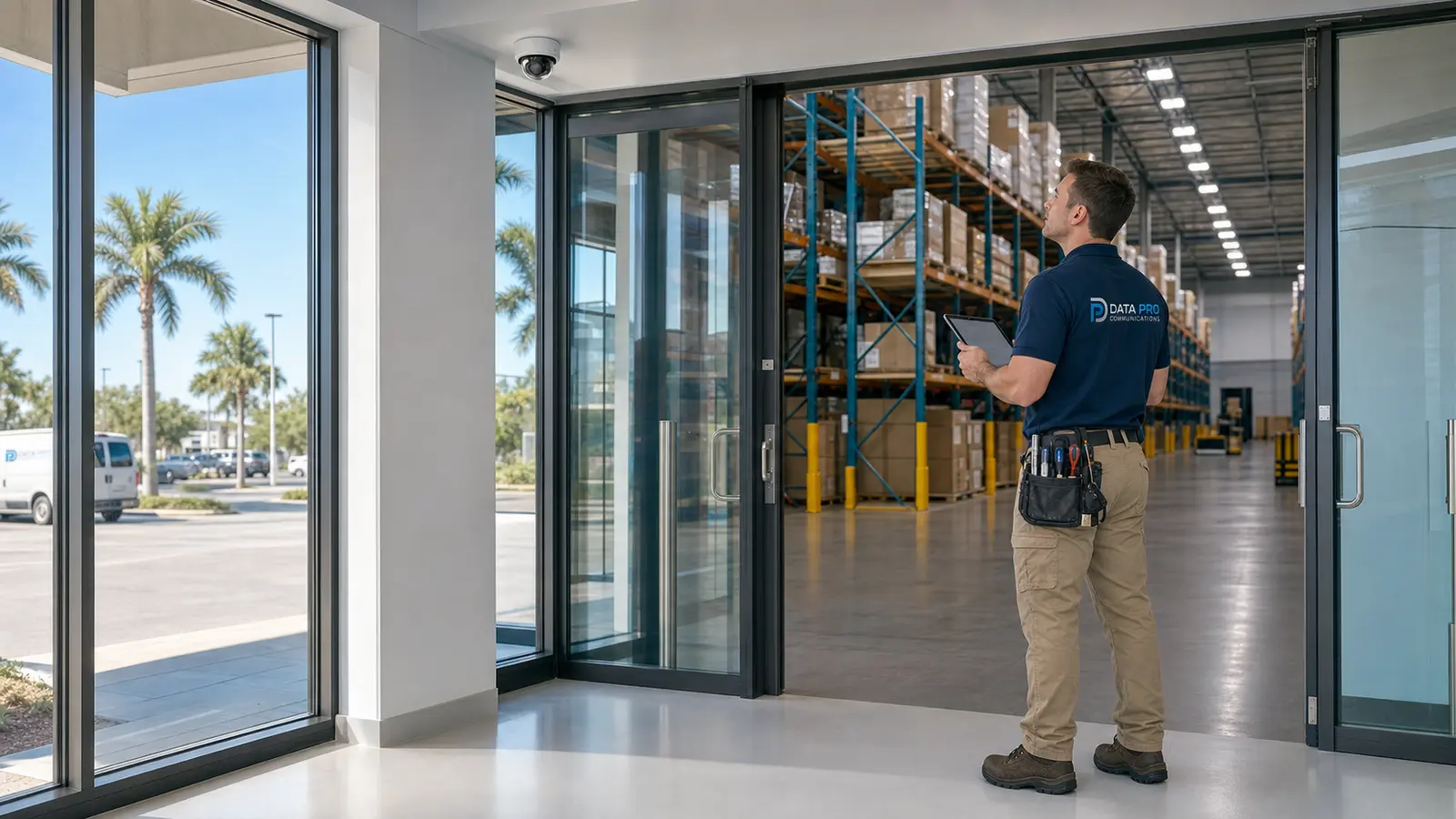
Review edge, server-based or cloud-managed analytics options and determine whether existing cameras, NVRs, VMS platforms and network resources can support the desired workflow.
COMMERCIAL AI VIDEO ANALYTICS IN LAKELAND
Data Pro Communications plans analytics-enabled camera and VMS workflows for Lakeland businesses, warehouses, managed properties, industrial sites, retail and hospitality locations, offices, institutions and selected larger residential projects that need more efficient event review and operational visibility.
The service focuses on defined analytics rules, people and vehicle classification, line crossing, intrusion zones, dwell or loitering alerts, occupancy and traffic insights, event notifications and faster forensic search. Performance depends on camera placement, image quality, lighting, scene complexity, platform compatibility, configuration and responsible operational review.
VIDEO ANALYTICS PLANNING
Traditional camera systems can require users to review long periods of video. Analytics-enabled cameras, recorders and VMS platforms can organize activity around defined objects, zones and events so authorized users can find relevant footage and prioritize review more efficiently.
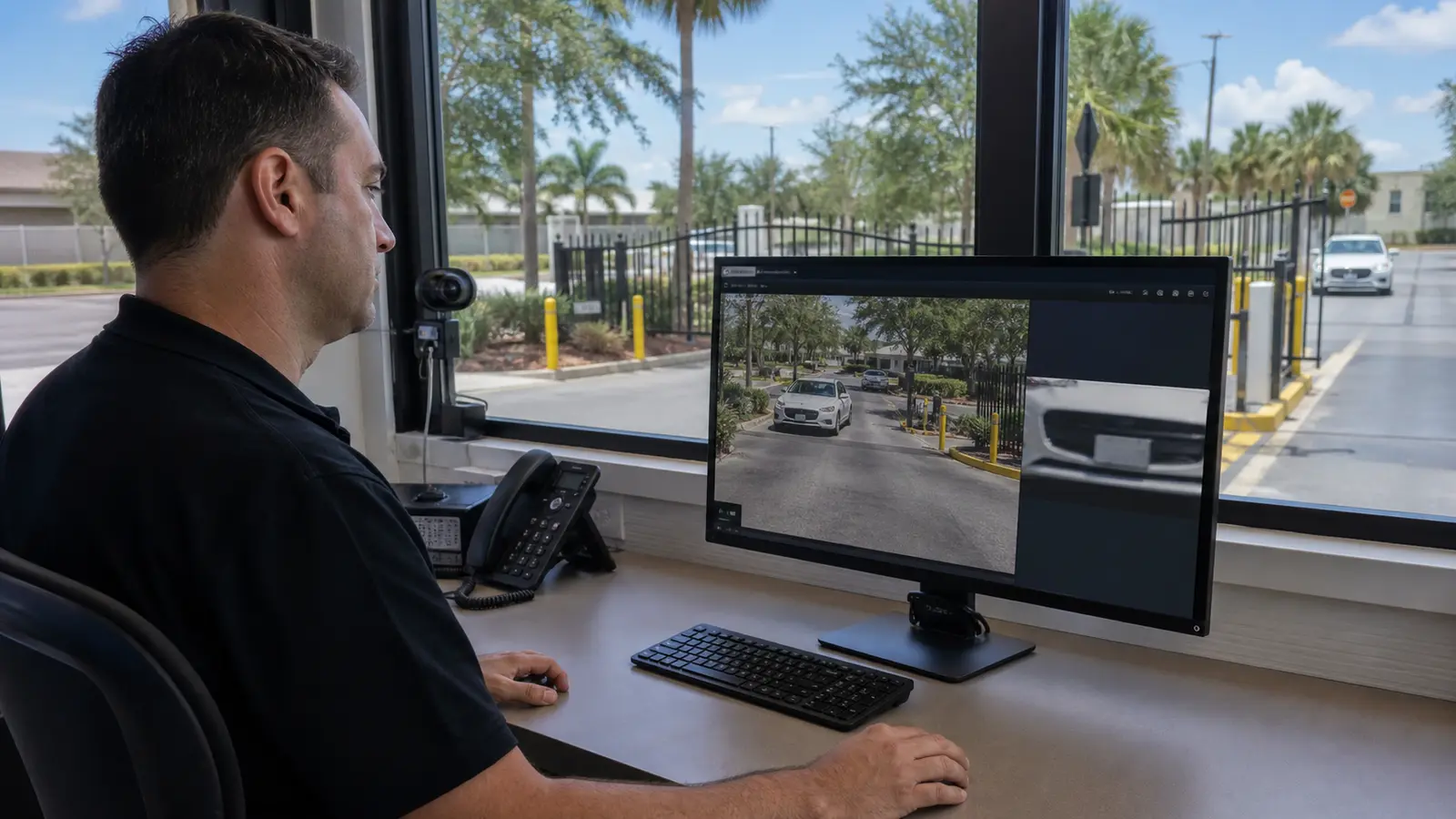
Useful analytics starts with the scene. A loading dock may need vehicle classification and a line-crossing rule. A controlled entrance may need after-hours intrusion alerts. A retail or hospitality property may need occupancy or traffic insights. A parking approach may justify license plate recognition planning when technically appropriate and consistent with applicable policies and legal requirements.
Data Pro Communications evaluates cameras, image quality, lighting, fields of view, network and recorder compatibility, analytics platforms, alert recipients and review procedures. The project can include rule configuration, tuning, user handoff and documentation so analytics support a defined workflow rather than producing unmanaged notifications.
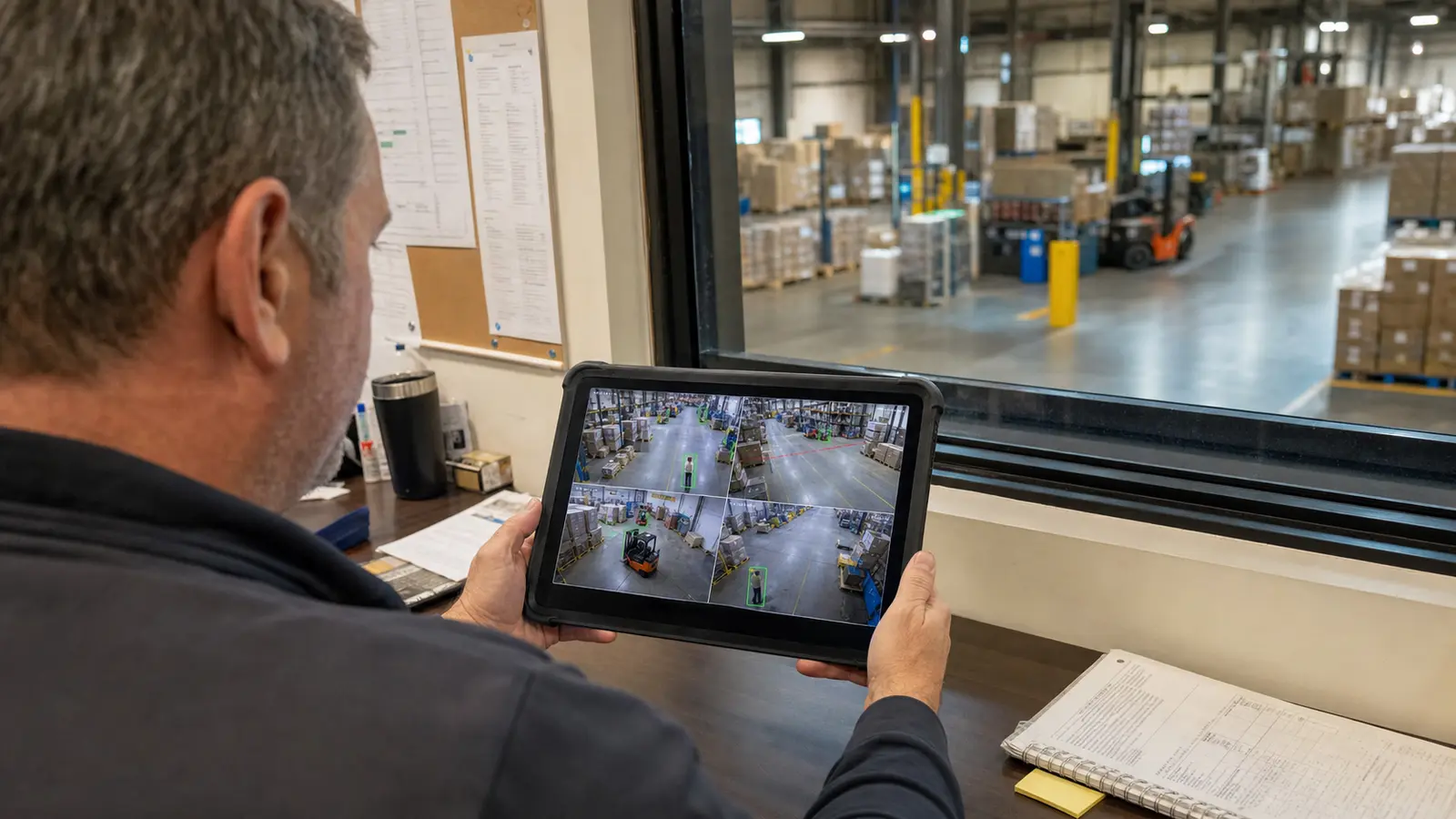
Review edge, server-based or cloud-managed analytics options and determine whether existing cameras, NVRs, VMS platforms and network resources can support the desired workflow.
Configure supported people, vehicle or object classification to improve event filtering and reduce reliance on basic motion-only detection.
Define directional lines, controlled boundaries and scheduled zones for entrances, yards, docks, corridors and restricted property areas.
Plan time-based rules for supported scenes where extended presence may require authorized review, while accounting for normal traffic and site operations.
Use supported counting, flow or event filters to understand activity patterns and find relevant recorded events faster.
Test sensitivity, schedules, exclusions and notification paths; document consistent rule names and review workflows across multiple properties.
LAKELAND & POLK COUNTY VIDEO INTELLIGENCE
Lakeland and Polk County properties often combine employee access, customer traffic, vehicle movement, loading activity and shared management responsibilities. Analytics can help organize those scenes when each rule is connected to a defined operational purpose and a realistic review process.
Warehouses, manufacturing sites and logistics properties may evaluate line crossing at dock lanes, after-hours intrusion zones, vehicle classification and event search around yards and receiving areas. Retail, hospitality and office properties may evaluate queue, entrance, parking and service-area activity without treating analytics as a guaranteed security outcome.
Healthcare, education, HOA, condominium and multifamily environments require especially careful access and privacy planning. Cameras should exclude private or inappropriate viewing areas, permissions should be role-based, retention and export should be controlled, and signage or notice should be reviewed where applicable.
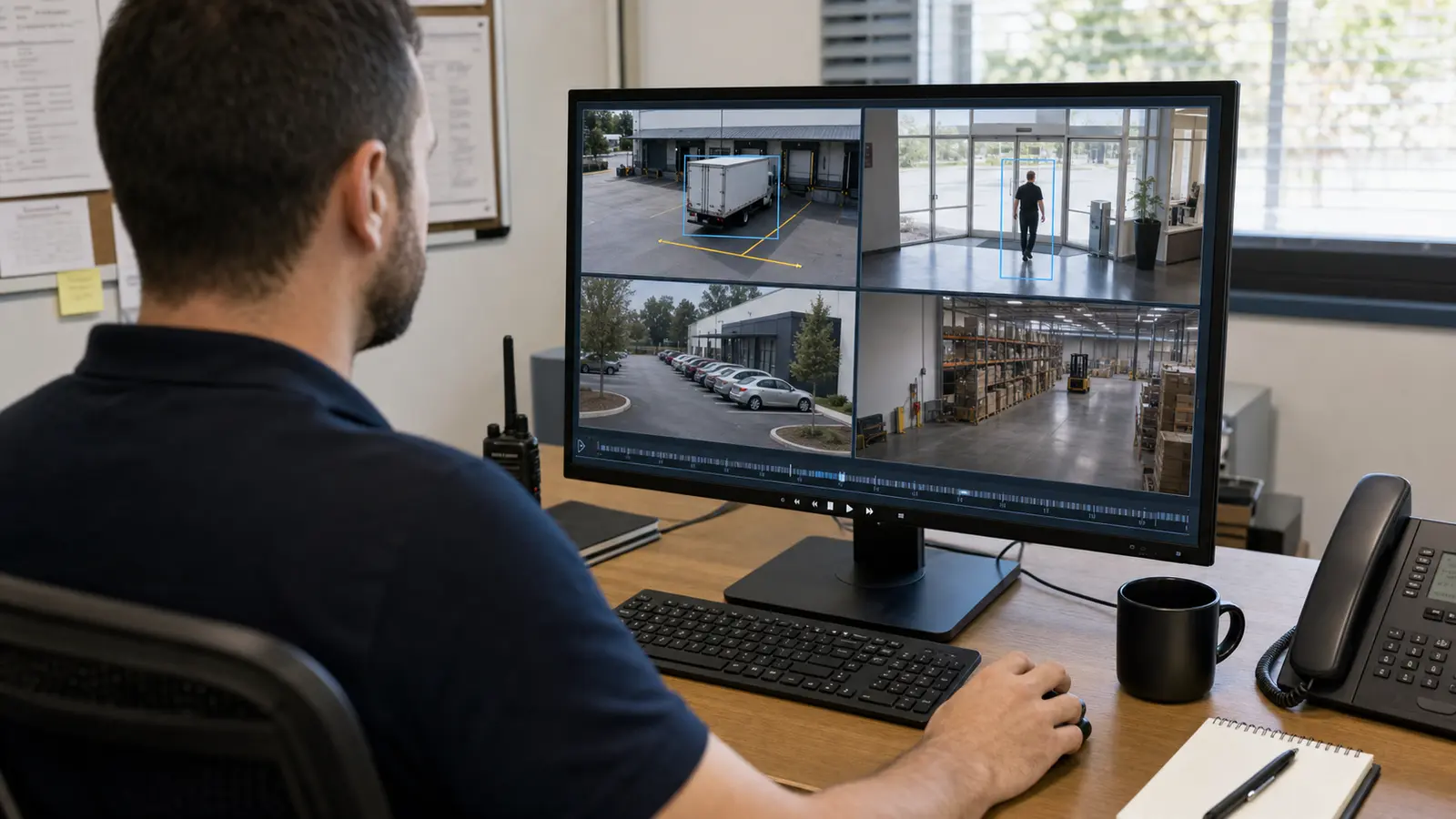
Vehicle classification, line crossing, yard and dock-zone rules, event notifications and faster search for receiving and shipping activity.
Scheduled boundary rules, controlled-area monitoring and review workflows for yards, equipment approaches and authorized access points.
Entrance traffic, queue or dwell insights, service-area event search and role-based review for managers and approved users.
Permission-aware analytics for entrances, parking and administrative areas, with privacy boundaries and human verification procedures.
Defined analytics around gates, parking, package areas and shared spaces while excluding private areas and controlling board, manager or vendor access.
Professional scene planning, perimeter rules, event search and controlled notifications for larger properties requiring structured camera, network and privacy design.
Review the business purpose, scenes, existing cameras, image quality, lighting, network, recorder or VMS, privacy requirements and users who will receive or review events.
Define objects, zones, directions, schedules, exclusions, alert recipients, retention and export controls, and the human verification process for each rule.
Configure supported analytics, test real site activity, adjust sensitivity and exclusions, and reduce avoidable alerts without promising perfect detection.
Document rule names, monitored scenes, schedules, user roles, alert workflow, limitations, review steps and future tuning considerations.
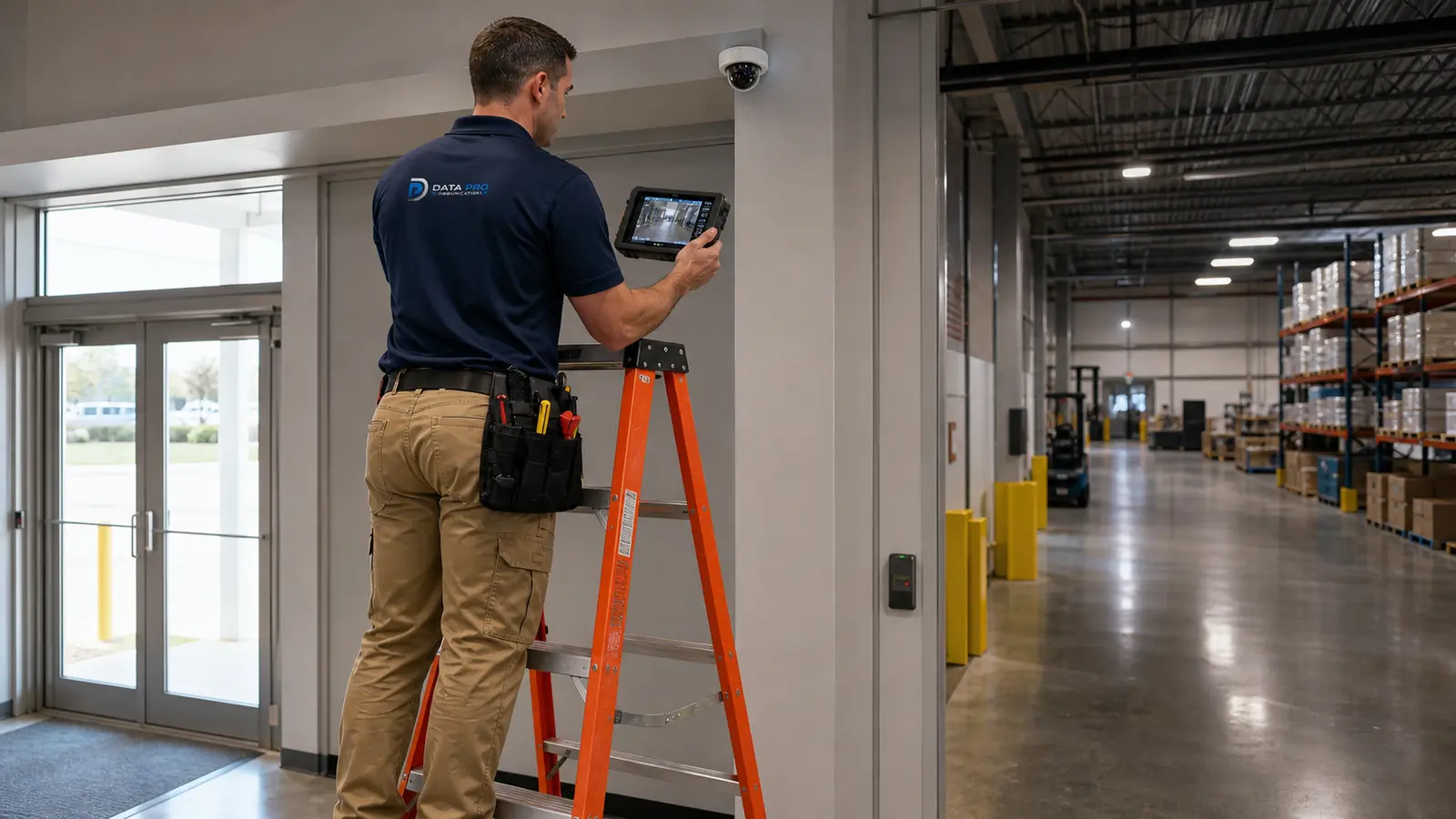
Broad camera placement, cabling and system planning when analytics-ready views do not yet exist.
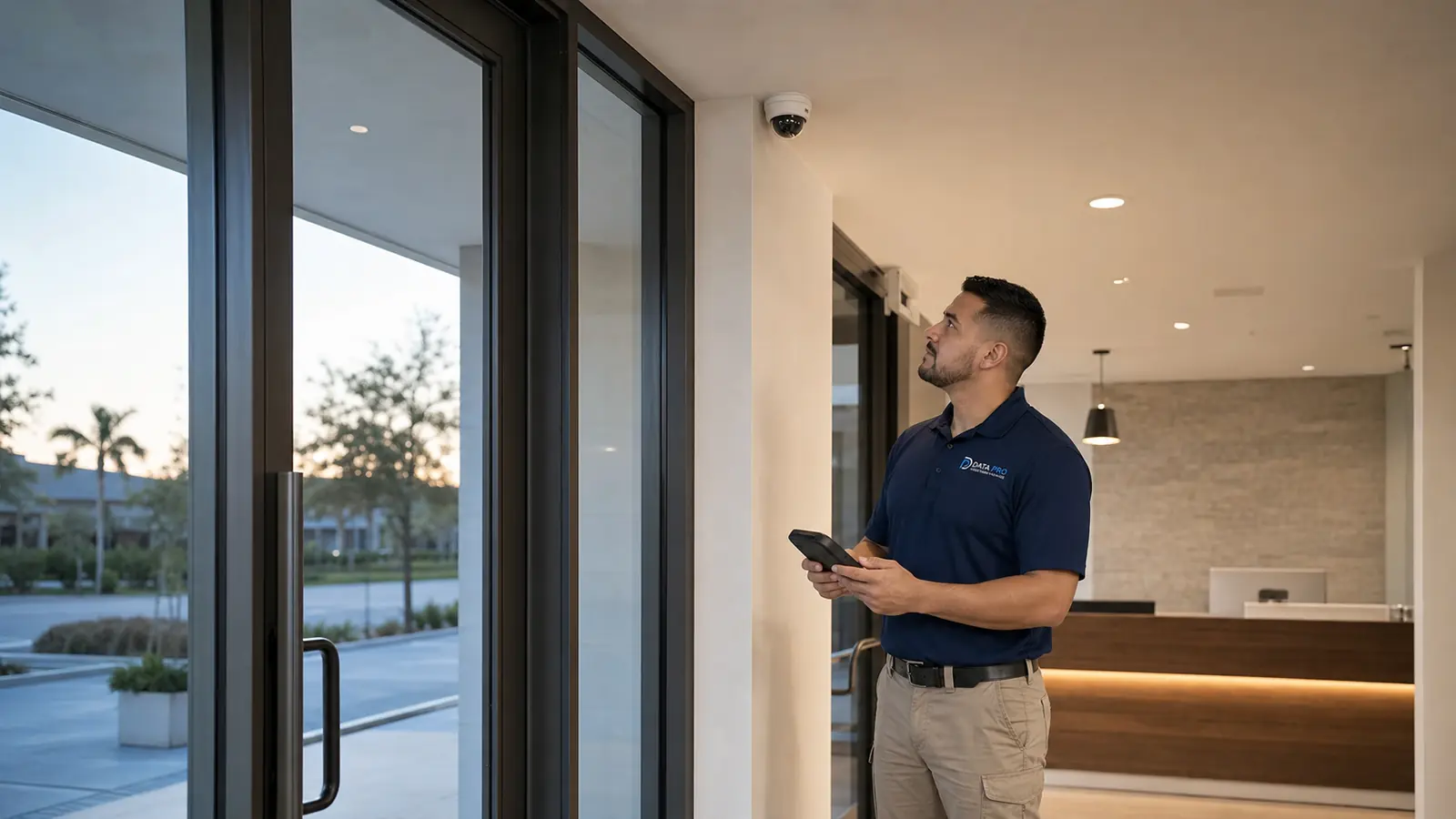
Complete commercial CCTV installation or modernization context.
IP camera, PoE and network-video architecture supporting analytics-capable systems.
Recording, retention, playback, export and authorized remote access supporting analytics events.

AI video analytics applies supported software rules to camera video so a system can classify certain objects, detect defined events, generate notifications or filter recorded footage. It assists review and search; it does not guarantee detection or replace human judgment.
Sometimes. Compatibility depends on camera model, resolution, image quality, field of view, firmware, recorder or VMS platform, network resources and whether analytics run at the camera, recorder, server or cloud platform. An assessment is needed before compatibility is confirmed.
Basic motion detection reacts to pixel changes and may be triggered by lighting, weather or vegetation. Supported classification can filter events by categories such as people or vehicles, but performance still depends on scene conditions and configuration.
Line-crossing detection creates a virtual line in a camera view and records or alerts when a supported object crosses it, sometimes in a defined direction. Camera angle, object size, lighting and normal traffic patterns affect useful configuration.
An intrusion zone is a defined area within the camera view that can trigger an event when a supported object enters, leaves or remains in the area during configured schedules. It should be tuned around expected movement and operational exceptions.
Supported platforms may detect when a person or vehicle remains in a defined zone longer than a configured period. The rule should be tested against normal customer, employee, delivery and maintenance activity to reduce unnecessary alerts.
Event-based search lets authorized users filter recorded video by time, camera, object class, zone or event instead of reviewing an entire timeline. Available filters depend on the camera, NVR, VMS and analytics platform.
False or nuisance alerts are reduced by improving camera views, defining appropriate zones, excluding irrelevant movement, setting schedules, adjusting sensitivity and minimum object size, and testing the rule during real site conditions. No configuration eliminates every false alert.
Backlighting, glare, darkness, weather, obstructions, steep angles, distant subjects and crowded scenes can reduce useful classification or event detection. Camera placement, resolution, field of view and scene design should be reviewed before rules are finalized.
Analytics may run on a camera, recorder, server, VMS or cloud platform. The existing NVR or VMS must support the event metadata, search, notifications and user workflow required by the project. Compatibility is confirmed during assessment.
Supported systems can send event notifications to authorized users through mobile, desktop, email or platform-specific methods. Notification delivery depends on network availability, account configuration, platform capability and the organization’s review procedures.
Yes, when the selected platform supports multi-site management. Rule names, schedules, user roles, notification groups and review procedures should be standardized so teams understand which property and event generated each alert.
License plate recognition planning may be considered for appropriate vehicle approaches where camera angle, distance, speed, lighting, network and platform conditions support it. Applicable property policies, notice, retention, access and legal requirements must also be reviewed.
Use a defined business purpose, exclude private or inappropriate viewing areas, limit access by role, control retention and export, review signage or notice where applicable, follow property policies and legal requirements, and require human verification before consequential decisions when appropriate.
A project may include scene review, compatibility assessment, rule naming, zones, schedules, sensitivity, exclusions, notification paths, user permissions, test observations, limitations, review steps and handoff documentation. Exact scope depends on the selected platform and project conditions.
READY TO PLAN A PRACTICAL ANALYTICS WORKFLOW?
If your Lakeland or Polk County property needs event detection, people or vehicle classification, line-crossing rules, intrusion zones, forensic search, occupancy insights or a multi-site analytics workflow, Data Pro Communications can evaluate readiness and help define a practical next step.