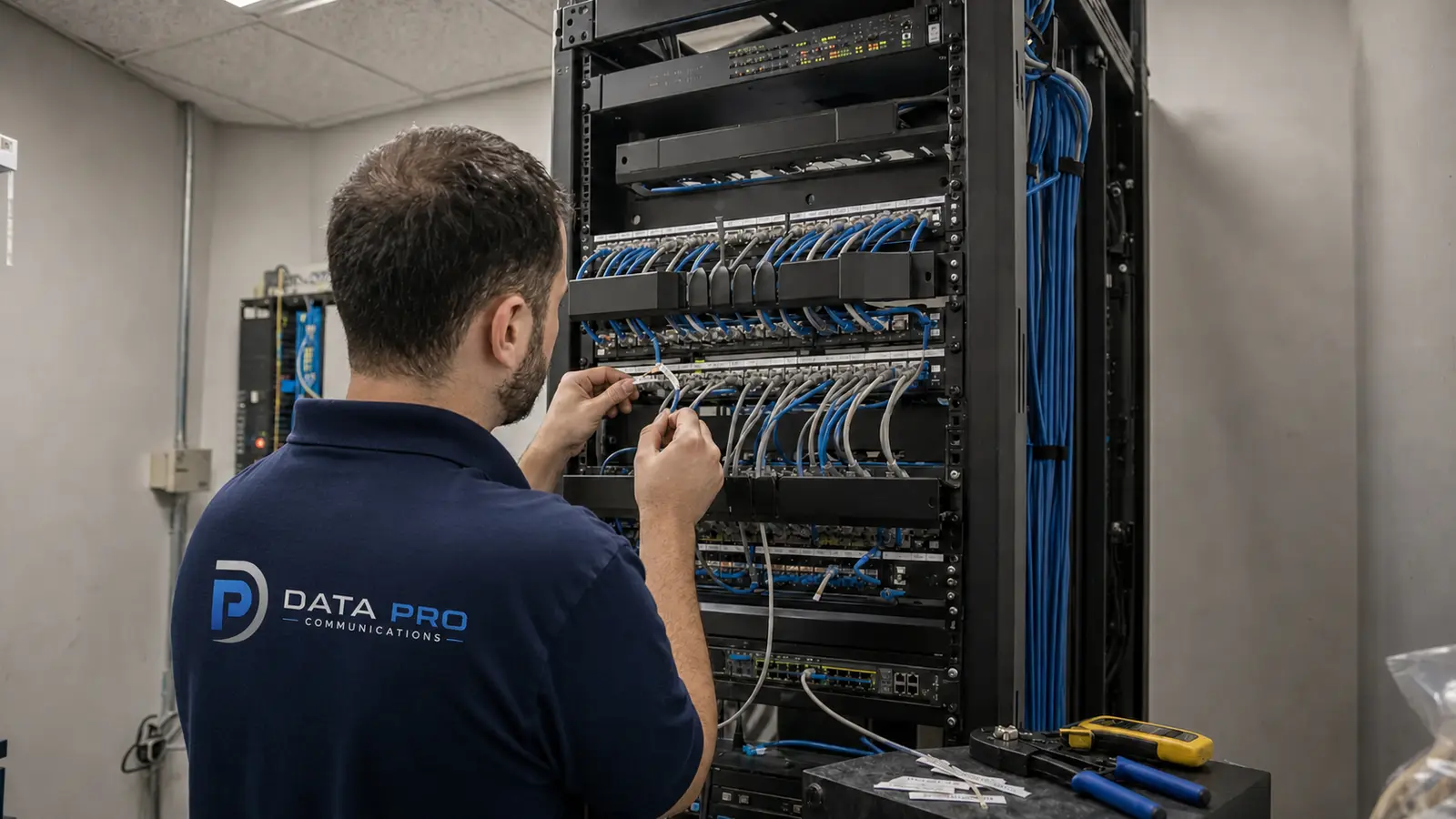
PoE Cabling and Network Handoff
Coordinate Cat6, Cat6A, fiber, pathways, patching, rack space and network infrastructure that supports IP cameras.
LAKELAND IP VIDEO SURVEILLANCE
Data Pro Communications plans and installs IP video surveillance systems for Lakeland businesses, managed properties, construction teams, HOAs, multifamily communities and selected larger residential projects that need coordinated network video infrastructure.
Use this page to plan IP cameras, PoE cabling, NVR or VMS recording, remote access, user permissions, network handoff and future expansion around the way the property is managed.
IP video surveillance connects cameras, cabling, network equipment, recording and user access into one manageable system. A practical plan considers camera views, PoE reach, switch capacity, recorder or VMS needs, remote access and security permissions.
Projects may include IP cameras, PoE cabling, network handoff, NVR or VMS recording, remote viewing, user roles, equipment placement, labeling, testing and documentation for the people who manage the system.
Data Pro Communications supports offices, warehouses, industrial properties, retail spaces, hospitality sites, healthcare offices, construction projects, HOAs, condominiums, multifamily communities and other managed properties in Lakeland and Polk County.
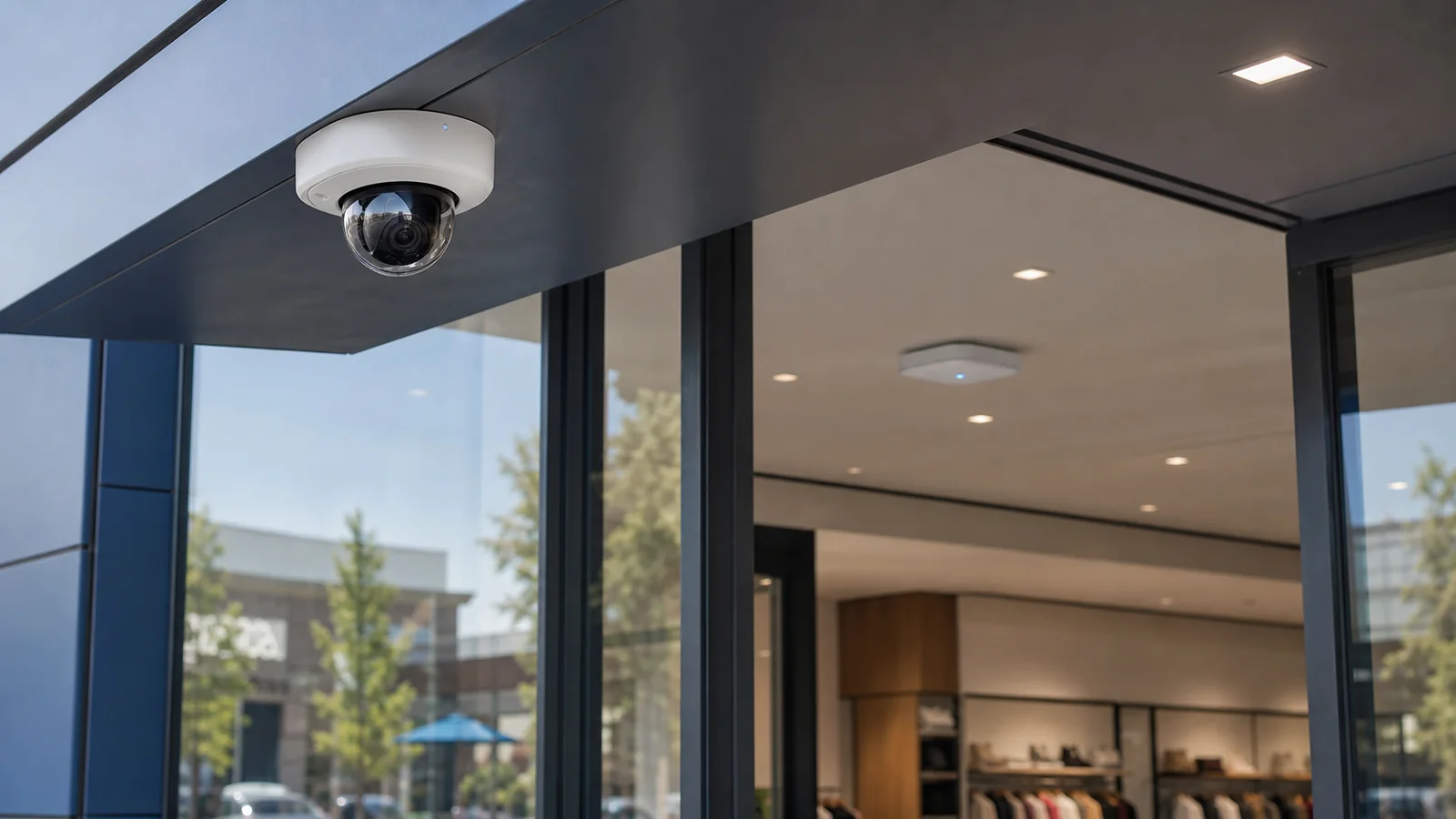
Coordinate Cat6, Cat6A, fiber, pathways, patching, rack space and network infrastructure that supports IP cameras.
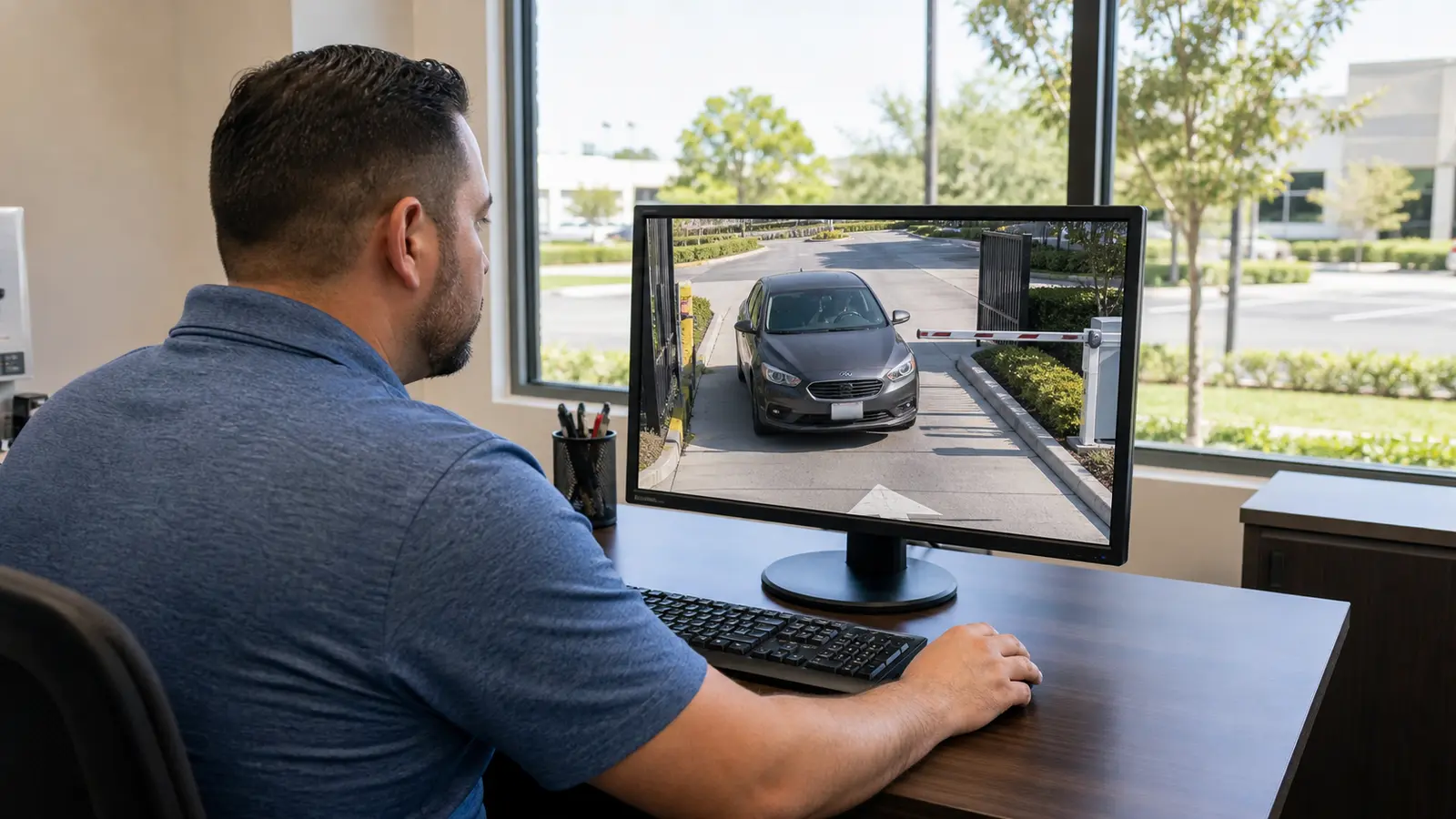
Plan recording, storage, channel count, user roles, retention expectations and platform handoff for network video systems.
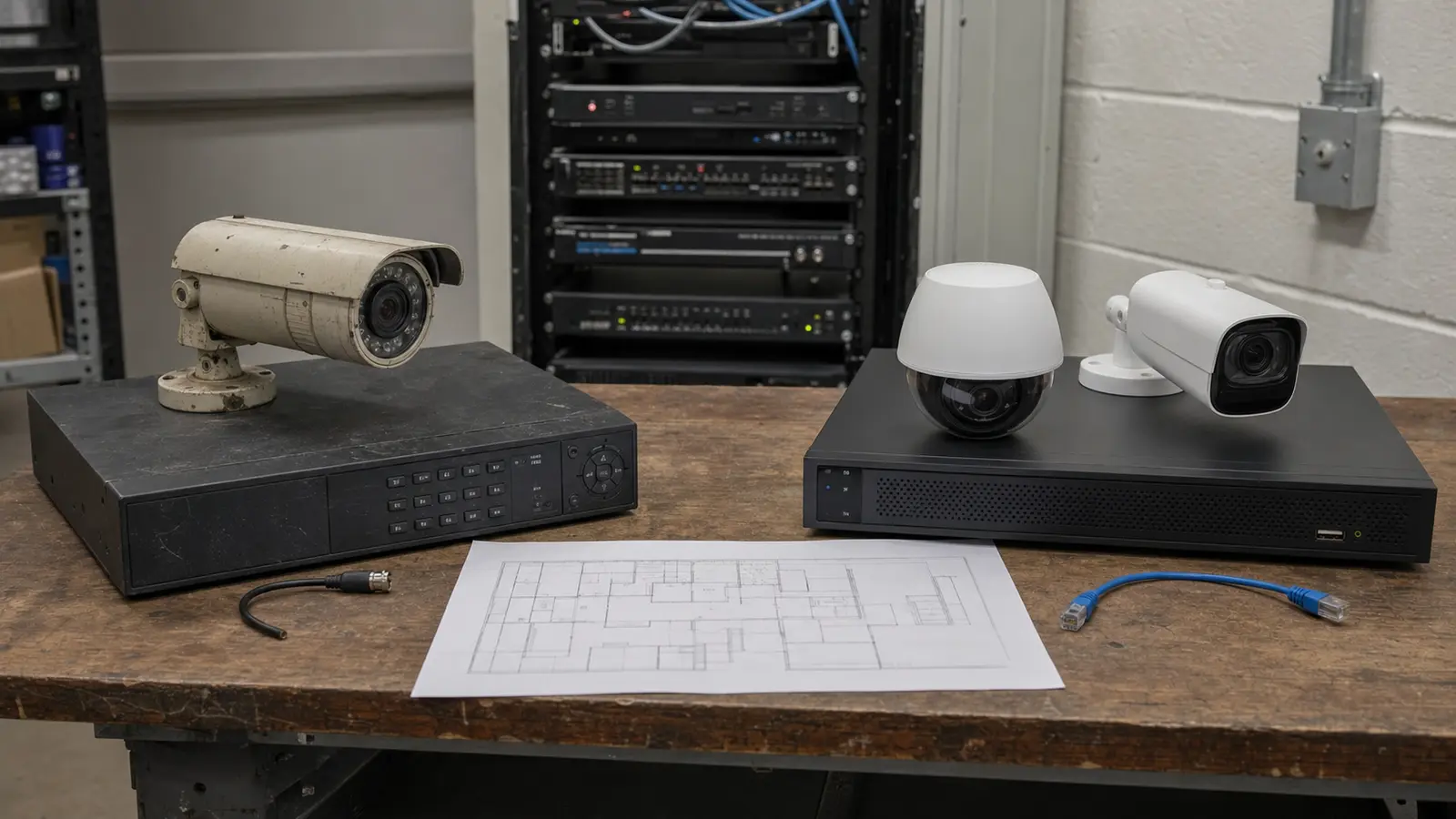
Evaluate aging cameras, weak views, network limits, recorder issues, poor labeling or access problems before replacement.
Lakeland properties often need video systems that can be accessed by managers, owners or authorized staff without making the network difficult to maintain. IP video planning connects camera placement with cabling, switching, recorder capacity and user access.
Warehouses, distribution spaces and industrial properties may need IP camera planning across larger footprints, long cable runs, docks, yards, overhead doors and network closets that are not near the main office.
Retail, hospitality, healthcare and professional-office sites often need controlled remote access, clear user permissions and reliable recording that managers can review without sorting through disorganized systems.
HOAs, condominiums and multifamily communities may need network video for gates, amenities, mail areas, clubhouses, parking areas and shared corridors, with permissions that survive board or manager turnover.
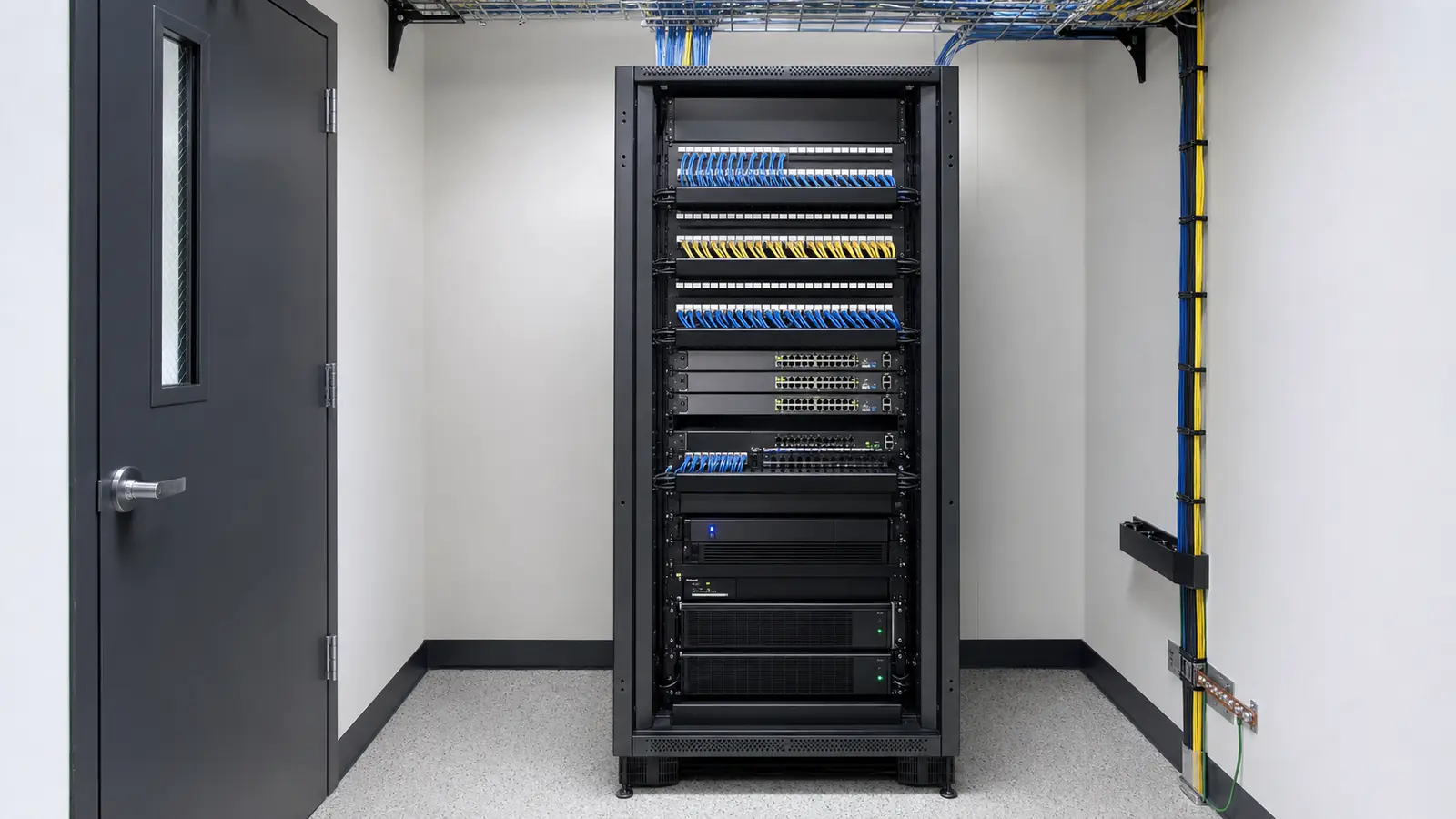
Map camera locations, target views, PoE reach, switch capacity, recorder needs and network handoff before equipment is finalized.
Organize remote access and viewing permissions for owners, managers, facilities teams or authorized users.
Design IP video infrastructure that can support future camera additions, multiple buildings, shared areas and larger footprints.
Review target views, cable routes, equipment rooms, network closets, internet access, switch capacity and recorder or VMS expectations.
Map camera locations, PoE pathways, network handoff, recorder placement, remote-access needs and future expansion paths.
Install cameras, cabling and supporting equipment, then configure recording, remote access and authorized user permissions.
Test views, playback, remote access, user roles and documentation so the property team understands how the network video system is organized.
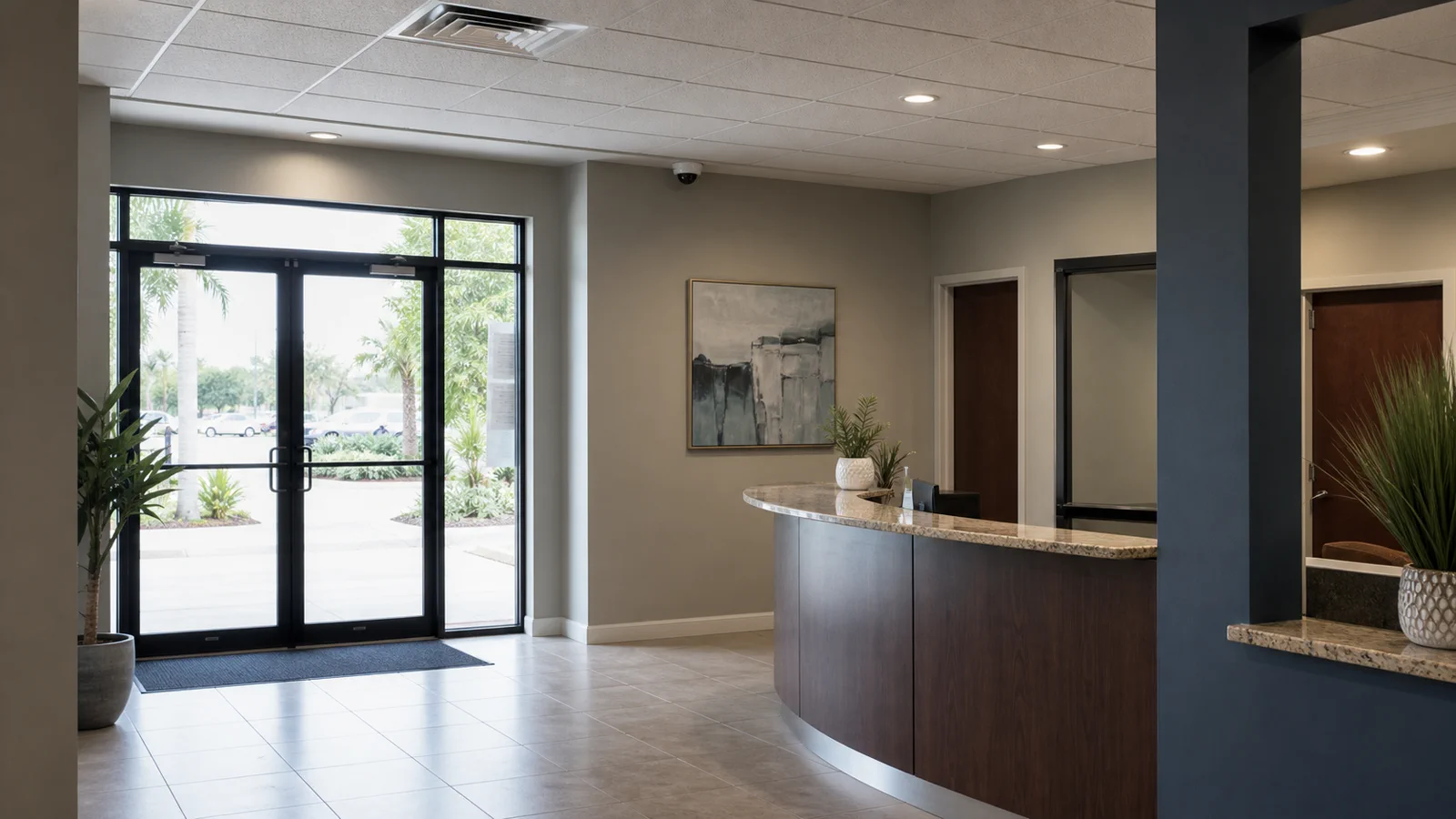
Review the broader camera installation service when the project includes general camera planning, mixed camera types and overall low-voltage coordination.
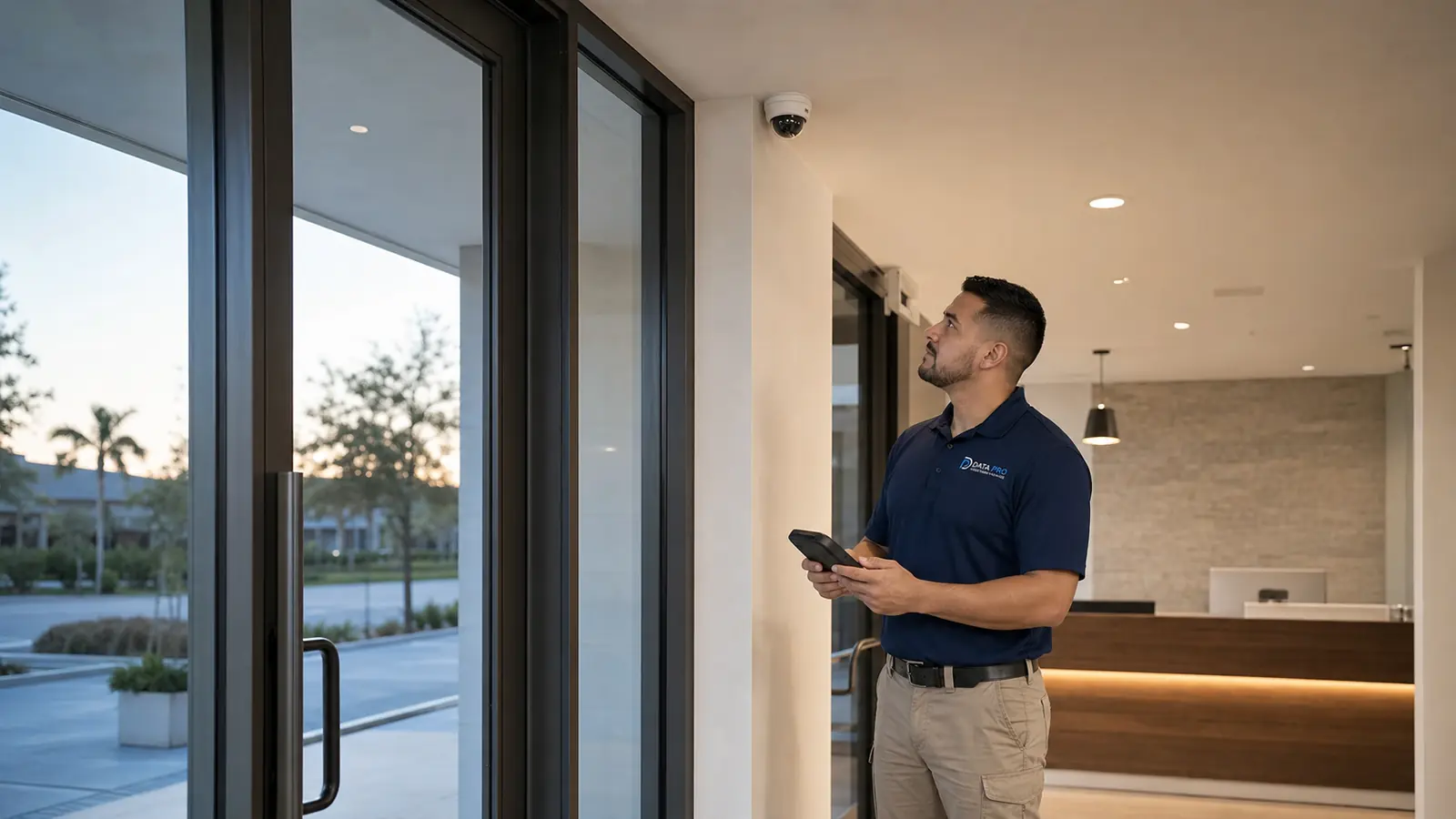
Review the CCTV-specific service when the project centers on wired camera coverage, recorder planning and commercial CCTV workflows.

Yes. Data Pro Communications plans and installs IP video surveillance systems for Lakeland offices, retail spaces, warehouses, industrial properties, hospitality sites, healthcare offices, construction projects, HOAs, condominiums, multifamily communities and other managed properties.
An IP video project can include site review, IP camera planning, PoE cabling, network handoff, NVR or VMS coordination, remote viewing, user permissions, testing and documentation.
IP cameras connect through network infrastructure and often use PoE cabling, network switching and NVR or VMS platforms. CCTV planning may focus more on wired camera coverage and recorder workflows. Some properties use a mix of both approaches.
Yes. IP video systems often depend on Cat6, Cat6A, fiber, cable pathways, patching, switch capacity, rack space and equipment-room organization.
Remote access can be planned when the recorder, network, internet connection and permissions support it. User access should be configured around authorized roles and property workflows.
Many IP video systems use an NVR or VMS to organize recording, playback, user access and retention. The right option depends on camera count, management needs and future expansion.
Yes. Multi-building systems can be planned when cabling paths, fiber or network links, switch capacity and recorder organization support the layout.
Yes. Existing systems can be reviewed for aging cameras, poor views, network limitations, recorder issues, undocumented cabling, weak remote access or user-permission problems.
Yes. IP video can be coordinated with access control, intercom, gate entry and other low-voltage systems when entry workflows need connected video coverage.
Camera count depends on target views, image-detail goals, cable reach, switch capacity, lighting, entrances, parking areas, shared spaces and management needs.
A practical handoff can coordinate network segmentation, user permissions, password management and responsible remote-access practices with the property network team.
Yes. Selected larger residential projects may be considered when they require professional low-voltage planning, multiple devices, structured cabling, recorder coordination, remote access or integrated systems.
Yes. Documentation can include camera locations, network handoff notes, recorder organization, user access notes, labeling and service information.
A team member reviews the request, confirms property type, network-video goals and timing, and follows up about the site and next steps.
Yes. Expansion is easier when cable pathways, switch capacity, recorder channels, rack space and naming conventions are considered during the first installation.
IP video surveillance, IP cameras, PoE cabling, NVR/VMS recording, remote viewing, structured cabling and low-voltage coordination for Lakeland and Polk County properties.