Understand the four common architecture models
NVR-based video
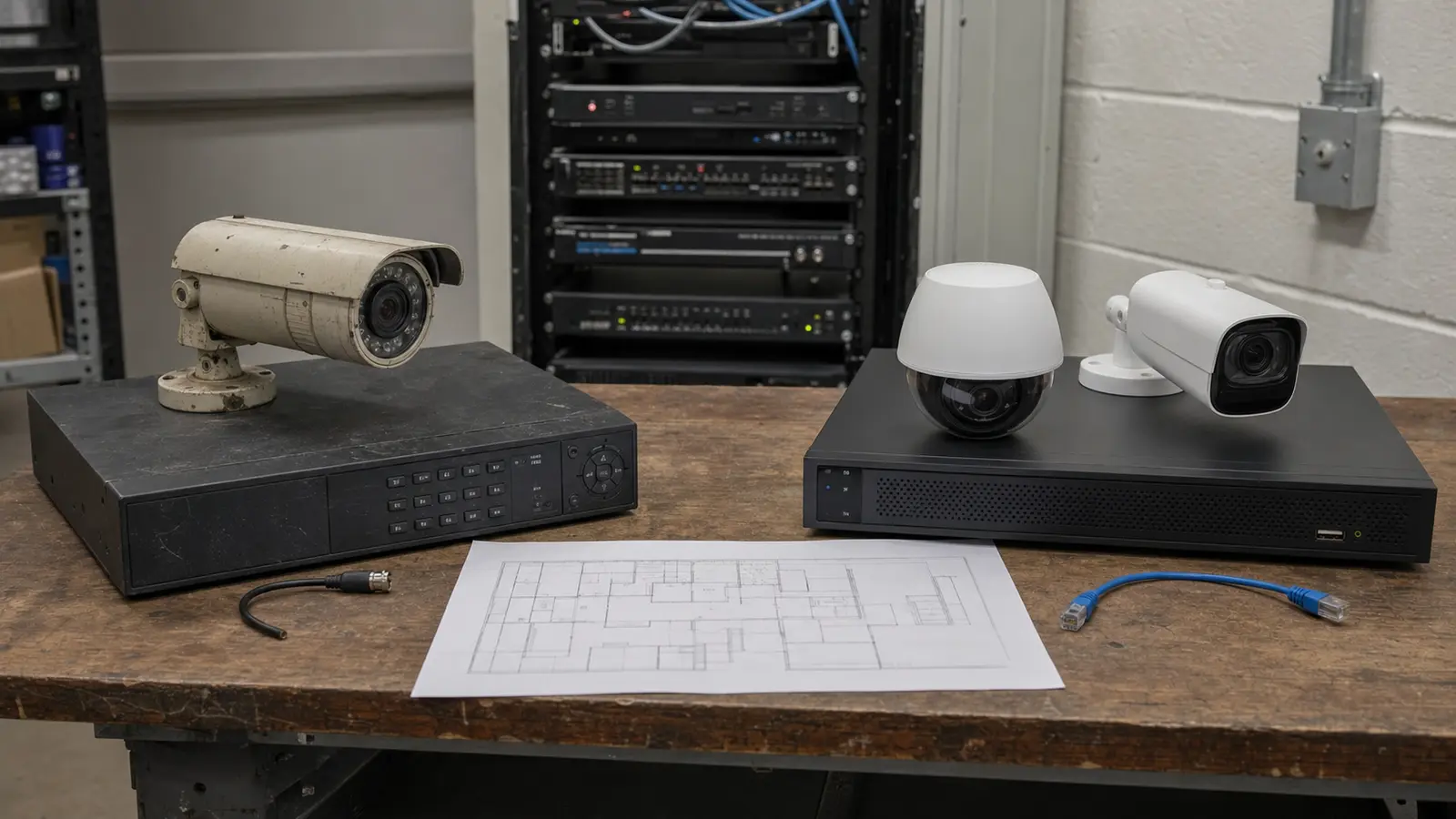
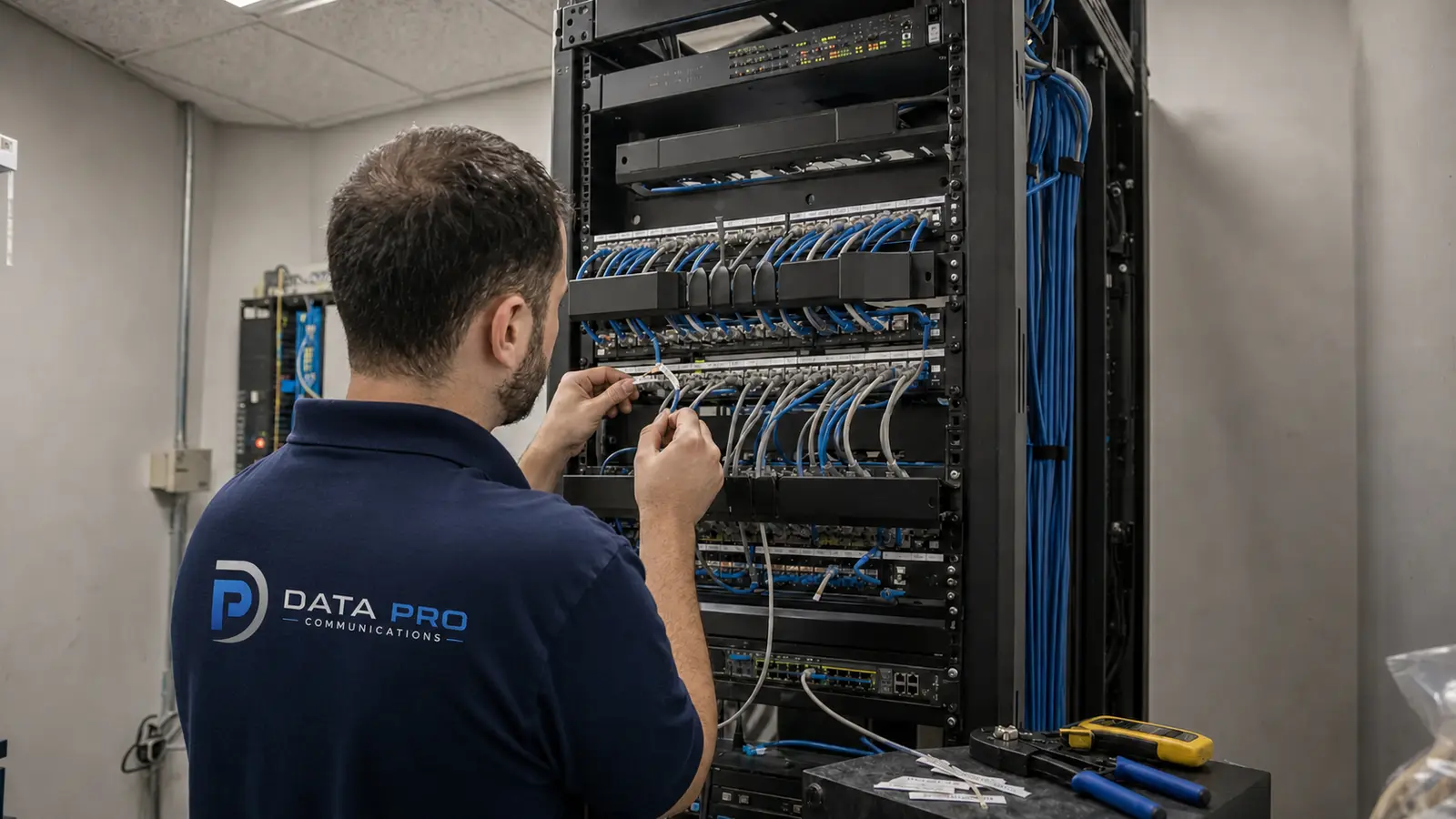
An NVR records video on local drives and normally manages cameras through the site network. Remote access can still be available, but primary recording remains on the property.
Cloud-managed video
Cloud management centralizes configuration, health status, users and remote access while video may continue recording locally. This model can simplify administration without requiring all footage to be uploaded.
Cloud-recorded video
Cloud-recorded systems transmit footage or selected events to remote storage. Bandwidth, subscription structure, retention and outage behavior should be reviewed carefully.
Hybrid video
Hybrid designs combine local recording with cloud management, cloud backup, event clips or selected off-site retention. They can balance local continuity with centralized access.
Compare storage, bandwidth and dependency
On-site storage
Local storage can retain high-bitrate video without continuously sending every stream through the internet connection. It requires suitable hardware, drive monitoring, environmental control and a maintenance plan.
Cloud storage
Cloud retention can reduce dependence on on-site recorders for selected use cases, but upload bandwidth and recurring service terms become part of the system design.
Internet dependency
A cloud feature may depend on internet connectivity even when cameras keep recording locally. The exact outage behavior varies by platform and should be confirmed before deployment.
Local network dependency
Both local and cloud-enabled IP systems rely on stable switching, PoE and network configuration at the site. Cloud access does not remove the need for sound local infrastructure.
Remote access and multi-site operations
Remote access
NVR and cloud architectures can both support remote viewing. The difference is how users authenticate, how traffic is routed and which services remain available during an outage.
Multi-site management
Cloud management can provide a consistent portal across properties. A well-designed enterprise NVR or video-management platform can also centralize multiple sites, sometimes with more local control.
Permissions and auditability
User roles, multifactor authentication, logs and account lifecycle should be evaluated. Remote convenience should not result in shared credentials or unmanaged administrator access.
Resilience and cybersecurity responsibilities
During an internet outage
A local recorder may continue capturing video when remote access is unavailable. Some cloud-oriented cameras also buffer locally. The design should document exactly what records, what stops and how footage synchronizes after service returns.
During local equipment failure
Cloud-recorded footage may remain available if a recorder fails, while local-only systems require redundancy, spare capacity or a replacement plan. Neither model is automatically failure-proof.
Cybersecurity
Cameras, recorders, cloud accounts and mobile access should use supported software, strong authentication, appropriate network segmentation and controlled exposure. Responsibility is shared among the platform, installer, IT team and customer operations.
Compatibility, integration and maintenance
Camera compatibility
Some NVRs support broad standards-based camera choices, while some cloud platforms require specific devices or licenses. Confirm supported models, firmware and feature limits.
Access Control Integration
Video and access control can be integrated locally or through cloud platforms. Evaluate event association, permissions, licensing and whether the integration remains functional during outages.
Maintenance ownership
Clarify who updates firmware, replaces drives, manages accounts, monitors device health and responds to alerts. A platform is only as sustainable as the operating process around it.
Cost and best-fit scenarios
NVR best-fit scenarios
Local recording may fit sites with high camera counts, substantial retention, constrained upload bandwidth, specialized integrations or a preference for owned on-site hardware.
Cloud best-fit scenarios
Cloud management or recording may fit distributed organizations that prioritize centralized administration, predictable subscription services and simplified remote access.
Hybrid best-fit scenarios
Hybrid systems can fit properties that need local continuity and centralized management, or that want off-site protection for selected events without uploading every stream continuously.
Long-term cost
Compare hardware refreshes, subscriptions, internet upgrades, storage growth, licenses, support and internal administration over the expected lifecycle. Avoid judging architecture only by first-year price.
Questions to ask before choosing
Comparison checklist
Where will primary video be stored? What happens during internet failure? How much upstream bandwidth is available? What retention is required? Are subscriptions per camera, feature or retention tier? Which cameras are supported? How are users and logs managed? Can the platform integrate with access control? Who maintains hardware and firmware? How will the design scale to additional sites?