What 4K and 8MP mean
4K terminology
In commercial video, 4K commonly refers to an image around 3840 by 2160 pixels. Product implementation and stream options should still be checked in the camera documentation.
8MP terminology
Eight megapixels describes approximately eight million image pixels. Because 3840 by 2160 is about 8.3 million pixels, 4K and 8MP are often used interchangeably in surveillance marketing.
Lower-resolution classes
Common alternatives include 2MP, 4MP and 5MP cameras. A lower-resolution camera can be the better operational choice when the scene is narrow, storage is constrained, low-light performance is stronger or the objective does not require a wide high-detail image.
Resolution is not the same as usable detail
Pixel density
Useful detail depends on how many pixels cover the subject at the required distance. A wide 8MP view can provide less detail on a distant face or plate than a narrower lower-resolution view.
Field of view and lens
A wider field of view covers more space but distributes pixels across that space. Lens selection should be based on the target zone and expected subject distance.
Distance and mounting height
As distance increases, the subject occupies fewer pixels. Excessive mounting height can also create steep angles and reduce facial or vehicle detail even when resolution is high.
Image quality depends on the entire camera
Sensor size and quality
Sensor performance influences dynamic range, noise and low-light detail. Two cameras with the same resolution can produce very different results.
Lighting and low light
Higher pixel density on a small sensor can reduce light per pixel. A lower-resolution model with a stronger sensor may outperform a higher-resolution camera in difficult night conditions.
Dynamic range and backlighting
Entrances, headlights and bright windows create high-contrast scenes. Wide dynamic range and thoughtful positioning can matter more than raw megapixels.
Motion clarity
Shutter settings, available light, frame rate and bitrate affect moving subjects. A high-resolution image with motion blur may provide less useful evidence than a properly exposed lower-resolution stream.
Compression, bitrate and frame rate
Compression
H.264, H.265 and newer codecs reduce data by encoding similarities between frames. Compression settings affect detail, artifacts, bandwidth and storage.
Bitrate
Resolution does not produce a fixed bitrate. Scene activity, compression, quality settings and noise can change the data rate substantially.
Frame rate
Higher frame rate can improve motion continuity but increases processing, bandwidth and storage. Many commercial scenes do not require the same frame rate as live broadcast video.
Infrastructure and viewing impact
Storage
Higher-resolution streams usually require more storage when other settings are comparable. Retention calculations should use expected bitrate rather than resolution labels alone.
Network bandwidth
More data affects camera uplinks, PoE switches, recorder interfaces, remote viewing and WAN usage. Network capacity should be reviewed for peak and aggregate traffic.
Displays and workstations
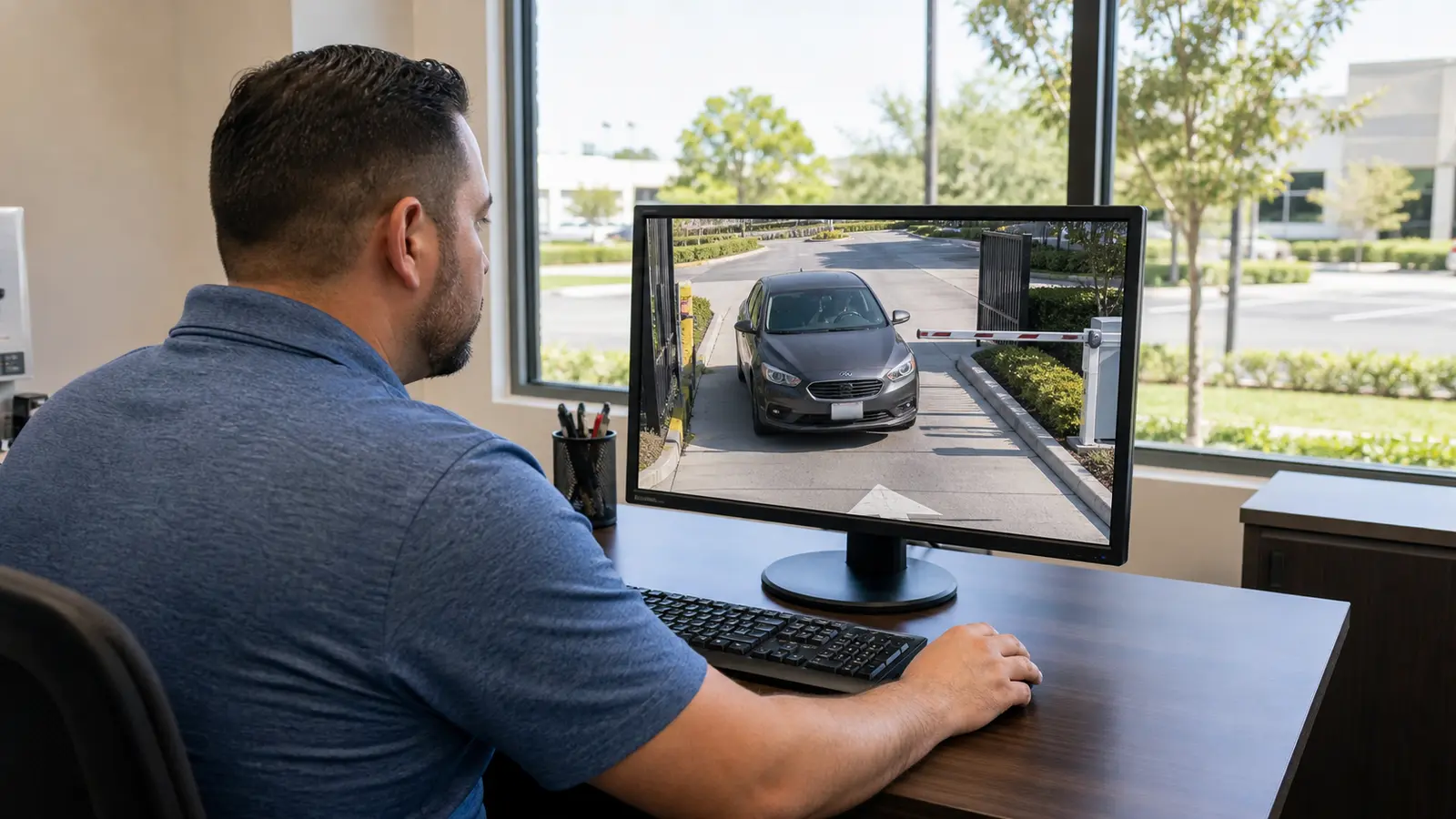
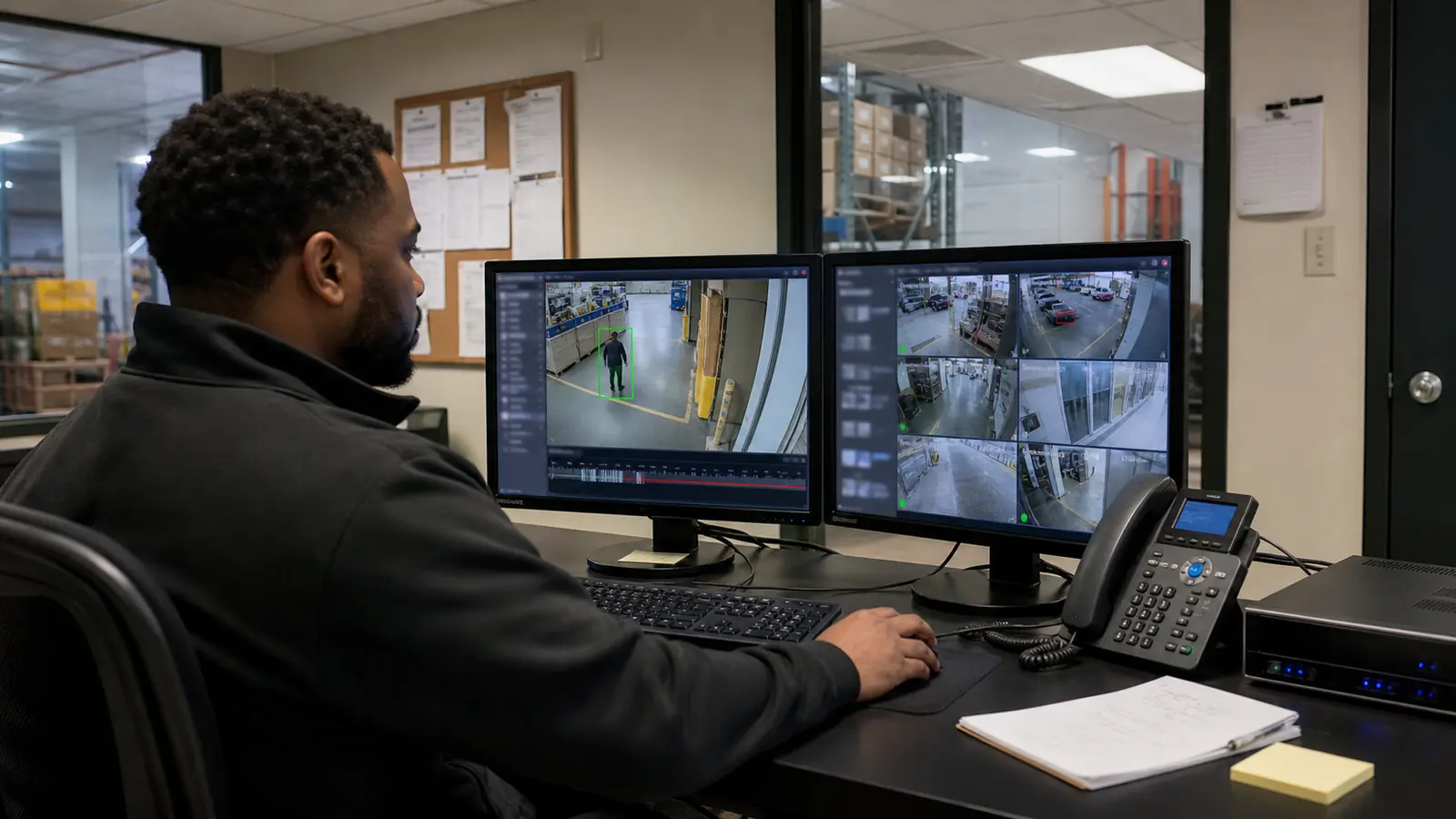
Operators need suitable decoding resources and display layouts. Showing many 4K streams simultaneously may require substreams or stronger workstations even when full-resolution recording is retained.
When different resolutions make sense
When 4K or 8MP is useful
High resolution can be useful for broad scenes where operators need digital zoom after recording, for large open areas with controlled lighting, or where one viewpoint must preserve detail across a wider field.
When lower resolution may be better
Lower resolution may fit narrow corridors, dedicated door views, scenes with limited storage, low-light locations or applications where a targeted lens already provides adequate detail.
Mixed-resolution design
Commercial systems often perform best with a mix: higher resolution for broad priority areas, targeted lower-resolution cameras for doors or corridors, and specialized cameras for difficult lighting or long distance.
Upgrade considerations and common mistakes
Camera upgrades
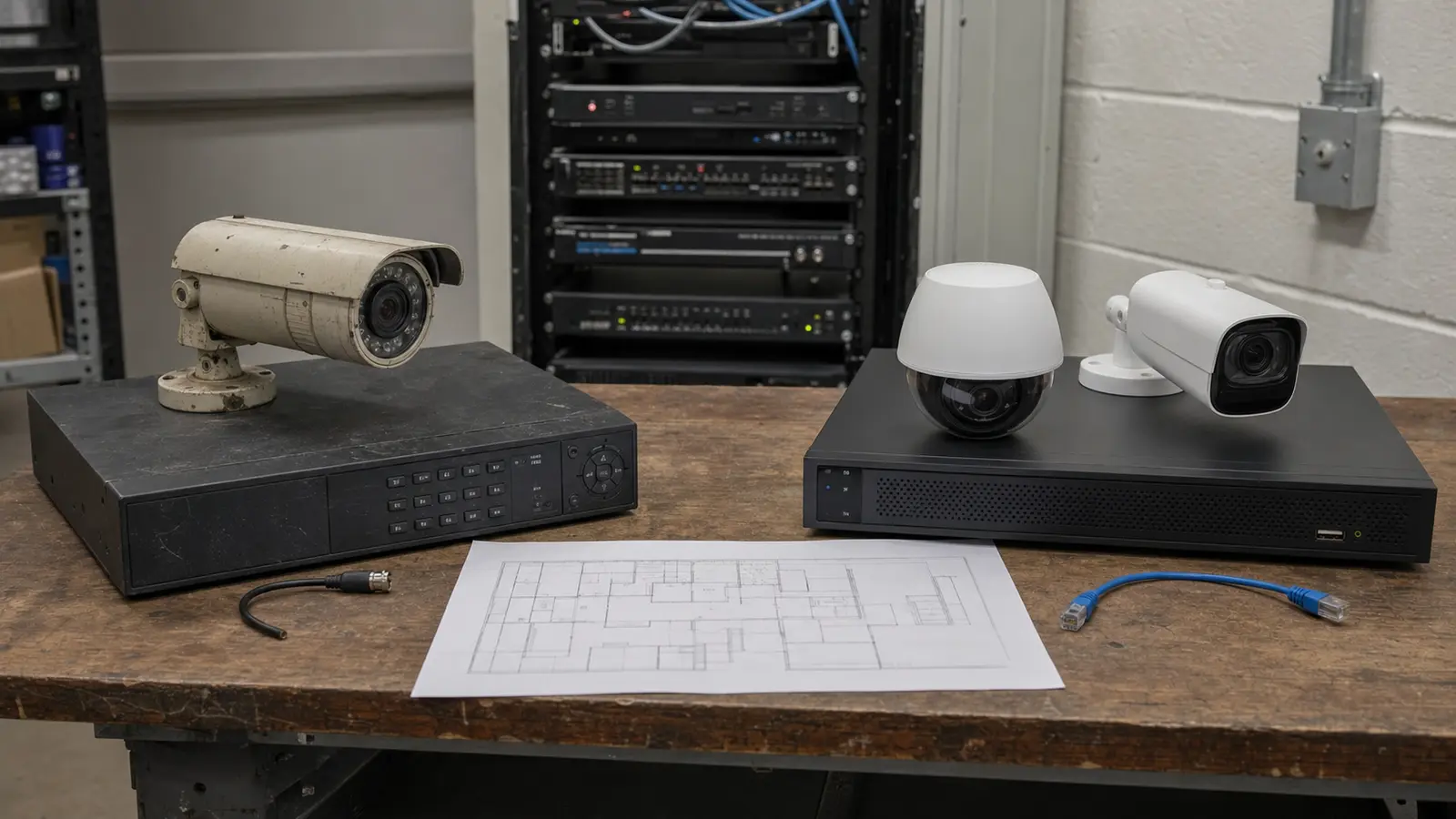
Replacing a lower-resolution camera with 8MP may require more recorder capacity, switch bandwidth, decoding capability and better lighting. Existing lenses and mounting locations should also be reviewed.
Common comparison mistakes
Avoid comparing megapixels without matching field of view, evaluating only daytime samples, assuming digital zoom creates missing detail, overlooking compression settings or treating a 4K monitor as proof of 4K evidence quality.
Selection checklist
Define observation or identification goals; measure distance and field of view; review day and night lighting; compare sensor and lens specifications; estimate pixel density; confirm bitrate and storage; verify network and workstation capacity; test representative scenes before standardizing a model.