SECURITY CAMERA PLANNING

Why Structured Cabling and PoE Network Design Matter for IP Camera Systems

Learn how structured cabling, PoE capacity, segmentation, rack organization and recorder placement support reliable IP camera systems.

A camera project that ignores the network layer can create outages, weak remote viewing, undocumented cable paths, power limitations, storage bottlenecks, and expensive rework when the property expands.

Commercial-first planningAssociations, businesses, managed properties, multifamily sites, construction partners and professional low-voltage projects.
Infrastructure-aware guidanceCamera planning is connected to cabling, PoE, recording, network readiness, access control and handoff documentation.
Lakeland branch contextLakeland site identity, contact information and Florida license.

Structured Cabling Is the Camera System Backbone

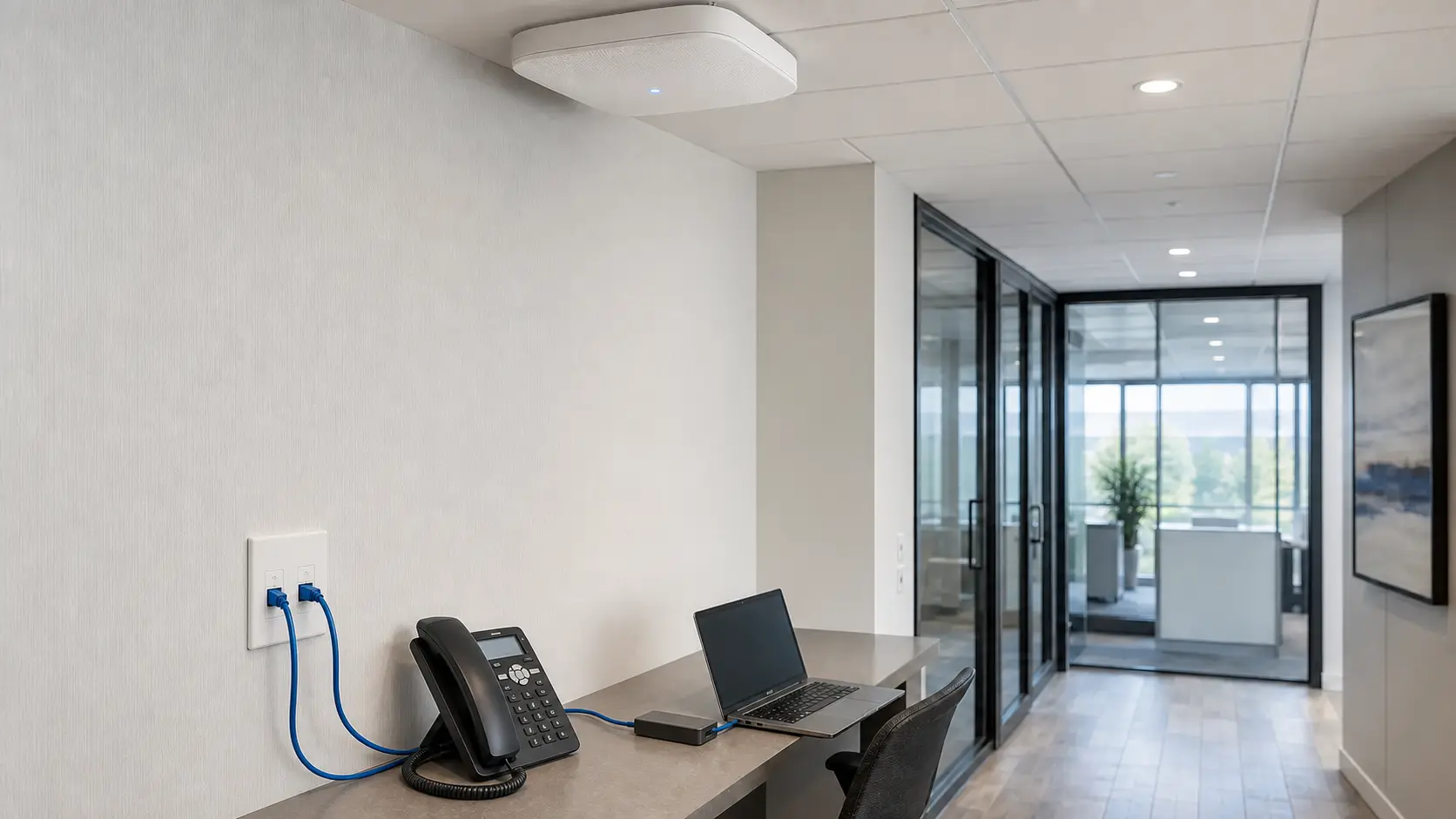
Most commercial IP cameras rely on Cat6 or Cat6A cabling to carry data and PoE power from network equipment to each camera location.

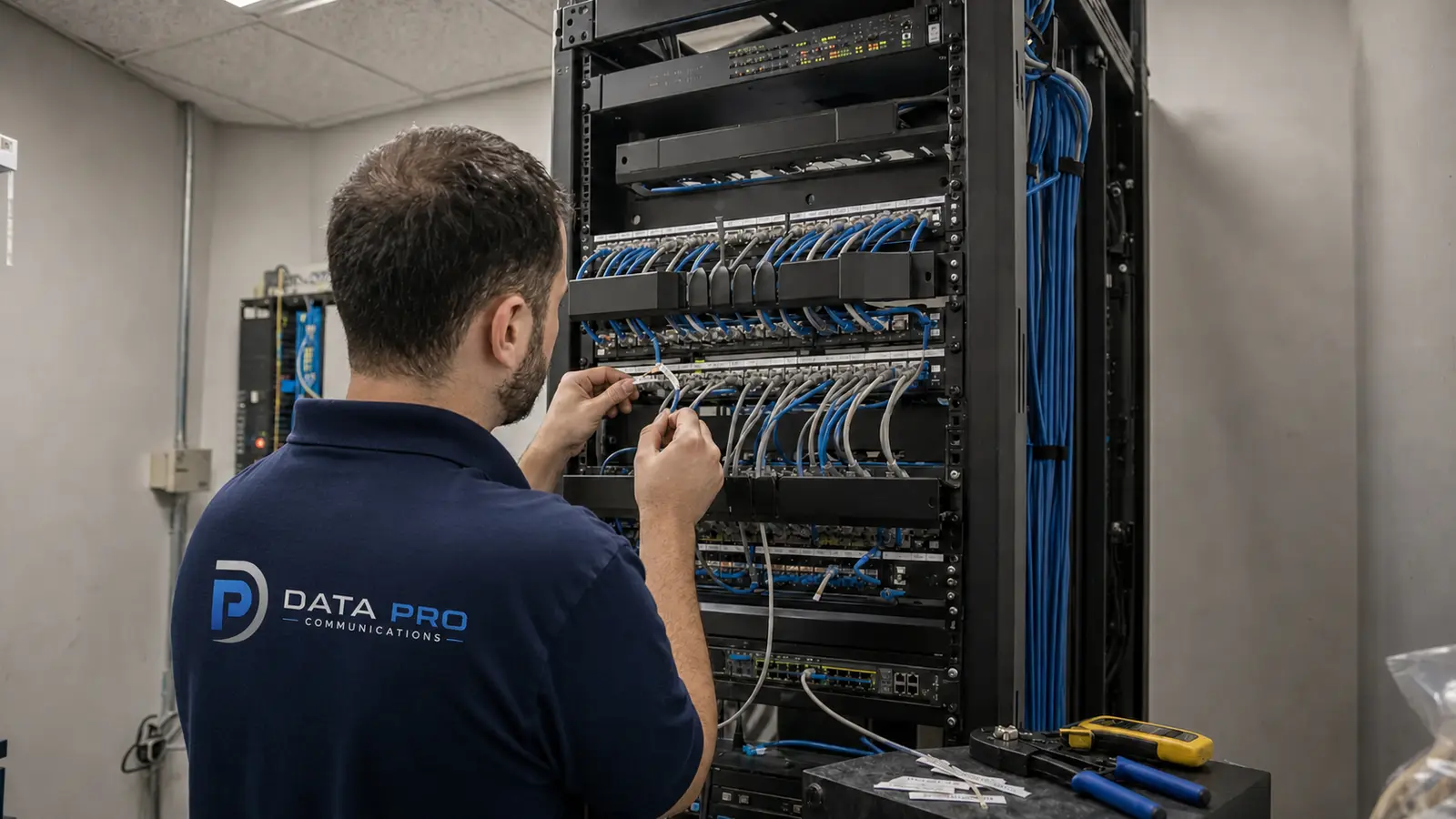
Cable quality, pathway protection, bend radius, termination, labeling, testing, and distance limits all affect system reliability.

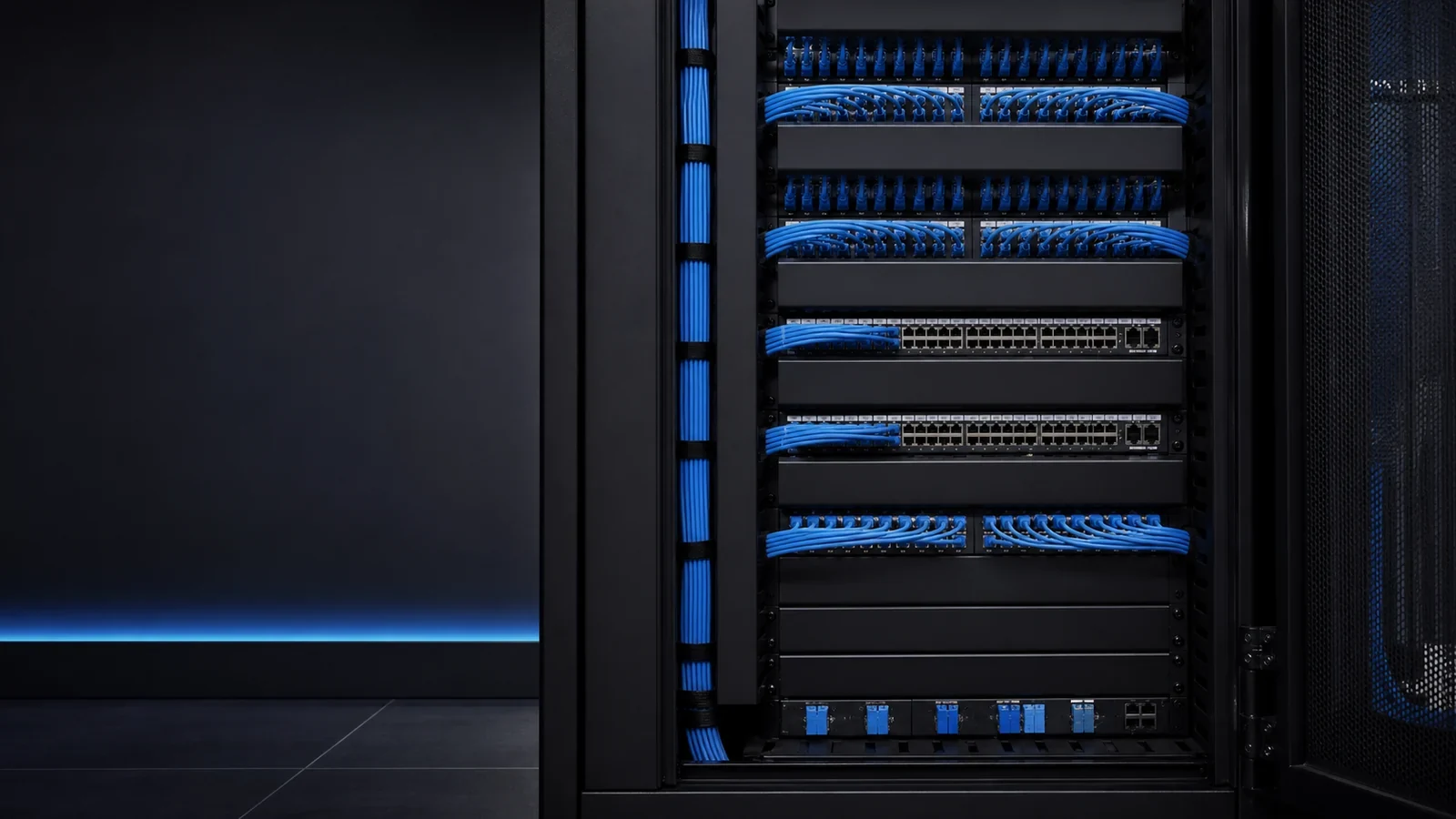
A clean cabling plan makes it easier to troubleshoot, replace cameras, add devices, and support future upgrades.

PoE Design Controls Power and Capacity

PoE switches must be sized for total camera power draw, per-port power, switch uplink capacity, environmental conditions, and future expansion.

PTZ cameras, heaters, IR-heavy cameras, wireless bridges, access-control devices, and intercoms may require higher power planning than standard fixed cameras.

UPS backup and surge planning may be important for properties where outages, lightning exposure, or exterior devices create added risk.

Network Design Affects Viewing and Recording

Camera traffic can affect business networks if switching, VLANs, addressing, bandwidth, and routing are not planned.

Remote viewing, mobile access, VMS connections, firmware updates, and recorder access should be secured and documented.

Recorder or VMS placement should account for storage, ventilation, rack space, service access, network paths, and who is responsible for support.

Designing for Growth

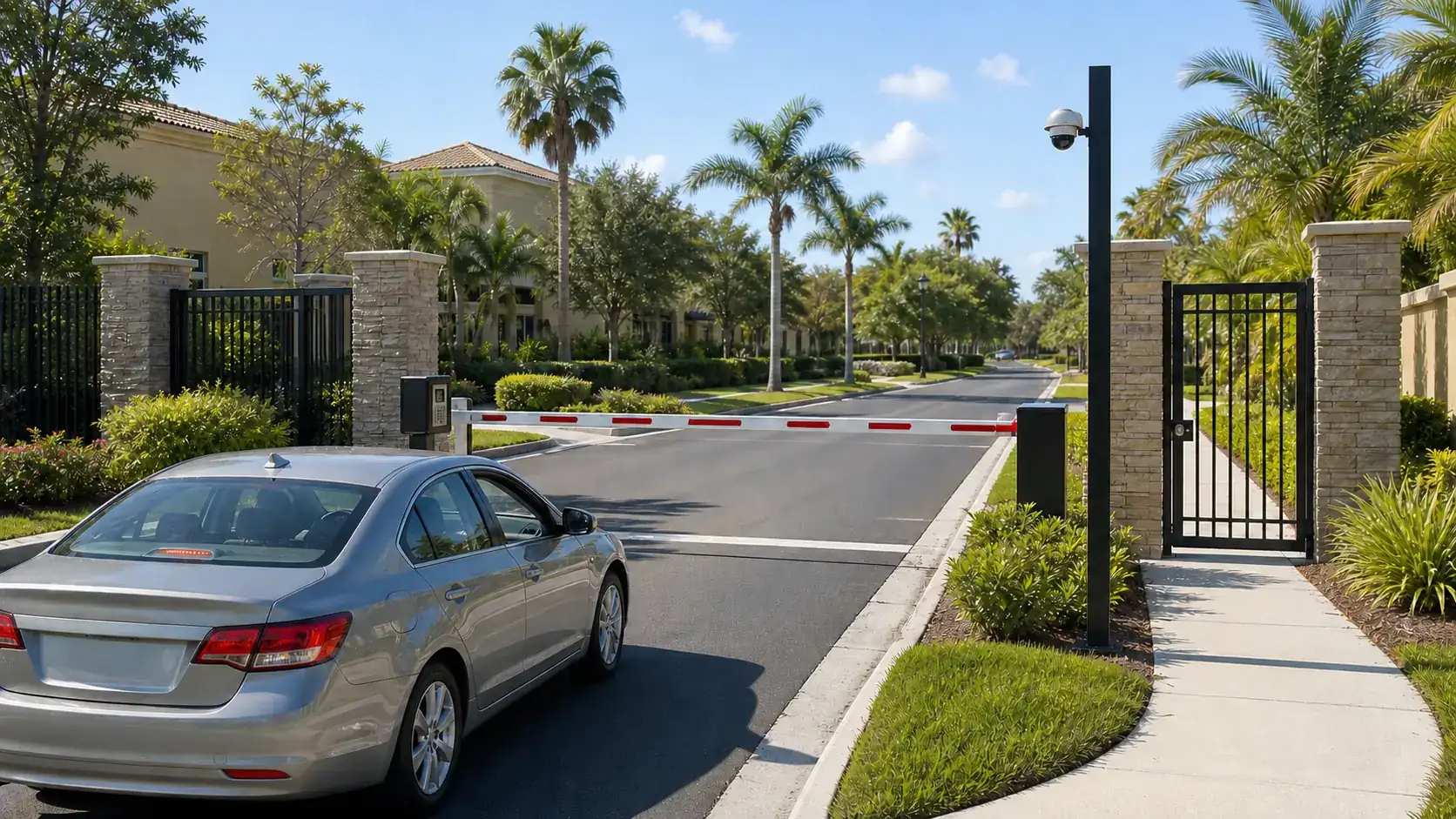
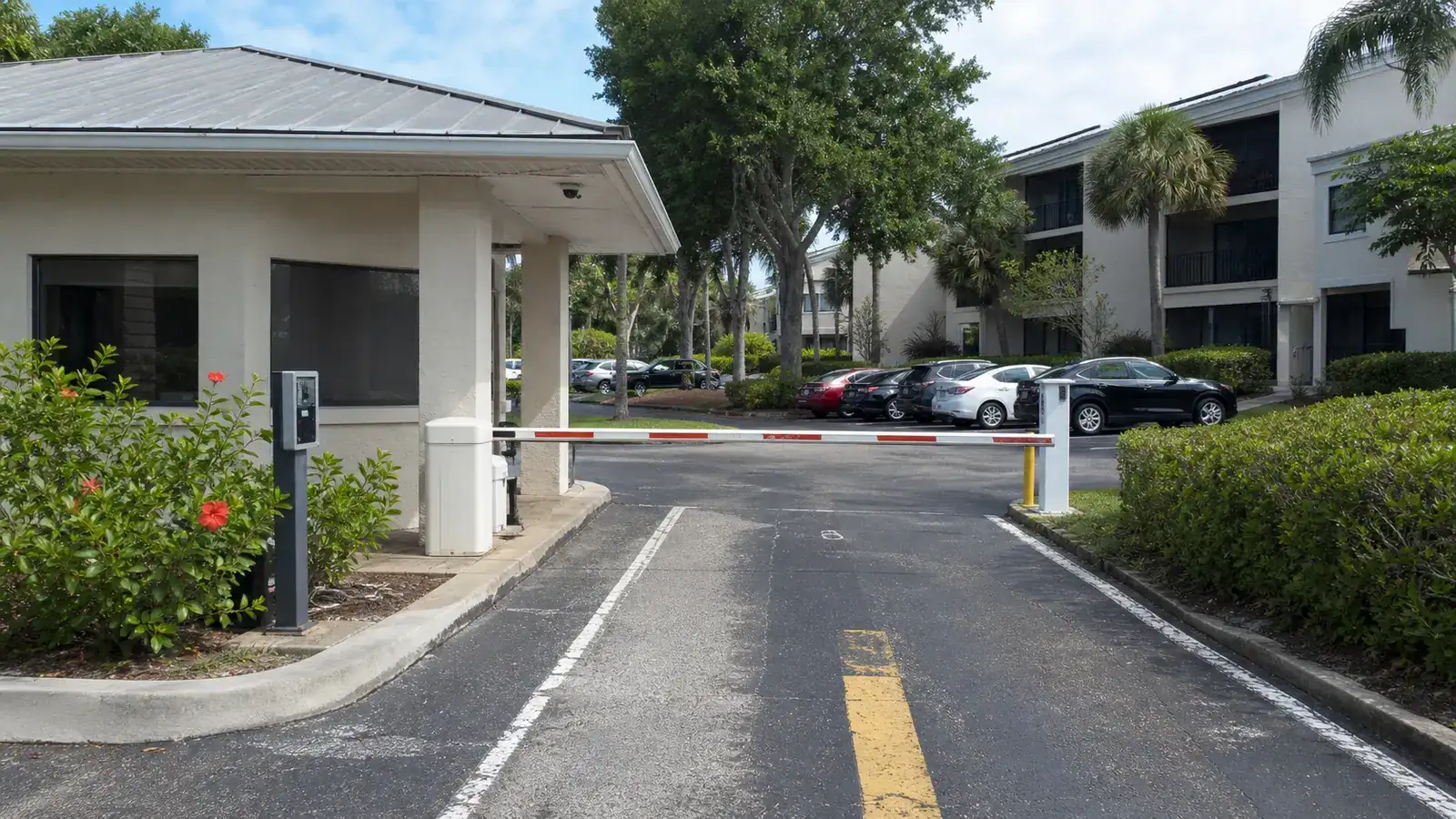
Commercial properties often add cameras later at new doors, tenant spaces, loading areas, parking expansions, gates, or remote buildings.

Planning spare ports, rack space, backbone capacity, cable pathways, and naming conventions early can reduce future disruption.

A documented low-voltage handoff helps owners, IT teams, and service providers understand how the IP camera system is built.
IP Camera Cabling and PoE Planning Process

1

Define the operating goal

Clarify the property type, priority areas, user roles, response expectations and infrastructure constraints.

2

Review the site and pathways

Evaluate camera views, cable routes, PoE capacity, network equipment, recording location and access-control relationships.

3

Build the implementation plan

Match camera types, cabling, switching, storage, permissions and handoff documentation to the property.

4

Test and document the system

Confirm views, playback, remote access, retention assumptions, labels, user permissions and service notes.

Choose the Right Lakeland Solution

Structured Cabling and PoE Design FAQs

Why does structured cabling matter for IP cameras?

Structured cabling carries camera data and often PoE power. Poor cabling can cause unreliable video, outages, weak serviceability, and difficult troubleshooting.

What does PoE mean?

PoE means Power over Ethernet. It allows compatible network switches to power cameras through the same Ethernet cable used for data.

Is Cat6 enough for IP cameras?

Cat6 is common for many IP camera systems, but the right cable depends on distance, environment, bandwidth, pathway, future needs, and project specifications.

When is fiber needed?

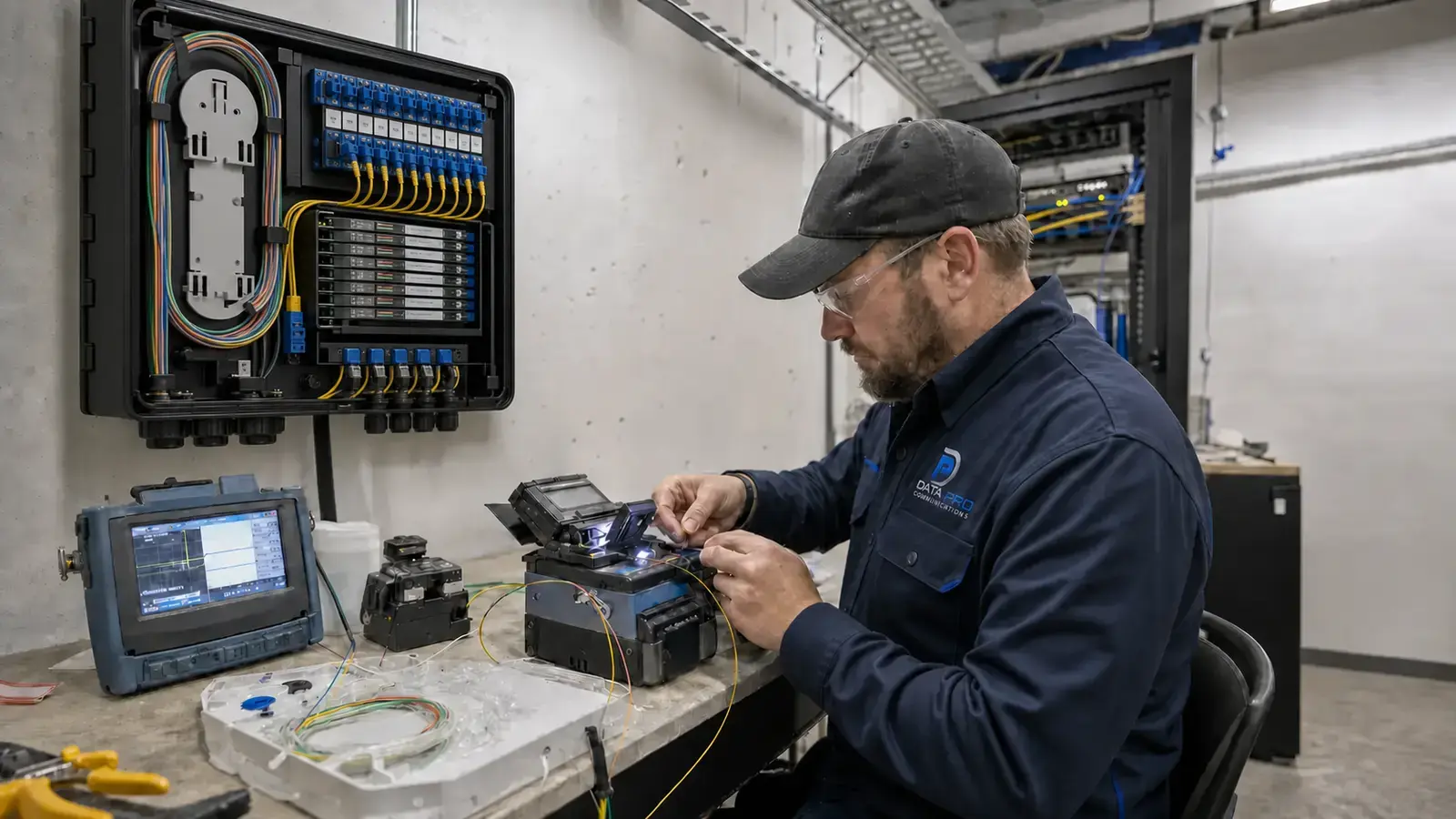
Fiber may be needed for longer distances, separate buildings, backbone connections, high camera counts, or environments where copper cabling is not practical.

How is PoE switch capacity calculated?

Capacity is based on each device's power requirement, total switch power budget, port count, uplinks, future expansion, and environmental conditions.

Can camera traffic slow down the business network?

It can if the network is not planned correctly. VLANs, switch capacity, uplinks, routing, and recorder placement can help manage camera traffic.

Should cameras be on a separate network?

Many commercial systems benefit from segmentation or VLAN planning, but the final design should match the property, IT policy, and support model.

What should be labeled?

Camera cables, switch ports, patch panels, camera names, recorder channels, rack equipment, and key pathway notes should be labeled or documented.

Does PoE design affect future expansion?

Yes. Spare ports, power budget, rack space, uplink capacity, and cable pathways determine how easily new cameras can be added.

Where should the recorder or VMS be located?

The recorder or VMS should be placed where it has secure access, ventilation, power protection, network connectivity, storage capacity, and service access.

Can access control share the same low-voltage planning?

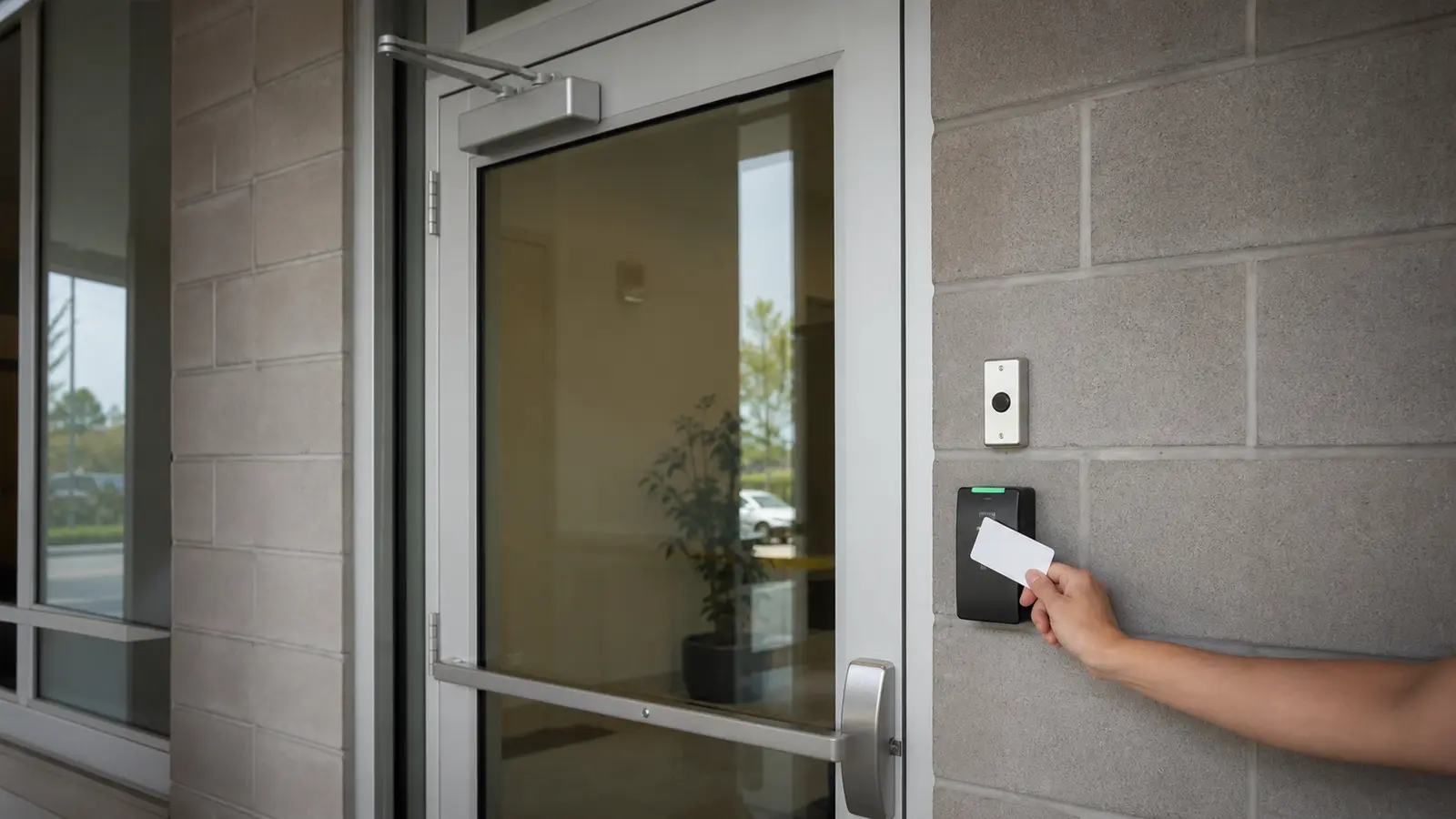
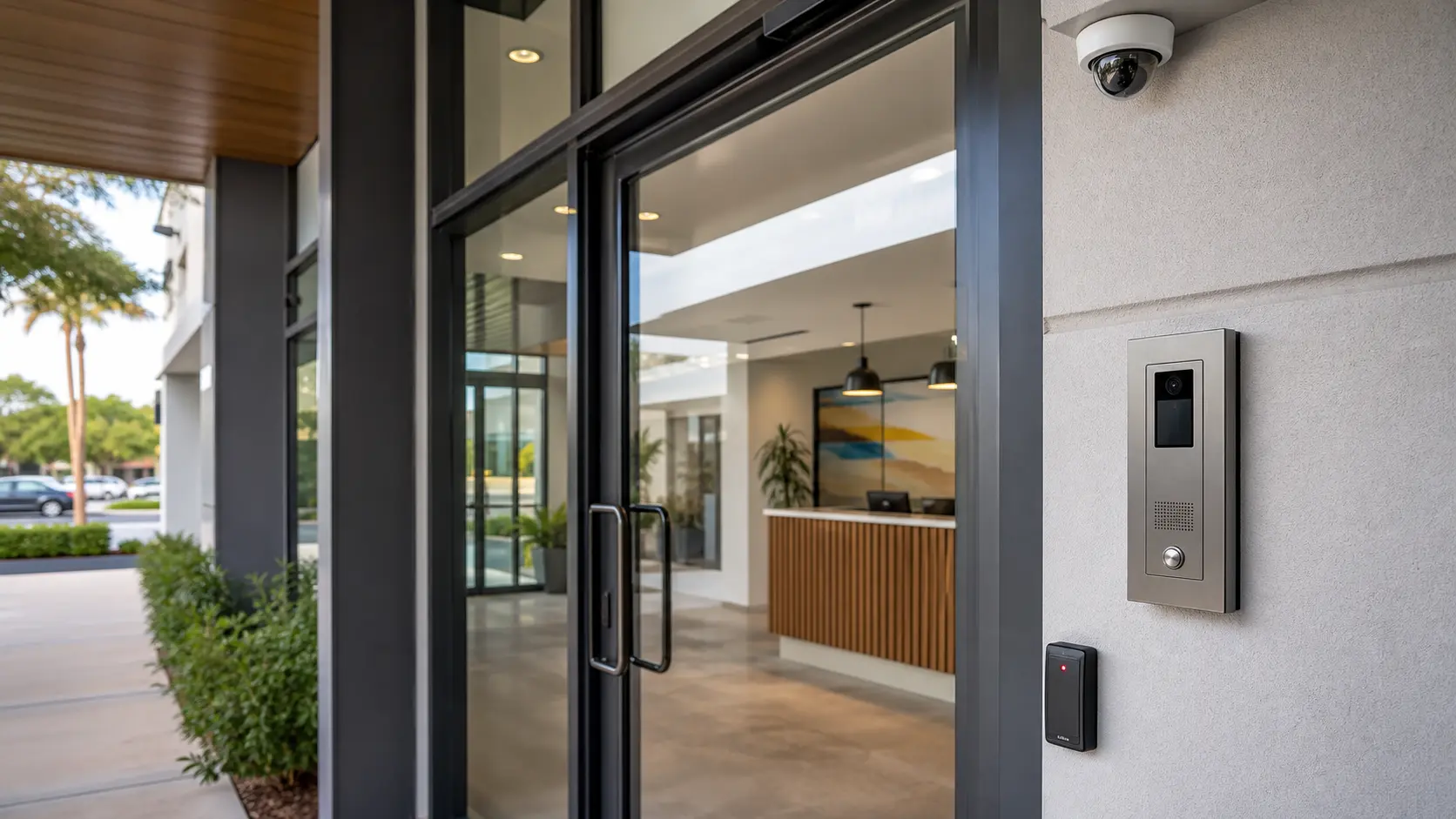
Yes. Camera, access control, intercom and network needs should be coordinated when systems share pathways, racks, switches or user workflows.

What should a cabling handoff include?

A handoff should include cable labels, camera names, switch and port notes, recorder or VMS details, network assumptions, test results, and service recommendations.

Request an IP Camera Cabling and PoE Site Review

Lakeland Cameras Installation by Data Pro Communications provides security camera planning, installation, structured cabling coordination, recording setup and low-voltage support for Lakeland and Polk County properties.